A Galaxy A charging port repair typically costs £39 to £79 from an independent repairer in the UK. Samsung doesn't publish a price for it: it's quoted after inspection. My price for a genuine Samsung charging board is £49 on most models, and £59 on the A51, A52, A52s, A53, A54, A55, A56, A57, A71 and A72.
Before you pay for one, rule out the cable, the plug and the lint that builds up in every pocketed phone. A good share of "broken" charging ports just need cleaning.
Charging port prices by model
All with a genuine Samsung charging board:
- £49: Galaxy A05s, A12, A13, A14, A15, A16, A17, A22, A23, A25, A26, A27, A32, A33, A34, A35, A36 and A37.
- £59: Galaxy A51, A52, A52s, A53, A54, A55, A56, A57, A71 and A72, where the genuine board or part costs more.
Why the port is a separate board
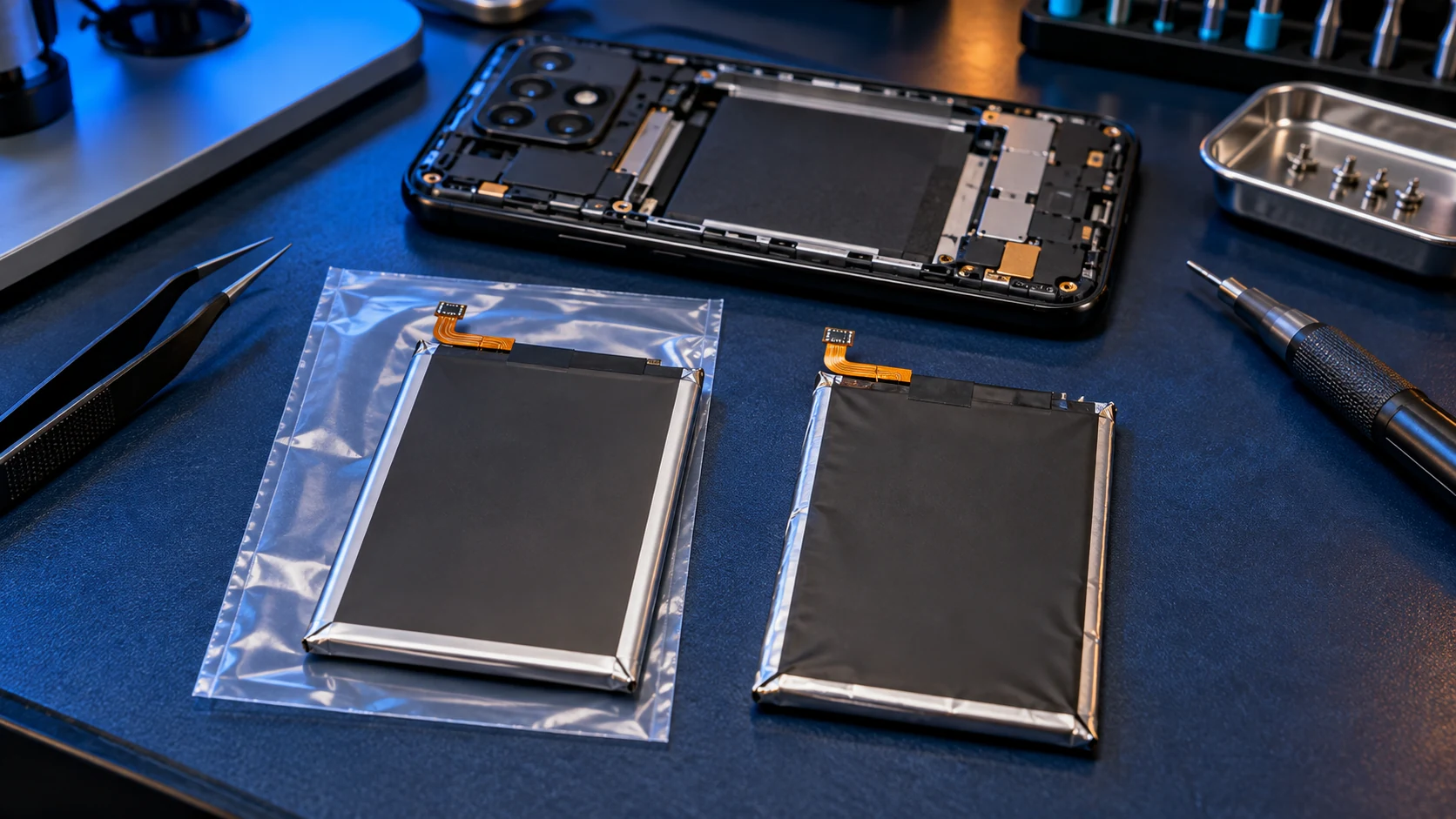
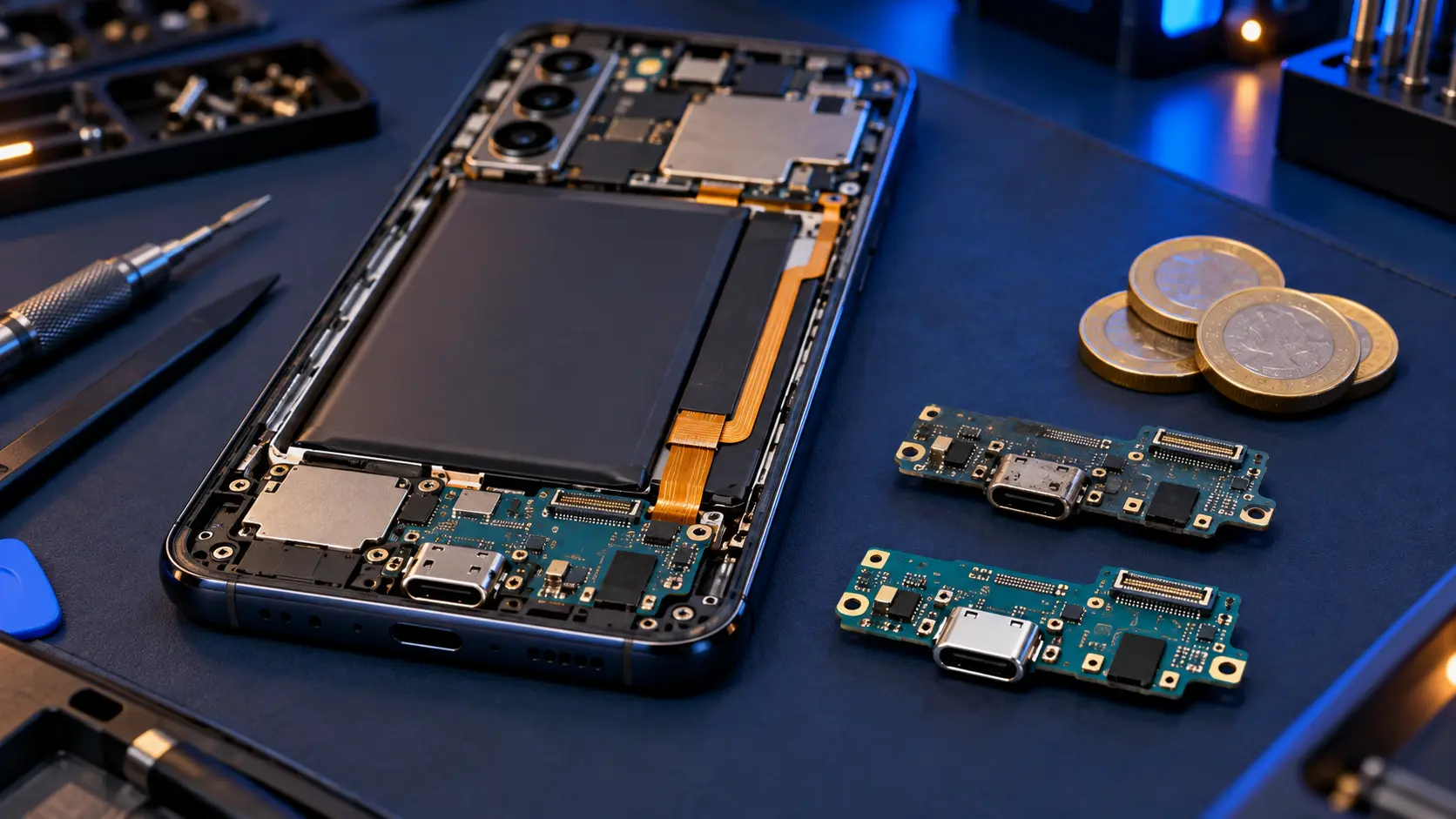
On every Galaxy A model I repair, the USB-C port isn't soldered to the main board. It's a separate part at the bottom of the phone, usually a small charging board, connected by a ribbon cable. That's good news for repairs: a worn or damaged port is fixed by fitting a new board, not by delicate soldering on the phone's main board, which keeps the price down.
On many models that board carries more than the port. On the A05s, A12, A13, A22, A32, A52, A71 and A72 it also holds the headphone jack and the microphone, on the A51 the headphone jack, and on the A36 and A57 the main microphone. So a new charging board can also fix a dead headphone jack or a microphone callers can't hear, when the fault is on that board.
The 4G and 5G versions of some models, such as the A14, A16, A17, A22, A32 and A51, use different charging boards, and so do the two versions of the A12. That's why a repairer needs your exact model number.
Check these before paying for a repair
- Try another cable and plug. Cables fail far more often than ports, especially at the plug end.
- Look into the port with a torch. Pocket lint packs down into a hard layer at the bottom and stops the plug going in fully. Switch the phone off and ease it out gently with a wooden toothpick. Don't use metal.
- Check for a moisture warning. Water-resistant Galaxy A models stop charging if they detect moisture in the port. Let the phone dry fully before trying again.
- Check fast charging is switched on in the phone's battery settings, and that your charger and cable support it.
- Restart the phone and try again.
This guide to a Galaxy A that won't charge goes through each step, and helps you tell a port fault from a battery fault.
Signs it really is the port
- The cable feels loose or falls out, even after cleaning.
- It only charges when the cable is held at an angle.
- It charges on and off as the cable moves.
- Several different cables and chargers all fail.
- The computer doesn't see the phone over USB either.
What Samsung does
Samsung doesn't publish a fixed charging port price. Its authorised repairers quote after inspecting the phone, and Samsung lists a £30 inspection fee for out-of-warranty devices. If your phone is inside Samsung's warranty and the port has failed without damage, go to Samsung first, because a repair by anyone else ends that warranty.
How a charging port repair works with me
Book and pay online, post the phone to me, and I fit a genuine Samsung charging board, then test charging, fast charging and a data connection before it goes back insured and tracked. You pay the postage to me; the return is included. If I can't repair it, I refund what you paid, less return postage. Every repair has a 12-month warranty. All models are on the Samsung Galaxy A repair page.
Frequently asked questions
How much does it cost to fix a Samsung charging port?
On the Galaxy A range, independent repairers typically charge £39 to £79. Mine is £49, or £59 on the A51, A52, A52s, A71, A72 and the A53 to A57. Samsung quotes after inspection rather than publishing a price.
Can a charging port be cleaned instead of replaced?
Often, yes. Packed lint is a common cause of loose or intermittent charging. Clean it gently with a wooden toothpick with the phone switched off. If it's still loose afterwards, the port itself is worn.
My phone says moisture has been detected. Is the port broken?
Not necessarily. Water-resistant Galaxy A models block charging while they detect moisture in the port. Dry the phone thoroughly and try again. If the warning stays when the phone is dry, the port may need replacing.
Will a new charging port fix slow charging?
If the port is worn, it can. But slow charging is more often the charger, the cable or fast charging being switched off in settings, so check those first.