When a Samsung Galaxy A won't charge, the cause is most often the cable, the plug or lint packed into the port, not the phone itself. Work through the checks below in order. If the phone still won't charge with a known-good cable after the port is cleaned, the charging port or the battery is the likely fault, and the signs later in this guide help you tell which.
Checks to try first
1. Try a different cable and plug
Cables wear at the ends long before a phone's port does. Try a cable and plug you know work with another phone. If you can, use a Samsung charger or one that supports USB Power Delivery.
2. Clean the port
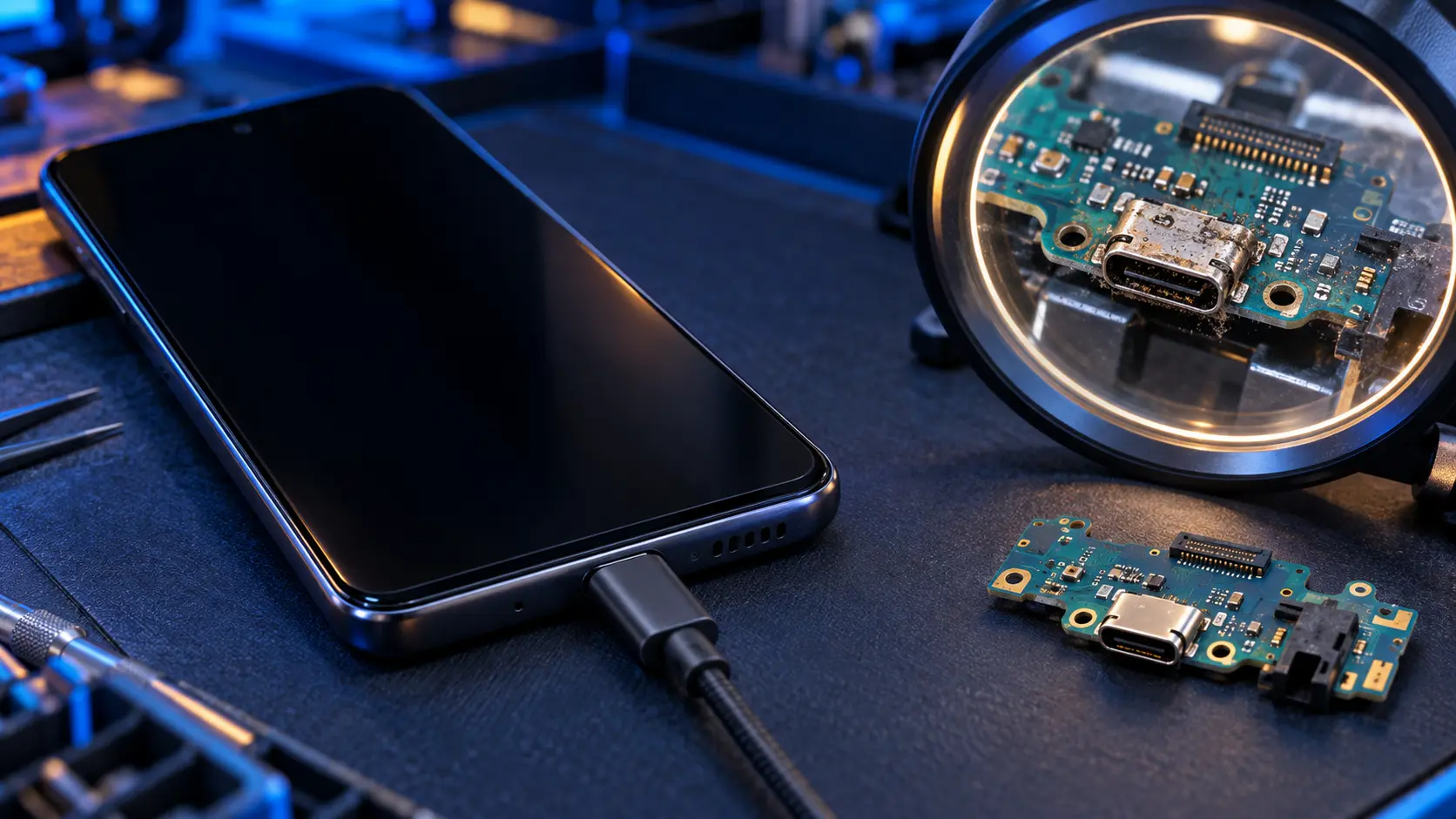
Look into the USB-C port with a torch. Pocket lint builds up in a hard layer at the bottom, so the plug no longer goes in all the way and the connection comes and goes. Switch the phone off and ease the lint out gently with a wooden toothpick. Don't use anything metal, and don't blow into the port, because breath carries moisture.
3. Check for a moisture warning
Many Galaxy A models are water-resistant, and they stop charging if they detect moisture in the port. You'll see a warning on screen. Let the phone dry thoroughly at room temperature, then try again. Don't use a hairdryer or put it on a radiator.
4. Check battery protection
If your phone stops at 80%, or charges to full and then drops back to 95% before topping up, that's probably a setting, not a fault. Samsung's battery protection (Settings > Battery > Battery protection) can stop charging at 80% to extend the battery's life, or pause once it's full until the level drops. Turn it off if you want a full charge.
5. Check fast charging
If charging is slow rather than stopped, check fast charging is switched on in the battery settings, and that your charger and cable support it. The A36 and A56 support 45W charging, but only with a 45W-capable charger and cable.
6. Restart the phone
A restart clears a lot of software glitches, including charging ones. If the phone is frozen, hold the side button and volume down together for more than seven seconds until it vibrates.
Is it the port or the battery?
Signs it's the charging port
- The cable feels loose or falls out, even after cleaning.
- It only charges with the cable held at an angle.
- Charging starts and stops as the cable moves.
- A computer doesn't recognise the phone over USB either.
- Several cables and chargers all fail in the same way.
Signs it's the battery
- It charges, but the level drops quickly once unplugged.
- It switches off with charge still showing.
- It only stays on while it's plugged in.
- The Samsung Members battery check says Weak or Bad. Here's how to run it.
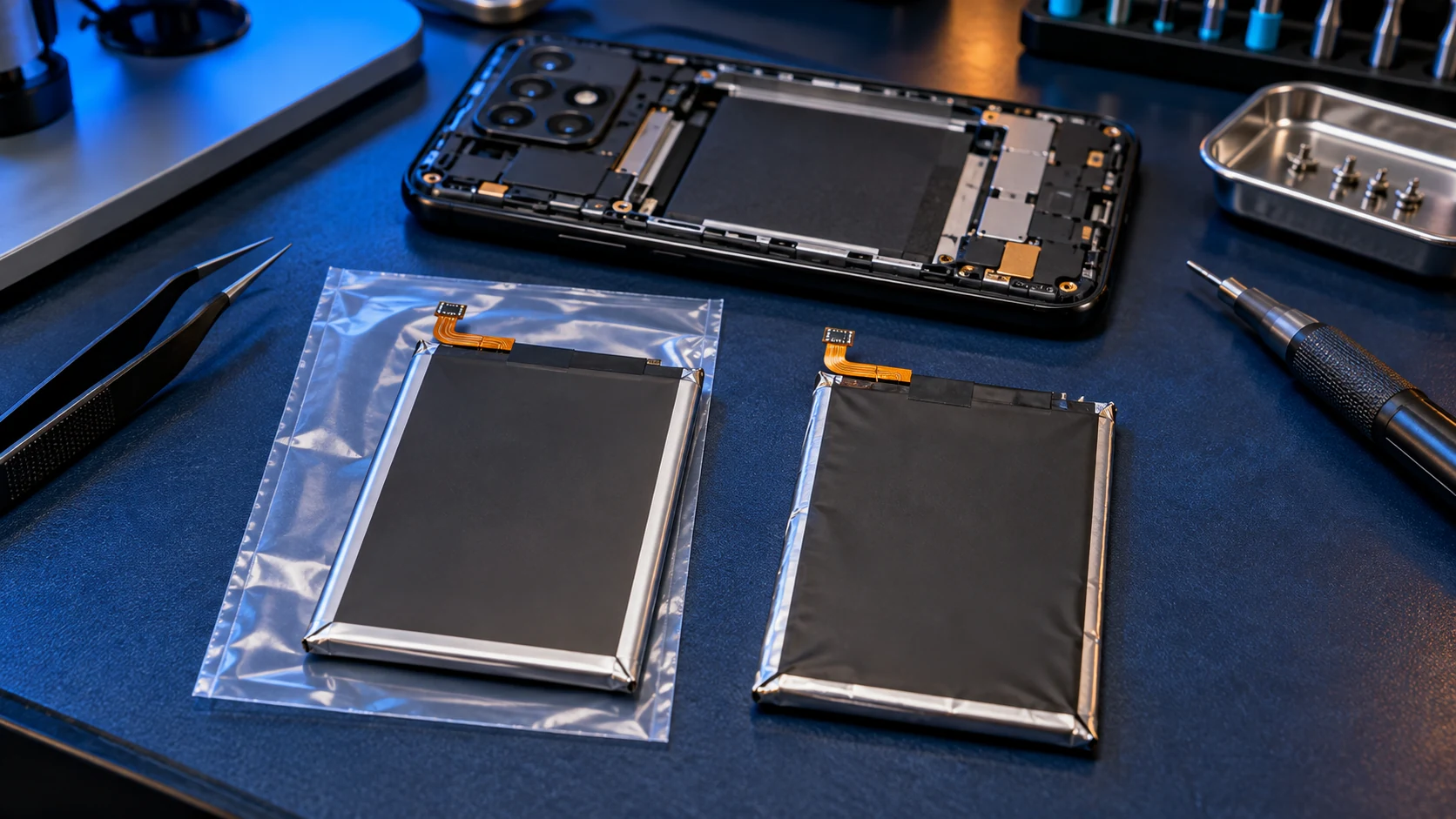
- The back is lifting or bulging. If so, stop charging it and contact me before posting it.
What the repair involves
On every Galaxy A model I repair, the USB-C port sits on a small separate charging board at the bottom of the phone, so a worn port is fixed by fitting a new genuine board rather than soldering on the main board. It's £49, or £59 on the A53, A54, A55 and A56. This guide covers charging port costs.
A battery replacement is £49 or £59 depending on the model, with a genuine Samsung battery. This guide covers battery costs.
Prices for your model are on the Samsung Galaxy A repair page, for example the Galaxy A54 and Galaxy A16. If you're not sure which it is, book the one that fits the signs best. When the phone arrives, I check it, and if the fault is something else I tell you before doing any work.
Frequently asked questions
Why is my Samsung charging so slowly?
Usually the charger or cable doesn't support fast charging, fast charging is switched off in settings, or the phone is busy and warm. A worn port can also cause slow, intermittent charging.
Why does my Samsung stop charging at 80%?
Battery protection is probably set to Maximum, which stops charging at 80% to extend battery life. Change it in Settings > Battery > Battery protection.
My phone says moisture has been detected but it's dry. What now?
Restart the phone and check the port for lint or corrosion. If the warning stays when the phone is definitely dry, the charging port may be damaged and need replacing.
Can I charge wirelessly instead?
Galaxy A phones don't support wireless charging, so the USB-C port is the only way to charge them.