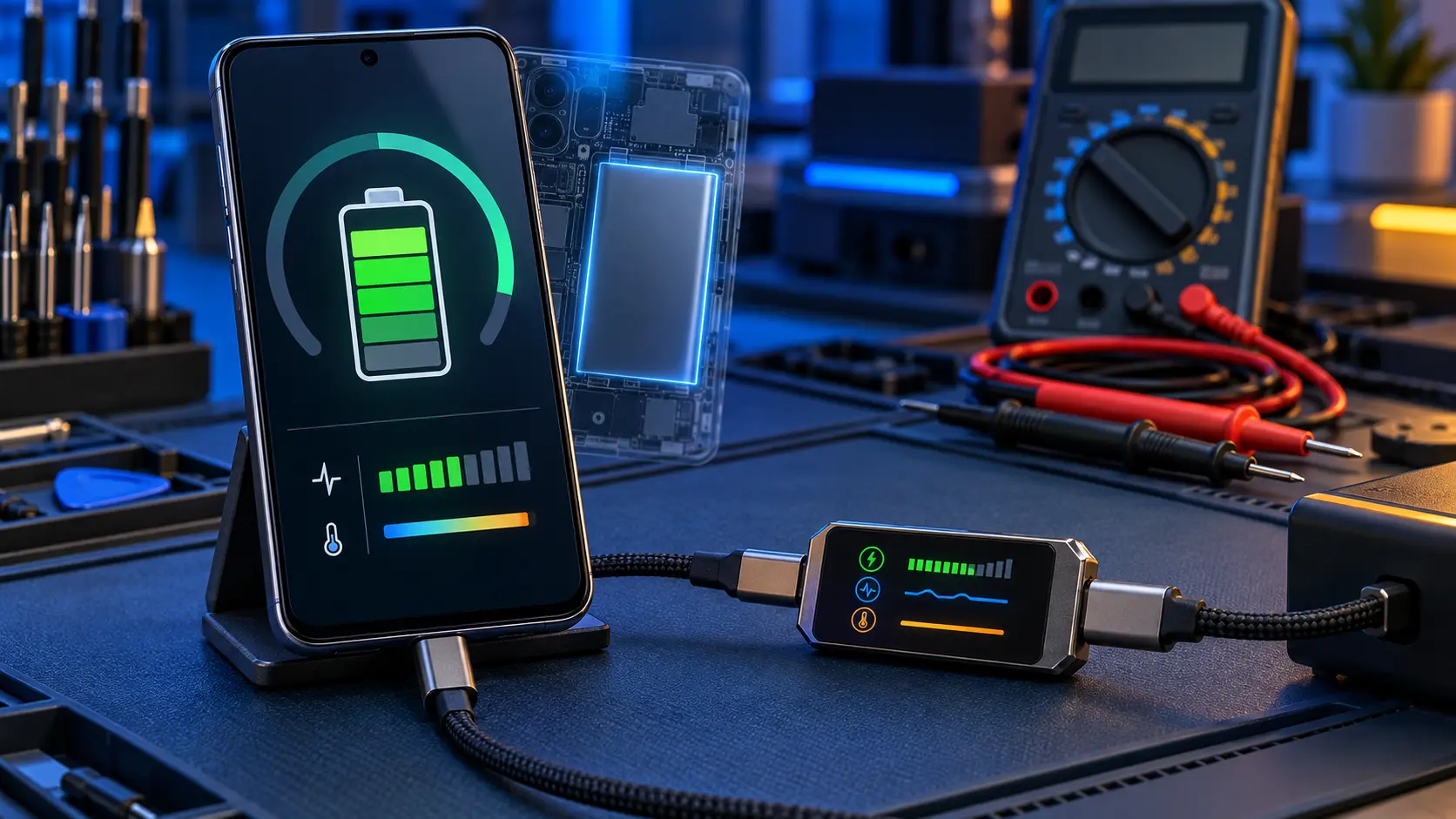
To check battery health on a Samsung Galaxy A, open the Samsung Members app, tap Support, then Get started, then Battery status. It gives one of three results: Normal, Weak or Bad. Normal means the battery is fine; Weak means it's worn; Bad means it has degraded significantly and is worth replacing.
Step by step
- Open the Samsung Members app. It's preinstalled on Galaxy phones; if you've removed it, it's free in the Galaxy Store and Google Play.
- Tap Support.
- Under phone diagnostics, tap Get started.
- Tap Battery status and wait for the result.
The same diagnostics screen has other tests too, such as the touch screen and the charging cable, which are handy if you're not sure what's wrong.
What the results mean
Normal
Samsung says there's no performance problem with the battery. If your phone still doesn't last, the drain is coming from something else: an app, a setting, weak signal or the screen. This guide covers what to check.
Weak
The battery has lost some efficiency through age and use. It still works, but it won't hold as much as it did. Whether to replace it depends on whether the shorter battery life bothers you.
Bad
The battery has degraded significantly, and Samsung recommends getting it looked at. This is when a replacement makes the biggest difference: the phone will last noticeably longer and shouldn't switch off early any more.
Signs your battery is worn, whatever the test says
- The phone won't last a day that it used to manage easily.
- It switches off at 10 or 20%.
- The percentage jumps or drops suddenly.
- It gets warm while charging, even with a standard charger.
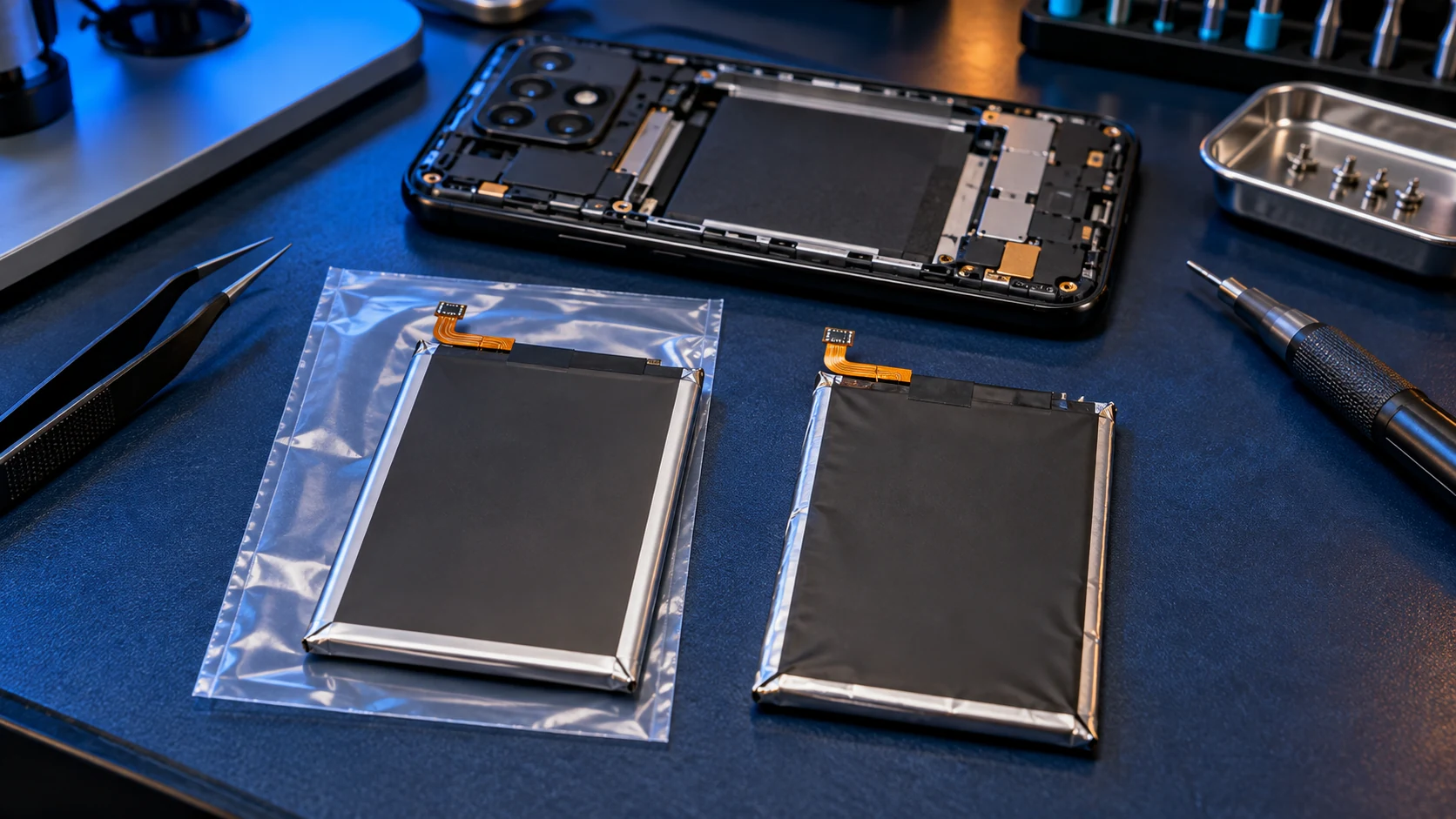
- The back is lifting or bulging. Stop charging it and contact me before posting it.
What about battery health percentages?
Some newer Samsung flagships show a battery health percentage and a charge cycle count in their settings, but on most Galaxy A phones the Samsung Members check is the one Samsung provides. Third-party battery apps give estimates, and some are more reliable than others, so I'd treat their figures as a rough guide rather than a measurement.
Looking after the battery you've got
- Use battery protection. Settings > Battery > Battery protection can stop charging at 80%, which reduces wear over time.
- Avoid heat. Don't leave the phone on a dashboard or charge it under a pillow.
- Keep it updated. Samsung's updates often improve battery management.
If it needs replacing
Samsung charges £79 for a Galaxy A battery. Mine, with a genuine Samsung battery, is £49 on the A13 to A17 and the A26, and £59 on the A25 and the A3x and A5x models. This guide compares battery costs, and every model is on the Samsung Galaxy A repair page, from the A13 to the A56.
Frequently asked questions
Can I see my Samsung battery health as a percentage?
Not on most Galaxy A models. Samsung's own check, in the Samsung Members app, gives a rating of Normal, Weak or Bad rather than a percentage.
My battery says Normal but drains fast. Why?
The drain is probably from an app, a setting or poor signal. Check which apps use the most in Settings > Battery before paying for a new battery.
Is a Weak battery dangerous?
No. Weak means it holds less charge than it did. A battery that's swelling, with the back lifting or bulging, is different: stop using it and get it looked at.