When a Samsung Galaxy A's battery drains fast, the cause is usually an app, a setting or weak mobile signal, not a worn battery. Check what's using the battery in Settings > Battery first. If nothing stands out and the phone is a few years old, run Samsung's battery check in the Samsung Members app: a Weak or Bad result means the battery itself is worn.
Start with what's using the battery
Go to Settings > Battery and look at the usage breakdown. If one app is using far more than you'd expect, that's your answer. Update it, restrict its background use, or uninstall it and see whether things improve.
Social media, video and navigation apps are the usual heavy users. An app that's misbehaving after an update can drain a battery while the phone sits in your pocket.
Settings that make a big difference
- Screen brightness. The screen is usually the biggest single user. Turn on adaptive brightness and lower it indoors.
- Motion smoothness. Models with a 90Hz or 120Hz screen use more power at the higher rate. Settings > Display > Motion smoothness lets you switch to Standard.
- Power saving. Settings > Battery > Power saving limits background activity and is a quick fix for a long day.
- Location, Bluetooth and Wi-Fi scanning. Leave on what you need; turn off what you don't.
- Always On Display and widgets that refresh often add up over a day.
Signal and updates
Weak mobile signal makes a phone work harder, and it can drain a battery surprisingly quickly. If the drain is worse at home or at work, poor signal there may be the cause.
After a big software update, a phone can use more battery for a while as it re-indexes files and optimises apps. Give it a little time before deciding something's wrong. If it doesn't settle, check for a further update in Settings > Software update.
Then check the battery itself
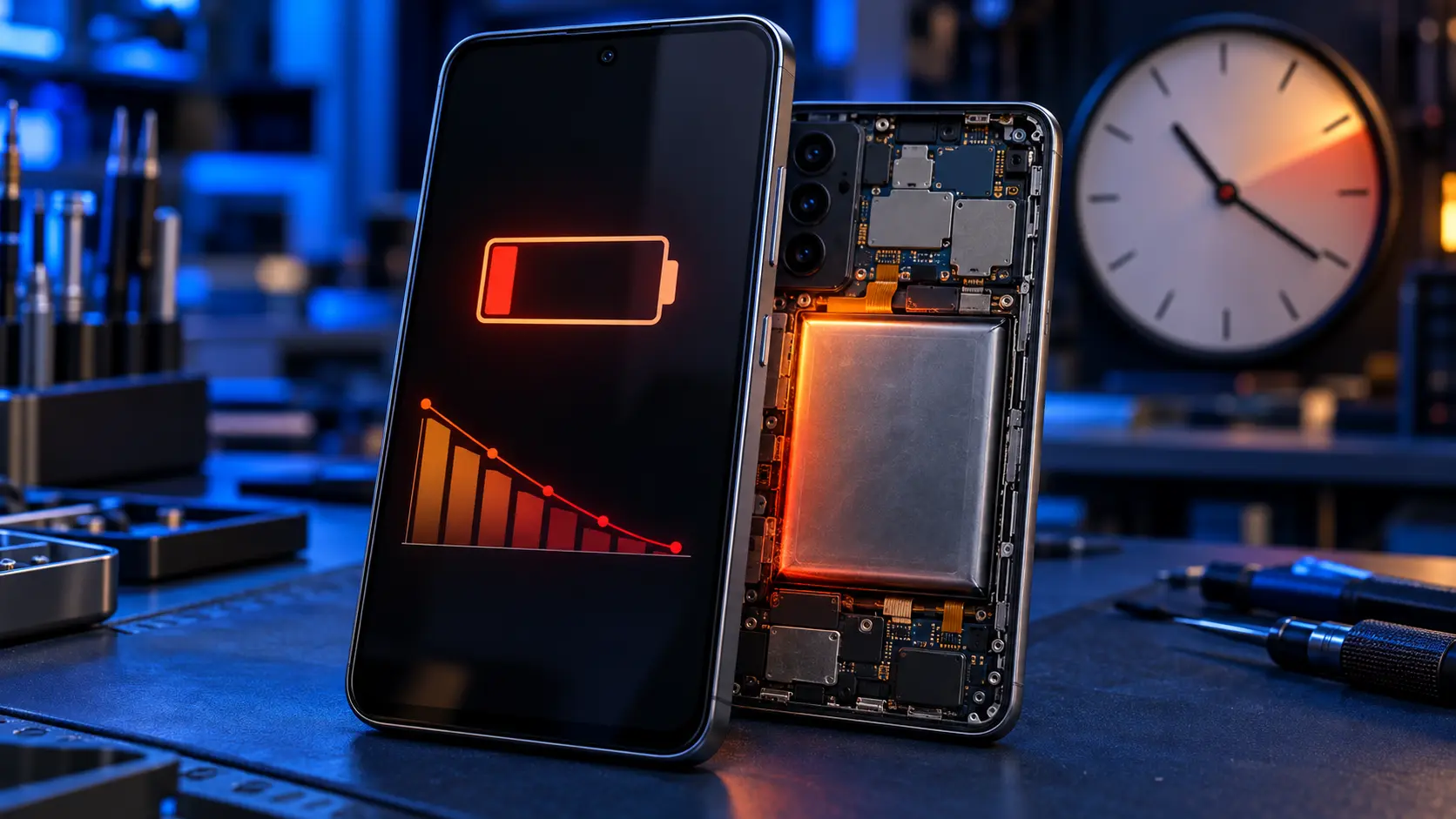
Open Samsung Members, tap Support, then Get started, then Battery status. Normal means the battery isn't the problem. Weak or Bad means it's worn and a replacement will help. This guide explains the results.
Other signs of a worn battery: the phone switches off at 10 or 20%, the percentage jumps around, or it only works on the charger. If the back is lifting or bulging, the battery may be swelling: stop charging it and contact me before posting it.
What a new battery won't fix
A new battery restores battery life. It won't make a slow or laggy phone faster. On an older Galaxy A, lag is usually full storage, too many apps running, or the software, so clearing storage and updating are the things to try for that.
If it needs a new battery
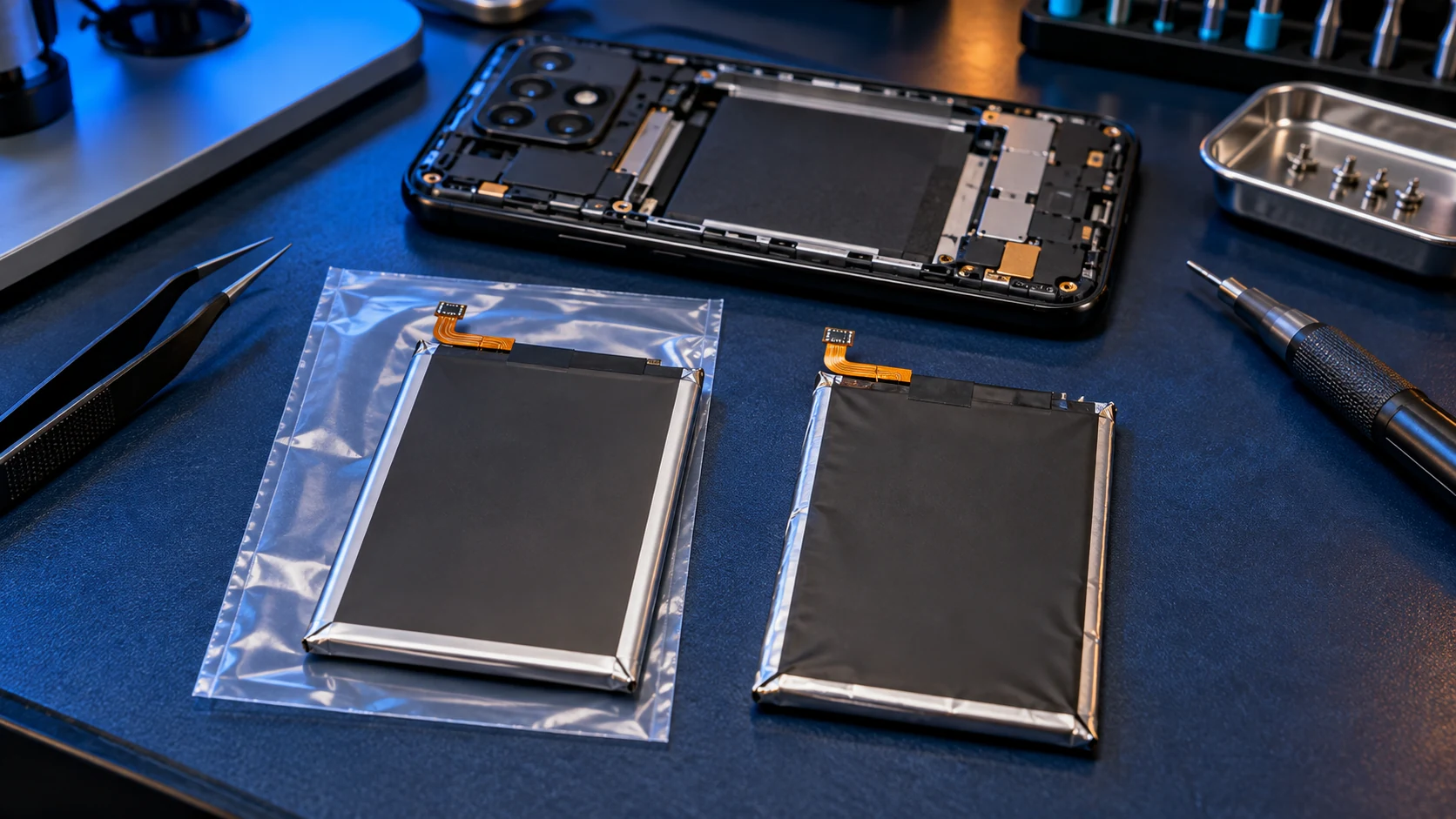
Samsung charges £79 for a Galaxy A battery. Mine, with a genuine Samsung battery, is £49 on the A13 to A17 and the A26, and £59 on the A25 and the A3x and A5x models. See battery replacement costs or go straight to your model on the Samsung Galaxy A repair page. If you're weighing up whether it's worth it on an older phone, this model-by-model guide helps.
Frequently asked questions
Why is my Samsung battery draining so fast all of a sudden?
A sudden change usually points to an app or a recent update rather than the battery, which wears gradually. Check the usage breakdown in Settings > Battery for anything new at the top.
Does 120Hz drain the battery?
It uses more power than the standard rate. Switching to Standard in Settings > Display > Motion smoothness can noticeably extend battery life on models that have it.
Will a factory reset fix battery drain?
Sometimes, if the cause is software. It's a last resort: back up everything first, and try the other checks before resetting.