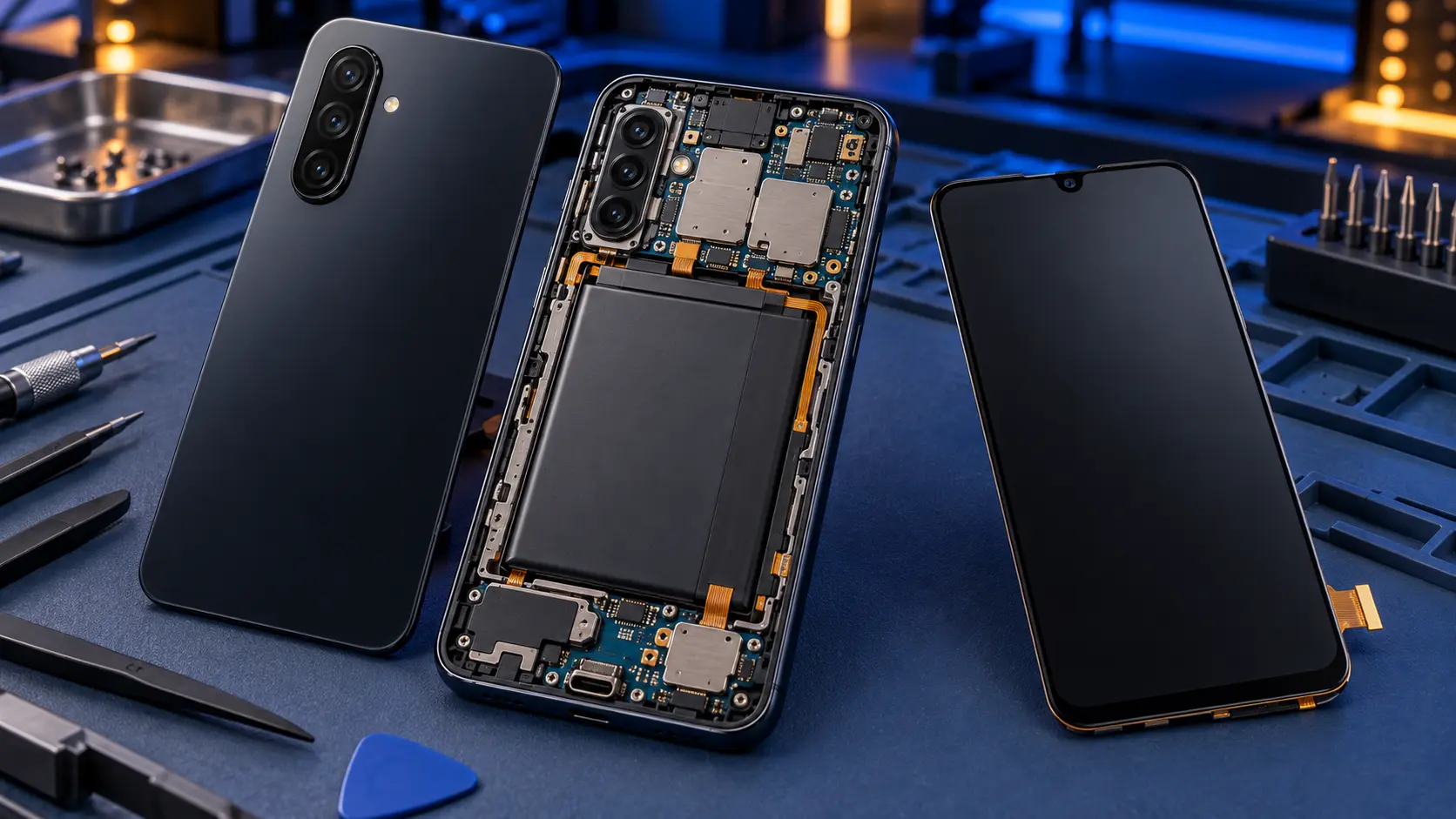
Samsung Galaxy A26 Repair
No fix, no fee · 12-month warranty · Insured, tracked returns
Signs your Galaxy A26 needs a repair
- Cracked front glass, lines or black patches
- Cracked or shattered back glass
- Touch not responding in part of the screen
- Battery not lasting the day
- Charger loose, or charging on and off
A Samsung Galaxy A26 screen replacement costs £99 by post, with a genuine Samsung screen and a 12-month warranty. A battery is £49, a charging port £49 and back glass £49. Samsung's own recommended price for an A26 screen is £124, and £79 for a battery.
The Galaxy A26 5G, from March 2025, is an unusual budget phone. It has glass on the back as well as the front, both Gorilla Glass Victus+, and an IP67 water-resistance rating, features usually kept for dearer models. It also has a 6.7-inch 120Hz Super AMOLED screen, a 5,000mAh battery and the fingerprint reader in the power key. Glass on both sides means two surfaces that can crack, and the IP67 rating changes what happens after a repair, so both are covered below.
Which Galaxy A26 do I have?
In the UK the A26 is sold as a 5G phone, model number SM-A266B, which you'll find in Settings > About phone. I'll ask for it when you book, along with your phone's colour, because genuine screens and back glass are colour-matched. This guide shows where to find it.
Galaxy A26 screen replacement
The A26's front glass is tough, but a drop onto a hard edge still cracks it, and the AMOLED panel underneath can fail with it: coloured lines, black patches, or a black screen while the phone still rings. Sometimes touch stops working in one area.
I fit a genuine Samsung screen, supplied as a service part already fitted in its frame and matched to your phone's colour. Cheaper copy screens swap the AMOLED panel for an LCD one, which gives a dimmer, flatter picture. This guide explains how to tell genuine from aftermarket.
The fingerprint reader is in the power key, so a new screen doesn't affect it. Before the phone goes back, I test touch across the whole screen, the display for lines and tint, brightness, the front camera, the earpiece and the proximity sensor.
It's £99. Samsung's recommended price is £124, and this guide compares prices for every Galaxy A.
Galaxy A26 back glass replacement
On most budget Samsungs a dropped phone cracks a plastic back. On the A26 it can shatter the glass. Cracked back glass is more than cosmetic: sharp edges catch fingers and pockets, and splinters can work their way in around the camera.
I remove the broken back glass, clean the old adhesive off the frame, fit a genuine Samsung back in your phone's colour and seal it with new adhesive. It's £49. This guide to cracked Galaxy A backs explains which models have glass and which have plastic.
Galaxy A26 battery replacement
You can check the A26's battery in Samsung Members under Support > Phone diagnostics > Battery status, and this guide explains what the result means. If it's draining fast, check apps, settings and updates first with this guide to fast battery drain.
When the battery does need replacing, the back glass has to come off first. It's warmed so the adhesive lets go without cracking the glass, the battery is freed from its own adhesive without bending it, and a genuine Samsung battery goes in. The back is resealed with new adhesive and charging is tested before the phone goes back. It's £49, against Samsung's £79. A new battery brings back battery life; it won't make a slow phone faster.
Galaxy A26 charging port repair
The A26's USB-C port is on a small separate charging board at the bottom of the phone. A worn, loose or damaged port is fixed by fitting a new genuine charging board, rather than soldering on the main board.
Try another cable and plug first, and check the port for lint with a torch. This checklist for a Galaxy A that won't charge goes through the rest. If it's still unreliable, the charging port repair is £49, and I test charging, fast charging and a data connection before it goes back.
Water resistance after a repair
Out of the box, the A26 is rated IP67. Every repair on it means opening the phone, and although I reseal it with new adhesive, I can't promise it keeps its original water resistance afterwards. After any repair, from me or anyone else, treat your A26 as not water-resistant.
Is it worth repairing a Galaxy A26?
Yes, in almost every case. Samsung promises six years of Android and security updates for the A26, and it launched at £299, so a £49 back or battery, or a £99 screen, is a small cost against the life it has left. If it's inside Samsung's warranty and the fault isn't damage, go to Samsung first. This guide compares every Galaxy A model.