Samsung Galaxy A52s Repair
No fix, no fee · 12-month warranty · Insured, tracked returns
Signs your Galaxy A52s needs a repair
- Back cover coming away from the frame (contact me before posting)
- Battery not lasting the day
- Charger loose, or charging on and off
- Headphones not working
- Cracked or split back cover
A Samsung Galaxy A52s battery replacement costs £59 by post, a charging port £59 and a back cover £49, all with genuine Samsung parts and a 12-month warranty. Samsung's own price for an A52s battery is £79. I don't offer screen replacements on the A52s, because of how its fingerprint reader works. The screen section below explains why.
The Galaxy A52s 5G arrived in the UK in September 2021 at £409, six months after the A52, with a faster processor in the same design. It has a 6.5-inch 120Hz Super AMOLED screen with the fingerprint reader underneath, a 4,500mAh battery, a plastic back, a headphone jack and IP67 water resistance. Two things bring most A52s owners here: a tired battery, and a back cover that has started coming away from the frame.
Which Galaxy A52s do I have?
Go to Settings > About phone and check the model number. The A52s is SM-A528B, and it's sold in the UK as a 5G phone. If yours starts SM-A525 or SM-A526, it's the Galaxy A52, which has its own page. I'll ask for the model number when you book, and your phone's colour for a back cover. This guide shows where to find it.
Galaxy A52s screen replacement
The A52s's fingerprint reader is an optical sensor under the display, calibrated to the screen it sits under. After a new screen it needs recalibrating with Samsung's own equipment, and the A52s isn't part of Samsung's Self-Repair programme, so that isn't available to independent repairers. That's why I don't replace A52s screens. I'd rather say so than send your phone back with a fingerprint reader that may not work.
If your A52s screen is broken, Samsung's recommended price for a replacement is £139, and its repair service calibrates the fingerprint reader as part of the job. The A52s's screen is a different part from the A52's, so check any quote is for the right model. This guide explains the fingerprint problem in more detail.
Galaxy A52s battery replacement
After four or five years, most A52s batteries need charging more than once a day, drop off with charge showing, or run warm on the charger. You can check its condition in Samsung Members under Support > Phone diagnostics > Battery status, and this guide explains the result.
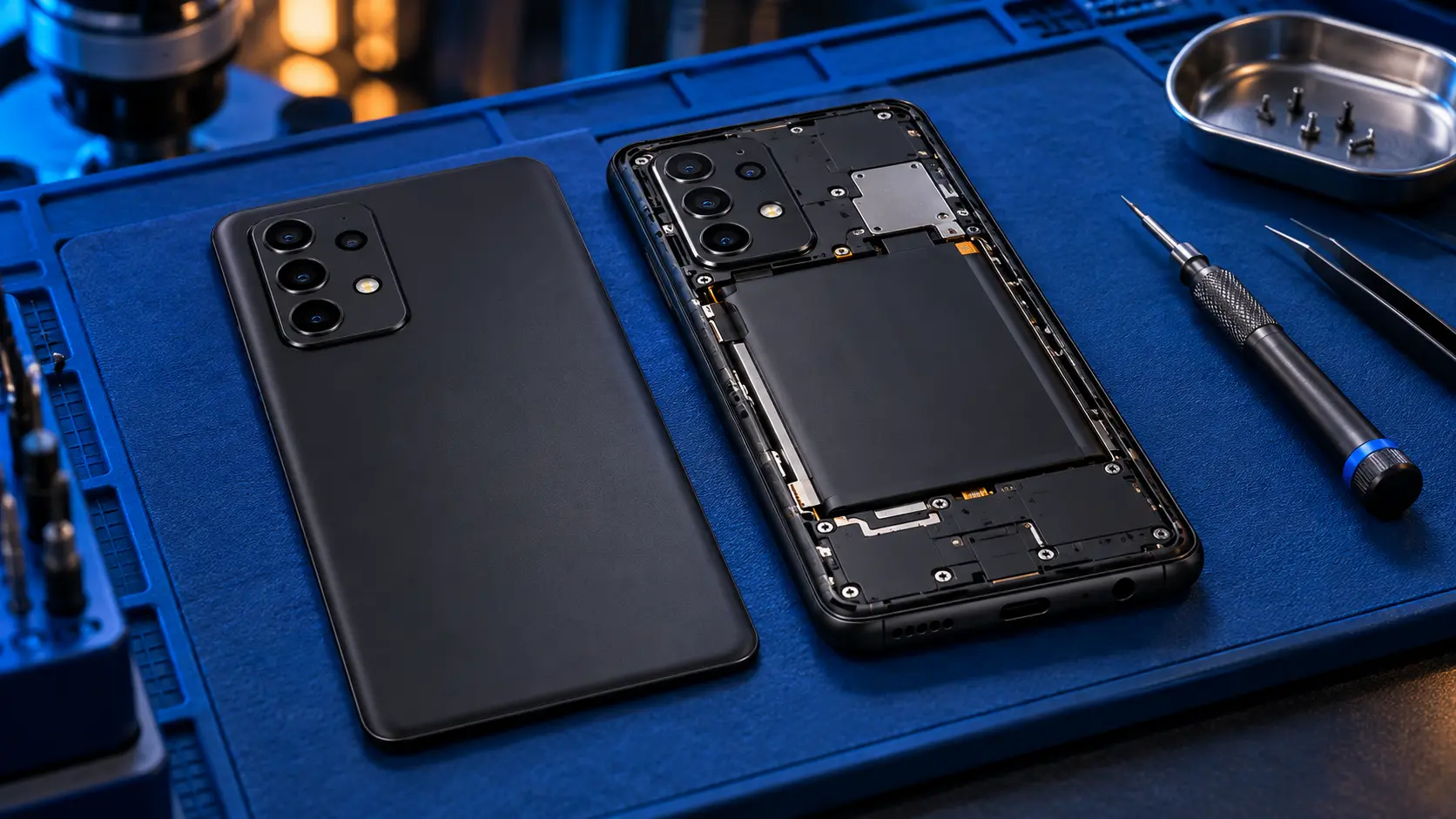
I warm the glued plastic back until the adhesive releases, lift it off, work the glued-in battery out without bending it, fit a genuine Samsung 4,500mAh battery and reseal the back with new adhesive. The screen and fingerprint sensor aren't disturbed, and I check the fingerprint reader before the phone goes back. It's £59, against Samsung's £79. Here's why a genuine battery matters.
A new battery restores battery life. It won't cure lag, which on the A52s is more often storage, apps or software. This guide to fast battery drain helps you find the cause.
Galaxy A52s charging port repair
The A52s's USB-C port sits on a small charging board at the bottom of the phone, not soldered to the main board, and the headphone jack is on the same board. A worn, loose or damaged port is fixed by fitting a genuine replacement board.
Try another cable and plug first, and check the port for lint with a torch. If the phone says moisture has been detected, let it dry fully before trying again. This checklist for a Galaxy A that won't charge goes through the rest. If it still won't charge reliably, the charging port repair is £59, and I test charging, fast charging, the headphone jack and a data connection before it goes back.
Galaxy A52s back cover replacement
If your A52s's back is coming away, contact me before posting it. A lot of A52s owners have reported the back cover lifting away from the frame, and in some cases coming away again after a repair. Sometimes it's the adhesive letting go on its own. Sometimes the battery underneath has started to swell and is pushing it off. They can look alike from the outside, so stop charging the phone and get in touch first, and we'll work out the safest way to deal with it.
If the back is simply cracked, split or has been lost, I fit a genuine Samsung back cover in your phone's colour, clean every trace of the old adhesive off the frame and seal it with new adhesive, pressed and left to cure before the phone goes back. It's £49. The A52s left the factory rated IP67. I can't promise that rating after any repair, so treat it as not water-resistant afterwards.
Is it worth repairing a Galaxy A52s?
For a battery or back, often yes. The A52s was a strong phone for £409, and plenty are still in daily use. Samsung ended security updates for the A52s in autumn 2025, so it no longer gets fixes for new security threats, and that's worth weighing if you use it for banking. A £59 battery keeps a phone you like going for much less than a replacement. This guide explains what the end of updates means, and this one weighs up every model.