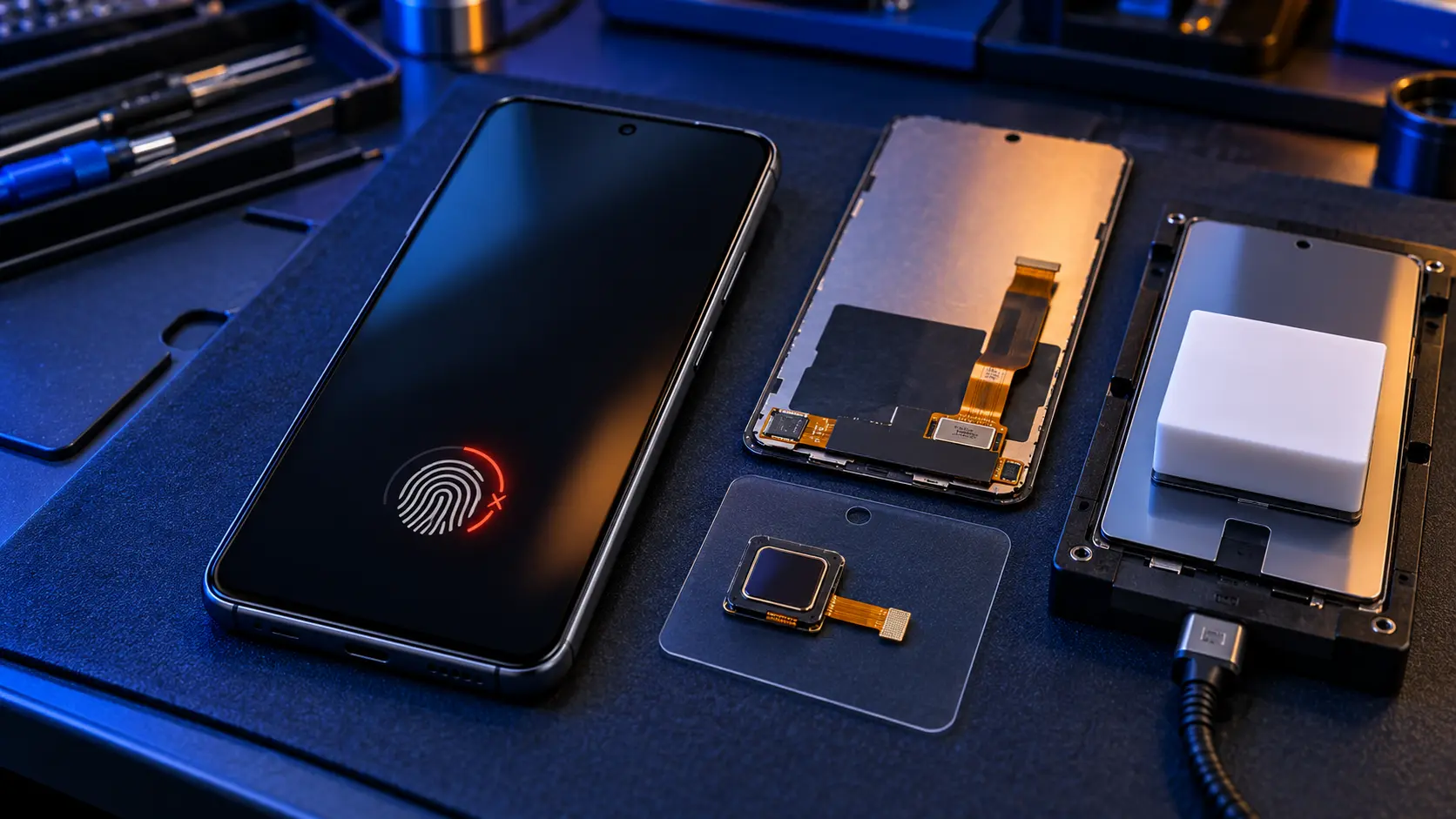
If the fingerprint reader stopped working after a screen replacement on a Samsung with an under-screen fingerprint reader, the most likely reason is that the sensor wasn't calibrated afterwards. Samsung's repair manuals for its newer under-screen fingerprint phones, such as the A55, A56 and A57, say the optical fingerprint sensor must be calibrated whenever the screen is replaced. On the Galaxy A range, that affects the 4G A32, the A33 to A37, the A51, A52 and A52s, the A53 to A57, and the A71 and A72. Models with the fingerprint reader in the power key aren't affected.
Which Galaxy A models are affected
Fingerprint reader under the screen (affected)
- Galaxy A32 (4G), A51, A52, A52s, A71 and A72
- Galaxy A33, A34, A53 and A54
- Galaxy A35, A36, A37, A55, A56 and A57
Fingerprint reader in the power key (not affected)
- Galaxy A05s, A12, A13, A14, A15, A16 and A17
- Galaxy A22, A23, A25, A26, A27 and the A32 5G
On the power-key models, the fingerprint sensor isn't part of the screen at all, so a screen replacement doesn't touch it.
Why calibration matters
An optical fingerprint reader works like a tiny camera under the display. It lights your fingertip through the screen and reads the image that comes back. Every screen panel is slightly different, so when a new one goes in, the sensor has to be recalibrated to that panel. The sensor itself is a separate part: it's moved from the old screen to the new one.
Samsung's repair manuals for its newer under-screen fingerprint phones say this calibration must happen every time the screen is replaced. It's done with Samsung's own equipment: a calibration app (the Self Repair Assistant) and a set of calibration tools. Without it, the reader may be slow, may fail to register new fingerprints, or may not work at all.
Who can calibrate it
- Samsung's own repair service calibrates the fingerprint reader as part of a screen replacement, on every affected model.
- On the A35, A36, A55 and A56, which are in Samsung's Self-Repair programme, calibration is also possible outside Samsung with the Self Repair Assistant app and Samsung's calibration kit.
- On the A37 and A57, Samsung's repair manual for the A57 describes the same app and calibration kit, although neither phone is on Samsung's UK Self-Repair list yet.
- On the A33, A34, A53 and A54, and the older 4G A32, A51, A52, A52s, A71 and A72, which aren't in the Self-Repair programme, Samsung's own repair network is the route for calibration.
That's why I don't currently replace screens on the A33, A34, A53, A54 or the older under-screen models, and why screens on the A35, A36, A37, A55, A56 and A57 are coming soon rather than bookable now: I'm setting up Samsung's calibration equipment so the fingerprint reader works properly afterwards.
If your fingerprint reader stopped working after a repair
- Delete and re-register your fingerprints. In Settings > Security and privacy > Biometrics > Fingerprints, remove the old ones and add them again, pressing firmly and covering the whole sensor area.
- Check for a software update in Settings > Software update.
- Remove any thick screen protector. Optical sensors read through the glass, and some protectors get in the way.
- Go back to the repairer. Ask whether the fingerprint sensor was calibrated after the new screen was fitted. If they can't calibrate it, Samsung's repair service can.
Slow fingerprint unlock with the original screen?
That's a different problem. The A55 in particular had widespread reports of slow fingerprint unlock at launch, and many owners reported that Samsung's July 2024 update largely fixed it. Several A52 owners also reported the fingerprint reader asking for calibration after a 2022 update, on phones that hadn't been repaired. If your screen hasn't been replaced, update the phone, re-register your fingerprints and remove any thick screen protector before assuming anything's broken.
Questions to ask before any screen replacement
- Is the screen a genuine Samsung part?
- On an under-screen fingerprint model: will you calibrate the fingerprint sensor afterwards, and how?
- What happens if the fingerprint reader doesn't work afterwards?
There's more on screen prices in what a Galaxy A screen replacement costs, and on the two routes in Samsung's repair service vs an independent repairer.
Other repairs don't affect it
Only a new screen needs the fingerprint sensor calibrating. A battery, charging port or back replacement leaves the screen and the sensor where they are, and all three can be booked now on every model on the Samsung Galaxy A repair page. For example, the Galaxy A52, Galaxy A54 and Galaxy A55.
Frequently asked questions
Can a fingerprint sensor be calibrated without Samsung?
On the Galaxy A35, A36, A55 and A56, yes, using Samsung's Self Repair Assistant app and its calibration kit. On the A33, A34, A53, A54 and older models such as the A51, A52 and A72, Samsung's own repair network is the route.
Does a new screen affect the fingerprint reader on an A16?
No. The A16's fingerprint reader is in the power key, not under the screen, so a screen replacement doesn't affect it. The same goes for the A05s, A12, A13, A14, A15, A17, A22, A23, A25, A26, A27 and the A32 5G.
Will a screen protector stop my fingerprint reader working?
A thick or poorly fitted protector can, on under-screen fingerprint models. Choose one that says it's compatible with in-display fingerprint readers.