Most Samsung Galaxy A batteries start to show their age after two to three years of daily charging, and by four or five years most have lost enough capacity that the phone struggles to last a day. How fast yours wears depends on how it's charged, how warm it gets and how hard the phone is used. Samsung's own ratings vary by model: the A36 and A56 batteries are rated for 2,000 charge cycles, and most other recent models for 1,200.
What Samsung's ratings say
Since mid-2025, phones sold in the EU carry an energy label that includes a battery endurance rating in charge cycles. One cycle is roughly a full charge's worth of use, whether that's one charge from empty to full or two half top-ups.
- Galaxy A36 and A56: rated for 2,000 cycles.
- Galaxy A16, A26, A27, A37 and A57: rated for 1,200 cycles.
If you charge once a day, 1,200 cycles is a little over three years and 2,000 is more than five. Older models weren't rated this way, and Samsung's own support pages just say that lithium-ion batteries gradually lose performance over time, depending on how and where they're used.
What wears a battery out
- Heat. The biggest one. Charging under a pillow, gaming while charging, or leaving the phone on a car dashboard all speed up wear.
- Sitting at full charge. A battery kept full for hours, typically overnight on the charger, wears faster than one kept below full.
- Deep discharges. Regularly running it down to nothing is harder on the battery than topping it up.
- Age. Batteries lose some capacity over time even when they're treated well.
The setting that helps: battery protection
Samsung's battery protection setting reduces wear by stopping the phone sitting at full charge. On phones with One UI 6.1 or later, it's in Settings > Battery > Battery protection, with three options:
- Basic: once the battery is full, charging stops until it drops to 95%, then starts again. This avoids constant topping-up on the charger.
- Adaptive (called Sleep time protection on newer software): uses the stricter setting while you're asleep, stopping at around 80%, then finishes charging before you usually wake up.
- Maximum: stops charging at 80%. From One UI 7 you can choose the limit: 80%, 85%, 90% or 95%.
Maximum gives the battery the easiest life, at the cost of some battery life each day. Adaptive is a good middle ground if you charge overnight. If your phone seems to stop charging at 80% or 95%, that's this setting doing its job, not a fault.
Older phones that didn't get One UI 6.1, such as the A12, A51 and A71, have a simpler Protect battery switch in their battery settings that stops charging at 85%.
Signs it's time for a new battery
- The phone no longer lasts a day doing what it used to.
- It switches off at 20% or 30%, or when you open the camera.
- It only works while it's plugged in, or won't turn on at all.
- It gets warm charging, or the percentage jumps around.
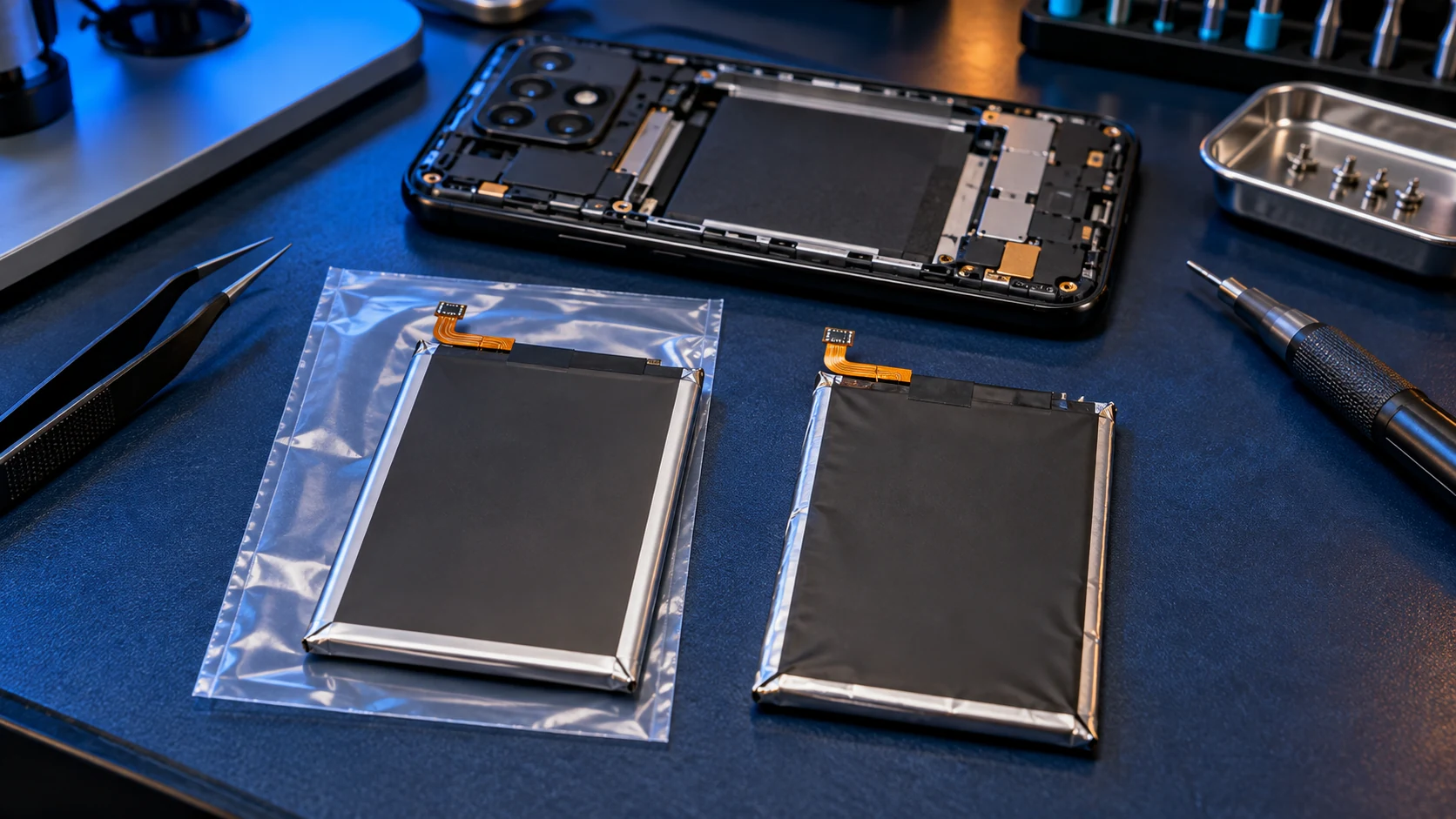
- The back is lifting or bulging: stop charging it and get it looked at before anything else. Contact me before posting it.
To check, open Samsung Members, tap Support, then Get started under phone diagnostics, then Battery status. Normal means the battery is fine, Weak means it has lost some efficiency, and Bad means it has degraded significantly. This guide explains the results, and if your battery tests Normal but still drains fast, look at apps and settings first.
If you have Samsung Care+
Samsung Care+ includes a battery replacement at no extra charge once your battery's capacity has dropped below 80%, after the manufacturer's warranty has ended, subject to Samsung's diagnostics. Check your plan before paying for one.
Replacing it
A new battery restores battery life. It won't make a slow phone faster, but it can give a phone you're happy with years more use. I fit genuine Samsung batteries for £49 on the budget models and £59 on the A25 and the A33 upwards, against Samsung's £79. The full list is in what a Galaxy A battery replacement costs, and this guide explains why a genuine battery matters.
Frequently asked questions
How many years does a Samsung battery last?
Typically two to three years before you notice it, and four to five before most need replacing. Heat and overnight charging to full shorten that; battery protection lengthens it.
Should I charge my Samsung to full?
You can, but keeping it below full most of the time reduces wear. Samsung's battery protection setting does that for you.
Is it bad to charge my phone overnight?
For battery wear, Adaptive or Maximum battery protection stops the battery sitting at full charge all night, which is what causes the extra wear. For safety, the London Fire Brigade advises against leaving phones charging overnight; if you do, charge on a hard surface, not a bed or sofa.
How many charge cycles does a Samsung battery have?
On recent models, Samsung's EU ratings are 2,000 cycles for the A36 and A56, and 1,200 for the A16, A26, A27, A37 and A57. Older models weren't rated this way.