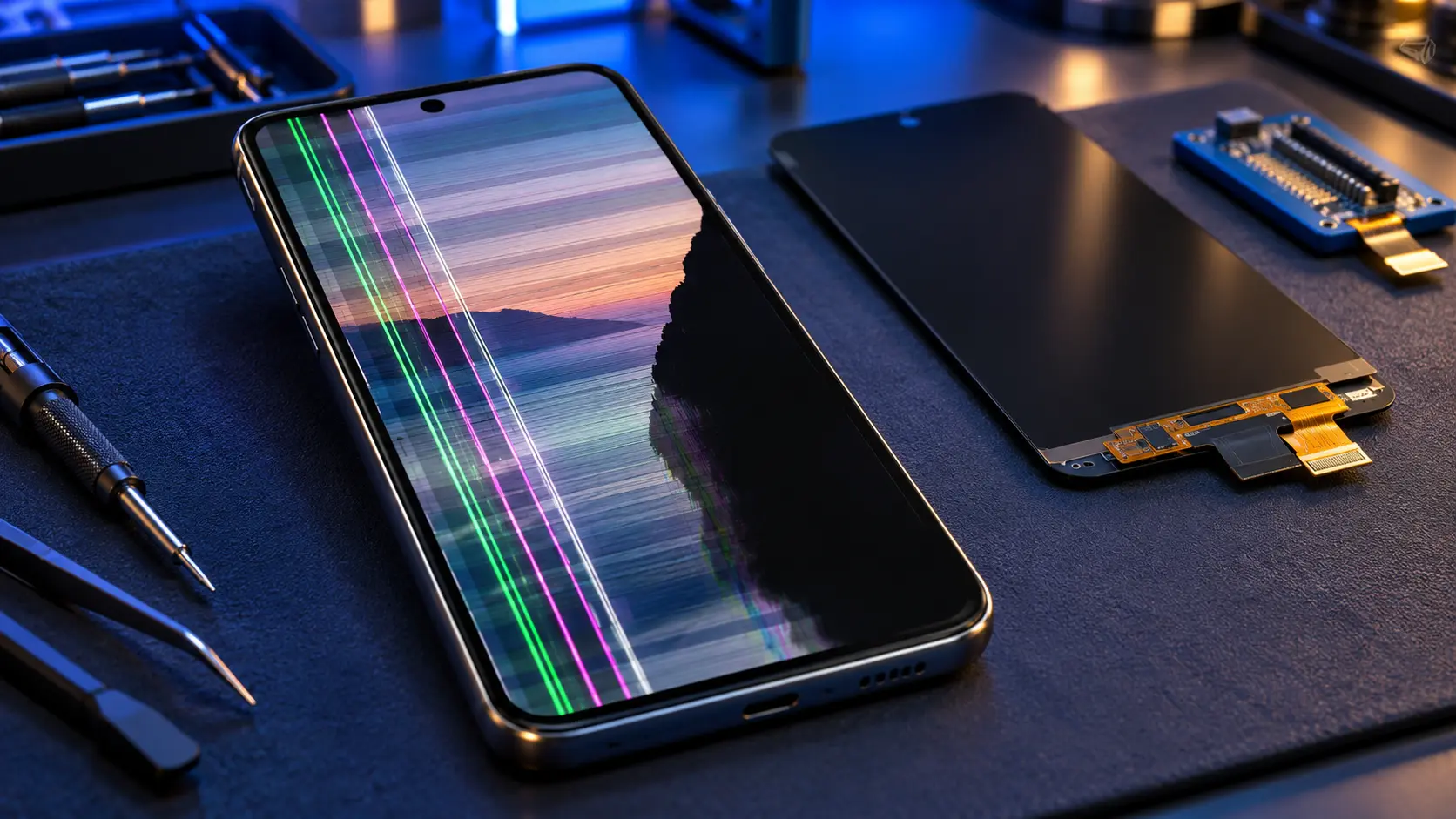
On a Samsung Galaxy A, a green or pink line, spreading black patches or a black screen after a drop is almost always damage to the display panel, and the fix is a new screen. Flicker, or lines that appeared right after a software update with no knock, can be software, so restart and update first. A quick test: take a screenshot. If the screenshot looks normal but the screen doesn't, the fault is in the display, not the phone's software.
First, rule out software
- Force restart. Hold the side button and volume down together for more than seven seconds, until the phone vibrates and restarts.
- Check for updates. Settings > Software update. Some display glitches have been fixed by updates.
- Try safe mode. Safe mode runs the phone without the apps you've installed. If the problem goes away in safe mode, an app is the cause.
- Take a screenshot. Look at it on another device. A normal screenshot means the phone is drawing the picture correctly, and the display itself is at fault.
What each symptom usually means
A green, pink or white line
A single coloured line running across or down the screen is usually damage to the display panel or its connection, often after a drop or pressure, sometimes appearing days or weeks later. It doesn't clear with a restart, and it doesn't show in a screenshot. The fix is a new screen.
Lines can also appear after a software update with no knock at all. Several Galaxy A71 owners reported a thin green line appearing after an update. If a restart and a further update don't clear it, the display is at fault, and the fix is still a new screen.
Black patches that spread
Ink-like black areas that grow over time are damaged pixels, usually from impact or pressure. They tend to spread, so it's worth repairing before the whole screen goes.
A black screen while the phone still works
If the phone rings, vibrates or connects to your computer but the screen stays black, try a force restart first. If it stays black, the display or its connection has failed. Any damage to the glass makes that more likely.
Flicker
Flicker at low brightness can be normal on some AMOLED screens. Flicker that started after an update may be software. Some Galaxy A35 owners saw coloured lines or flicker on undamaged screens at launch, and owners reported that a May 2024 update fixed it. Flicker that started after a drop, or that gets worse, points to the display.
Touch not working in one area
Usually a crack in the glass over that spot. If the glass isn't damaged and it started straight after an update, it may be software. Galaxy A14 owners reported exactly that after the One UI 7 update, and this guide covers it.
If the screen needs replacing
I fit genuine Samsung screens on the Galaxy A05s, A12 to A17, A22, A23, A25, A26, A27 and A32 5G, from £79. On the A35, A36, A37, A55, A56 and A57, screens are coming soon, and on the other under-screen fingerprint models, including the A33, A34, A51, A52, A53, A54, A71 and A72, I don't currently offer them. This guide has every model's screen price, including Samsung's own.
A few model pages: Galaxy A16, Galaxy A15, Galaxy A26, Galaxy A23 and Galaxy A12. The rest are on the Samsung Galaxy A repair page.
Frequently asked questions
Can a green line on a Samsung screen be fixed without a new screen?
Rarely. If it appeared after a knock and shows on screen but not in a screenshot, the display is damaged and needs replacing. If it appeared straight after an update with no knock, try a restart and a further update first.
Why did a line appear weeks after I dropped my phone?
Damage from a drop or pressure can take time to show. A small crack in the panel's structure can spread with heat and flexing until it breaks a row of pixels.
My screen is cracked but works. Should I repair it?
It's worth doing sooner rather than later. Cracks spread, and broken glass lets pressure reach the display underneath, which is when lines and black patches start.