If your Galaxy A14's touchscreen stopped working, or started responding in the wrong place, straight after a software update and the glass isn't damaged, it's very likely the software fault many A14 owners reported after the One UI 7 update, not a broken screen. Don't pay for a new screen yet. Work through the checks below, and contact Samsung, because a software fault is theirs to fix.
What owners reported
After the One UI 7 update reached the Galaxy A14, owners of both the 4G and 5G versions reported touchscreens that stopped responding, responded slowly, or registered touches in the wrong place. The reports ran across several threads on Samsung's community forums and on repair forums. I haven't found an official Samsung statement confirming a fix, so check for the latest update and report the problem to Samsung if it continues.
Checks to try
- Force restart. Hold the side button and volume down together for more than seven seconds, until the phone vibrates.
- Check for a newer update. Settings > Software update > Download and install. If touch is too unreliable to use, try the steps with a Bluetooth mouse or keyboard connected, or ask Samsung for help.
- Remove the screen protector and case. A protector that has lifted, or a case pressing on the edge of the screen, can cause false touches.
- Try touch sensitivity. Settings > Display > Touch sensitivity. Switching it on or off can change how the screen responds, especially with a protector.
- Try safe mode. If touch works properly in safe mode, an installed app is interfering.
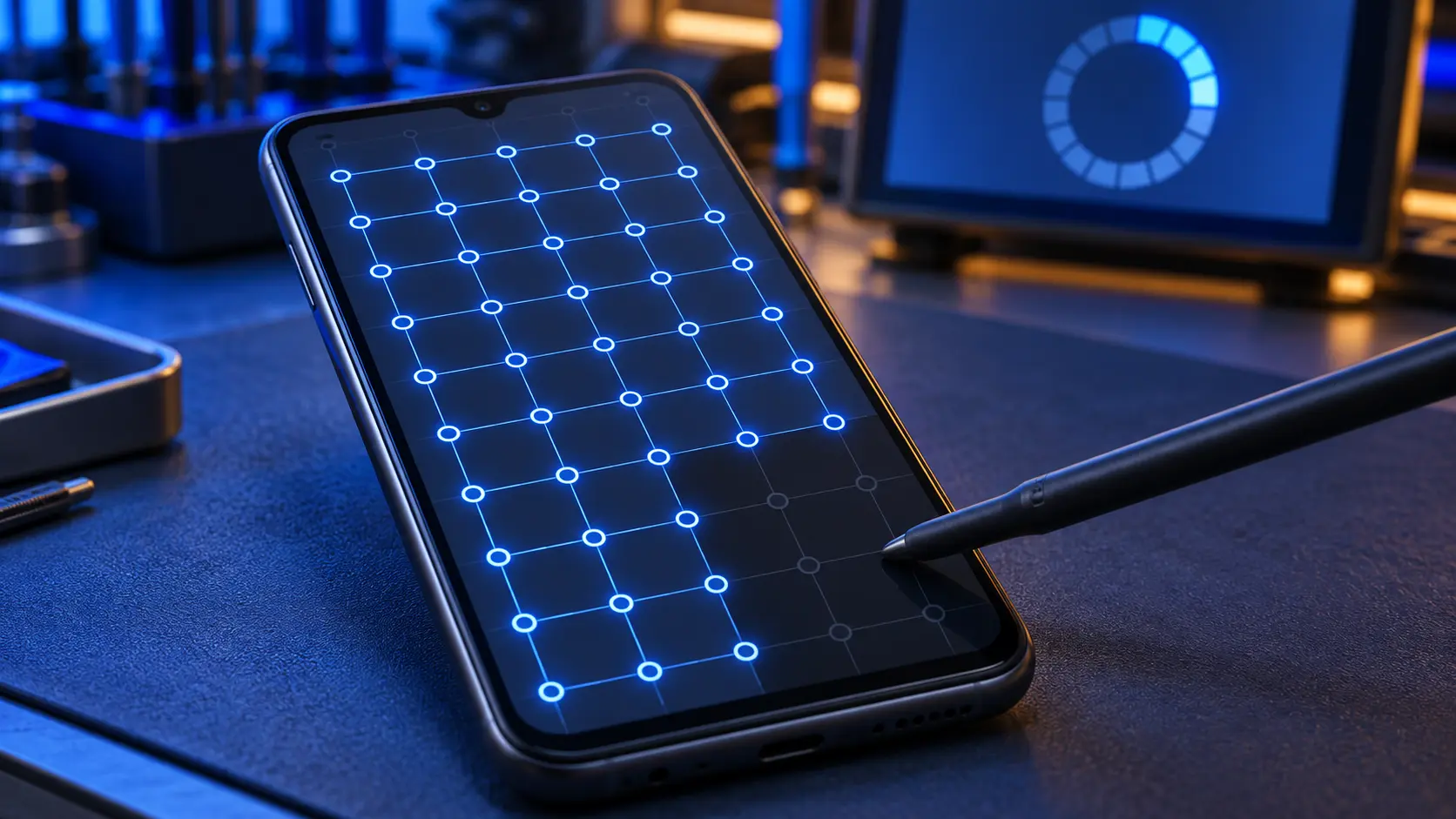
- Run Samsung's diagnostics. The Samsung Members app (Support > Get started) includes a touch screen test.
- Back up, then consider a factory reset. This is the last resort, and it only helps if the cause is software.
Contact Samsung
A fault caused by a software update isn't something you should have to pay a repairer for. Report it through the Samsung Members app (Support > Error reports) or Samsung UK's support, and if your A14 is still inside Samsung's warranty, ask Samsung to look at it.
When it really is the screen
It's a hardware fault, and a new screen is the fix, if:
- the glass is cracked, especially over the area that doesn't respond;
- the problem started after a drop or pressure, not after an update;
- there are also lines, black patches or a dark screen;
- the touch test fails in the same area every time, even in safe mode and after updating.
The A14 4G and A14 5G take different screens, so check your model number in Settings > About phone before booking: SM-A145R is the 4G and SM-A146P is the 5G in the UK. A genuine Samsung screen for either is £79 on my Galaxy A14 repair page, against Samsung's £124. For other screen symptoms, such as lines or a black screen, see this guide to Galaxy A screen faults, and for other models the Samsung Galaxy A repair page.
Frequently asked questions
Did Samsung fix the A14 touchscreen problem?
I haven't found an official Samsung statement confirming a fix. Install the latest update, and if the problem continues, report it to Samsung through the Samsung Members app.
Should I roll back to the older software?
I wouldn't recommend it. Rolling back a Samsung phone to older firmware needs computer tools, can wipe the phone and can go wrong. Report the fault to Samsung instead.
Is it the A14 4G or 5G that's affected?
Owners of both versions reported it after the One UI 7 update.
My A14's touch stopped working after I dropped it. Is it the update?
Probably not. If it started after a drop, and especially if the glass is cracked, the screen is damaged and needs replacing.