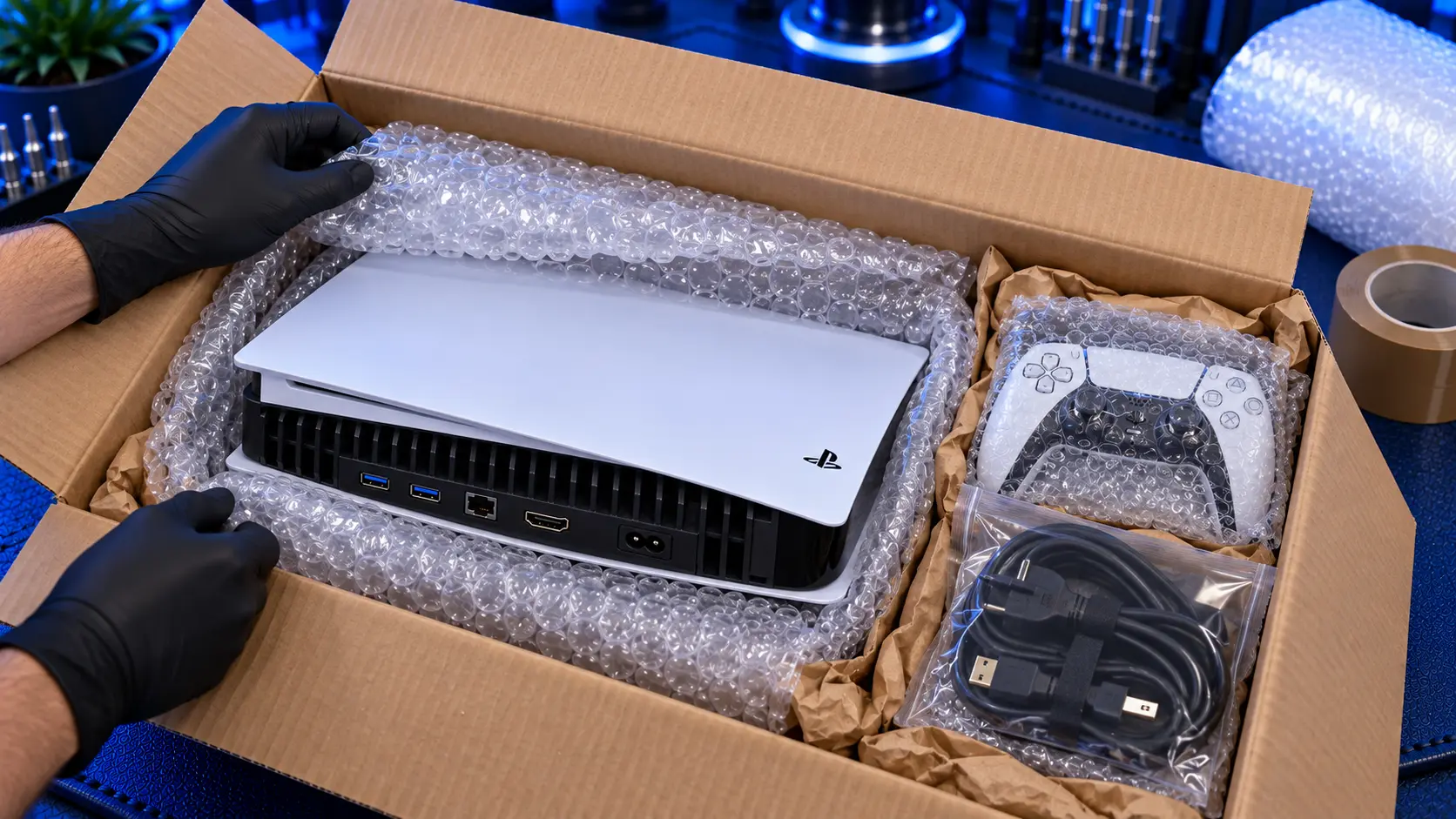
Sending your PS5 away for repair can feel nerve-racking. It's heavy, it's valuable, and it's going to spend a day or two in the hands of a delivery network. The good news is that a well-packed console travels safely, and packing it properly takes about ten minutes.
This is how I'd pack a PS5 myself, whether it's coming to me for repair or going anywhere else.
Before you pack: what to send and what to keep
Send just the console. For a console repair, I only need the PS5 itself. Keep these at home:
The stand. It adds weight and can scratch the console in transit.
Controllers, unless the controller is what needs repairing.
Cables, including the HDMI and power cables. If your HDMI cable was plugged in when the port was damaged, check its plug before you use it again. See how to tell if your PS5 HDMI port is damaged.
Any disc. Take the disc out of the drive before you pack it. A loose disc can be damaged, or damage the drive, in transit.
Take a few photos. Photograph the console from each side before you pack it. It takes a minute, and it gives you a record of its condition before it travels.
No need to delete anything. The repairs I do don't touch your games, saves or settings, so there's no need to reset the console or back anything up for an HDMI port, overheating or no-power repair.
Choose the right box
The best option is the original PS5 box, inside a larger outer box. The original box has moulded inserts made for the console, and the outer box and padding between them protect it from knocks and drops.
If you don't have the original box, use a sturdy double-wall cardboard box a few centimetres bigger than the console on every side. That space is for padding. Avoid thin single-wall boxes and old boxes that are soft or crushed at the corners.
Pad every side
The aim is simple: the console shouldn't be able to move inside the box, and nothing should touch it directly from outside.
Wrap the console in a couple of layers of bubble wrap, or a soft cloth then bubble wrap, and tape the wrapping closed.
Pad the bottom of the box with several centimetres of padding: bubble wrap, crumpled paper or foam.
Place the console in the centre, lying flat, and fill every gap around it on all sides.
Pad the top so the lid presses gently onto the padding when it's closed.
Shake test. Close the box and give it a gentle shake. If you can feel the console move, add more padding.
Loose packing peanuts on their own aren't ideal for something this heavy, because the console can work its way through them to the side of the box. Use them only to fill gaps around a wrapped console, never as the only protection.
Seal and label it
Tape the box on every seam, top and bottom, with proper parcel tape. Put your repair reference and your name on a note inside the box, so the console is matched to your booking even if the outside label gets damaged. When you book with me, I email you the address to send it to and the reference to include.
Don't write "PS5" or "games console" on the outside of the box. A plain box draws less attention.
Choose a tracked, insured service
Send it with a tracked service, so you can see where it is, and check that the service's compensation cover is high enough for the console's value. Standard parcel services often only cover a small amount unless you pay for extra cover. Keep your proof of postage and tracking number until the console arrives.
With my repairs, you pay to post the console to me, and tracked return postage is included in the repair price. The console comes back to you by insured, tracked delivery, packed the same way.
A note on weight
The original PS5 is noticeably heavier than the Slim and Pro, so it's worth weighing the packed box before you book postage. Most services price by weight and size, and an accurate weight avoids surcharges.
What happens when it arrives
I let you know when your console arrives, then repair it, test it and send it back tracked. Each repair page, including the HDMI port repair, shows the current turnaround. The same packing advice applies to every PS5 repair I do, including the overheating repair, the no-power repair and the disc drive repair. You'll find them all on the PS5 repairs page.
My recommendation
Send just the console, with no stand, controllers, cables or disc. Use the original box inside a larger box if you have it, or a sturdy double-wall box with padding on every side. Make sure nothing moves when you shake it, put your reference inside, and use a tracked service with enough cover for the console's value. Ten minutes of careful packing is all it takes. And once it's back, how to protect your PS5 HDMI port will help keep it from coming back to me.
The Repair Works is an independent UK repair service, run by me, Paul — 25 years of hands-on repair experience, working by post for customers across the whole country. Not affiliated with or endorsed by Sony.


