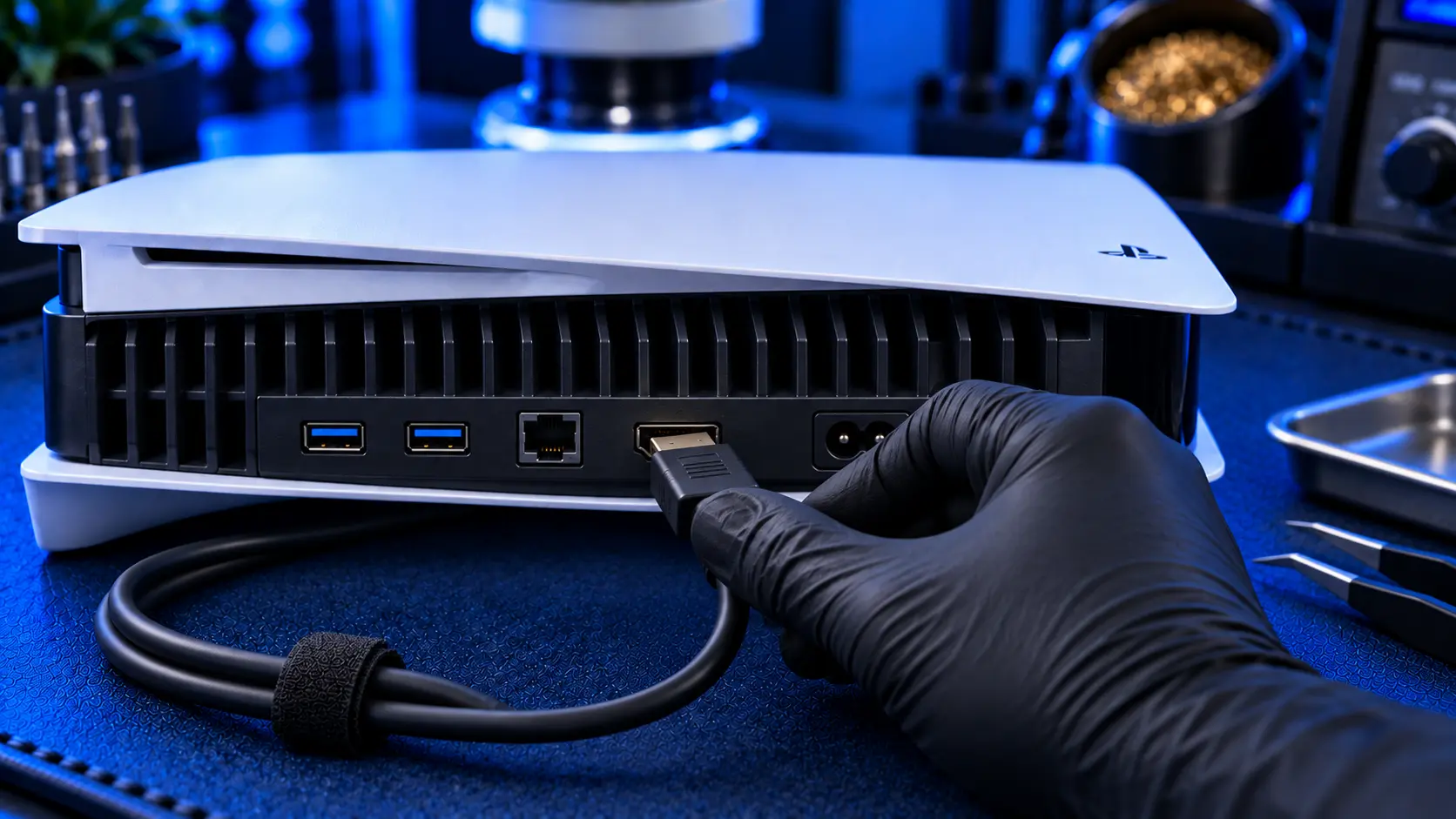
Almost every damaged PS5 HDMI port I repair got that way in one of a handful of ways, and almost all of them were avoidable. The port is strong enough for normal use. What damages it is sideways force: a cable pulled, levered or knocked while it's plugged in.
Whether your port is fine and you want to keep it that way, or you've just had it repaired and don't want to go through it again, these are the habits and setup changes that make the difference.
How HDMI ports actually get damaged
Most common first:
The console moved while plugged in. Sliding the PS5 across a shelf, turning it round to reach the back, or lifting it with the cable still attached. The cable acts as a lever against the port.
A cable pulled or tripped over. A cable snagged by a foot, a vacuum cleaner, a pet or a child pulls the console, or the cable, sharply at the port.
A fall. The console knocked off a shelf, especially when it goes over while the cable is still attached.
A plug forced in at an angle. Pushing the plug in crooked, or with the console hard to reach, bends the pins or the shell.
Heavy or stiff cables and adapters. A thick, stiff cable or a bulky adapter hanging off the port puts constant strain on it.
Every one of these puts force on the port sideways, which it isn't built to take. The fixes all come down to one idea: keep the cable relaxed, and never let it become a lever.
Unplug before you move it
This is the single most useful habit. Before you move the PS5 at all, whether to clean behind it, turn it round, or take it to another room, unplug the HDMI cable first. It takes seconds, and it removes the most common cause of port damage.
When you plug it back in, do it with the console where you can see the port, and push the plug in straight.
Give the cable slack
A cable that's pulled tight from the console to the TV turns every small nudge into force on the port. Leave some slack, a gentle loop behind the console, so that if the console or the TV moves slightly, the loop takes the movement rather than the port.
If your cable is only just long enough, a slightly longer one is a cheap way to protect a much more expensive port.
Route cables so they can't be snagged
Run the HDMI and power cables down the back of the unit, not across the floor or where feet go. Cable clips or ties on the back of the TV unit keep them tidy and out of the way. This matters more in homes with children, pets or a lot of foot traffic around the TV. A cable that can be caught by a foot is a port waiting to be pulled.
Use the right cable, not the heaviest one
The PS5 comes with an Ultra High Speed HDMI cable, and that's the right type to use. It's rated for the bandwidth the console needs at 4K and high refresh rates. If you replace it, look for an Ultra High Speed certified cable of a sensible thickness.
Avoid very thick, stiff "premium" cables with heavy plugs. They don't give a better picture, and their weight and stiffness put more strain on the port. And if a cable's plug is ever bent or damaged, replace the cable. Never keep using it.
Be careful with right-angle adapters
Right-angle HDMI adapters are popular for tight spaces, and they can help by stopping a cable being bent sharply at the port. But a cheap, bulky adapter creates its own problem. It sticks out further, gives anything that knocks it more leverage on the port, and some are poorly made inside. If you use one, choose a compact, well-made adapter, and make sure the cable's weight is supported rather than hanging off it.
Keep the console stable
A PS5 on the edge of a shelf, or standing upright without its stand, is easy to knock over, and a fall with the cable attached is one of the most damaging things that can happen to the port. Use the stand the console came with, keep it well back from the edge, and give it room to breathe. That last point also helps with heat.
After a repair: check your cable
If your port has been damaged and repaired, the cable that was plugged in at the time often took the same force. Check its plug carefully before you use it. A bent shell or damaged contacts can damage a brand new port the first time you plug it in. If there's any doubt, a new cable costs far less than a second repair. How to tell if your PS5 HDMI port is damaged covers what damage looks like on both the port and the plug.
If the damage is already done
If your port is already loose, flickering or showing no signal, stop plugging and unplugging it to test it. That makes the damage worse. A PS5 HDMI port repair with me is £75 all-in for the original PS5, PS5 Slim and PS5 Pro, including parts and tracked return postage, with a 12-month warranty. How to pack a PS5 for posting covers sending it in safely.
My recommendation
Unplug the HDMI cable before you move the console, leave some slack in the cable, and route it where it can't be snagged. Those three habits prevent most port damage. Use a sensible Ultra High Speed cable rather than the heaviest one you can find, be careful with bulky adapters, and keep the console stable on its stand. None of it costs much, and all of it is cheaper than a repair.
The Repair Works is an independent UK repair service, run by me, Paul — 25 years of hands-on repair experience, working by post for customers across the whole country. Not affiliated with or endorsed by Sony.


