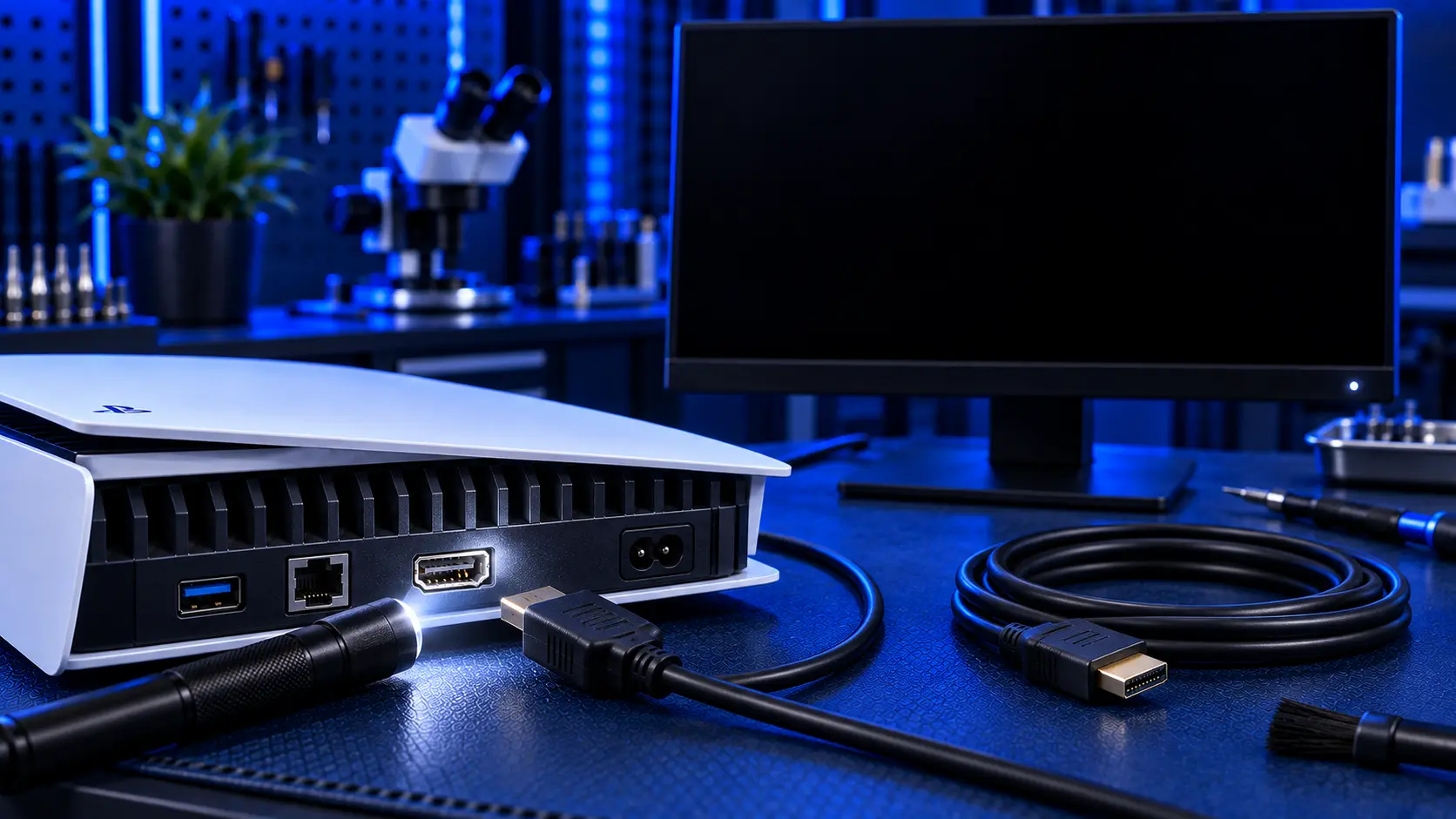
Your PS5 powers on, the light comes on and the fan starts, but the TV just says "no signal". It's one of the most common PS5 problems, and it's one of the most alarming, because it looks as if the console has died. In reality the console is usually fine, and often nothing is broken at all.
A "no signal" message means one thing: the TV isn't receiving a picture from the console. That can be caused by the TV, the cable, a setting, the PS5's HDMI port, or occasionally a chip on the board. The first three cost nothing to fix, so it's worth ruling them out properly before paying anyone, me included.
Here's the order I'd work through it.
1. Check the TV input and the obvious
Start with the TV rather than the console. Make sure it's set to the HDMI input the PS5 is actually plugged into. Some TVs label inputs differently from the numbers printed on the back, and some switch input on their own when another device powers on.
Then check the obvious: the HDMI cable pushed fully into both the PS5 and the TV, and the TV itself working with another device on the same input.
2. Swap the HDMI cable
HDMI cables fail more often than people expect, especially at the plug end, and a damaged cable gives exactly the same "no signal" message as a damaged port. The PS5 needs a cable that can carry a high-bandwidth signal. The one supplied in the box is an Ultra High Speed HDMI cable, and an older, cheaper cable can struggle, particularly at 4K or 120Hz.
Try a different cable you know works, ideally an Ultra High Speed one. While you've got the old cable out, look at its plug. If the metal shell is bent or the plug is damaged, don't use it again. A damaged plug can damage a good port.
3. Try a different TV or HDMI input
If you have a second TV or a monitor, try the PS5 on that. If it works there, the console is fine and the problem is the original TV or input. Some TVs need an "enhanced" HDMI mode switched on for a particular input before they'll accept a 4K signal at a high refresh rate. It's usually found in the TV's picture or input settings, under a name like enhanced format, deep colour or input signal plus.
Trying a different HDMI input on the same TV is worth doing too, because individual inputs on a TV can fail.
4. Use Safe Mode to reset the video output
If the PS5 is set to a resolution or refresh rate your TV can't handle, you'll get a black screen or "no signal" even though everything is working. Safe Mode lets you reset the video output without needing a picture first.
Turn the PS5 fully off. Hold the power button until it beeps and the light goes out, rather than putting it into rest mode.
Press and hold the power button again. You'll hear one beep straight away, then a second beep about seven seconds later. Let go after the second beep.
Connect your controller to the PS5 with a USB cable and press the PS button.
Choose Change Video Output from the Safe Mode menu, and try a lower resolution.
If you get a picture in Safe Mode, the HDMI port is working, and the fault is a setting, the TV or the cable. Once you're back in the normal menus, check the video settings under Settings, then Screen and Video.
If you get no picture even in Safe Mode, with a known-good cable and a TV that works with other devices, the fault is in the console.
5. Look at the PS5's HDMI port
With the console unplugged, shine a torch into the PS5's HDMI port. You're looking for anything that doesn't look straight and even: pins that are bent or pushed down, a port that looks crooked or pushed into the console, or a port that moves when you touch it. Don't poke anything into it.
I've written a fuller guide on how to tell if your PS5 HDMI port is damaged, with the specific things to look for.
Signs it's the HDMI port
If you've worked through the checks above, these point strongly to the port:
The fault started after the cable was knocked, the console was moved while plugged in, or it was dropped
The picture only appears when the cable is held at an angle, or flickers when it's touched
The HDMI plug feels loose, or won't push in fully
You can see bent or damaged pins inside the port
No picture at all, even in Safe Mode, with a known-good cable and TV
That covers most "no signal" faults. The port is the most exposed part of the PS5. It takes the full force whenever a cable is yanked or the console is knocked, and its small internal pins bend or break easily.
When it might not be the port
Occasionally the port looks perfect and the fault is a small chip on the board that processes the HDMI signal. It produces exactly the same symptom. It's less common than a damaged port, and it's more likely if the fault appeared without any knock, drop or cable accident. I explain the difference in PS5 HDMI port or HDMI chip: how to tell.
If your PS5 shows a black screen but also shuts itself off, won't stay on, or behaves oddly in other ways, that points to something other than HDMI. See PS5 turns on but black screen for those.
What the repair involves
A PS5 HDMI port repair with me is £75 all-in, including parts and tracked return postage. It covers the original PS5, PS5 Slim and PS5 Pro, disc and digital editions. If you own a Slim or Pro, PS5 Slim and Pro HDMI port repair explains what's different about those models. It's a board-level repair: I remove the damaged port with hot air, clean and prepare the pads on the board, and solder in a new port under magnification. The repair doesn't disturb the liquid metal cooling on the processor, and your games and saves aren't touched.
If it turns out to be the HDMI chip rather than the port, I don't replace that chip, so it's no fix, no fee: I refund what you paid, less return postage. If the port has been torn off hard enough to damage the board underneath, I'll quote for the extra work before doing anything more. Every repair is covered by a 12-month warranty. If you're weighing up the cost, PS5 HDMI port repair cost in the UK sets out what to expect.
My recommendation
Work through the free checks in order: the TV input, a known-good cable, another TV, then Safe Mode. Between them, they solve a good share of "no signal" problems without spending anything. If you still have no picture in Safe Mode with a good cable and TV, and especially if the fault started after a knock or the port looks damaged, it's almost certainly the HDMI port. That's a routine board-level repair, and far cheaper than a new console. When you're ready to send it in, how to pack a PS5 for posting will help it arrive safely.
The Repair Works is an independent UK repair service, run by me, Paul — 25 years of hands-on repair experience, working by post for customers across the whole country. Not affiliated with or endorsed by Sony.


