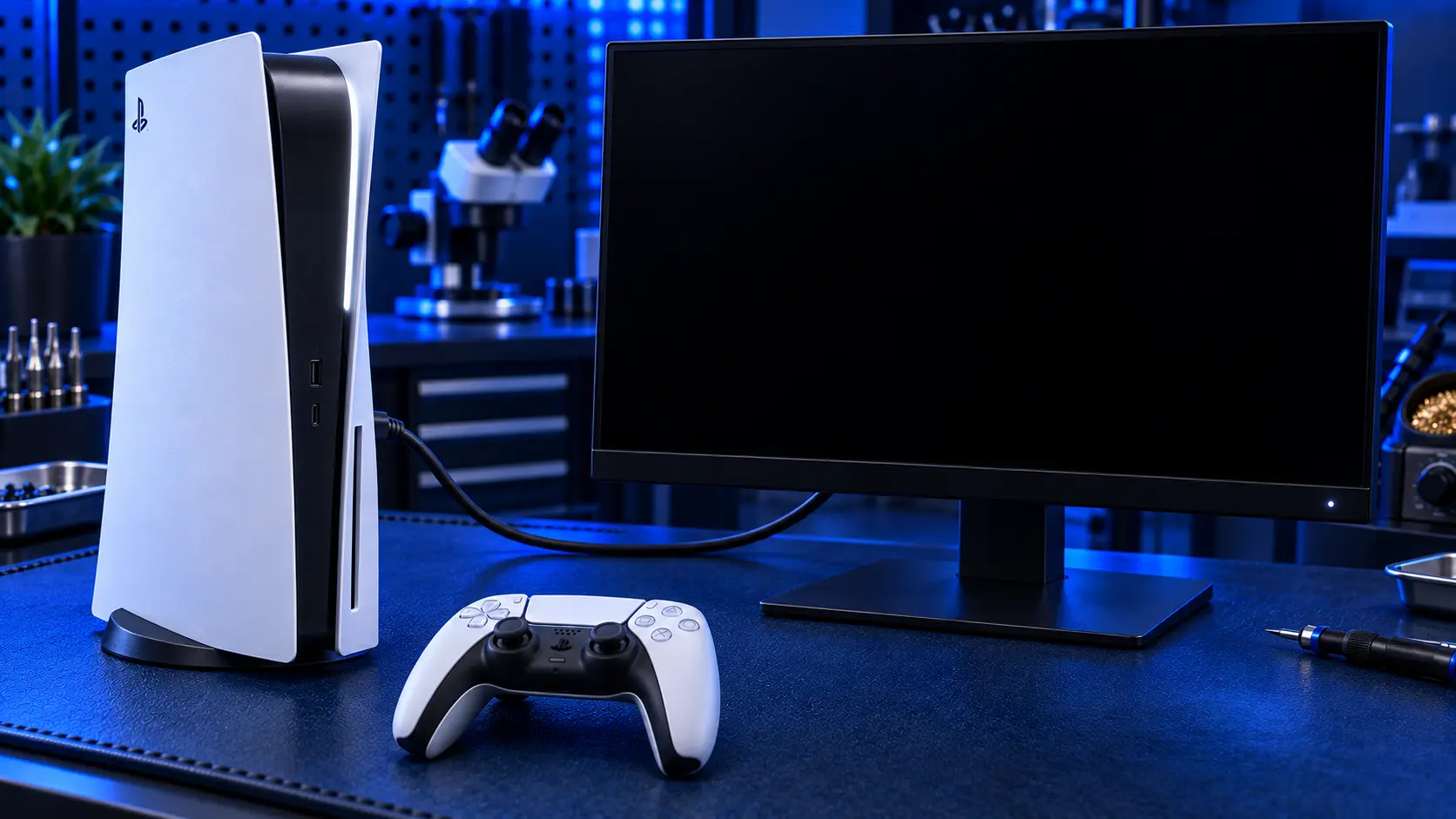
"My PS5 turns on but the screen's black" can mean several different things, and they have very different fixes. Some are a setting you can change in a minute. Some are the HDMI port. Some aren't a video fault at all, but a console that isn't staying on long enough to send a picture.
The key to working out which is to watch what the console itself does, not just the TV.
Watch the console, not the TV
When you press the power button, watch the light on the PS5 and listen to the fan:
The light comes on and stays on, and the fan runs normally. The console is on and running. The fault is almost certainly in the video path: the cable, the TV, a setting, the HDMI port or the HDMI chip. This is the most common case.
The light pulses and then goes out, or the console switches itself off. The console isn't staying on. That points to a power, overheating or system fault rather than video.
Nothing happens at all. There's no light, no fan and no beep. That's a power fault, not a black-screen fault.
It runs for a while, then shuts off, often during games, with the fan loud beforehand. That points to overheating.
If the console stays on: a video fault
This is the most common situation. The PS5 is working, it just can't get a picture to the TV. Work through the free checks in order:
The TV input. Make sure the TV is on the input the PS5 is plugged into.
The cable. Swap to a known-good HDMI cable, ideally an Ultra High Speed one like the cable supplied with the PS5. Cables fail more often than people think.
Another TV or input. If the PS5 works on another TV or monitor, the console is fine.
Safe Mode. Reset the video output from Safe Mode, in case the console is set to a resolution or refresh rate the TV can't show.
I've set out all of these step by step, including how to get into Safe Mode, in PS5 no signal: what to check first.
If you get a picture in Safe Mode, the hardware is fine and it's a setting, cable or TV problem. If you get nothing even in Safe Mode, with a good cable and a TV that works with other devices, the fault is in the console's video path. That's usually the HDMI port, and occasionally the HDMI chip on the board.
Signs it's the HDMI port
The fault started after the cable was knocked, pulled, or the console was moved while plugged in
The picture flickers or only appears with the cable at an angle
The HDMI plug feels loose or won't go in fully
You can see bent pins or a crooked socket
To check for yourself, see how to tell if your PS5 HDMI port is damaged. If the port looks perfect and the fault appeared out of nowhere, PS5 HDMI port or HDMI chip: how to tell explains the other possibility.
The fix for a damaged port is a PS5 HDMI port repair: £75 all-in for the original PS5, PS5 Slim and PS5 Pro, including parts and tracked return postage, with a 12-month warranty. On a Slim or Pro, see PS5 Slim and Pro HDMI port repair.
If the console won't stay on: a power or system fault
If the light comes on briefly and then goes out, or the console switches itself off before it gets to the home screen, the black screen is a symptom, not the fault. The console isn't running long enough to send a picture.
Common causes include a failing power supply, a fault on the mainboard's power circuits, or a system software problem. Try the simple things first: unplug the console from the wall for a few minutes, try a different socket without an extension lead, and check the power cable is pushed firmly into the back of the console. If it still won't stay on, see my PS5 no power repair, which covers consoles that are dead, won't stay on, or show a flashing or beeping fault.
If it shuts off after a while: overheating
A PS5 that works for a while and then goes black, usually mid-game and often with the fan running loud first, is protecting itself from heat. The console shuts down before its processor gets too hot.
Check the basics first. Give the console plenty of space on every side, especially at the back where the hot air comes out. Don't keep it in an enclosed cabinet, and keep it off carpet. If it's been running a long time without a clean, dust builds up inside and chokes the airflow. The fix for that is a PS5 overheating repair: a full thermal service: a deep clean of the heatsink and fan, a fan service or replacement if it's failing, and fresh liquid metal on the processor.
A quick way to tell them apart
Light on, fan normal, no picture: a video fault, most likely the HDMI port
Light on briefly, then off: a power or system fault
No light, no fan: a power fault
Works, then shuts off while gaming: overheating
My recommendation
Watch the console, not the TV. If the PS5's light stays on and the fan runs, work through the free video checks, and if Safe Mode still gives you nothing with a good cable and TV, it's almost certainly the HDMI port. If the console won't stay on, or shuts off after a while, it's a power or overheating fault. The fix for those is quite different, so it's worth describing exactly what the console does when you get in touch. If you do need to send it in, how to pack a PS5 for posting will help it arrive safely.
The Repair Works is an independent UK repair service, run by me, Paul — 25 years of hands-on repair experience, working by post for customers across the whole country. Not affiliated with or endorsed by Sony.


