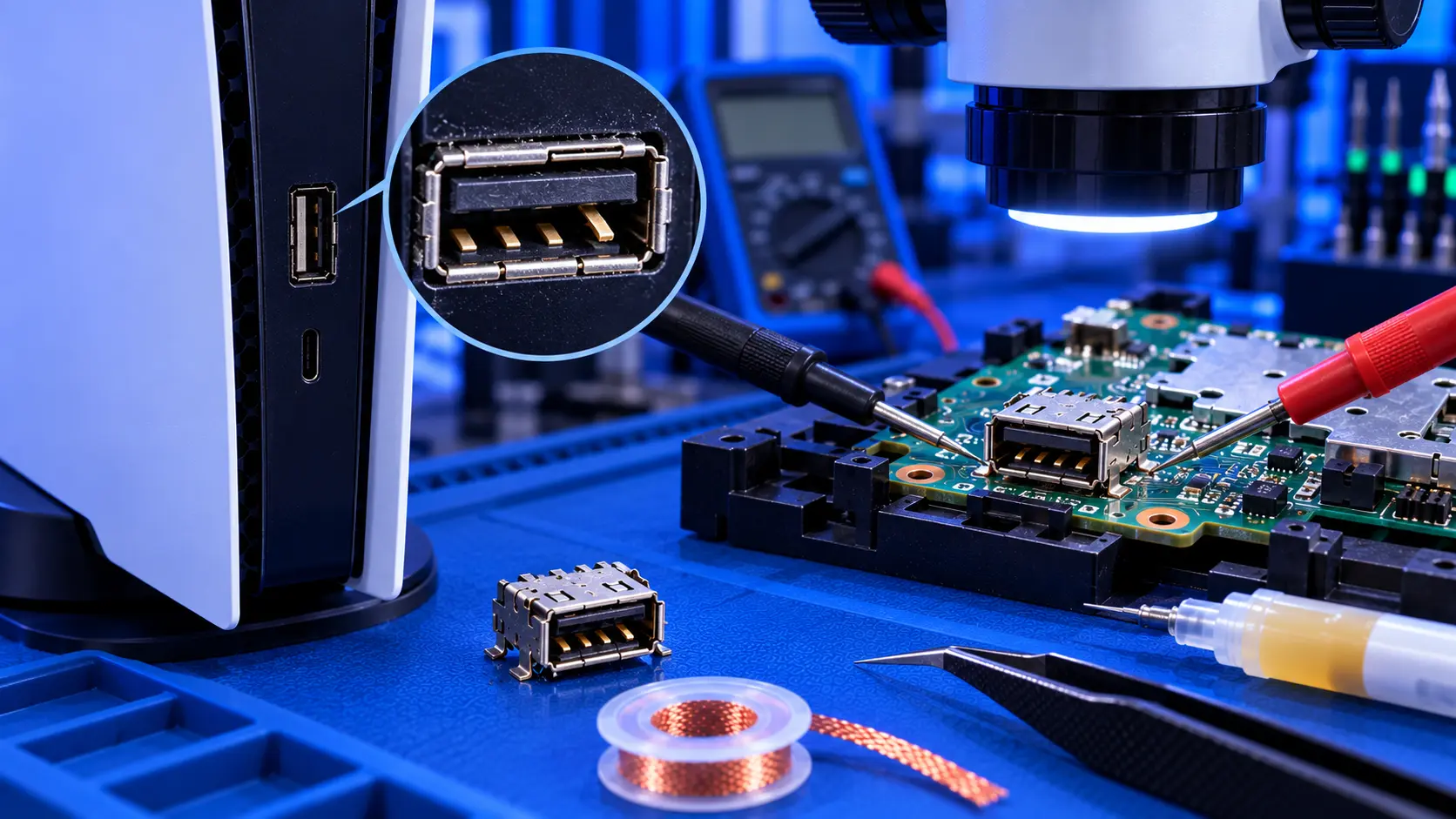
The PS5's fan is its only way of getting rid of heat. Everything else, including the big heatsink, the liquid metal and the vents, depends on that fan pushing air through the console. So a fan that has stopped spinning is one of the few PS5 faults where the answer to "can I keep using it?" is a firm no.
Here's how to tell whether your fan has stopped, what usually causes it, and what to do.
How to tell the fan has stopped
The PS5 fan is quiet at low speed, so it's not always obvious. These are the signs:
- A warning that the PS5 is too hot within minutes of switching on, even in the menus
- The console switches itself off quickly after starting a game
- No airflow from the back, and no fan sound even under load
- The console gets hot to the touch much faster than usual
- It started straight after the console was opened, for example for cleaning
If your PS5 is loud rather than silent, the fan is working. It's just working hard. PS5 fan loud covers that.
Stop using it
If you think the fan has stopped, switch the console off and leave it off until you know why. The console will try to protect itself by switching off when it gets too hot, but running it repeatedly without cooling is hard on its components.
What causes a PS5 fan to stop
A damaged or loose fan connector
This is the most common cause when the fan stops straight after the console has been opened. The fan's plug fits very tightly into a small socket on the board. When it's pulled out during cleaning, the whole socket can come away from the board. Even if it looks connected, a lifted or cracked socket won't carry power. See PS5 fan connector broken.
A worn-out fan
Fans have a bearing that wears over time. A worn fan usually gives a warning first, grinding, ticking or wobbling, before it stops altogether. A fan that has seized may twitch and stop, or not start at all.
Something blocking it
A cable, a loose screw or debris inside the console can catch the fan blades and stop them turning. This is more likely after the console has been opened.
A fault on the board
Less often, the part of the board that powers the fan fails. The fan itself is fine, but it isn't getting power.
What you can check
- Did it start after the console was opened? If so, the connector is the prime suspect.
- Listen and feel at the back vent as the console starts. A healthy fan makes a soft whoosh, and you can feel air.
- Look through the vents with a torch for anything obviously caught in the fan.
Beyond that, checking the fan means opening the console. If it's still under Sony's warranty, contact Sony first.
What the repair involves
It depends on the cause:
- A worn or seized fan: a PS5 fan replacement with me is £79, with a genuine replacement fan for your model.
- A damaged connector: a PS5 fan connector repair is £69, with a new connector soldered on and any damaged tracks repaired.
Both include tracked return postage, and both cover the original PS5, the Slim and the Pro. After either repair, I test the console for an hour running a demanding game before it's posted back. The work is covered by a 12-month warranty. If I find a different cause, I'll tell you and quote before doing anything more. For what fans cost and which fan fits which model, see PS5 fan replacement cost.
My recommendation
If the fan has stopped, switch the console off and keep it off. If it stopped straight after you opened the console, the connector is the most likely cause. If it had been grinding or ticking for a while first, the fan has probably worn out. Either way, it's a repair that's worth doing quickly and doing properly. When you're ready, how to pack a PS5 for posting will help it arrive safely.
The Repair Works is an independent UK repair service, run by me, Paul — 25 years of hands-on repair experience, working by post for customers across the whole country. Not affiliated with or endorsed by Sony.