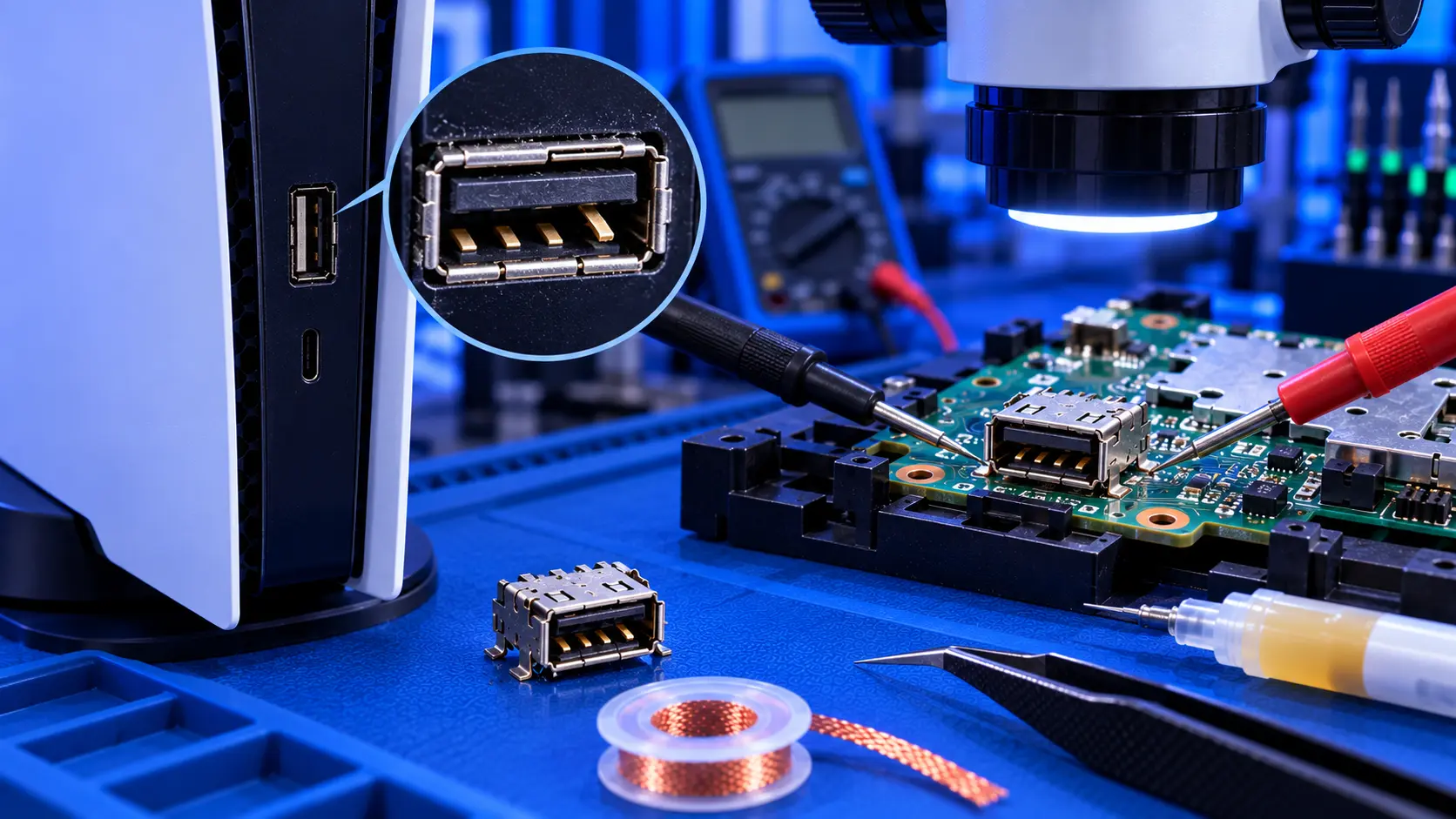
You opened your PS5 to give it a proper clean. You went to unplug the fan, it was tighter than expected, and when it came free, the socket came with it. Now there's a small plastic connector on the end of the fan cable, and a set of tiny bare pads on the board where it used to be.
If that's you, you're far from alone. It's one of the most common things that goes wrong when people clean a PS5. The good news is that it's usually repairable. Here's what happened, what not to do, and how it's fixed.
Why it happens
The PS5's fan plugs into a small socket soldered onto the board. The plug fits very snugly, so it doesn't work loose over years of vibration. The downside is that it takes real force to pull out, and it's in an awkward spot.
If the plug is pulled by the cable, or levered at an angle, the force goes into the socket's solder joints instead of the plug. Those joints are tiny, and the socket can break away from the board, sometimes taking the copper pads underneath with it.
What not to do
- Don't switch the console on and use it. Without the fan, it can't cool itself, and it will overheat within minutes.
- Don't glue the socket back on. Glue can't make an electrical connection, and it makes a proper repair harder.
- Don't push the plug onto the bare pads. Pressure contact is unreliable, and it can short neighbouring pads.
- Don't try to solder it without the right tools. The pads are very small and close together, and too much heat can lift more of them.
How it's properly repaired
The repair is microsoldering:
- Clean up the damaged area and assess what's left: which pads are intact and which have lifted or torn.
- Where pads are missing, rebuild the connection with fine wire from the remaining track to the new connector.
- Solder a new connector in place, aligned and secure.
- Check each connection, then plug the fan in and confirm it spins up and down properly.
- Test the console under load, to make sure the fan responds as the console heats up.
Most ripped connectors are repairable this way, even when a pad or two has come away.
While it's open
If you opened the console to clean it, it may still need that clean. A fan connector repair doesn't clean the heatsink fins or check the liquid metal. If your console was overheating before you opened it, the dust is probably still there. How to clean a PS5 explains what can be done from the outside, and the PS5 overheating repair covers a full strip-down clean.
How to avoid it next time
If you open a PS5 again, unplug the fan by gripping the plug itself, not the wires, and pull it straight up, gently easing it from side to side if it's tight. Never lever it against the board.
What the repair involves
A PS5 fan connector repair with me is £69, including the connector and tracked return postage, for the original PS5, the Slim or the Pro. I fit a new connector, repair any lifted pads or tracks, then test the console for an hour running a demanding game before it's posted back. The work is covered by a 12-month warranty.
If the fan itself was damaged too, I'll quote for a genuine replacement first. If the board damage turns out to be beyond repair, it's no fix, no fee: I refund what you paid, less return postage. If your fan has stopped for a different reason, see PS5 fan not spinning.
My recommendation
Don't panic, and don't switch it on. A ripped fan connector is a common accident, and it's usually a straightforward repair for someone with microsoldering equipment. What makes it harder is a rushed fix: glue, force, or a soldering iron that's too big and too hot. Put the console back together as it is, and send it in. When you're ready, how to pack a PS5 for posting will help it arrive safely.
The Repair Works is an independent UK repair service, run by me, Paul — 25 years of hands-on repair experience, working by post for customers across the whole country. Not affiliated with or endorsed by Sony.