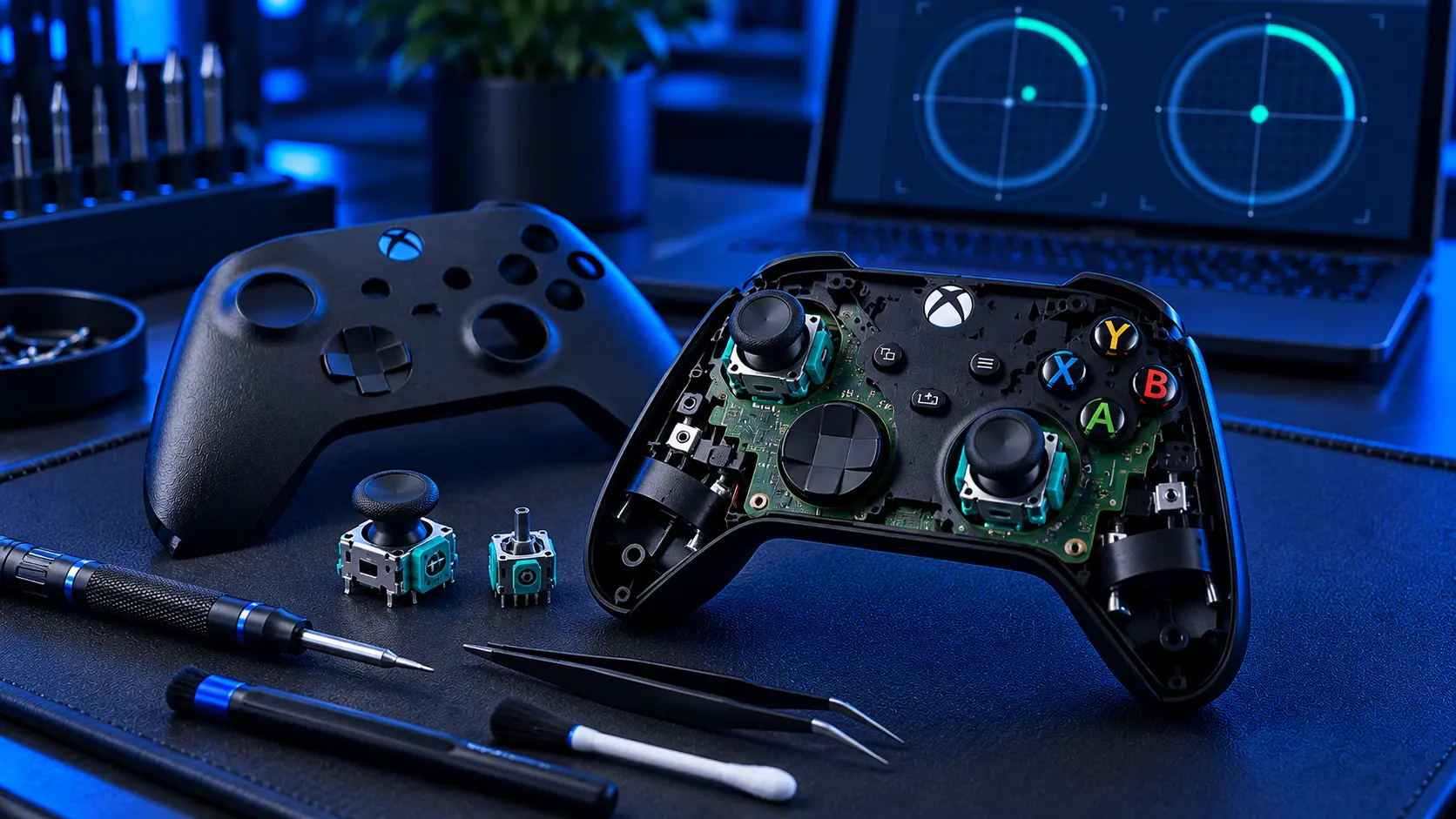
Before you pay anyone anything, there's a free fix worth trying on an Xbox controller — and unlike most consoles, it's an official one.
Microsoft publishes a recalibration tool for Xbox Wireless Controllers, reached through the Xbox Accessories app. It won't fix every drifting pad, and I'll be straight about which ones it won't. But it costs nothing, takes a few minutes, and on a controller whose sticks aren't actually worn out it can clear the problem completely.
That's a better starting point than most people are given. Search for this and you'll mostly find pages telling you to blast compressed air at it.
First: make sure it's actually drift
Put the controller down on a table, don't touch it, and watch what happens on the home screen. The Xbox dashboard applies almost no deadzone, which makes it the most sensitive drift detector you own. If the selection creeps on its own while nothing is touching the sticks, that's drift.
If it only misbehaves in one game, that's a different problem — see the section on deadzones below.
Second: run Microsoft's calibration tool
Install the Xbox Accessories app, connect the controller with a USB cable, and look for the calibration or recalibration option. The app walks you through moving each stick through its range so the controller re-learns where centre is and how far the sticks travel.
Two things worth knowing before you start.
It doesn't cover Xbox One controllers. The recalibration tool is for the Xbox Wireless Controller — the Series X|S pad. If you've got an Xbox One controller, the option won't be there, and that isn't something you've done wrong. Whether it appears for an Elite Series 2 depends on the model and firmware, so it's worth looking.
It calibrates, it doesn't repair. The tool teaches the controller what the sticks are currently reporting. If the sticks are reporting rubbish because the track inside is worn, a recalibration can mask it for a while by shifting where the controller thinks centre is. That's genuinely useful if the fault was a knock or a bad calibration. It's a delay if the fault is wear.
Which leads to the test that actually matters.
What the tool is actually doing
Worth understanding, because it tells you what it can and can't fix.
The controller reports each stick's position as a number, and at rest that number should sit at centre. Calibration is the controller learning what "at rest" and "fully pushed" actually read on your particular pad, and using that as its reference.
If the sticks are physically fine and the reference has drifted — after a knock, a firmware update, or a pad that was being held while it connected — recalibrating fixes it properly. The readings were always good; the reference was wrong.
If the track inside the stick is worn, the readings themselves are noisy. Recalibration can shift the reference to swallow some of that noise, which is why the drift often disappears for a few days. But the noise grows as the wear progresses, and each recalibration buys you less than the last. Microsoft say as much themselves — the tool isn't intended for drift caused by normal wear.
The test that tells you what you've got
Calibrate it, then use it normally for a few days.
If the drift is gone and stays gone, it was a calibration fault and you've fixed it for nothing. That does happen and I'd rather you did that than paid me.
If it comes back within a few days, the stick is mechanically worn. You'll get a shorter reprieve each time you repeat it, and cleaning it won't change that either. That's the point where it's a repair rather than a setting.
Third: a careful clean
Dust and grit collect around the base of the stick and can sit against the contacts. A short burst of compressed air around the base, with the stick pushed to each side in turn, sometimes shifts it. Keep the can upright and don't hold the trigger down — tipping it sprays liquid propellant into the shell, which is a worse problem than the one you started with.
A word on contact cleaner, since it's the most common advice online: it can work, briefly. It can also dissolve the lubricant on the track, which makes the wear worse over the following weeks. Flooding a stick can buy you three good weeks followed by a much worse fault. If you're going to try it at all, use a trace on a cotton bud rather than a burst from the can. There's more on that pattern in why it's still drifting after a clean.
If it only happens in one game
Check that game's controller settings before assuming the hardware is at fault. Most games apply a stick deadzone — a small area around centre where input is ignored — and some ship with it set very tight for responsiveness. A pad with mild wear can behave perfectly in one game and badly in another purely because of that setting.
The dashboard is the tiebreaker. If the controller sits still there and one game misbehaves, it's the game.
What there isn't
There's no firmware update that repairs drift, and there won't be, because firmware can't put material back on a worn track. Keep the controller updated — it's good practice and occasionally fixes connection oddities — but if a page tells you a system update fixes stick drift, close it.
When it's worn
A stick replacement is £19 for one or £24 for both, including parts, tracked return postage and a 12-month warranty. If you'd rather not repeat the exercise, the Hall effect upgrade at £34 and the TMR upgrade at £39 use contactless magnetic sticks with no contact track to wear down. Full prices are in what Xbox drift repair costs.
Try the calibration tool first — it's free and it works on some pads. If the drift is back within the week, the stick is worn, and that's when it's worth posting to me.
The Repair Works is an independent UK repair service, run by me, Paul — 25 years of hands-on repair experience, working by post for customers across the whole country. Not affiliated with or endorsed by Microsoft.


