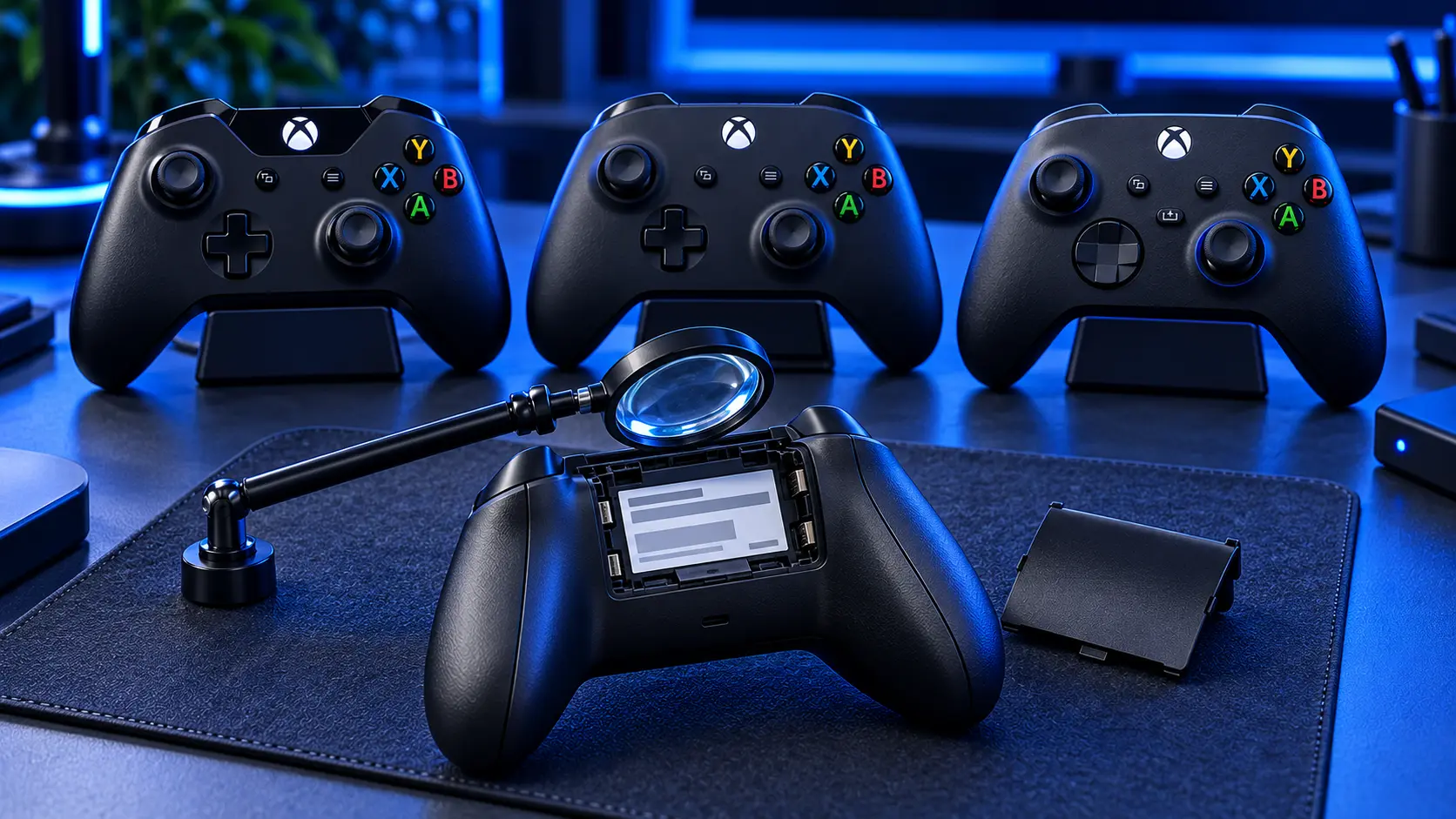
Six Xbox controllers have been sold since 2013, several of them look almost identical, and which one you've got changes what can be done with it. Worth thirty seconds.
The quick way: find the model number
On every standard Xbox controller, take the battery cover off the back. Inside the compartment there's a label, and the model number is on it, usually below the barcode. It's a four-digit number.
The Elite Series 2 is the exception. It has a built-in rechargeable battery and no compartment, so its details are printed on the lower centre of the back of the controller, below where the paddles mount.
If you'd rather not go digging
You can tell them apart by looking, once you know what to look for.
Model 1537 — the original Xbox One pad, 2013. No 3.5mm headphone socket on the bottom edge. If there's nowhere to plug headphones in directly, this is almost certainly yours.
Model 1697 — Xbox One, 2015. Same shape, but with a 3.5mm headphone socket added on the bottom edge next to the expansion port.
Model 1708 — Xbox One S era, 2016. Has the headphone socket, and adds Bluetooth. The giveaway is the plastic around the Xbox button: on the 1708 it's part of the same piece as the controller's face, while on the older two it's part of the top section that the bumpers sit in. Textured grips on the back as well.
Model 1914 — Xbox Series X|S, 2020. The easy one. It has a Share button — a small square button in the middle, between View and Menu — which none of the others have. Also USB-C instead of micro-USB, a hybrid D-pad, and dimpled texture on the triggers and bumpers.
Model 1698 — Xbox Elite, 2015. Metal paddles on the back, swappable thumbsticks and D-pad, noticeably heavier, usually in a carry case.
Model 1797 — Elite Series 2, 2019. Like the original Elite but with USB-C, a built-in rechargeable battery and no battery compartment. Adjustable stick tension.
What your model means for a repair
Xbox One pads (1537, 1697, 1708). Stick drift is repairable exactly as on any other controller: £19 for one stick, £24 for both, or a £34 Hall effect upgrade. What you don't get is Microsoft's free calibration tool — it doesn't cover these — and I don't offer the TMR upgrade on them for the same reason. Xbox One controller drift repair goes through it properly.
Series X|S (1914). The best-served of the lot. Microsoft's recalibration tool covers this pad, so there's a genuine free fix worth trying first, and it's the only controller I fit TMR to. Standard repair £19 or £24, Hall effect £34, TMR £39. See Xbox Series X|S controller drift.
Elite and Elite Series 2 (1698, 1797). I don't repair these. If yours is drifting, Xbox Elite Series 2 stick drift sets out what your options actually are, including a warranty history worth knowing about.
What if the label has worn off?
Common on older pads, and not a problem.
Work through the visual checks in order: headphone socket, then the plastic around the Xbox button, then the Share button. Those three questions separate every standard Xbox controller made since 2013 without needing a label at all.
If it has paddles on the back it's an Elite, and whether it has a battery compartment tells you which one.
Special editions, Design Lab and third-party pads
Special editions — limited colours, anniversary models — are the same hardware in a different shell. A Series X|S special edition is still a 1914 and repairs identically.
Design Lab controllers are Series X|S pads built to order. Same internals, same repair, same price.
Third-party controllers are a different matter. PowerA, Turtle Beach, Nacon and the rest build their own hardware, and the sticks, boards and even the screws vary by maker. I take those case by case rather than at a fixed price — send me a photo and I'll tell you where you stand.
Does the model change the price?
Mostly no. A stick replacement is £19 for one or £24 for both on any standard Xbox controller, Xbox One or Series X|S. The Hall effect upgrade is £34 on either.
The one place the model matters is TMR at £39, which I fit to Series X|S pads only — it needs Microsoft's calibration tool afterwards, and that tool doesn't cover Xbox One.
Why not just go by the console it came with?
Because controllers move around. Pads get bought separately, borrowed, inherited, sold on and used on PC, and "it came with my Series X" turns out to be wrong often enough that it isn't worth relying on.
The number in the battery compartment is a fact. Everything else is an assumption.
Why the model matters more than it looks
Three reasons, all of which cost people money when they guess.
Parts aren't interchangeable. Stick modules that fit one generation don't necessarily fit another, and ordering the wrong one is a wasted week.
The free fix isn't universal. If you've read that Xbox drift can be fixed with a calibration tool and yours doesn't offer the option, it isn't broken — the tool simply doesn't cover your controller.
Warranty depends on it. A Series X|S pad bought in the last year may still be covered. A 2016 Xbox One pad certainly isn't. And the Elite Series 2 has its own history worth checking.
Still not sure?
Send me a photo of the back of the controller with the battery cover off, or just tell me which buttons it has, and I'll tell you what you've got. It takes me a second and it saves you ordering the wrong thing.
If you already know it's drifting and you just want it sorted, what Xbox controller drift repair costs has all the prices in one place.
Battery cover off, four-digit number inside — that's all it takes. Once you know the model, everything else about repairing it follows.
The Repair Works is an independent UK repair service, run by me, Paul — 25 years of hands-on repair experience, working by post for customers across the whole country. Not affiliated with or endorsed by Microsoft.


