If your character keeps creeping forward, or the camera slowly turns on its own, your Xbox controller may have stick drift. But not every bit of creep is a worn stick. A game setting, a PC driver or a stick that just needs cleaning can look exactly the same.
Here are four ways to check, roughly in order of how much they tell you. They work for Xbox Series X|S, Xbox One and Elite controllers. If it is drift, my Xbox controller repair page has the fixed price for each fault.
1. Check it in a menu or a game you know
Put the controller down, hands off, and watch.
- In the console's menus, does the highlight move on its own?
- In a game you know well, does the camera or your character creep when you're not touching the sticks?
If it only happens in one game, the cause is probably that game's settings rather than the controller. Try a second game before deciding.
2. Use a browser stick drift test
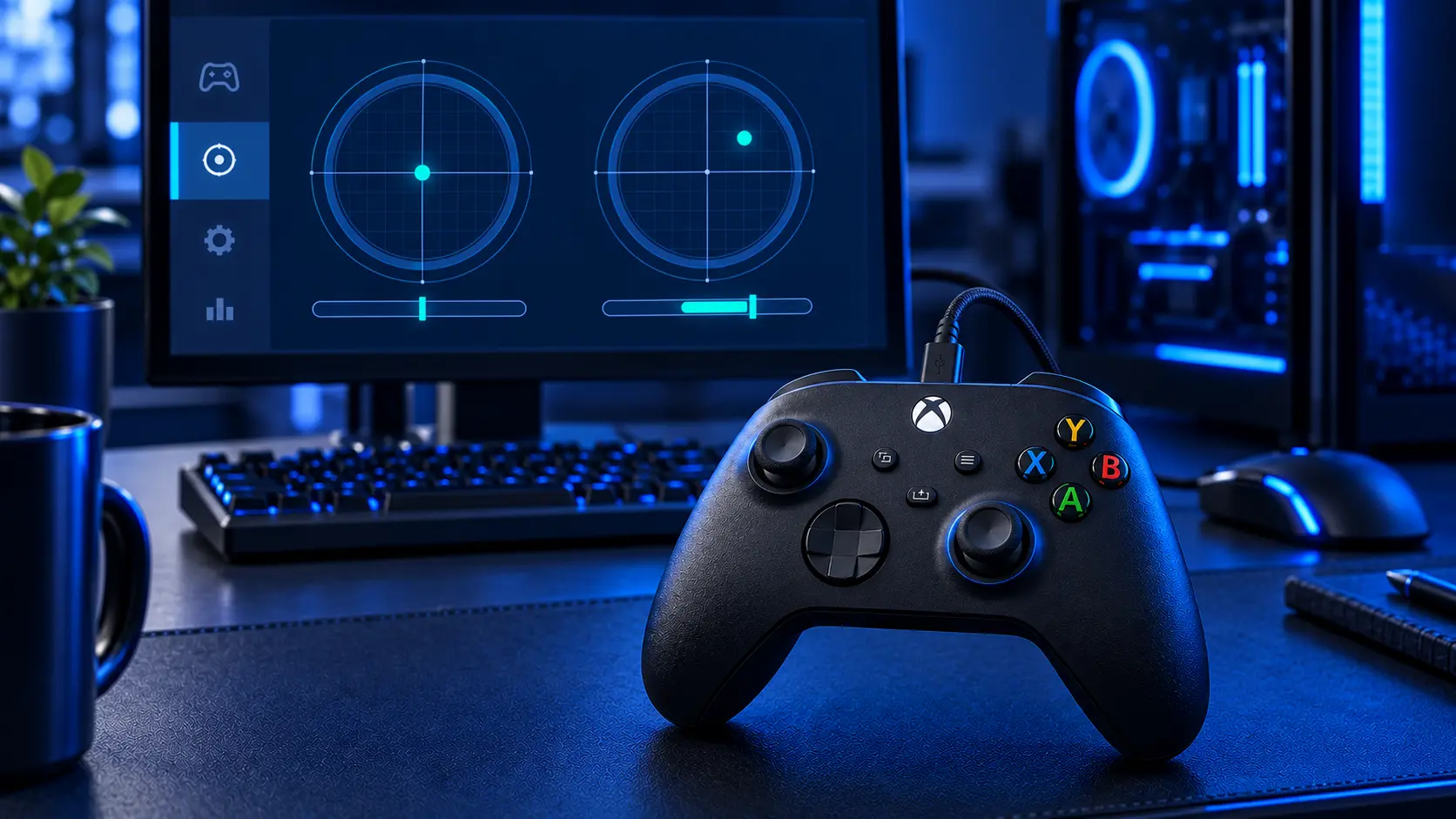
For a precise answer, connect the controller to a computer or an Android phone, by USB or Bluetooth, and use a browser-based tester. I built a free stick drift test for this. It reads the controller through your browser and gives each stick a plain-English verdict, from Healthy to Severe.
It tests each stick three times, after pushing it in different directions, because a stick doesn't always come back to the same place. The result tells you:
- how far off centre each stick rests, as a percentage of its full travel;
- which stick is drifting, left, right or both;
- whether the drift is consistent, settling in the same place every time, which usually means a worn sensor, or changes with each push, which usually means a centring problem.
Nothing you test leaves your browser. For what the percentages mean, see stick drift percentages and dead zones explained.
3. Use Windows' built-in controller test
On a Windows PC, there's an older test built in. Press Windows + R, type joy.cpl and press Enter. Select the controller, then Properties. You'll see a crosshair for each stick. If a crosshair sits off centre with your hands off, that stick is drifting.
It's useful for a quick look, but it doesn't measure how much or tell you what it means.
4. Recalibrate, then test again
Microsoft's Xbox Accessories app includes a recalibration option for supported controllers. Recalibrate, then run the browser test again. If the drift has gone, it was a calibration issue. If it's still there, especially in the same direction every time, the stick is worn. My Xbox controller calibration guide goes through the steps.
Is it drift, or a setting?
- It happens in one game only: check that game's dead zone setting.
- It happens on PC but not on the console: Steam and other controller software can add their own settings. See Xbox controller drift on PC.
- It happens everywhere, and the browser test agrees: it's the controller.
What to do with what you found
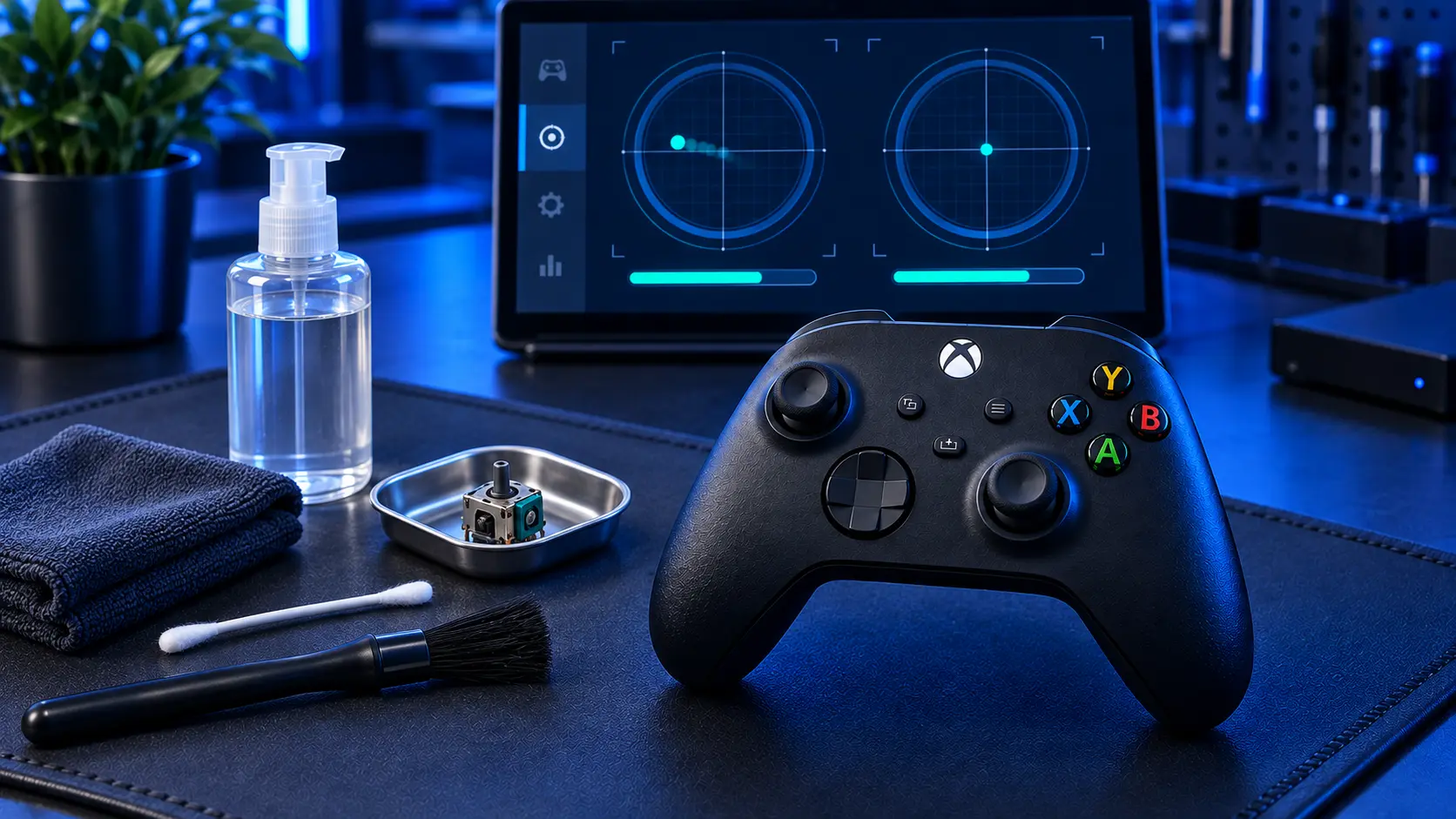
- Healthy or minor: a dead zone setting in the game is often enough, and cleaning around the stick can help.
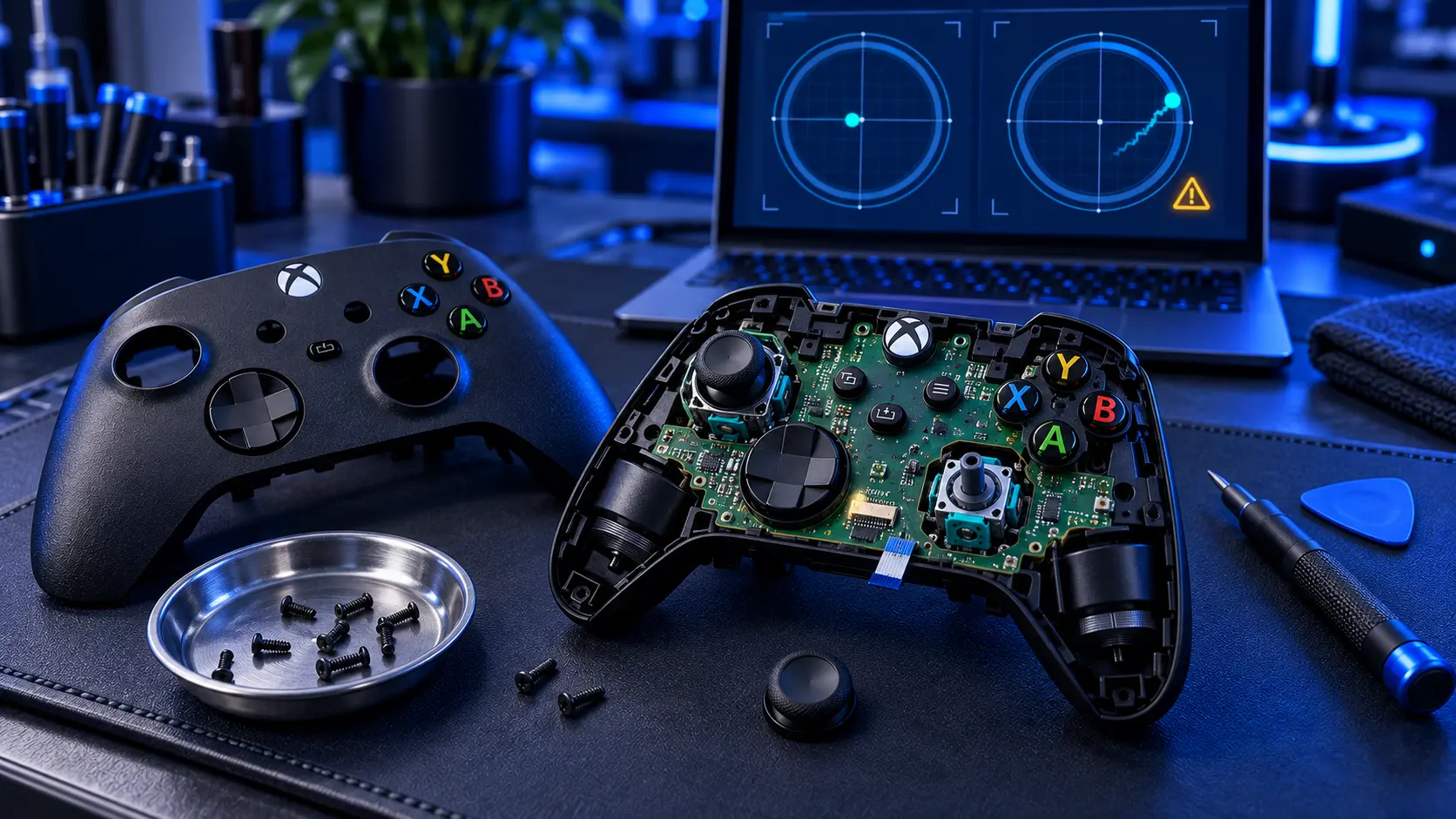
- Noticeable or severe, and consistent: the stick is worn. Cleaning may help for a while, but replacing the stick is the proper fix. See how to fix Xbox controller drift.
- An Elite Series 2: check your warranty first. See Xbox Elite Series 2 drift.
I replace drifting sticks on Xbox Series X|S and Xbox One controllers by post, with standard, Hall effect or TMR replacements, and I test them with the same tester before and after. See my Xbox controller repairs.
Questions people ask
How do I know if my Xbox controller has stick drift?
Put it down and watch the menus or a game. If things move on their own, run a browser drift test to see which stick and how much.
Can I test Xbox controller drift on the console?
You can see it in menus and games, but for a measured result use a computer or an Android phone with a browser tester. Console browsers can't read controllers.
Does recalibrating fix Xbox stick drift?
It can if the problem is calibration. If the drift comes back in the same direction, the stick is worn and needs replacing.
Does the test work with an Xbox wireless adapter?
Usually, yes. Connect the controller by USB, Bluetooth or the adapter, press a button, and the browser should see it.
My recommendation
Check a second game, then run the browser test. It takes about a minute and tells you which stick, how much, and whether it's worth trying the free fixes first.