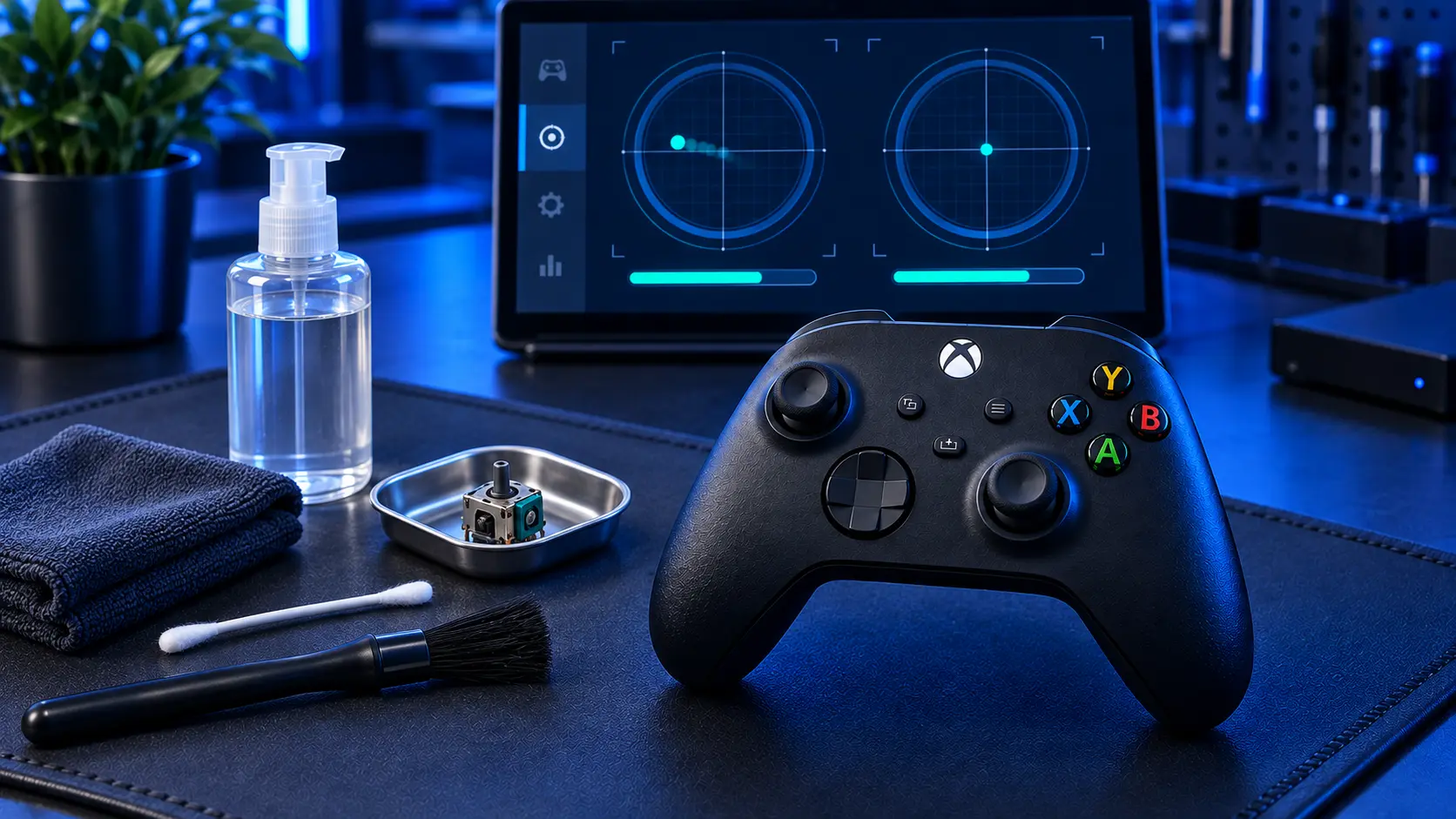
You blew compressed air round the stick, maybe put some contact cleaner in, possibly ran the calibration tool as well. It worked. Then a few days later the drift came back. Or it never went. Or — the one nobody expects — it's now worse than before you touched it.
All three outcomes tell you something specific, and none of them mean you did it wrong.
What cleaning actually does
Inside each stick axis there's a resistive track and a contact arm sweeping across it. Cleaning addresses one thing: muck sitting between the two. Dust, skin oil, crumbs, the general debris that finds its way into a controller living on a sofa.
If contamination is what's breaking the contact, removing it restores a clean signal and the drift stops. That does happen, and when it does you've fixed it for free.
What cleaning cannot do is put material back onto a worn track. If the arm has ground a groove into the surface over a few hundred hours of play, the track is thinner there and its resistance has changed. Nothing sprayed into the gap alters that.
"It worked for a few days"
The most common outcome, and the most informative.
What's usually happened is that the cleaner temporarily improved contact across a worn section — wetting the surface, filling the groove slightly, or shifting the arm's resting position a fraction. The readings settle, the drift disappears, and for a few days everything is fine.
Then the solvent evaporates or redistributes, the arm returns to its worn path, and you're back where you started.
Each repeat gives a shorter reprieve, because the wear keeps progressing while you're masking it. If you're on your third clean and the good spell is down to a day, that's your answer: the stick is worn, and cleaning is only delaying the repair.
If you calibrated as well
Worth separating the two, because people often do both at once and then can't tell which did what.
On a Series X|S pad, Microsoft's recalibration tool shifts the controller's idea of where centre is. On a worn stick that can also mask drift for a few days, for the same reason a clean can. So if you cleaned and calibrated together and got a few good days, you don't yet know which one bought them — and it doesn't much matter, because both point at the same conclusion.
If you'd like to separate them, calibrate on its own next time and leave the cleaner alone. The calibration guide covers what it does and doesn't fix.
"It's worse than before"
This catches people out, and it's almost always contact cleaner.
Stick modules are assembled with a small amount of lubricant on the track, there to slow the wear down. Most electronic contact cleaners are solvents, and solvents dissolve lubricant. Flood a stick with cleaner and you wash out the grease that was protecting it.
The controller often feels excellent for a week, because the track is clean and the contact is good. Then the arm is running dry on an already-worn surface, and it degrades faster than it ever did before.
Better briefly, then noticeably worse. If that's the pattern you've seen, that's why — and it's why, if you use cleaner at all, you use a trace on a cotton bud rather than a burst from the can.
"It never went away"
The simplest one. If cleaning made no difference at any point, contamination was never the problem and the track was already worn when you started.
Nothing lost. You've ruled out the free fix in five minutes, which is worth doing.
Liquid where it shouldn't be
One thing to check before you go further. If cleaner ran down inside the shell rather than staying around the stick, it can reach the board.
Most electronic cleaners evaporate without residue and do no harm. Some leave a film. And if you used something not designed for electronics — WD-40, brake cleaner, a household spray — it can sit on the board and cause faults that have nothing to do with the sticks: buttons behaving oddly, intermittent problems that come and go.
If other things started misbehaving after you cleaned it, say so when you send it in. It changes what I look at first.
Where that leaves you
If cleaning bought you days rather than weeks, or nothing at all, the stick is worn and the fix is a new module.
That's £19 for one stick, £24 for both, including parts, tracked return postage and a 12-month warranty. If you'd rather not be doing this again, the Hall effect upgrade at £34 or TMR at £39 uses contactless magnetic sticks — no contact arm, no track, nothing to wear or contaminate, so there's nothing to clean in the first place.
And if you went further than cleaning and opened it up, that's usually fixable too — here's what typically goes wrong.
Book the repair and tell me what you cleaned it with. It genuinely helps.
The Repair Works is an independent UK repair service, run by me, Paul — 25 years of hands-on repair experience, working by post for customers across the whole country. Not affiliated with or endorsed by Microsoft.


