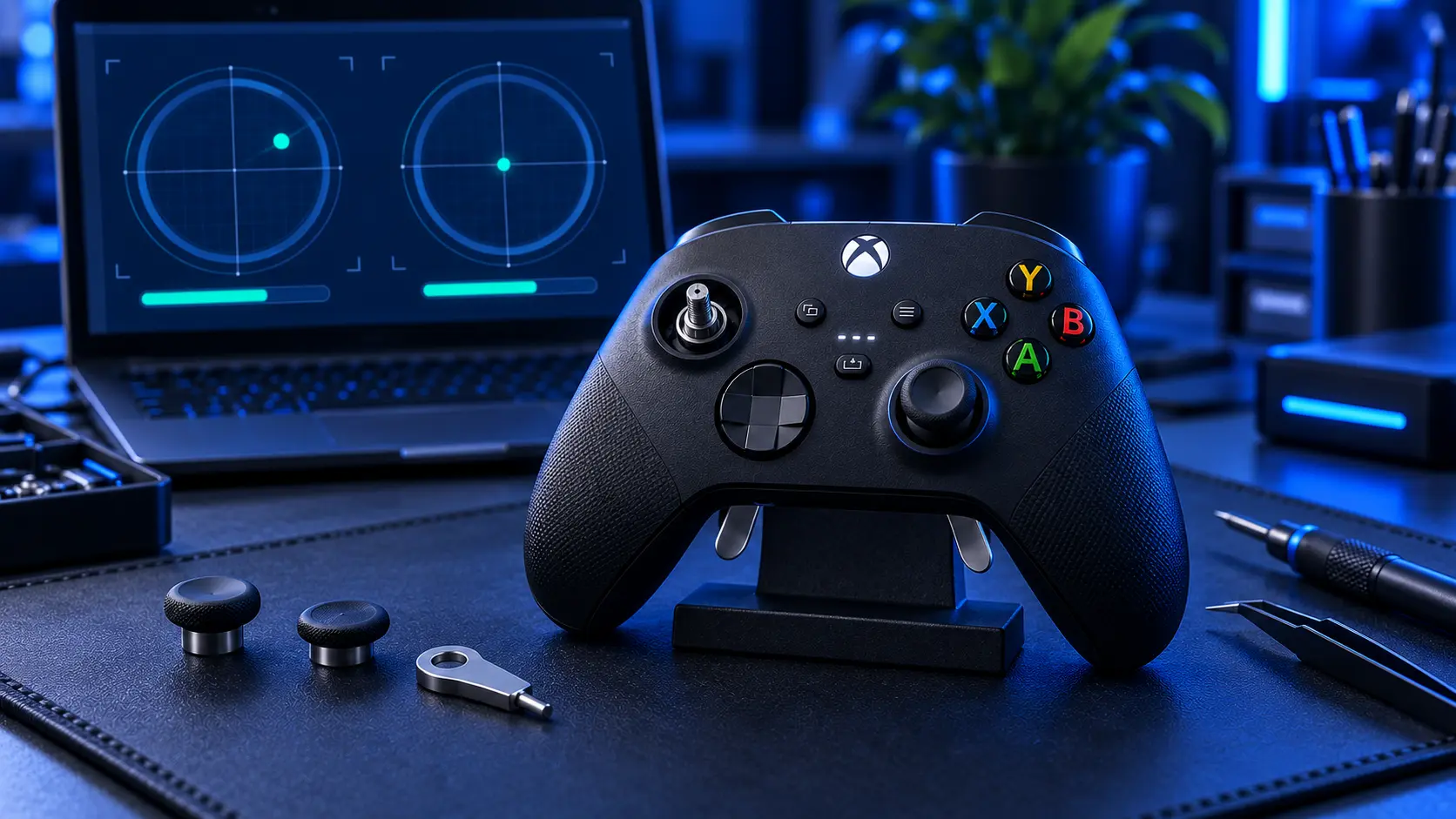
Let me get the unhelpful part out of the way first: I don't repair the Xbox Elite Series 2. It isn't a service I offer, and I'd rather tell you that here than have you pay to post a £160 controller to somebody who's going to send it straight back.
What I can do is set out what your options actually are, because there's one in particular that a lot of Elite owners don't know about.
Start with the warranty, because it has history
The Elite Series 2 has a documented record on this fault. Microsoft extended its warranty from 90 days to a full year, and did so after sustained complaints about stick drift and after the controller was named in a drift-related class action in the United States.
That extension is years old now, so if you bought yours at launch you're long past it. But it's worth knowing for two reasons.
If your controller is recent, you may well be covered, and a warranty claim costs you nothing where a repair costs real money. Check before you spend anything.
And if you're out of warranty, it tells you something useful: this is a known pattern on this controller, not bad luck or something you did to it.
Where to find your serial number
Most Xbox controllers carry their model and serial number inside the battery compartment. The Elite Series 2 doesn't have one, because it has a built-in rechargeable battery instead — so the serial is printed on the lower centre of the back of the controller, below the paddle mounts.
That's the number Microsoft will ask for.
What makes the Elite different
Worth understanding, because it explains both why they drift and why the repair isn't the same job.
An Elite Series 2 isn't a standard pad with extras bolted on. The stick modules sit on a densely packed board that also carries the paddle contacts, the adjustable stick tension mechanism and a built-in battery. There's more in there, in less space, and more that can be disturbed on the way to the part you actually want.
It also gets used harder than most controllers. People buy an Elite because they play a lot, and sticks wear by hours of use — so the pad most likely to develop drift is the one whose owner will notice it soonest.
Before you spend anything
Three checks, in this order.
Is it in warranty? Check the serial on Microsoft's support site. Free beats paid, always.
Is it actually the sticks? Put the controller on the dashboard, don't touch it, and watch for thirty seconds. If the selection creeps, that's drift. If it only misbehaves in one game, check that game's deadzone setting first — what each symptom means goes through it.
Have you tried recalibrating? Whether the Elite Series 2 offers Microsoft's recalibration tool depends on the model and its firmware, so it's worth looking in the Xbox Accessories app. If it's there it's free, and on a calibration fault rather than worn sticks it clears the problem outright.
If you're out of warranty and won't risk it yourself
Three realistic routes, and I'd rank them in this order.
Microsoft's own service, first. It's their product and they know it.
A specialist who lists the Elite Series 2 by name, second. There are UK repairers who take these on — look for one who names the model rather than one offering "Xbox controller repair" generally, and ask what warranty goes on the work.
Living with it, third, and it's not a daft option on a pad that's otherwise fine. Widening the deadzone in the games that bother you buys time while you decide.
What Microsoft will do
Microsoft run their own service for the Elite Series 2, and if you're in warranty that's the route. Out of warranty they still offer options, and for a controller at this price it's worth getting their answer before you go anywhere else.
I'd also say plainly: their service exists and mine doesn't cover this pad, so on an Elite Series 2 they're a better first call than I am. I'm not going to pretend otherwise to keep you reading.
What about replacement stick modules?
You'll find Elite Series 2 stick modules sold online as repair parts, and they're not expensive.
The thing to understand before you buy one is that they're soldered to the board. The Elite Series 2 isn't like some controllers where the stick module unclips and swaps out — fitting one means opening a densely built controller, desoldering the old module without lifting a pad, and getting the new one seated properly. It's proper bench work on an expensive pad, and it's the kind of job where a slip is costly.
If you're confident with an iron and you've done board-level work before, the parts are there. If you're not, please don't learn on a £160 controller.
Why I don't take these on
Short version: I only take on work I can do to a standard I'm willing to warrant for twelve months, and the Elite Series 2 isn't on that list.
I'd rather have a short list of jobs I do properly than a long one with caveats. Every repair that leaves here is done by me personally, tested, and covered for a year — and that promise is only worth anything if I decline the things that don't fit it.
What I do repair
If you've got other Xbox pads in the house — and most Elite owners do — those I can help with.
Standard Xbox controllers, Series X|S and Xbox One, for stick drift: £19 for one stick, £24 for both. Full pricing is in what Xbox controller drift repair costs.
Hall effect upgrade, £34, or TMR at £39 on a Series X|S pad — contactless magnetic sticks with no contact track to wear down, for a controller you'd rather not keep fixing. Hall effect vs TMR covers which suits which.
Not sure what you've got? Which Xbox controller do I have sorts it in about thirty seconds — the Elites are the easy ones to spot, but the standard pads take a bit more looking.
If you're not sure it's even the sticks
Worth ruling out before you spend anything on any controller. Your Xbox controller moving on its own sets out what each symptom actually means, and it applies to an Elite the same as anything else.
On an Elite Series 2, check your warranty first and talk to Microsoft second. If you've got a standard Xbox pad that's drifting, that one I can sort — £19, twelve months on the work, posted back tracked.
The Repair Works is an independent UK repair service, run by me, Paul — 25 years of hands-on repair experience, working by post for customers across the whole country. Not affiliated with or endorsed by Microsoft.


