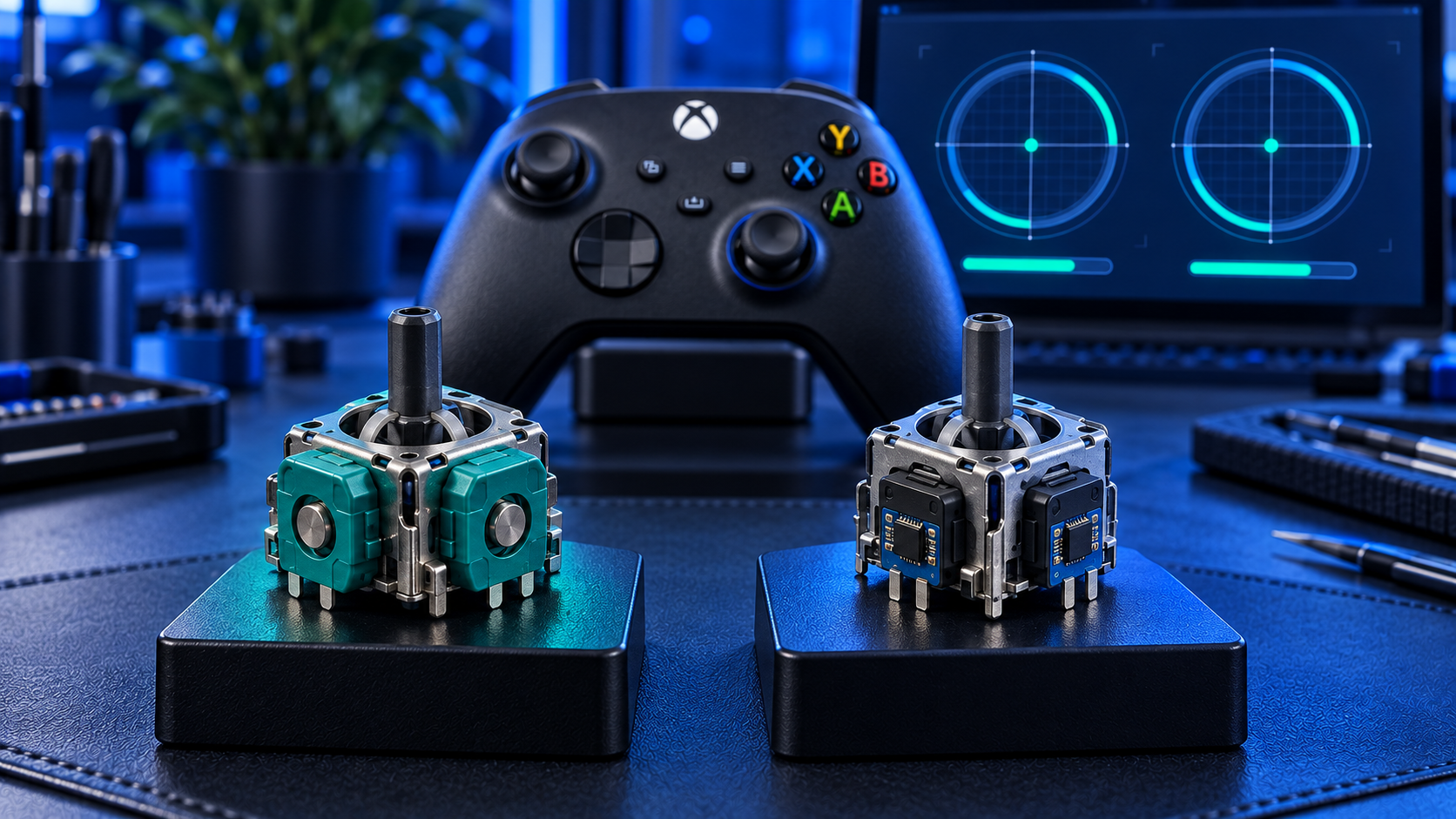
If your Xbox controller keeps drifting, there are two upgrades that deal with the cause rather than resetting the clock on it. They're £5 apart and most of what's written about them is marketing.
Here's the honest version.
What they have in common
Both are magnetic. Instead of a contact arm sweeping a resistive track — which is what wears out and causes drift on a standard stick — there's a magnet on the stick and a sensor reading the magnetic field as it moves.
Nothing touches anything, so there's no wear surface for drift to develop from. That's the whole mechanism, and both share it. If your question is "will this stop the drift coming back?", the answer is the same for both: yes, as far as wear goes.
Neither fixes anything else. Sticky buttons, worn triggers, a failing battery, a damaged USB-C port — all still possible, all unaffected by what the sticks are made of.
What's different
They use different physical effects to read the field.
Hall effect sensors produce a voltage when a magnetic field passes through a conductor. It's well-established technology, decades old in industrial and automotive sensors, reliable and cheap.
TMR — tunnel magnetoresistance — uses a layered structure whose electrical resistance changes with the field. It's a more sensitive effect, so it resolves finer movements, and it draws noticeably less current.
On paper TMR is the better sensor. In practice the gap is smaller than the marketing suggests, because both resolve far more finely than the console actually reads. The difference you're most likely to feel is in the two places below.
Battery. TMR sticks draw about as much power as the originals; Hall effect sticks draw slightly more. On a wireless pad running from AAs or a rechargeable pack, that's the more tangible of the two differences — though the sticks are a small part of what drains a controller compared with vibration and the wireless connection, so don't expect a transformation.
Fine aim. TMR reports small, slow movements slightly more cleanly. It matters if you play anything that rewards precise tracking, and it's largely invisible if you don't.
The Xbox-specific part
This is where Xbox differs from other consoles, and it decides the answer for a lot of people.
TMR is Series X|S only here. I don't fit it to Xbox One controllers, because there's no reliable way to recalibrate them afterwards, and a precisely-sensing stick that can't be calibrated properly is worse than the one you started with.
Hall effect covers both. Series X|S and Xbox One. If you've got an Xbox One pad that keeps drifting, that's your upgrade, and it's a genuine option — most repairers won't touch an Xbox One controller with anything but a like-for-like part, if they take it at all.
After either upgrade the controller is calibrated and bench-tested before it goes back. On Series X|S that includes the Xbox Accessories calibration so the new sticks read correctly from the first game.
What happens on the bench
Both upgrades are the same job up to a point. The controller comes apart, the old stick modules come off the board — every joint cleared properly, because forcing a module out is how pads get damaged — and the new ones go in.
Then the part that matters: calibration. A magnetic stick reports position differently from the potentiometer it replaces, and the controller has to be taught what the new sticks read at centre and at full travel. On a Series X|S pad that's done through the Xbox Accessories recalibration tool before it goes back to you.
That's also why I fit TMR to Series X|S and not to Xbox One controllers. The tool doesn't cover Xbox One, and a finer sensor without a proper calibration behind it is worse than the stick you started with.
Every controller is bench-tested afterwards — both sticks, full range — before it's packed.
What neither upgrade fixes
Worth being clear: you're replacing the sticks, not the controller.
Sticky face buttons, worn bumpers, triggers that don't return, a failing battery contact, a damaged USB-C port, a cracked shell — none of those are affected by what the sticks are made of. If something else is wrong as well, say so when you book and I'll look at both.
The stick mechanism itself also still has moving parts. The gimbal and the return spring are physical, and they wear far more slowly than a resistive track. When they do, the symptom is a stick that feels loose or notchy, not one reporting movement on its own.
So which should you get?
Hall effect at £34 if you've got an Xbox One pad, or if you want the wear dealt with at the lower price. It's the cheaper way to end the same fault and it's the right call for most people.
TMR at £39 if you've got a Series X|S controller and either play wireless enough that battery matters, or want the finest control for slow, precise aiming.
At £5 between them the decision isn't agonising, and neither is a mistake. What I wouldn't do is tell you that a drifting pad needs the top tier to be usable again — the standard repair at £19 or £24 does that perfectly well, and the cost breakdown sets all three against each other.
What both include
Both sticks replaced as a matched pair — there's no single-stick version of either, because mixing a magnetic stick with a potentiometer one gives you two sticks that feel different. Soldered, calibrated and bench-tested. Parts, labour and tracked return postage included, with a 12-month warranty and no fix, no fee.
If you're upgrading a Series X|S pad and play wireless, TMR is the one. For anything else, including every Xbox One controller, Hall effect does the same job for less.
The Repair Works is an independent UK repair service, run by me, Paul — 25 years of hands-on repair experience, working by post for customers across the whole country. Not affiliated with or endorsed by Microsoft.


