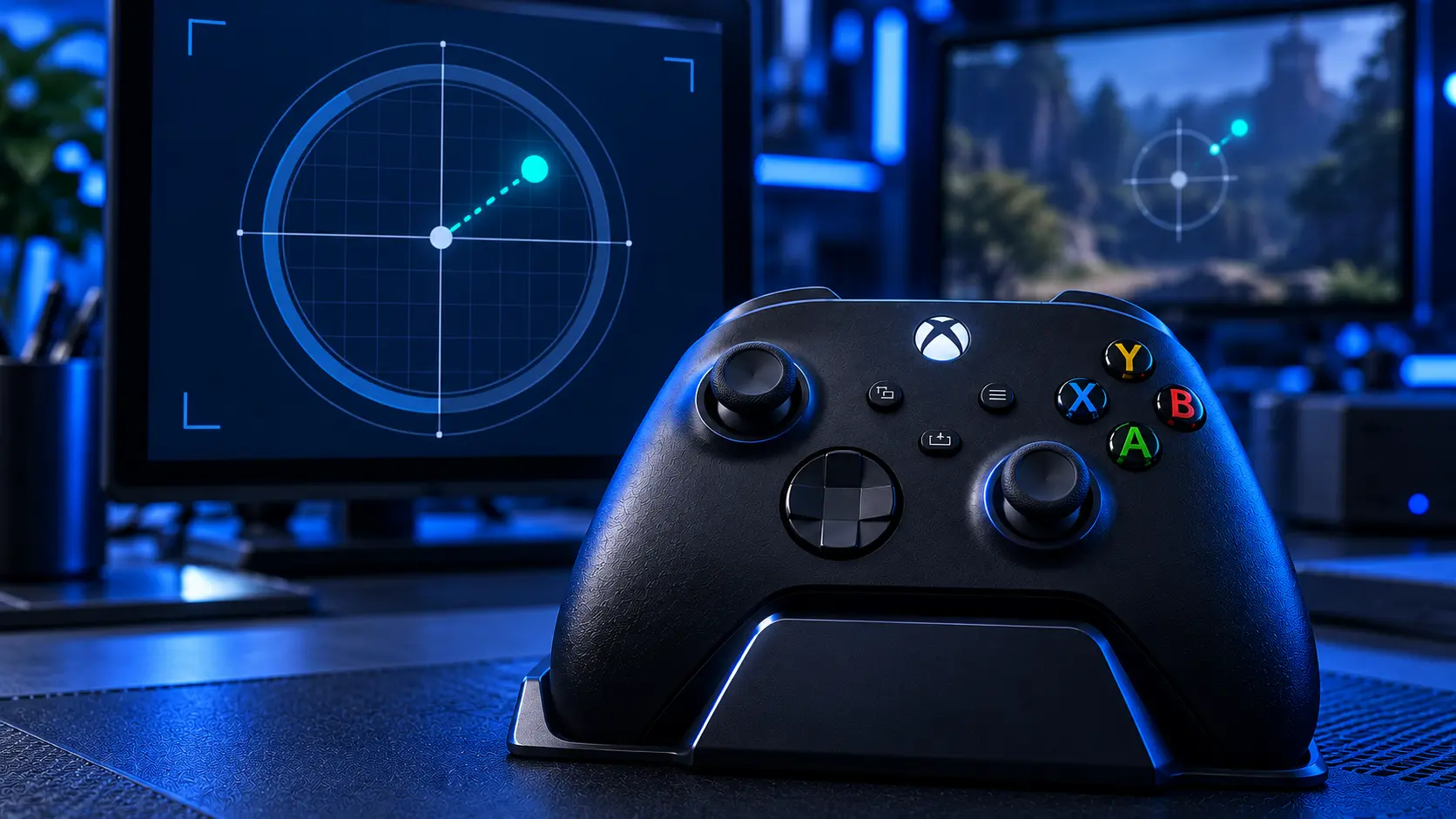
You put the controller down and your character keeps walking. Or you're aiming and the crosshair slides slowly left on its own. Or the camera rotates gently while you're standing still, like someone else has the pad.
None of that is the game glitching and none of it is you imagining it. It's a hardware fault with a name — stick drift — and it's the most common thing that goes wrong with an Xbox controller.
What's useful is that the exact way it shows up tells you which part has failed.
Your character walks or runs without input
That's the left stick. In almost every game the left stick handles movement, so when its resting position stops reading as centre, the game reads a small constant push in one direction and your character obeys it.
It usually starts subtle — a slow creep in menus you half-notice — and gets worse over a few weeks until you can't stand still.
The camera pans or spins on its own
That's the right stick, which handles look and aim. Same fault, different stick.
Right stick drift often gets noticed later than left stick drift, because a slowly rotating camera reads as "the game being odd" for longer than a character walking into a wall does.
Your aim slides in one direction
Also the right stick, and the direction tells you which axis. Sliding left or right is the X axis; creeping up or down is the Y axis.
This is the one that ruins shooters, because you're constantly correcting for a pull that isn't yours. Most people notice it in a game that rewards precision long before they'd notice it anywhere else.
The dashboard selection creeps
The Xbox home screen and menus apply almost no deadzone, which makes them the most sensitive drift detector you own. If your selection moves while the controller is sitting on the table, that's drift, and it's usually where it shows up first.
Both sticks at once
Less common, and it usually just means the pad has done a lot of hours rather than anything unusual. Both sticks wear by the same mechanism, so a heavily used controller can reach that point on both within a few weeks of each other.
It's £24 to do the pair, which is £14 less than doing them one at a time as each one goes.
It started right after a drop
Different cause, same symptom. A hard knock can shift the stick's mechanism or crack a solder joint rather than wear the track, and it tends to appear suddenly instead of creeping in over weeks.
Worth mentioning when you send it in, because it changes what I look at first — and because impact damage sometimes brings a second fault that hasn't shown itself yet.
How quickly does it get worse?
There's no fixed answer, but the pattern is consistent. It starts as something you notice in menus, becomes something you correct for in games, and ends as something that makes precise aiming impossible. Weeks to months, depending on how much you play.
It doesn't improve on its own. Wear doesn't reverse.
It only happens in one game
Different situation, and worth ruling out before you assume the pad is broken.
Games apply a deadzone — a small area around centre where stick input is ignored, specifically so minor noise doesn't move your character. Some set it tight for responsiveness. A controller with mild wear can behave perfectly in one game and badly in another purely because of that setting.
If it's one game only, check that game's controller settings first. If it happens everywhere, including on the dashboard, it's the hardware.
So what's actually broken
Inside each stick there's a small resistive track with a contact arm sweeping across it. The arm physically touches the track, so every hour of play wears it fractionally. After a few hundred hours there's a worn patch where the arm sits most — which is around centre, because that's where the stick returns every time you let go.
Once that patch exists, the stick can't report a clean centre any more and the console reads the noise as input.
It's ordinary mechanical wear. It happens to every controller eventually, and to some much sooner than others. It isn't something you did wrong.
What to do about it
Confirm which stick and which direction. Put the pad on the dashboard, don't touch it, and watch. Knowing it's the left stick pulling right is a genuinely useful thing to tell me when you send it in.
Try the free fix. Microsoft publishes a calibration tool for Xbox controllers, and it clears some drift completely. What to try first walks through it and, more usefully, tells you when it won't help.
Then get it repaired. If the drift returns within days of a calibration, the stick is worn and nothing external will change it. A stick replacement is £19 for one or £24 for both, including parts, return postage and a 12-month warranty.
If you'd rather not deal with it again, the Hall effect upgrade at £34 and the TMR upgrade at £39 use contactless magnetic sticks with no contact track to wear down. The comparison table on every stick repair page sets the three side by side.
Not sure which controller you've got?
Xbox One, Series X|S and the Elite Series 2 are all repairable, but they're not identical jobs and the upgrades don't all cover all of them. The standard repair and the Hall effect upgrade cover Xbox One as well as Series X|S. TMR is Series X|S only.
Work out which stick it is, try the calibration tool, and if it comes straight back, book the repair and tell me what you found.
The Repair Works is an independent UK repair service, run by me, Paul — 25 years of hands-on repair experience, working by post for customers across the whole country. Not affiliated with or endorsed by Microsoft.


