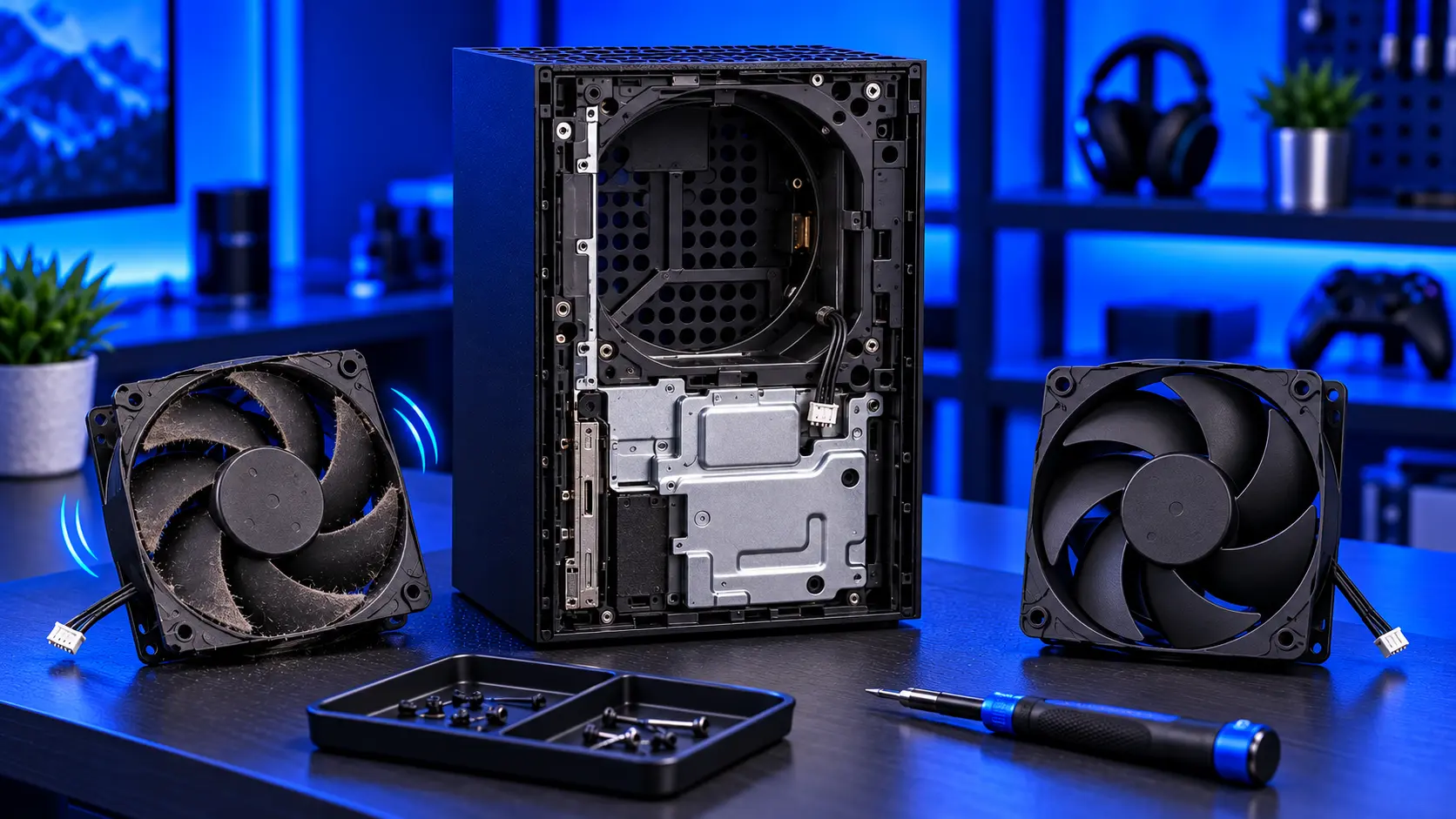
The Xbox Series X|S is built to run quietly, so a fan that grinds, ticks or stops is hard to miss. But most loud Xbox fans aren't broken. They're healthy fans working hard because of dust. Replacing a fan that only needed cleaning is money wasted. Here's how to tell which you have, and what a replacement costs.
Dust or a worn fan?
Dust makes a fan loud but smooth: a steady whoosh that's louder than it used to be, often loud even in the menus. Cleaning the console and replacing the thermal paste fixes it. See Xbox fan loud.
A worn fan sounds different:
- Grinding or ticking that doesn't go away as the fan speeds up or slows down
- A wobble or scraping sound
- A rattle that isn't something loose on the outside
- A stutter as the fan changes speed
These usually mean the fan's bearing is wearing out, and cleaning won't change it.
A fan that has stopped
A fan that doesn't spin at all is more urgent. The console can't cool itself, and you'll usually get overheating warnings or shutdowns soon after switching on. Turn the console off and leave it off until it's fixed. The cause is usually a failed fan, and occasionally a fault in what powers it.
Series X or Series S?
The two consoles use different fans. The Series X has a large fan at the top that pulls air up through the console. The Series S uses its own design. A replacement must be made for your model.
Genuine or copy?
Cheap non-genuine fans are sold online. A fan is a precision part: blade shape and bearing quality decide how much air it moves and how quiet it runs. A poor copy can be louder, move less air, or wear out quickly. I only fit genuine fans, new or refurbished depending on supply.
What it costs
Most independent UK repairers charge somewhere between about £80 and £130 for an Xbox fan replacement. My Xbox Series X|S fan replacement is £79 all-in, with a genuine fan for your model, tracked return postage, and an hour's test running a demanding game. The work is covered by a 12-month warranty.
This is the fan only. If the heatsink is badly clogged, a new fan can't push air through it, and the Xbox overheating repair is the better fix. I'll tell you if that's what I find.
What happens if you ignore it
A grinding fan usually keeps cooling for a while, but the noise tends to get worse, and a failing bearing can eventually seize. When a fan stops, the console relies on shutting itself down to protect itself, and repeatedly running a console without proper cooling isn't good for it. It's better to replace a worn fan before it stops than after.
Can you replace it yourself?
It's possible, but it means taking the console apart, and cables and clips are easily damaged. If the fan is only loud, try cleaning the vents first, as described in how to clean an Xbox Series X|S.
Common questions
How long does an Xbox fan last?
There's no fixed lifespan. It depends on how many hours the console runs, how warm the room is and how much dust it pulls in. Many fans last the life of the console.
Will a new fan make my Xbox quieter?
If the old fan was worn, yes. If the noise was from dust, a new fan alone won't make much difference, which is why it's worth being sure first.
My recommendation
If the fan is loud but smooth, clean it. If it grinds, ticks or wobbles, it's worn, and a genuine replacement is the fix. If it has stopped, turn the console off until it's repaired. When you're ready, how to pack an Xbox for posting will help it arrive safely.
The Repair Works is an independent UK repair service, run by me, Paul — 25 years of hands-on repair experience, working by post for customers across the whole country. Not affiliated with or endorsed by Microsoft.


