Xbox Series X & S Overheating Repair

£59

No fix, no fee · 12-month warranty · Insured, tracked returns

Signs you need this repair

  • The fan is much louder than it used to be
  • An overheating warning on screen
  • It switches itself off during games
  • Hot air from the vents with the fan running flat out
  • It has got steadily louder over the months

An Xbox Series X|S overheating repair is for a console that has started running hot: a fan that's louder than it used to be, an overheating warning, or a console that switches itself off during a game. The Series X and Series S are both designed to run cool and quiet, so a big change in noise or heat usually means something is getting in the way, and the most common culprit is dust.

The console pulls air through a heatsink to carry heat away from the processor. Over time, dust builds up on the heatsink and the fan. A vacuum at the vents can't reach it, so the fan works harder and the console runs hotter. This is a full strip-down: I take the console apart, clean the fan and the heatsink, replace the thermal paste between the processor and the heatsink, and replace the thermal putty on the other components where it has dried out.

Once it's back together, I test it for an hour running a demanding game, checking that it runs without a warning or a shutdown, before it's posted back. The £59 includes parts and tracked return postage, and the work is covered by a 12-month warranty. If the fan itself is worn, I'll tell you and quote for a replacement before fitting one. If you'd rather not replace it, I still do the service and send it back, though the fan may stay noisy.

This service is for the Xbox Series X and Series S, at the same price. If I find the shutdowns aren't caused by heat, for example a power fault, I'll tell you what I've found and quote before doing anything more. If you'd rather not go ahead, it's no fix, no fee: I refund what you paid, less return postage.
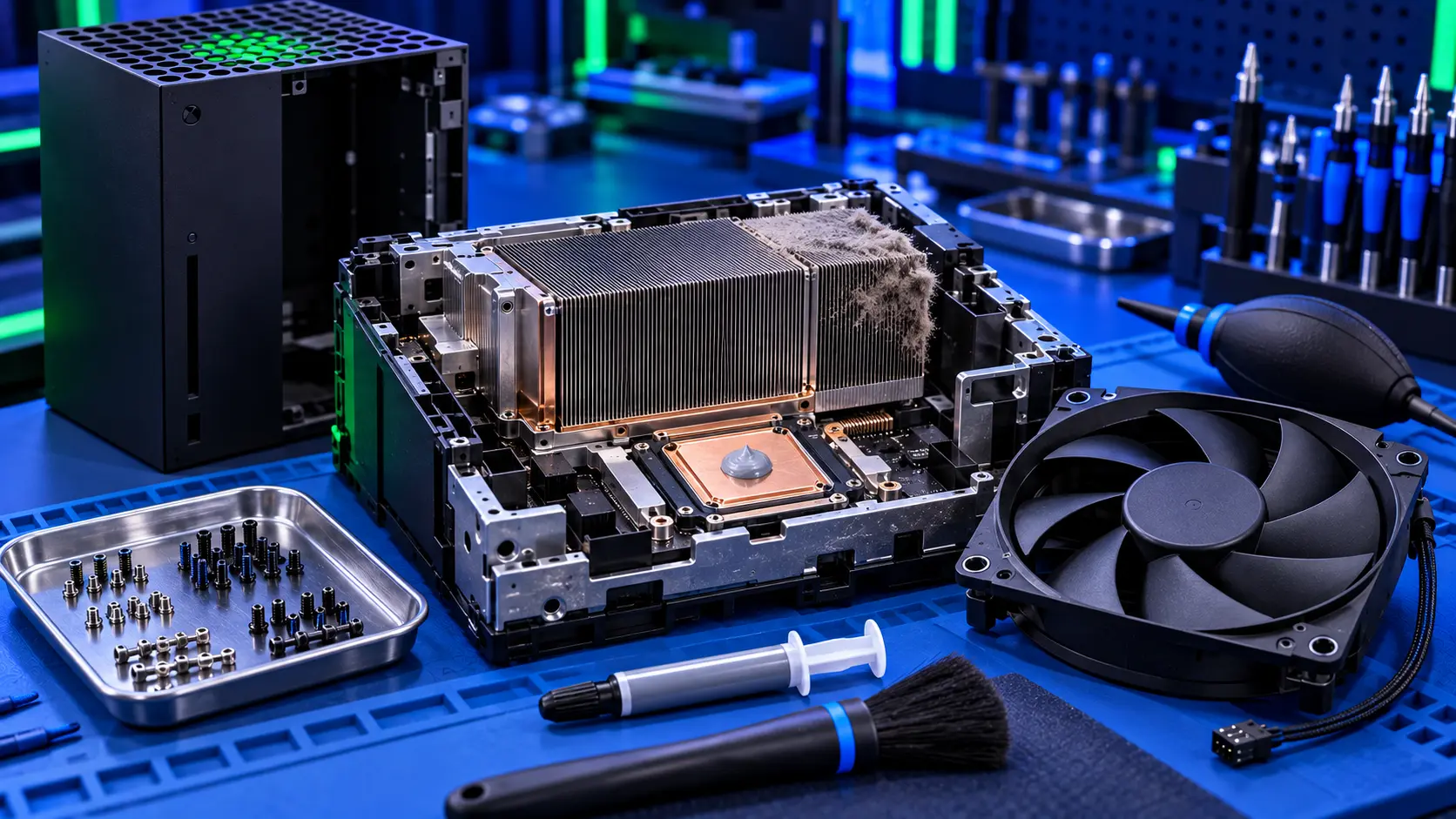
Xbox Series X opened on the bench with its fan removed and dust in the heatsink

Frequently asked questions

Why is my Xbox overheating?
Usually dust on the heatsink and fan, where you can't reach it through the vents. Placement matters too: a console in a closed cabinet, pushed against a wall, or with its top vent covered can't get rid of its heat. My guide to what to check first, below, covers the free checks.
Does the Xbox use liquid metal like the PS5?
No. The Series X and Series S use thermal paste between the processor and the heatsink, and thermal putty on other components. I replace the paste on every service, and the putty where it has dried out.
Is the fan included?
No. Most fans only need cleaning. If yours is worn, I'll quote for a replacement first. If you decline, I still do the service and return the console.
My Xbox turns off instantly. Is that overheating?
Not usually. Overheating builds up over time, with the fan getting louder first. A console that cuts out suddenly, or won't start, points more towards a power fault.
Do you service the Series S?
Yes. The Series X and Series S are the same price.
How do you test it?
After the service, the console runs a demanding game for an hour on my bench. I check it runs without a warning or a shutdown, and that the fan settles to a sensible level.
How long will it stay cool?
That depends mostly on where it lives. Dust builds up faster in a warm, dusty room, around pets or with the console on the floor. Give it space, keep the vents clear, and vacuum them now and again. My cleaning guide, below, shows what you can safely do yourself.

About this service

How does your mail-in repair service work?
Three steps: book and pay for your repair online, post your item to me using the packing instructions I email you, and I repair it, test it, and send it back tracked. You'll get updates as it moves through each stage.
What is your no-fix-no-fee promise?
Payment is taken upfront at booking. If I can't fix your item, there's no repair fee — I refund what you paid, less £4.99 return postage to send it back to you. Assessment bookings work differently: the £4.99 covers return postage and comes off the repair if you go ahead, but isn't refunded if you decide not to or it can't be repaired.
Do your repairs come with a warranty?
Yes. Every repair carries a 12-month workmanship warranty against the same fault returning. If it does, I'll put it right.
How long will my repair take?
Most repairs are completed within 1-3 working days of arrival, then posted back by tracked post. If a part needs ordering, I'll tell you as soon as I've diagnosed it and give you a realistic date. Diagnostic-led jobs take a little longer if I'm waiting on your approval of a quote.
How do I package my item safely to post it?
I send clear packing guidance when you book. In short: wrap the item well, use plenty of padding, and a sturdy box — the return leg is insured and tracked, and good packing on the way in protects your item too.
Where do I send my item?
Your postage address is included in the confirmation email after you book — you don't post anything until you've booked, so your item is always matched to your order.
Do you cover the whole UK?
Yes — I run a mail-in repair service, so you can send your item from anywhere in the UK. There's nothing local you need to find.
What if my item turns out to be unrepairable?
I'll tell you honestly and, where the fault allows, offer an alternative. If I can't fix it, there's no repair fee — I refund what you paid, less £4.99 return postage to send it back to you.