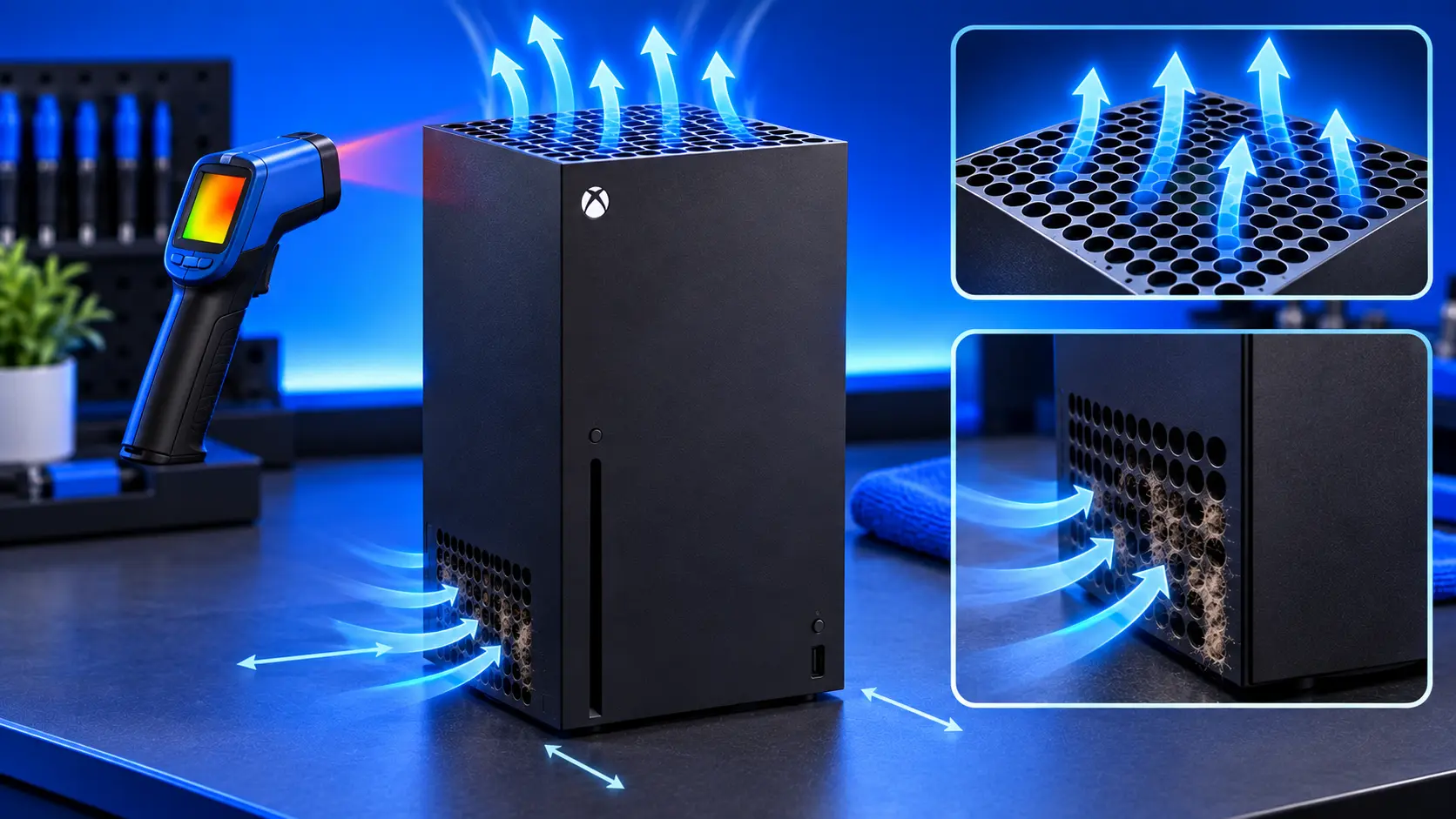
Both the Xbox Series X and Series S were designed to run cool and quiet. The Series X in particular has a large fan on top that moves a lot of air slowly. So when an Xbox starts running hot, sounding loud or switching itself off, it's a sign something has changed, and it's usually something you can find.
Here's what to check, cheapest first.
Is it really overheating?
- An overheating warning on screen telling you the console is too hot
- The fan is much louder than it used to be, even in menus
- It switches off during games, usually after a while of playing, not instantly
- It has got gradually worse over months
If your Xbox cuts out suddenly, at random, or won't start at all, that points to a power fault rather than heat. See Xbox won't turn on.
1. Give it room to breathe
- The Series X pulls air in low down and pushes hot air out of the top. Nothing should sit on top of it, and it shouldn't be tucked under a low shelf that traps that air.
- The Series S takes air in and pushes it out through the vents on its sides and back. The large round vent needs to be clear.
- No closed cabinets. A console in a cupboard with the door shut breathes its own hot air.
- Space around it. Keep it away from walls and other hot devices.
Try the console out in the open for a few days. If the noise and warnings stop, placement was the problem.
2. Check the room
A console beside a radiator, in direct sunlight, or in a small, hot room on a summer's day has a harder job. If problems only come on hot days, the room is part of the story.
3. Vacuum the vents
With the console off and unplugged, run a vacuum with a brush attachment gently over the vents. Avoid blowing compressed air in: it pushes dust further inside and can spin the fan faster than it's meant to go. How to clean an Xbox Series X|S goes into detail.
4. Check the fan
Listen to the fan. A smooth whoosh, even a loud one, usually means a healthy fan working hard. Grinding, ticking or rattling can mean the fan itself is wearing. Xbox fan loud covers the different noises.
5. Update the console
Install any update waiting in Settings, then System, then Updates. It's free, and it rules out software.
Signs the problem is inside
If you've fixed the placement and vacuumed the vents and it still runs hot, the dust is where you can't reach it:
- Warnings or shutdowns keep coming back even out in the open
- The fan is loud from the moment you switch on
- The console is a few years old and has never been opened
- You live with pets, or the console sits low down where dust collects
Inside, dust builds up on the heatsink fins and the fan, and the thermal paste between the processor and the heatsink dries out over time. Neither can be fixed from the outside.
What the repair involves
An Xbox Series X|S overheating repair with me is £59 all-in for the Series X or Series S, including parts and tracked return postage. I strip the console down, clean the fan and heatsink, replace the thermal paste, and replace dried thermal putty where needed. Then it runs a demanding game for an hour on my bench before it's posted back. The work is covered by a 12-month warranty.
If the fan itself is worn, I'll quote for a replacement first. If you'd rather not, I still do the service and return it. For how prices compare, see Xbox overheating repair cost.
Common questions
Can an Xbox overheat and break?
The console protects itself: the warning and the shutdown are there to stop damage. But running hot for a long time works its components harder, so it's worth sorting out rather than living with.
Should I stand my Series X up or lay it down?
Either is fine, as long as the vents are clear. Standing up, keep the top clear. Lying down, make sure the side that becomes the top isn't covered.
My recommendation
Start with where it lives: out of cabinets, top vent clear on the Series X, round vent clear on the Series S, and the vents vacuumed. That solves a lot of Xbox heat problems. If it still runs hot, especially on an older console that's never been opened, the dust is inside and it needs a proper clean. When you're ready, how to pack an Xbox for posting will help it arrive safely.
The Repair Works is an independent UK repair service, run by me, Paul — 25 years of hands-on repair experience, working by post for customers across the whole country. Not affiliated with or endorsed by Microsoft.


