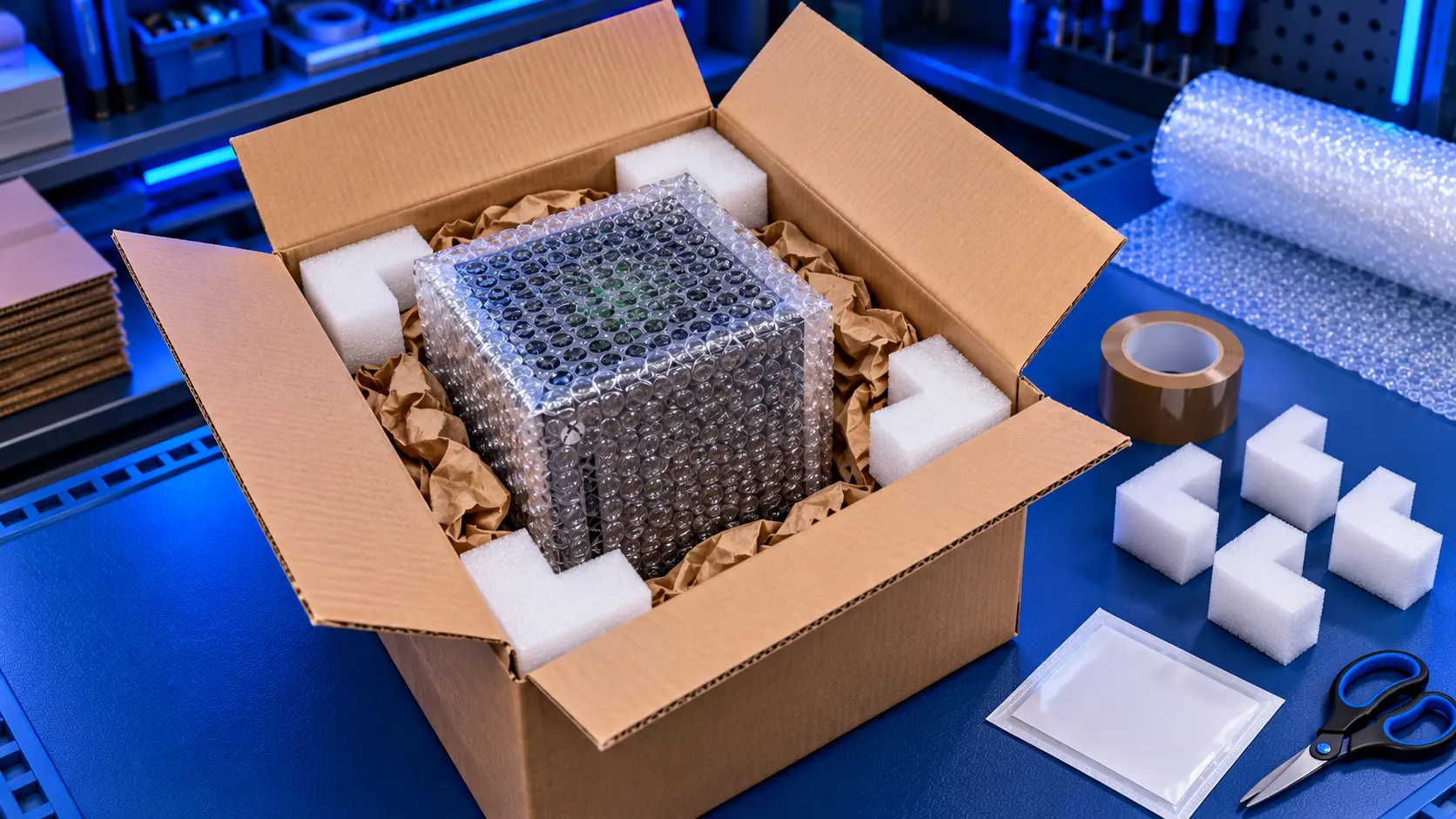
Whether you're sending your Xbox Series X|S for repair or selling it, how you pack it decides whether it arrives in one piece. A Series X is heavy and dense, and a parcel can be dropped, stacked and thrown about on its way. Here's how to pack it properly.
What to send
- Just the console, unless you've been asked for something else
- Nothing in the disc drive. Take out any disc on a Series X.
- No storage expansion card or USB devices. Keep them at home.
What to keep at home
- The controller, cables and power lead. They're not needed for most repairs, and they're one less thing to lose.
- Any storage expansion card. Keep your games and data with you.
Before you pack it
- Take a few photos of the console from all sides. It's a record of its condition.
- Note the model: Series X or Series S. The model number is on the label underneath or on the back.
- If you can, back up anything important to the cloud.
The best box
- The original box is ideal. It was designed for the console, and its inserts hold it in place.
- Otherwise, use a strong double-walled box with room for at least 5cm of padding on every side.
How to pack it
- Wrap the console in a plastic bag first, to keep dust and moisture out.
- Add a layer of bubble wrap around the whole console.
- Put padding in the bottom of the box, at least 5cm deep.
- Place the console in the middle, lying flat.
- Fill every gap on all sides and on top, so the console can't move when you shake the box.
- Tape the box firmly along every seam.
Don't use loose newspaper alone. It compresses in transit and lets the console move.
Sending it
- Use a tracked and insured service. A Series X is valuable and heavy, so check the insurance covers its value.
- Keep your receipt and tracking number.
- Write the model and your contact details on a note inside the box, in case the outer label is damaged.
Sending it to me for repair
If you're sending your Xbox to me, you pay to post it here, and tracked return postage is included in the repair price. I repair HDMI ports, overheating and consoles that won't turn on on the Xbox Series X and Series S.
Common mistakes to avoid
- Packing the console in its original box with no outer box. Retail boxes are printed, easy to spot, and not built for courier handling on their own. If you use the original box, put it inside a larger outer box with padding.
- Leaving a disc in the drive. It can be damaged in transit, or damage the drive.
- Using too small a box. If there's no room for padding, the console takes every knock.
- Loose padding. If the console moves when you shake the box, add more.
- Sending accessories you'll need. Keep the controller and cables at home unless asked.
Series X or Series S?
The Series X is heavier and taller, so it needs a sturdier box and more padding. Lay it flat, not standing up, so it can't tip in the box. The Series S is lighter and smaller, but it still needs padding all round. Its large round vent should be protected from anything pressing into it.
My recommendation
Send just the console, in its original box if you have it, with padding all round so it can't move. Use a tracked, insured service, and keep the receipt. A few minutes spent packing properly is the best protection your console has.
The Repair Works is an independent UK repair service, run by me, Paul — 25 years of hands-on repair experience, working by post for customers across the whole country. Not affiliated with or endorsed by Microsoft.


