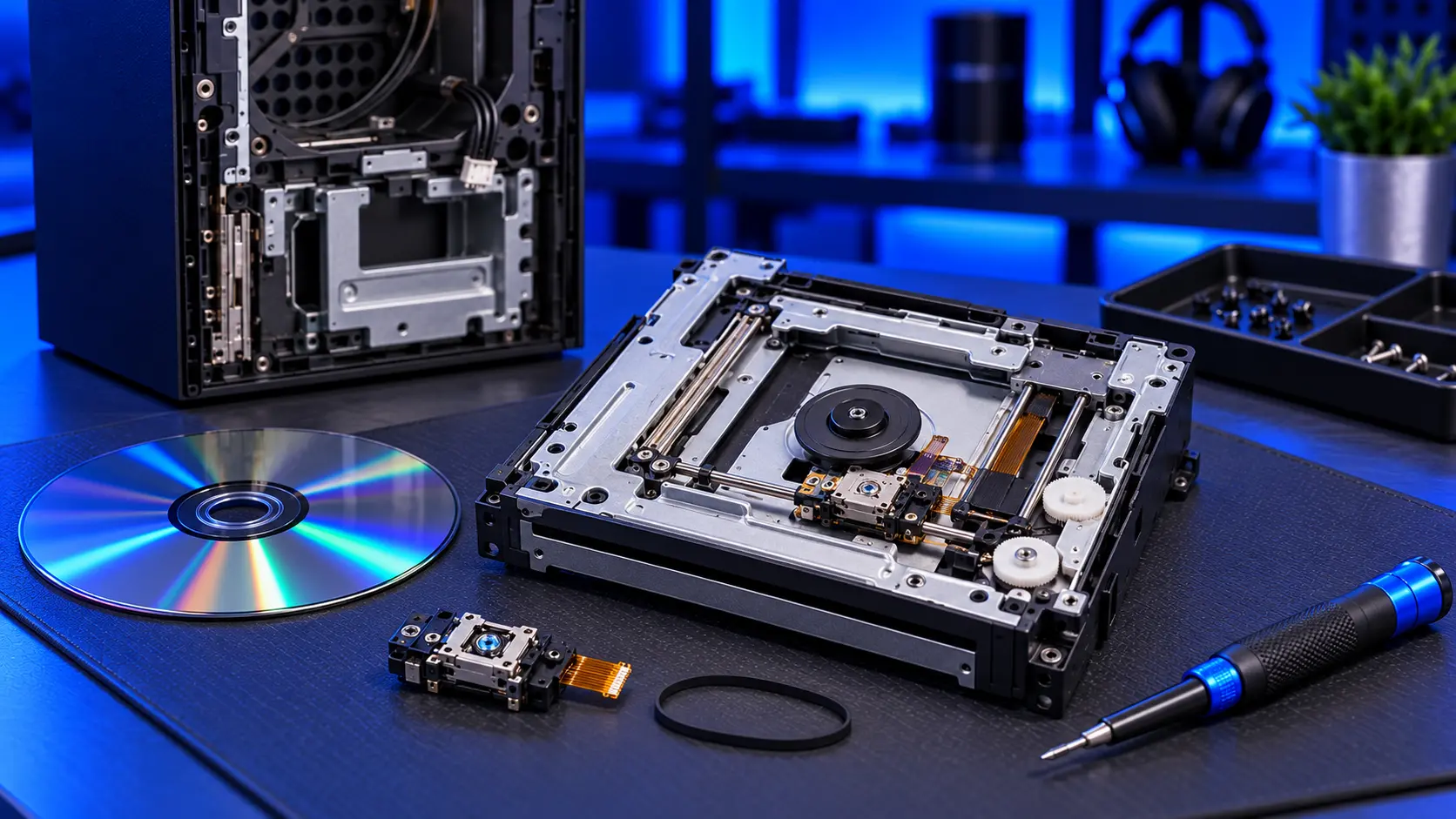
You put a game in your Xbox Series X, the drive spins, and nothing happens. Or the console asks you to insert a disc when one is already in. It's frustrating, especially with a game you've paid for on disc. Sometimes it's the disc, a setting or a software hiccup, and it costs nothing to fix. Sometimes the laser inside the drive has worn out.
Here's the order to work through it.
1. Try a different disc
Put in another game, ideally one that has worked recently. If it loads, the drive is probably fine and the first disc is the problem. Try a Blu-ray film or a DVD too, if you have one. How different types of disc behave tells you a lot.
2. Clean the disc
Hold the disc by its edges and wipe it with a soft microfibre cloth, in straight lines from the centre out to the edge, not in circles. Check it under a light for deep scratches or cracks, especially near the centre.
3. Restart the console properly
Hold the Xbox button on the console for about 10 seconds until it turns off completely. Unplug the power cable for a little while, plug it back in and try again. A full restart clears problems that a quick restart doesn't.
4. Check for updates
Go to Settings, then System, then Updates, and install anything waiting. For films, make sure the Blu-ray player app is installed and up to date. Blu-ray and DVD films need the app.
5. Check the console's position
Make sure the console is on a flat, stable surface. If it's standing upright, it should be fully vertical, not leaning. A console at an odd angle can make a disc run unevenly.
Signs it's the laser
If you've tried the above and discs still won't read:
- Several clean discs fail, not just one
- It has got worse over time: slower loading, then some discs failing, then most
- Some types of disc work and others don't, for example DVDs play but games don't
- The disc spins up and down repeatedly without loading
The laser is a precision part, and it wears with use. A console that has read a lot of discs is a likely candidate.
Signs it's something else
- Grinding, clicking or scraping usually means a mechanical fault. See Xbox Series X disc stuck or grinding.
- A disc that won't go in or come out is the loading mechanism, covered in the same guide.
- One game fails and everything else reads: that's usually the disc.
Why a new drive won't just drop in
The Series X drive has a small control board that's paired to the console. A drive from another console, or even a new one, won't work on its own. I explain this in can you replace an Xbox Series X disc drive?
What the repair involves
An Xbox Series X disc drive repair with me is £94 all-in, including parts and tracked return postage. I keep your drive's paired board and replace the laser or the mechanism around it, test with game discs, Blu-ray and DVD, then test the console for an hour running a demanding game before it's posted back. The work is covered by a 12-month warranty.
If the paired board itself has failed, it can't be replaced, so it's no fix, no fee: I refund what you paid, less return postage.
Common questions
Why does my Xbox ask me to insert a disc when one is in?
The drive can't read the disc well enough to identify it. Try a different disc first. If that works, the first disc is the problem. If no disc is recognised, the laser is the likely cause.
Can I use my Xbox without the disc drive?
Yes. Digital games work as normal. The drive only matters for games and films on disc.
My recommendation
Try another disc, clean the one that fails, restart the console properly and install any updates. If several clean discs still fail, especially if it's got worse over time, the laser has worn out, and it's a repair worth doing if you have a disc collection. When you're ready, how to pack an Xbox for posting will help it arrive safely.
The Repair Works is an independent UK repair service, run by me, Paul — 25 years of hands-on repair experience, working by post for customers across the whole country. Not affiliated with or endorsed by Microsoft.