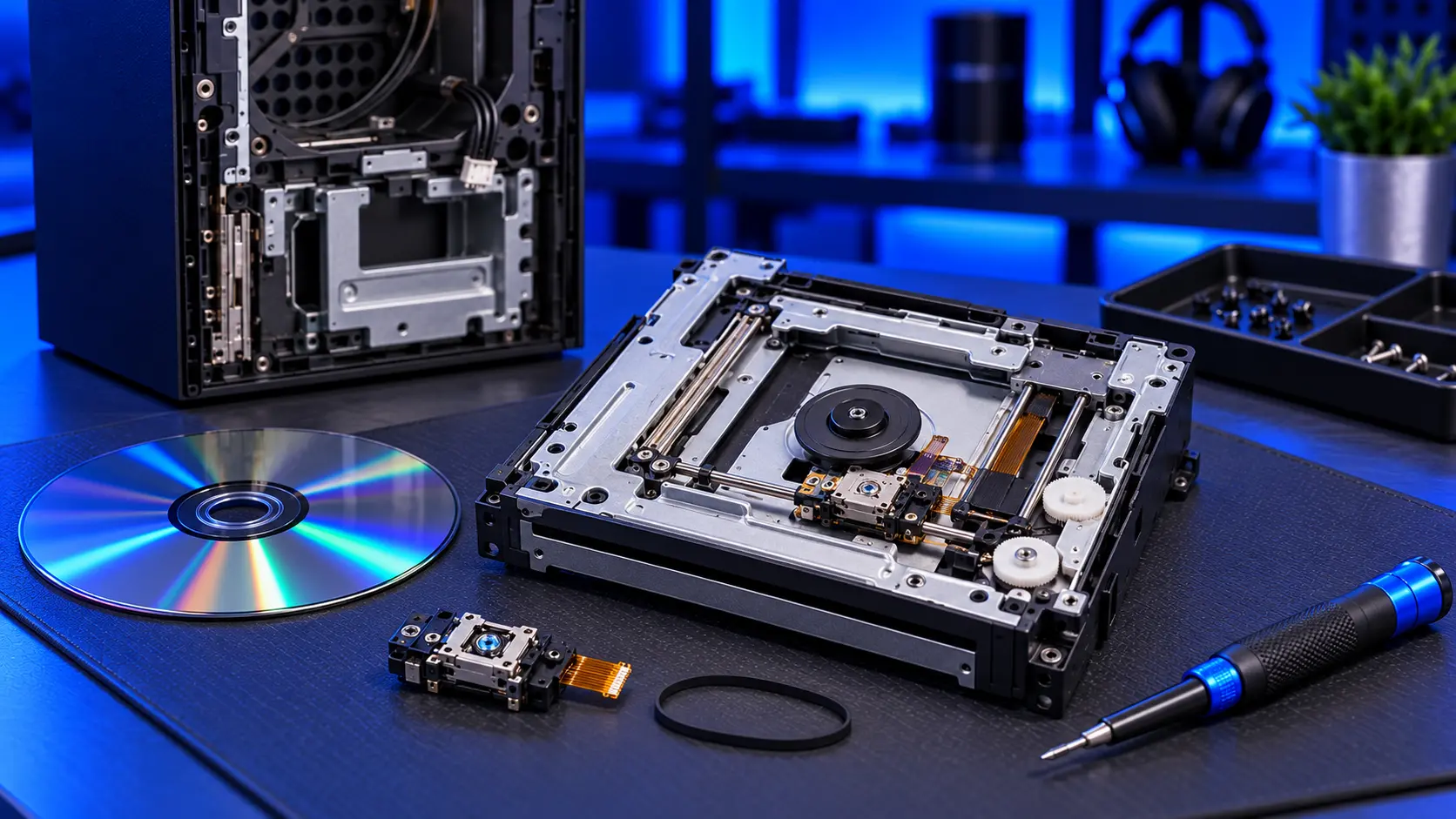
A disc stuck in your Xbox Series X, or a drive that grinds and clicks, is worrying, especially with a game you want to play. The good news is that most stuck discs come out undamaged, as long as they're not forced. The fastest way to damage both the disc and the drive is to prise at the slot.
Here's what to try, and when to stop.
Noises that are normal
The drive isn't silent. A short whir when the console starts, and a steady spin-up when a disc goes in, are normal. A slightly warped disc can be noisier than others. If only one disc is noisy, it's probably that disc.
Noises that point to a fault
- Grinding or scraping, especially if it doesn't settle. Something in the drive is rubbing.
- Repeated clicking while the disc fails to load. Often the laser searching for data it can't read.
- Clunking with no disc inside. Usually the loading mechanism.
If you can hear a disc being scraped, stop using it straight away.
If a disc won't eject
1. Try the eject button, then the menu
Press the Eject button on the front of the console once and wait a few seconds. If that doesn't work, try ejecting from the console's menu.
2. Restart the console properly
Hold the Xbox button on the console for about 10 seconds until it turns off completely. Unplug it for a little while, plug it back in, and try the Eject button again once it has fully started.
3. Check for updates
If the drive is behaving oddly in other ways too, install any update in Settings, then System, then Updates.
What not to do
- Don't prise at the slot. Knives, cards and tweezers scratch discs and damage the slot and mechanism.
- Don't shake or tip the console.
- Don't keep pressing eject. If the mechanism is jammed, repeated attempts can strip it.
- Don't push in a second disc.
- Don't open the console to get the disc out unless you're confident. The drive and its paired board are easily damaged.
If a disc won't go in
A drive that won't take a disc, or pushes it back out, has the same cause: the loading mechanism. Check nothing is already inside, and that the disc is the right way up for the way your console is positioned. If a clean disc still won't go in, the mechanism needs repairing.
Why discs get stuck
The loading mechanism is a set of small motors, gears and arms that pull the disc in, clamp it, and push it back out. Parts wear or slip, debris gets in, and the mechanism can jam. A console that was moved or knocked with a disc inside is more likely to have a jammed mechanism. It often starts with a disc that's slow to eject.
What the repair involves
A stuck disc, a drive that won't eject or take a disc, and a grinding drive are all covered by an Xbox Series X disc drive repair with me. It's £94 all-in, including parts and tracked return postage. I remove the disc safely, repair or replace what has failed while keeping your drive's paired board, and test with game discs, Blu-ray and DVD. I'll return your disc with the console. The work is covered by a 12-month warranty.
If you can't get the disc out, send the console with it still inside. If the drive's paired board has failed, it can't be replaced, so it's no fix, no fee: I refund what you paid, less return postage.
My recommendation
Try the Eject button, the menu and a full restart. Between them, they free a lot of stuck discs. If none of that works, stop, and resist prising it out. A stuck disc that's left alone can usually be removed undamaged on the bench. If the drive grinds or scrapes, stop using discs in it until it's repaired. For discs that won't read, see Xbox Series X not reading discs.
The Repair Works is an independent UK repair service, run by me, Paul — 25 years of hands-on repair experience, working by post for customers across the whole country. Not affiliated with or endorsed by Microsoft.