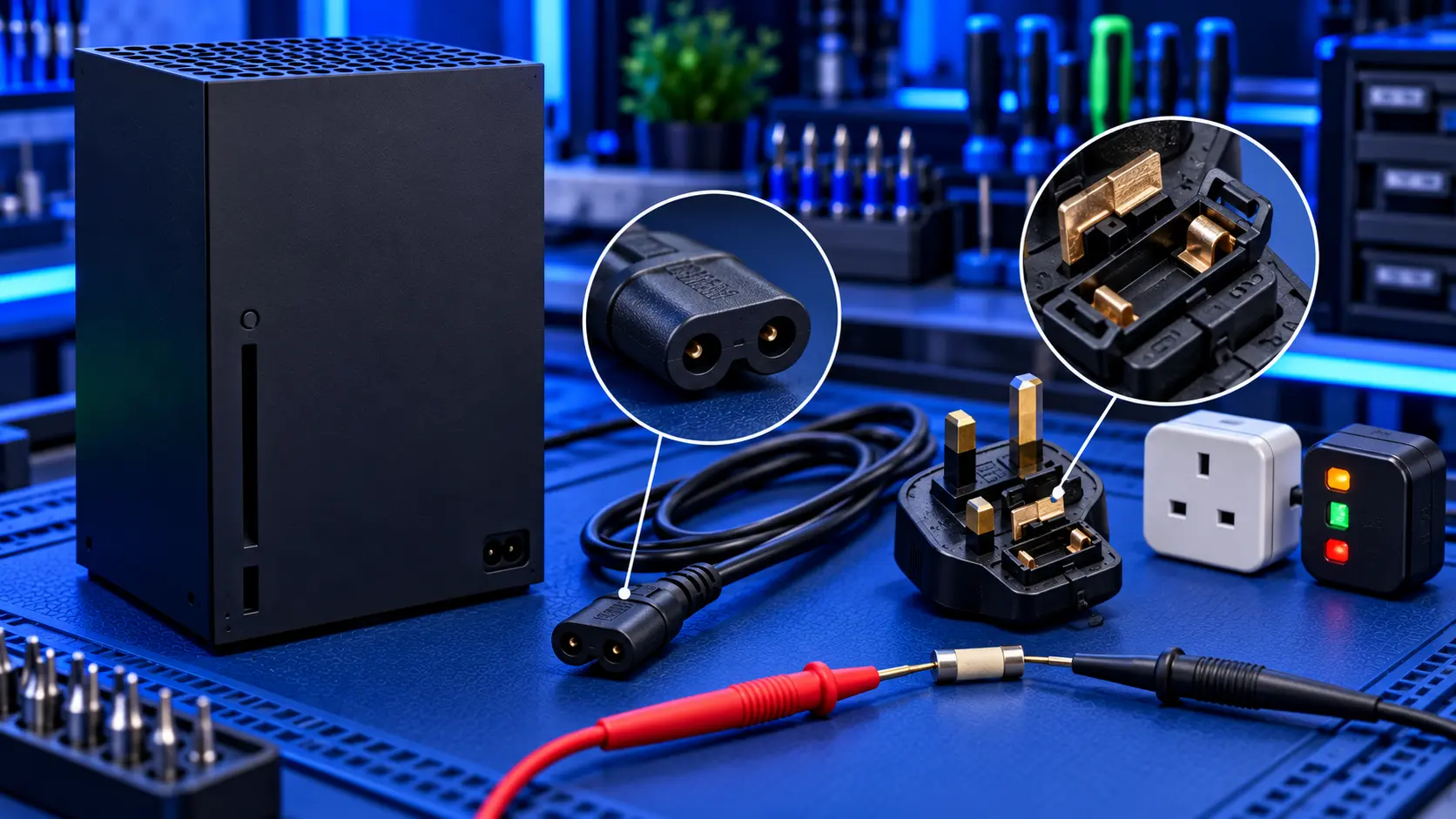
Pressing the power button on your Xbox and getting nothing back is a horrible feeling. But an Xbox that won't turn on isn't always a broken Xbox. Sometimes it's the cable or the socket, sometimes the power supply just needs resetting, and sometimes it's a software problem. And sometimes it really is a hardware fault.
Here's what to check, in order.
What is your Xbox doing?
- Completely dead: no light, no sound. Check the power first (below). If that's fine, the most likely cause is the internal power supply.
- It turns on, then straight off. The console starts and then protects itself, or the power supply is failing.
- The light comes on, but the TV shows nothing. The console has power. That's usually the HDMI side. See Xbox no signal.
- It's stuck on the start-up screen. Often software. See Xbox stuck on the start-up screen.
- It switches off during games. More often heat. See Xbox overheating.
1. Check the cable and the socket
- Plug straight into a wall socket. Take the console off any extension lead or surge protector, and use a socket you know works.
- Check the power cable is pushed fully in at the back. It can work loose.
- Try another power cable. The Series X|S uses a standard two-pin "figure-8" cable. A damaged cable can stop it powering on.
2. Reset the internal power supply
The Series X|S has its power supply built in. It can occasionally need resetting. Unplug the power cable from the console, wait about 10 seconds, plug it back in, and press the Xbox button on the console.
If it still won't respond, unplug it again and leave it for longer before trying again.
3. Try the button on the console
Press the Xbox button on the front of the console itself, not the controller. If the controller's batteries are flat or it's unpaired, it won't wake the console.
4. Unplug accessories
Remove any storage expansion card, external drive and USB devices, then try again.
5. Check the HDMI
If the console's light comes on but you see nothing, it has power. Check the TV input and try another HDMI cable, and see Xbox no signal.
Signs it's a hardware fault
- No light and no sound, with a known-good cable and socket, after a power supply reset
- It turns on and straight off every time
- It died suddenly, especially after a power cut or a surge
- A burning smell or a pop before it stopped. Unplug it and don't try again.
The most common cause is the internal power supply. I explain how it fails in Xbox power supply failure. After that, it's usually a fault in the board's power circuit, such as a blown fuse or a shorted component.
What the repair involves
An Xbox Series X|S no power repair with me is £129 all-in for the Series X or Series S, including parts and tracked return postage. I find out whether it's the power supply or the board, then fit a genuine Microsoft power supply or repair the board's power circuit. Once it's working, I test it for an hour running a demanding game before it's posted back. The work is covered by a 12-month warranty.
If it turns out to need only a system software fix, it's £49 and I refund the difference. If the processor or one of the board's main chips has failed, I can't repair it, so it's no fix, no fee: I refund what you paid, less return postage.
Common questions
My Xbox beeps but won't turn on. What does that mean?
A beep means the console has received power and responded to the button. If it then does nothing, or turns straight off, the console is starting far enough to detect a problem. That points to the power supply or the board, rather than the cable or socket.
Can a power cut break an Xbox?
It can. A surge can damage the power supply or the board's power circuit, and a power cut during an update can corrupt the system software. If it lights up but won't start after a power cut, try the steps in Xbox stuck on the start-up screen first.
Is it safe to keep trying to turn it on?
A few attempts while you work through the checks are fine. If there's a burning smell, or it pops or clicks and dies, unplug it and stop.
My recommendation
Work through it in order: a known-good wall socket and cable, a power supply reset, the button on the console, and no accessories. If it's still completely dead, or turns on and straight off every time, the fault is inside, and the power supply is the most likely cause. When you're ready, how to pack an Xbox for posting will help it arrive safely.
The Repair Works is an independent UK repair service, run by me, Paul — 25 years of hands-on repair experience, working by post for customers across the whole country. Not affiliated with or endorsed by Microsoft.


