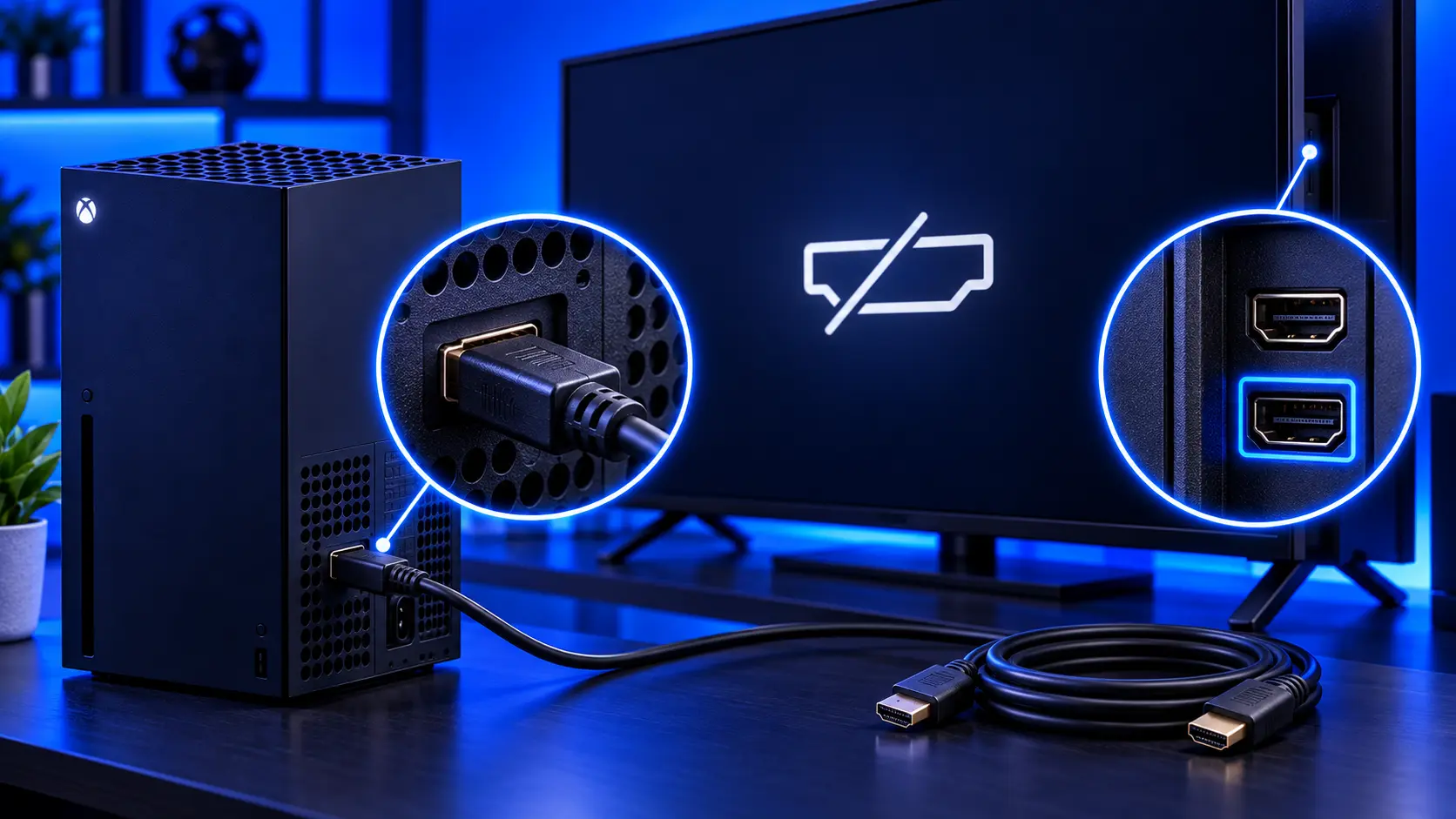
Your Xbox turns on, the light is on, you can hear it, but the TV says "no signal". It's one of the most common Xbox problems, and it's frustrating because everything seems to be working except the one thing you need.
The good news is that plenty of no-signal problems are fixed with a cable, a TV setting or a start-up trick. The bad news is that a damaged HDMI port is one of the most common Xbox hardware faults. Here's how to tell which you have, cheapest checks first.
1. Check the TV and the input
It sounds obvious, but check the TV is on the right HDMI input, and try another HDMI input on the TV. If you have another TV or monitor, try the console on that. If the Xbox works on another screen, the problem is the first TV or its settings, not the console.
2. Try another HDMI cable
HDMI cables fail more often than people think, especially where they bend near the plug. Use the cable that came with the Xbox if you can. It's rated for the console's full picture quality. Try a different cable if you have one.
3. Restart the console properly
Press and hold the Xbox button on the front of the console for about 10 seconds until it turns off completely. Unplug the power cable, wait a little while, plug it back in and turn it on again.
4. Start it in low-resolution mode
If the console is sending a picture your TV can't display, for example after a settings change, or on a TV that doesn't support the console's output, you'll get a black screen. You can force the console to start at a low resolution:
- Turn the console off by holding the Xbox button until it shuts down.
- On the Series X, press and hold the Xbox button and the Eject button together. Keep holding until you hear two beeps, about 10 seconds apart.
- Release, and the console should start in low-resolution mode.
If you get a picture, go to Settings, then General, then TV & display options, and choose a resolution your TV supports. The Series S has no Eject button. Check Microsoft's support pages for the Series S method.
5. Unplug accessories
Remove any storage expansion card, external drive and USB accessories, then restart. It's rare, but it rules them out.
Signs it's the HDMI port
If none of that works, these signs point to the port:
- The port is loose, or the plug wobbles when it's in
- The picture comes and goes when you move the cable
- You can see bent pins or damage inside the port. Shine a torch in.
- It started after the cable was yanked, the console was pulled or knocked, or a Series X fell over
- Nothing works on any TV, with any cable, even in low-resolution mode
Occasionally the fault is the chip behind the port rather than the port itself. I explain the difference in Xbox HDMI port or HDMI chip?
What the repair involves
An Xbox Series X|S HDMI port repair with me is £75 all-in for the Series X or Series S, including parts and tracked return postage. I solder in a new port, check the joints under magnification, and test picture and sound. Then the console runs a demanding game for an hour before it's posted back. The work is covered by a 12-month warranty.
If the chip behind the port has failed instead, I don't replace it, so it's no fix, no fee: I refund what you paid, less return postage. For how prices compare, see Xbox HDMI port repair cost.
Common questions
Why does my Xbox work on one TV but not another?
The two TVs may support different resolutions or refresh rates. If the Xbox is set to something the second TV can't show, you'll get a black screen. Starting in low-resolution mode, then choosing a setting that TV supports, usually fixes it.
Can a faulty HDMI cable really cause no signal?
Yes, and it's more common than people expect. Cables can fail inside, especially near the plugs, while looking fine from the outside. Always try another cable before anything else.
Will a repair affect my games or saves?
No. An HDMI port repair doesn't touch the console's storage.
My recommendation
Work through it in order: the TV input, another cable, a proper restart, and low-resolution mode. Between them, they fix a good share of no-signal problems for free. If the port is loose, the picture changes when you touch the cable, or nothing works on any screen, the port is the likely fault, and it's a straightforward repair. When you're ready, how to pack an Xbox for posting will help it arrive safely.
The Repair Works is an independent UK repair service, run by me, Paul — 25 years of hands-on repair experience, working by post for customers across the whole country. Not affiliated with or endorsed by Microsoft.


