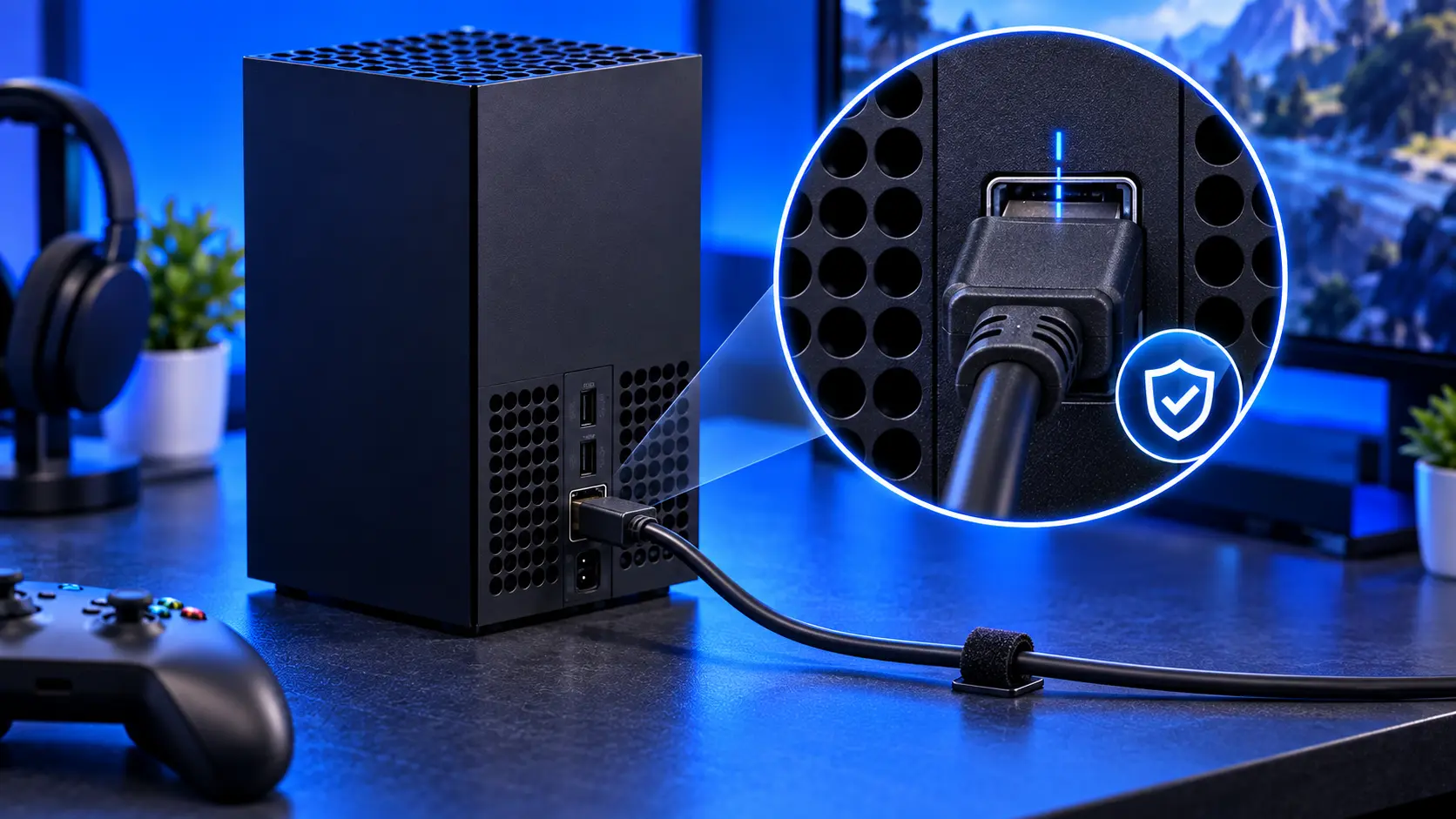
A damaged HDMI port is one of the most common repairs on the Xbox Series X|S, and it's usually caused by physical strain. The good news is that makes it one of the most avoidable faults too. A few minutes spent on how your console is set up can save you a repair.
Why HDMI ports get damaged
The HDMI port is soldered to the console's board. The joints are strong enough for normal use, but they aren't designed to take a sideways pull. When a cable is yanked, or the console moves while the cable stays put, the force goes straight into those joints. Over time, or all at once, they crack, or the pins bend.
1. Leave slack in the cable
The single most useful thing you can do. The cable should hang loosely from the back of the console, not run tight to the TV. If the cable is too short to leave slack, buy a longer one. It costs far less than a repair.
2. Keep the cable out of the way
Route the cable so it can't be caught by feet, pets, a vacuum cleaner or a child. A cable that runs across the front of the TV unit, or hangs where it can be grabbed, is the most common cause of a yanked port.
3. Make an upright Series X stable
The Series X is tall and relatively narrow when standing upright. If it's knocked over with the cable in, the port takes the full force of the fall. Stand it where it can't be knocked, away from the edge of the shelf. If you can't, lay it on its side, which Microsoft supports.
4. Don't let the console hang off the shelf
A console with its back overhanging the shelf, or with the cable pulling it towards the edge, puts constant strain on the port. Keep it fully on the shelf, with the cable hanging down behind rather than pulling sideways.
5. Plug in straight, and gently
Line the plug up with the port and push it straight in. Don't force it at an angle or wiggle it. HDMI plugs only fit one way up. When you unplug, hold the plug itself, not the cable, and pull straight out.
6. Turn things off before unplugging
It's good practice to switch off the console and TV before plugging or unplugging HDMI. It avoids the small risk of an electrical spike between the two.
7. Moving house or the console? Unplug first
Never move the console with the HDMI cable still plugged in. It's how a lot of ports get damaged.
If the port is already damaged
If your port is loose, the picture cuts out when the cable moves, or there's no signal at all, check Xbox no signal: what to check first. If it's the port, an Xbox Series X|S HDMI port repair with me is £75 all-in, including parts and tracked return postage, with a 12-month warranty.
Choosing an HDMI cable
The HDMI cable itself plays a part. A stiff, heavy cable puts more leverage on the port than a flexible one, especially if it bends sharply right at the plug. A few pointers:
- Use the cable that came with the console if you still have it. It's rated for the Series X|S's full picture quality.
- If you buy a replacement, look for one certified as Ultra High Speed if you want 4K at 120Hz. For the port's sake, choose one that's flexible rather than thick and rigid.
- Avoid tight bends right behind the console. A cable that has to turn sharply puts constant sideways pressure on the port.
- Right-angled adaptors can reduce strain in a tight space, but a cheap, heavy one adds leverage of its own. If you use one, choose a small, light one and support the cable.
Signs your port is already under strain
Catching it early can save a bigger repair:
- The picture flickers or drops when someone walks past or the console is touched
- The plug feels looser than it used to
- You have to hold the cable at an angle to get a picture
If you notice any of these, stop moving the cable around, and have the port checked before it fails completely.
My recommendation
Give the cable slack, keep it out of harm's way, and make sure an upright Series X can't be knocked over. Those three things prevent most HDMI port damage. Unplug by the plug, not the cable, and never move the console with the cable attached.
The Repair Works is an independent UK repair service, run by me, Paul — 25 years of hands-on repair experience, working by post for customers across the whole country. Not affiliated with or endorsed by Microsoft.


