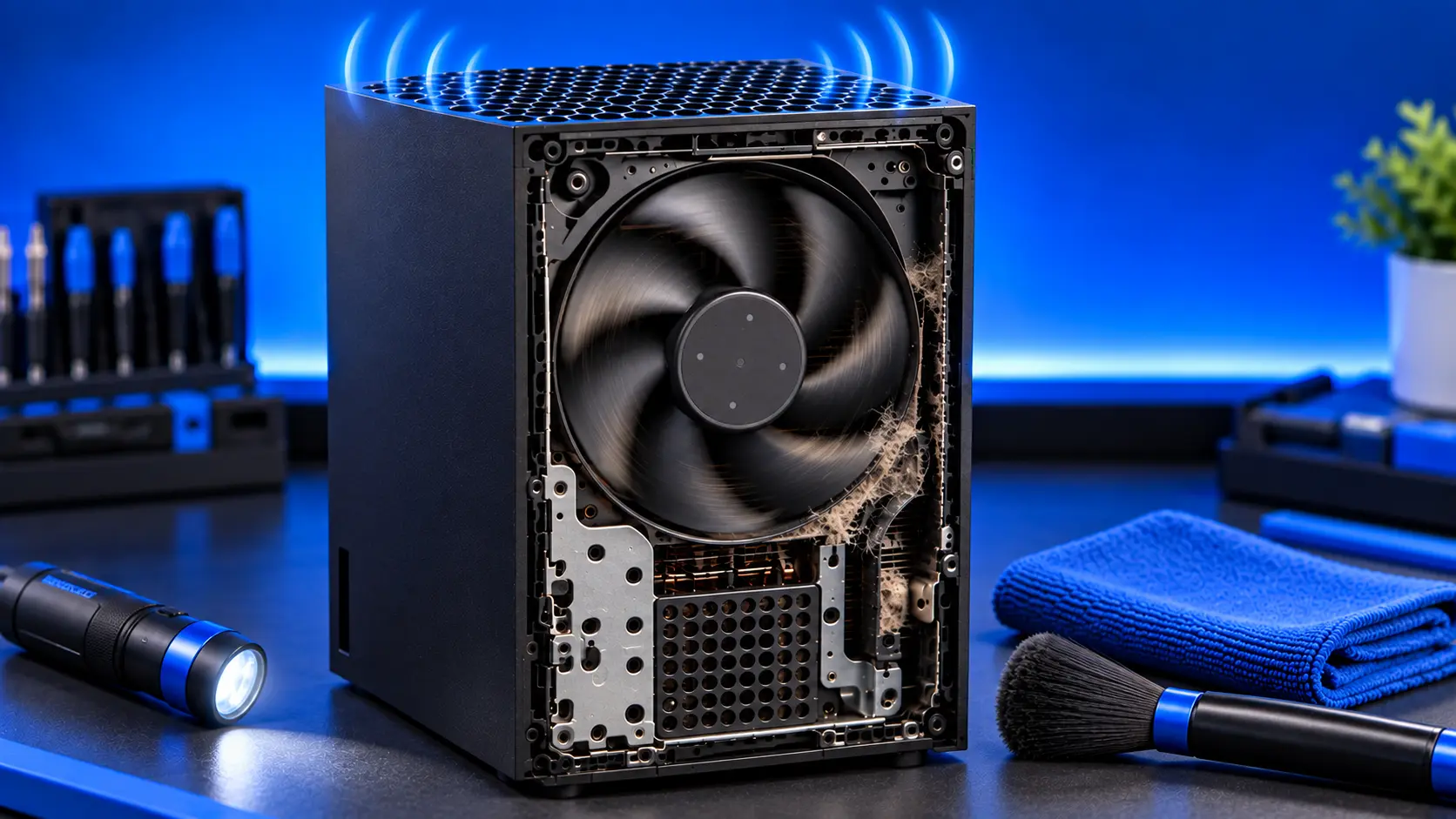
When the Xbox Series X|S launched, one of the things reviewers noticed most was how quiet it was. So if yours has become noticeably loud, it's worth paying attention to. Sometimes it's the console working hard on a demanding game. Often, it's dust. Occasionally, it's the fan wearing out.
Here's how to tell which.
How the fan should behave
The console controls its fan speed automatically, and there's no setting for it. A healthy Xbox:
- Is near-silent in the menus, and quiet in most games
- Gets a little louder in demanding games, with a steady, smooth whoosh
- Can be louder in a warm room than in a cool one
If yours is only louder in one or two demanding games, that's probably normal.
Noises that point to a problem
Loud all the time, even in the menus. The fan is working much harder than it should. The usual cause is dust on the heatsink and fan, so it has to spin faster to move enough air.
Louder and louder over months. Dust builds up gradually, so the noise does too.
Rattling or buzzing. Often something loose rather than the fan: the console touching something, or a foot or stand not seated properly. Check those first.
Grinding, ticking or scraping. A rough noise that doesn't go away can mean the fan's bearing is wearing, or something is catching the blades. This is the noise that can mean the fan needs replacing.
A high-pitched whine. Some consoles make a faint whine under load from their electronics, not the fan. It's usually harmless.
Clicking or grinding from the disc drive. On the Series X, noise from the front is more likely the drive than the fan, especially when a disc is spinning.
What to check first
- Placement. Keep the top vent clear on a Series X, and the round vent clear on a Series S. Get it out of any cabinet.
- The vents. With the console off and unplugged, vacuum the vents gently with a brush attachment. Don't blow compressed air in.
- Anything touching it. Make sure nothing rests against the console, and it's sitting level.
- Updates. Install any update in Settings, then System, then Updates.
The free checks in Xbox overheating: what to check go into more detail.
Why the fan gets louder over time
Some dust always gets past the vents. It settles on the heatsink fins and the fan blades, and over a few years it can form a layer that blocks airflow. The fan spins faster to compensate. At the same time, the thermal paste between the processor and the heatsink dries out, so the heatsink gets heat less efficiently. Both mean more noise.
Does the fan need replacing?
Usually not. Most loud Xbox fans are healthy fans working too hard. Once the console is cleaned and the thermal paste replaced, they quieten down. A fan that grinds, ticks or wobbles after cleaning is the one that needs replacing.
What the repair involves
An Xbox Series X|S overheating repair with me is £59 all-in for the Series X or Series S, including parts and tracked return postage. I clean the fan and heatsink, replace the thermal paste, and replace dried thermal putty where needed, then test it for an hour running a demanding game, checking the fan settles to a sensible level. The work is covered by a 12-month warranty.
If the fan's bearing is worn, I'll quote for a replacement first. If you'd rather not, I still do the service and send it back, though the fan may stay noisy.
Common questions
Can I change the Xbox fan speed?
No. The console controls the fan itself, and there's no setting for it. The fix for a loud fan is airflow and a clean console.
Is a loud Xbox fan bad for the console?
A loud fan isn't damaging anything on its own. It's a sign the console is working hard to keep cool. The risk is what follows if the dust keeps building up: overheating warnings and shutdowns.
Does standing the Series X up or lying it down change the noise?
Not much, as long as the vents are clear. What matters is that the top vent on a Series X has space above it.
My recommendation
If it's only loud in a few demanding games, leave it. If it's loud all the time, check the placement and vacuum the vents first. If it's still loud, it needs cleaning inside and fresh thermal paste, and that usually brings the noise right down. When you're ready, how to clean an Xbox Series X|S shows what you can do yourself.
The Repair Works is an independent UK repair service, run by me, Paul — 25 years of hands-on repair experience, working by post for customers across the whole country. Not affiliated with or endorsed by Microsoft.


