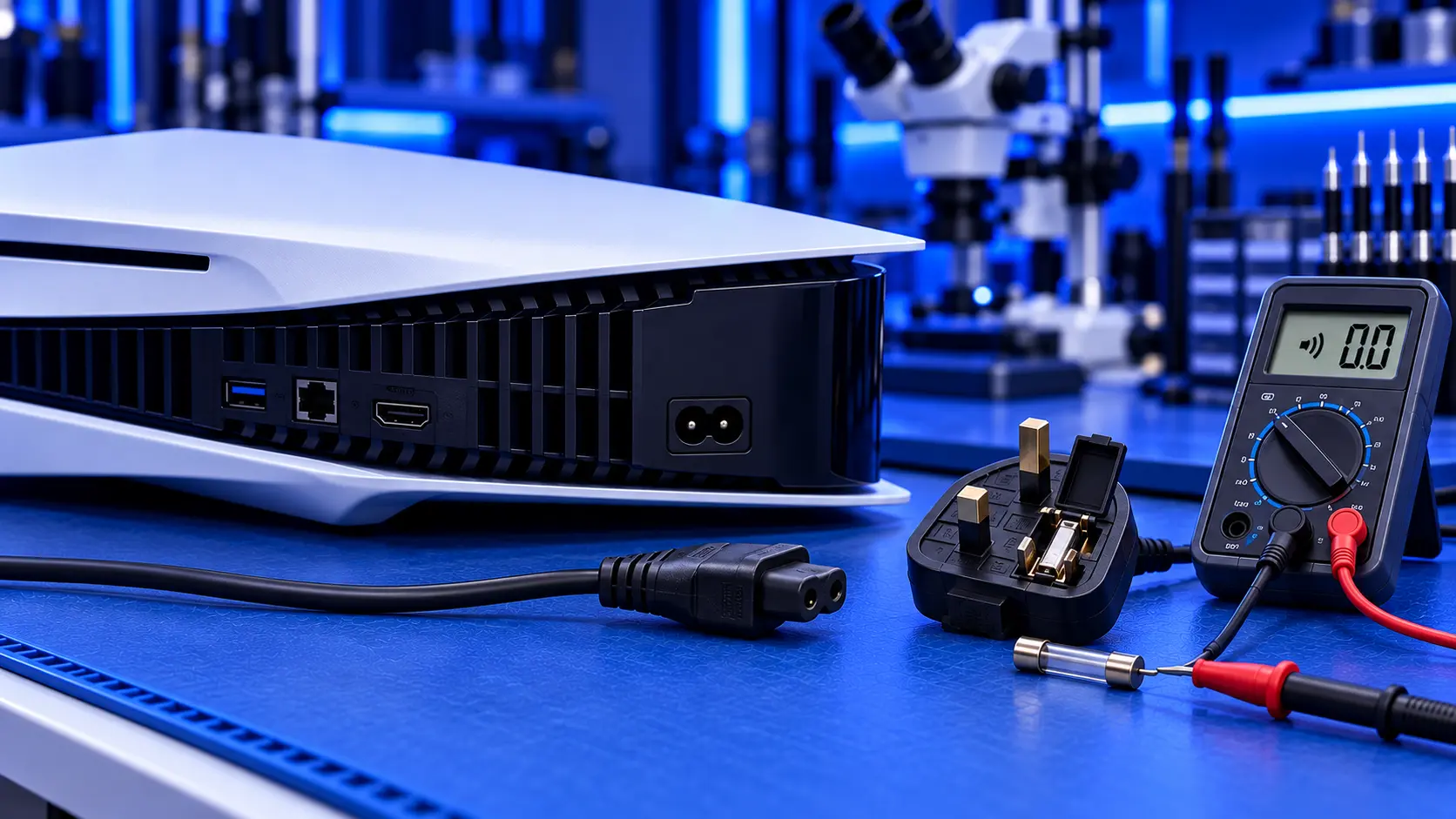
Pressing the power button on your PS5 and getting nothing back is a horrible feeling. But a PS5 that won't turn on isn't always a broken PS5. Sometimes it's the cable, the socket, or the console stuck in rest mode. Sometimes it's a software problem that you can fix yourself. And sometimes it really is a hardware fault.
The first step is to look carefully at what the console is actually doing, because that tells you where to start.
What is your PS5 doing?
- Completely dead: no light, no beep, no fan. Check the power first (below). If that's fine, the most likely cause is the internal power supply.
- It beeps once, then switches straight off. The console starts, detects a problem and protects itself. See PS5 beeps then turns off.
- The light pulses blue, then goes out. Often a software problem, and often fixable at home. See PS5 blue light of death.
- The light stays white, but there's no picture. The console has power. That's usually the HDMI port or the TV. See PS5 turns on but black screen.
- The light is orange and it won't wake up. It's stuck in rest mode (below).
- It turns on, then switches off during games. That's more often heat. See PS5 turning off by itself.
1. Check the cable and the socket
Start with the simplest things, because they catch more people than you'd think.
- Plug straight into a wall socket. Take the console off any extension lead, adaptor or surge protector, and use a socket you know works. Test it with a lamp or a phone charger.
- Check the power cable is pushed fully in at the back of the console. It can work loose, especially if the console has been moved.
- Try another power cable. The PS5 uses a standard two-pin "figure-8" cable, the same kind many TVs and speakers use. A damaged cable can stop the console powering on.
2. Do a full power cycle
A PS5 can get stuck in a state where it won't respond to the power button. A full power cycle clears it.
If any light is on, hold the power button until it goes out. Then unplug the power cable from the console, and leave it unplugged for several minutes. Some guides suggest up to 20 minutes, to let any stored charge drain completely. Plug it back in and try the power button again.
3. If it's stuck in rest mode
If the light is orange, the console is in rest mode. Normally it wakes when you press the PS button on the controller. If it won't, hold the power button on the console for about 15 seconds until it turns off completely, then turn it on again. If rest mode keeps causing problems, you can turn it off in the power settings, so the console fully shuts down instead.
4. Check the TV and HDMI
If the console seems to turn on but you see nothing, make sure the TV is on the right input, try a different HDMI port on the TV, and try another HDMI cable. A console with a steady light and no picture has power, so it isn't a power fault.
5. Try Safe Mode
If the console lights up but won't start properly, Safe Mode is a recovery menu that can fix many software problems. Turn the console fully off. Then press and hold the power button, and release it after the second beep, about seven seconds later. Connect your controller with a USB cable and press the PS button.
Start with Clear Cache and Rebuild Database, which doesn't delete your games or saves. If the console still won't start normally, Update System Software reinstalls the latest software and keeps your data. I walk through it in PS5 blue light of death.
Avoid the Reset PS5 options unless you've accepted losing everything on the console. They erase your games and saves.
Signs it's a hardware fault
If you've tried all of the above, these signs point to a fault inside the console:
- No light, no beep and no fan, with a known-good cable and socket
- A single beep, then off, every time
- It died suddenly, especially after a power cut or a surge. See PS5 dead after a power cut.
- Safe Mode won't load, or it switches off before the second beep
The most common cause is the internal power supply, which turns mains electricity into the power the console runs on. I explain how it fails in PS5 power supply failure. After that, it's usually a fault in the board's power circuit, such as a blown fuse or a shorted component.
What the repair involves
A PS5 no power repair with me is £119 all-in for the original PS5 or the PS5 Slim, including parts and tracked return postage. I find out whether it's the power supply or the board, then fit a genuine Sony power supply or repair the board's power circuit. Once it's working, I test it for an hour running a demanding game before it's posted back. The work is covered by a 12-month warranty.
If it turns out to need only a system software repair, it's £49 and I refund the difference. If the processor or one of the board's main chips has failed, I can't repair it yet, so it's no fix, no fee: I refund what you paid, less return postage. I don't repair PS5 Pro power faults yet.
My recommendation
Work through it in order: a known-good wall socket and cable, a full power cycle, the rest mode reset, and Safe Mode if the console lights up. Between them, they fix a fair share of consoles that "won't turn on". If it's still completely dead, or beeps once and switches off every time, the fault is inside, and the power supply is the most likely cause. When you're ready, how to pack a PS5 for posting will help it arrive safely.
The Repair Works is an independent UK repair service, run by me, Paul — 25 years of hands-on repair experience, working by post for customers across the whole country. Not affiliated with or endorsed by Sony.


