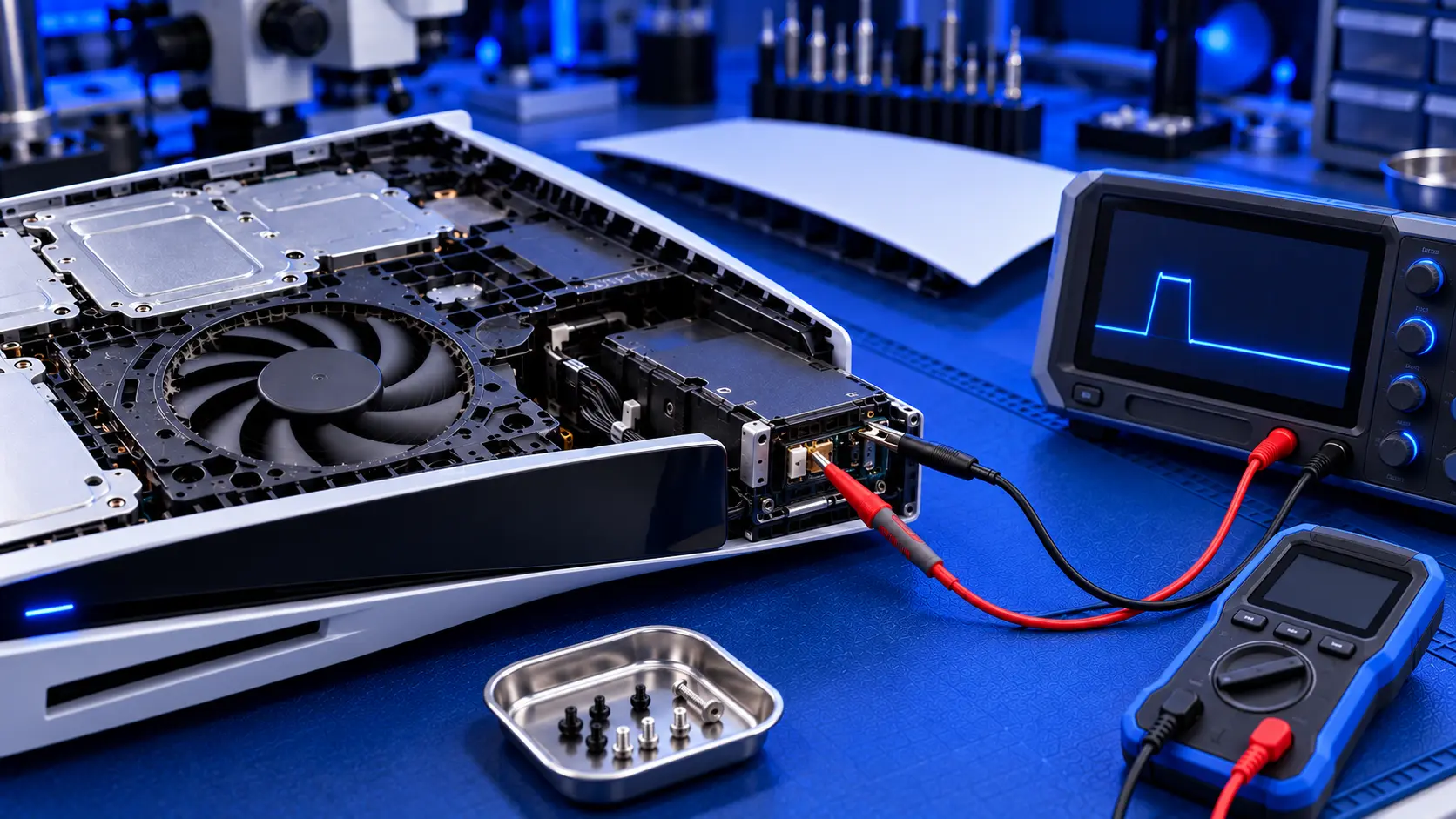
A PS5 normally beeps once when you press the power button, then carries on starting up. If yours beeps and then switches straight off, the light goes out and nothing else happens, the console is telling you something. It has started just far enough to detect a problem, and it's shut itself down to protect itself.
That's frustrating, but it narrows things down. Here's what usually causes it, and what to check.
Why a PS5 beeps and switches off
When you press the power button, the console runs a quick check as it powers up. If something is wrong with the power it's getting, or with the power circuits on its board, it switches itself off rather than risk damage. The beep is simply the console acknowledging the button before it shuts down.
The usual causes, most common first:
- The internal power supply. A failing power supply can manage the first moment of start-up, then fail as the console asks for more power.
- A short on the board. A failed component in the board's power circuit, such as a MOSFET or a capacitor, can cause the console's protection to cut in.
- A problem from a previous repair. Consoles that have been opened before, especially for a liquid metal job, can have shorts around the processor. I explain why in PS5 liquid metal explained.
- An add-on. Less often, a faulty USB device or a newly fitted storage drive can cause trouble at start-up.
Free checks to try first
1. Unplug everything except power
Take out every USB device, external drive and cable except the power cable. Try the power button again. If it starts, plug things back in one at a time to find the culprit.
2. Plug straight into the wall
Take the console off any extension lead, adaptor or surge protector, and plug it into a wall socket you know works. Try a different power cable too.
3. Do a full power cycle
Unplug the console and leave it for several minutes, up to 20, so any stored charge drains away. Plug it back in and try again.
4. Remove a new storage drive
If you've recently fitted an M.2 storage drive, turn the console off, unplug it, remove the drive, and try again. If it starts without the drive, the drive or its fitting is the problem.
5. Try Safe Mode
Hold the power button and see whether you get a second beep, about seven seconds after the first. If the console reaches Safe Mode, the hardware is working well enough that software may be the problem. See PS5 blue light of death for what to do next. If it switches off before the second beep, that points to hardware.
Beeps then off, or shuts down during games?
These are different faults. A console that won't start, beeping and switching off straight away, has a power or board problem. A console that starts and plays, then switches off after a while, is more often overheating. PS5 turning off by itself covers that pattern.
Signs it needs a repair
- It beeps and switches off every time, with nothing plugged in except power
- A known-good cable and wall socket make no difference
- It never reaches Safe Mode
- It started suddenly, perhaps after a power cut, a surge, or the console being moved or knocked
Telling a failed power supply from a board fault takes measuring: checking what the power supply puts out, and looking for shorts on the board. That's quick with the right equipment, and it's the difference between replacing the right part and replacing parts that weren't broken. PS5 power supply failure explains how power supplies fail.
What the repair involves
A PS5 no power repair with me is £119 all-in for the original PS5 or the PS5 Slim, including parts and tracked return postage. I find whether it's the power supply or the board, then fit a genuine Sony power supply or repair the board's power circuit. Once it's working, I test it for an hour running a demanding game before it's posted back. The work is covered by a 12-month warranty.
If the processor or one of the board's main chips has failed, I can't repair it yet, so it's no fix, no fee: I refund what you paid, less return postage. Damage from leaked liquid metal can be a much bigger job, so I quote for it separately first. I don't repair PS5 Pro power faults yet.
My recommendation
Strip it back to just the power cable, plug straight into a wall socket, do a full power cycle, and see whether it reaches Safe Mode. If it still beeps and switches off every time, the console is protecting itself from a real fault, and the power supply or the board's power circuit is the most likely cause. Don't keep pressing the button over and over: if there's a short, repeated attempts don't help. When you're ready, how to pack a PS5 for posting will help it arrive safely.
The Repair Works is an independent UK repair service, run by me, Paul — 25 years of hands-on repair experience, working by post for customers across the whole country. Not affiliated with or endorsed by Sony.


