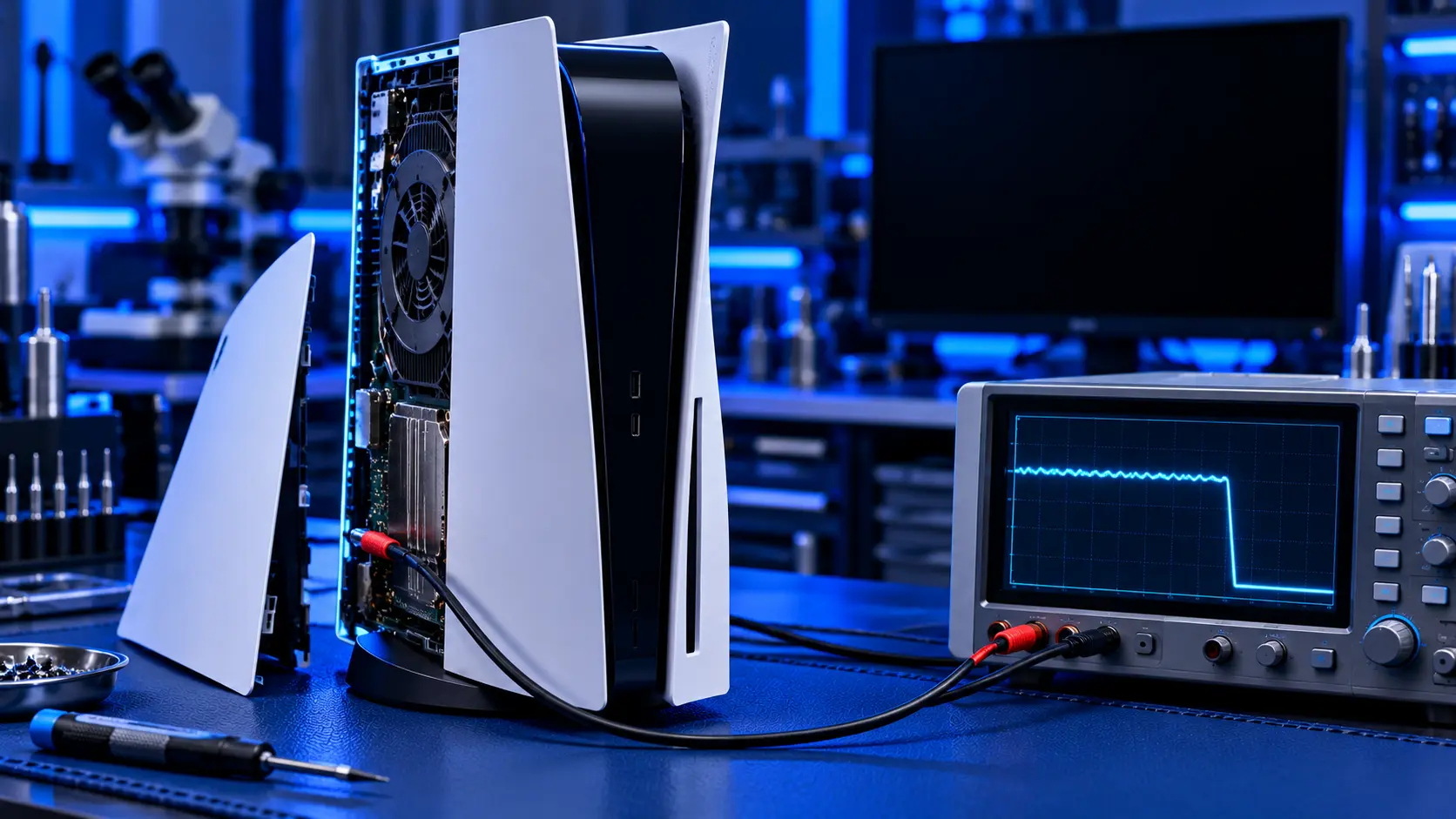
A PS5 that switches itself off in the middle of a game is one of the most frustrating faults there is. You lose your progress, you don't know when it'll happen next, and you don't know what's causing it. Most people assume it's overheating, and often it is. But a surprising number of consoles that "keep turning off" have a different problem entirely, and some of them cost nothing to fix.
The pattern of the shutdowns tells you a lot. Here's how to read it.
Pattern 1: it shuts down after a while of playing
This is the classic overheating pattern:
- It happens during games, not in the menus, and usually in demanding games
- It happens after a while, not straight away. Often it's after half an hour or more.
- The fan gets loud beforehand
- You may see a warning that the PS5 is too hot
- It turns back on fine once it's cooled down
- It's worse on hot days or with the console in a cabinet
If that sounds like yours, the console is protecting itself from heat. The free checks in PS5 overheating: what to check first are the place to start.
Pattern 2: it cuts out instantly, at random
This points away from heat:
- It switches off suddenly, with no warning and no build-up of fan noise
- It happens in the menus, in apps, or soon after switching on, not just in games
- It may beep, or the light may flash, or it may try to restart
- Sometimes it won't turn back on straight away
A console that dies without warning like this usually has a power problem: the power cable, the socket or extension it's plugged into, or the power supply inside the console.
Pattern 3: it turns off when the TV turns off
If your PS5 switches off at the same time as your TV, or when you switch between TV inputs, the cause may be a setting rather than a fault. The PS5 can be linked to your TV over HDMI, so that turning one off turns the other off too.
Check under Settings, then System, then HDMI, and look at the HDMI Device Link options. Turning off the setting that powers the console off with the TV stops it happening.
Pattern 4: an error screen, then it closes the game
If the game crashes to an error screen, or the console restarts with a message about not having shut down properly, that's usually software rather than power or heat. A single game crashing points to that game. Lots of crashes across different games point more towards the console.
Free checks worth trying
Work through these, whatever the pattern:
- Plug it straight into the wall. Take it off any extension lead, adaptor or surge protector and plug it into a wall socket you know works. A tired extension lead can cause random power cuts.
- Swap the power cable. The PS5 uses a standard figure-8 cable. Try another if you have one, and check that it's pushed firmly into the back of the console.
- Check the HDMI Device Link settings, as described above.
- Install any system update, under Settings, then System, then System Software.
- Rebuild the database in Safe Mode. Turn the PS5 fully off, hold the power button until you hear a second beep, connect your controller with a USB cable and press the PS button. Rebuilding the database doesn't delete your games or saves, and it can clear some software problems.
- Give it space. If the shutdowns follow the overheating pattern, get the console out of any cabinet, keep it at least 10 cm from a wall, and vacuum the vents.
Heat or power: what happens next
If it's heat, the usual cause inside is dust packed onto the heatsink fins, and it needs a strip-down clean. A PS5 overheating repair with me is £69 all-in, including parts and tracked return postage. I clean the fan, heatsink and dust catchers, check the liquid metal and refresh it where needed, replace dried thermal putty where needed, and test the console for an hour running a demanding game before it's posted back.
If it's power, the cause is usually the power supply or a fault on the board, and that's a different repair. A console that cuts out at random, or won't turn back on, is covered by my PS5 no power repair.
If you're not sure, book the overheating service. If I find the shutdowns aren't caused by heat, I'll tell you what I've found and quote before doing anything more. If you'd rather not go ahead, it's no fix, no fee: I refund what you paid, less return postage. The work is covered by a 12-month warranty.
Common questions
Why does my PS5 turn off and beep?
A beep when the console turns off can happen with a normal power-off, but repeated beeping, a flashing light or a console that keeps restarting points towards a power or hardware fault rather than heat.
Can a PS5 turn off because of the TV?
Yes. If HDMI Device Link is set to turn the console off with the TV, switching off the TV, or sometimes switching input, turns the PS5 off too. It's worth checking before assuming a fault.
Is it safe to keep using a PS5 that keeps shutting down?
The shutdowns themselves are the console protecting itself. But repeated sudden power cuts risk corrupting data, and Sony's safety guide says continued use of a console that's too hot may lead to damage or malfunction. It's worth finding the cause.
My recommendation
Watch the pattern. If it shuts down after a while of gaming, with a loud fan or a too hot warning, it's heat: check where it lives first, and if that doesn't fix it, it needs a clean inside. If it cuts out instantly at random, try the wall socket and a different power cable before anything else, then look at a power repair. If it only turns off with the TV, check the HDMI Device Link settings. And if you can't tell, send it in for the overheating service, and I'll tell you honestly what's wrong before charging for anything more. When you're ready, how to pack a PS5 for posting will help it arrive safely.
The Repair Works is an independent UK repair service, run by me, Paul — 25 years of hands-on repair experience, working by post for customers across the whole country. Not affiliated with or endorsed by Sony.


