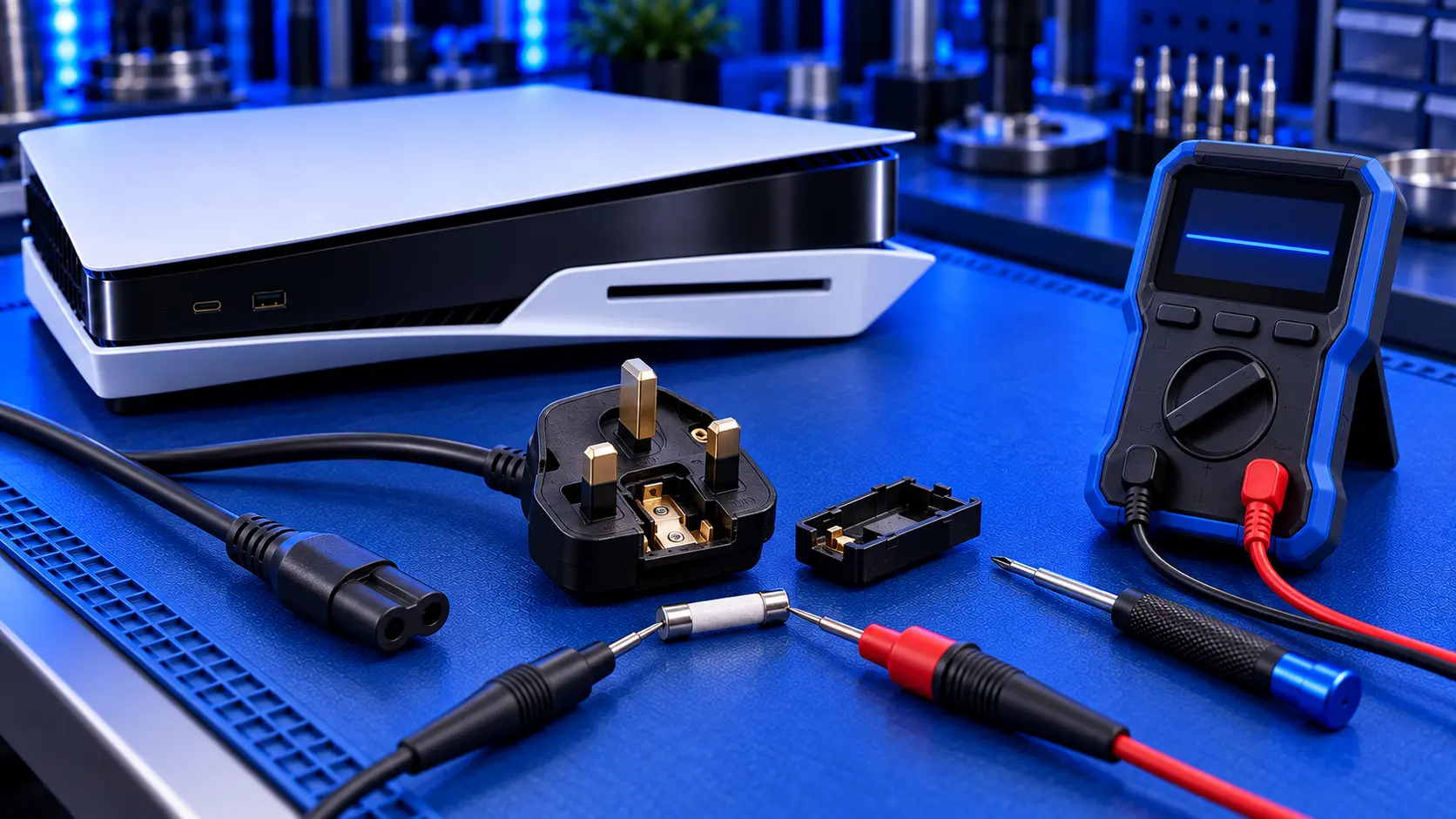
The power comes back on after a cut or a storm, and everything in the house works again, except the PS5. It's a common story, and there are a few different things that can have happened. Some are easy to fix. Some need a repair.
Here's how to work out which, and what to do about it.
What a power cut can do to a PS5
A power cut can affect a PS5 in two different ways:
- It can corrupt the software. If the console loses power suddenly, especially while it's updating or saving, its system software can be left damaged. The console has power, but it can't start properly. This is often fixable at home.
- It can damage the hardware. When power drops out and comes back, or during a storm, there can be a spike in the mains. That can damage the console's internal power supply, and sometimes the power circuit on its board.
What the console does now tells you which one you're dealing with.
Check the simple things first
1. Check the socket and the fuse box
A power cut or a surge can trip a breaker or an RCD in your fuse box, and some sockets might still be off. Plug a lamp or a phone charger into the socket the PS5 uses to make sure it has power.
2. Check any extension lead or surge protector
Extension leads and surge protectors can switch off, trip or fail during a surge, doing exactly the job they're meant to. Plug the PS5 straight into a wall socket you know works.
3. Do a full power cycle
Unplug the console and leave it unplugged for several minutes. Some guides suggest up to 20. Plug it back in and try again.
If it lights up but won't start
If the light pulses blue and the console won't finish starting, or it shows a message about not being shut down properly, the software is the likely problem. That's often fixable in Safe Mode without losing your games or saves. See PS5 blue light of death.
If it's completely dead
If there's no light, no beep and no fan, even on a known-good wall socket, the hardware has probably been damaged. The usual order:
- The internal power supply is the part most exposed to a mains spike, and the most common thing to fail. See PS5 power supply failure.
- The board's power circuit, such as fuses and other components that protect the rest of the board. These are often repairable.
- Chips deeper in the board. Less often, a surge gets past the power supply and damages the board's main chips. That's the most serious outcome.
If it beeps once and switches off, see PS5 beeps then turns off.
Does a surge protector help?
A good surge protector can absorb smaller spikes, the kind that can happen when power comes back after a cut. It's worth having on expensive electronics like a PS5 and a TV. But no plug-in surge protector will protect against a nearby lightning strike. During a thunderstorm, the only certain protection is to unplug.
It's also worth turning the console off properly, rather than leaving it in rest mode, if you know the power is going to be switched off, for example for electrical work.
Is it covered by insurance?
Some home insurance policies cover damage to electronics caused by power surges or lightning, sometimes as part of accidental damage cover. It's worth checking your policy before paying for a repair. If your insurer asks, a repairer's report on what failed can help.
What the repair involves
A PS5 no power repair with me is £119 all-in for the original PS5 or the PS5 Slim, including parts and tracked return postage. I find out whether the power supply or the board's power circuit has failed, then fit a genuine Sony power supply or repair the board. Once it's working, I test it for an hour running a demanding game before it's posted back. The work is covered by a 12-month warranty.
If the power cut only corrupted the software, it's £49 and I refund the difference, and I only erase your data with your permission. If the surge reached the processor or one of the board's main chips, I can't repair it yet, so it's no fix, no fee: I refund what you paid, less return postage. I don't repair PS5 Pro power faults yet.
My recommendation
Check the socket, the fuse box and any extension lead first, then plug straight into the wall and power cycle it. If the console lights up but won't start, try Safe Mode: it may just be the software. If it's completely dead, the power supply is the most likely casualty, and it's usually repairable. And next time there's a storm, unplug it. When you're ready to send it in, how to pack a PS5 for posting will help it arrive safely.
The Repair Works is an independent UK repair service, run by me, Paul — 25 years of hands-on repair experience, working by post for customers across the whole country. Not affiliated with or endorsed by Sony.


