If your Switch won't turn on, charge it on the official charger for at least 30 minutes, then hold the POWER button for about 12 seconds and press it again. That sorts out a flat battery or a frozen system in a lot of cases. If it's still dead after that, Maintenance Mode and a dock test will help show whether it's a board fault.
Here's the order I'd work through it.
1. Give it a proper charge
A Switch that's been left unused for weeks or months can drain so far that it shows nothing at all when you press POWER. It isn't broken, just empty, and it needs time on the charger before it'll respond.
- Use the official Nintendo AC adapter if you can. Some third-party chargers don't supply power the way the Switch expects.
- Plug it straight into the console, not through the dock.
- Leave it alone for at least 30 minutes before pressing anything.
If a battery icon appears, or it boots up, you're sorted. If nothing happens, try a different cable and plug before moving on. My guide to a Switch that isn't charging covers cables, lint in the port and the rest of the charging checks.
2. Hard reset
Sometimes the Switch isn't off at all. It has frozen with the screen dark, so pressing POWER normally does nothing. A hard reset forces it off:
- Hold the POWER button for about 12 seconds.
- Let go.
- Press POWER once more to start it up.
Do this with the charger connected. If the Nintendo logo appears, it was a software hang rather than a hardware fault.
3. Try Maintenance Mode
Maintenance Mode (sometimes called Recovery Mode) is a separate start-up menu. To get into it, switch the console off, then hold both volume buttons and press POWER. Keep holding the volume buttons until the menu appears.
If you reach Maintenance Mode, the console's hardware is at least partly working, which is good news. From there you can run a system update. Be careful with the other options: some of them erase data, so read each one before choosing it, and back up first if you can.
If you can't reach Maintenance Mode after a full charge and a hard reset, that points more firmly towards hardware.
4. Test it in the dock
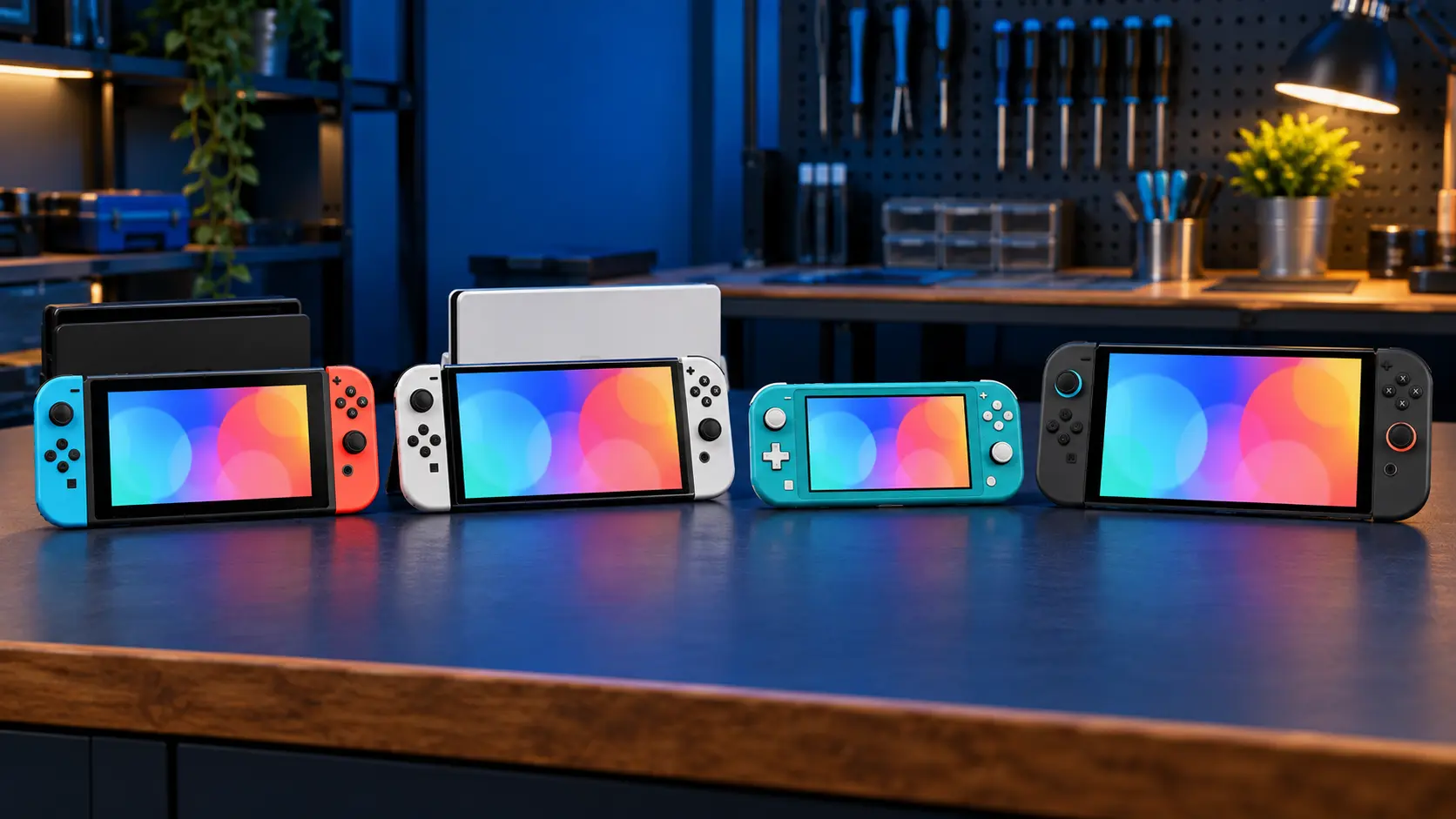
On the original Switch and the OLED, put it in the dock connected to a TV. If you get a picture on the TV but the console's own screen stays black, the console is running and the problem is more likely the screen or its connection, not power. That's a different repair altogether.
The Switch Lite has no TV output, so this test doesn't apply to it.
Signs it's a board fault
If you've done all of the above and it's still dead, a board fault is the likely cause. Signs include:
- no reaction at all to a charger, even after 30 minutes on the official one;
- no response to a hard reset, and no Maintenance Mode;
- it died straight after using a new third-party dock or charger;
- it died after a drop or a spill;
- it gets warm on the charger but never switches on.
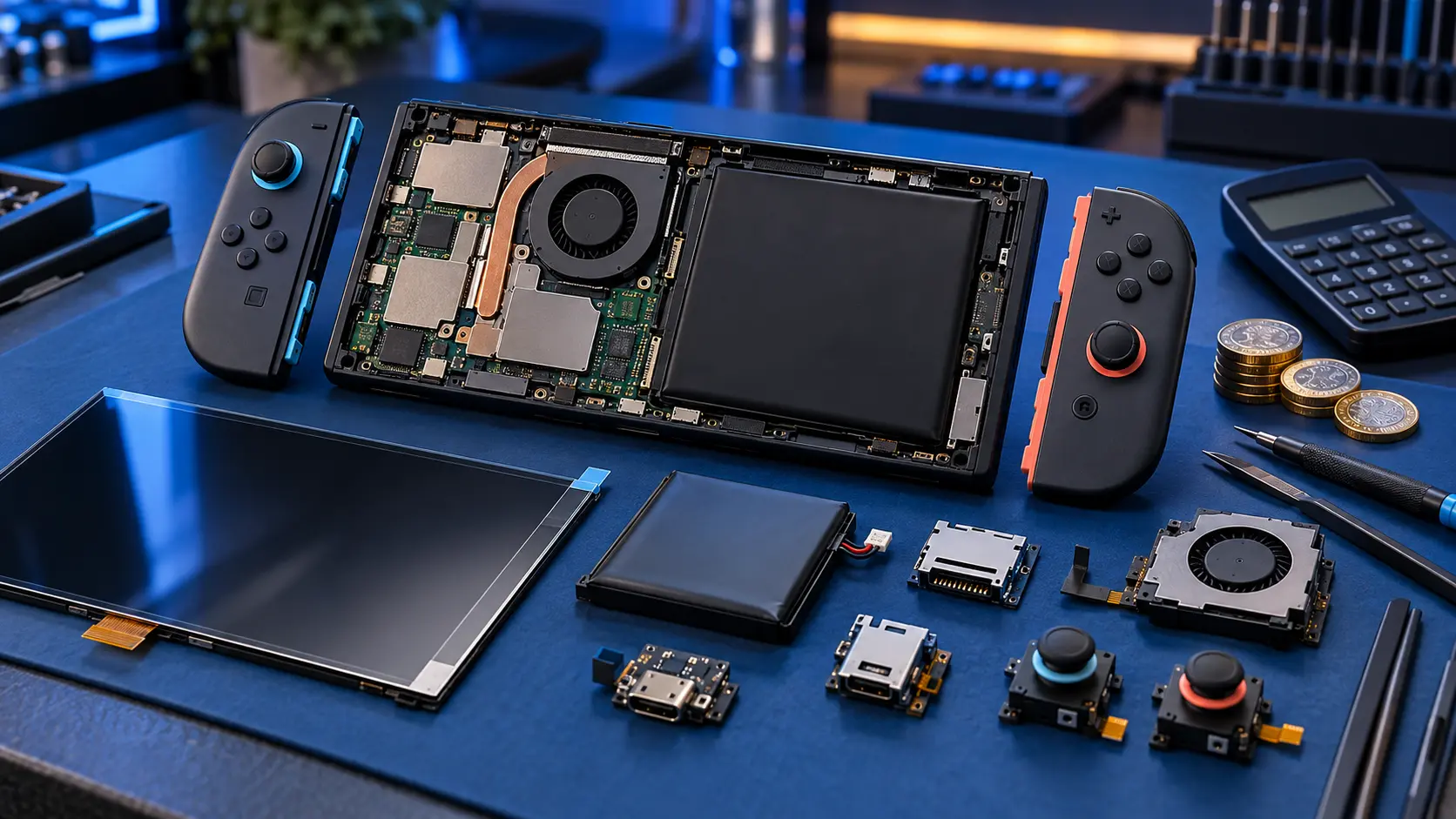
The chips behind the charging port are one of the most likely causes. The M92T36 handles USB-C power delivery and the BQ24193 handles battery charging. Third-party docks and cheap chargers are a well-known cause of M92T36 failure, which I've written about in third-party dock problems. A worn charging port can also stop a flat console from ever getting enough charge to start.
If the back is bulging or the screen is lifting, stop there. That's a swollen battery, and it can't be posted with Royal Mail. Get in touch first.
What the repair involves
Dead consoles go through my Switch no power repair. It starts with a £4.99 assessment. I test the board on my bench, find the fault, and send you a quote. Repairs start from £89. Nothing is done until you approve the quote.
The £4.99 comes off the repair if you go ahead. It isn't refunded if you decline or if the console can't be repaired. If the fault turns out to be the charging port on its own, that's a fixed-price job.
I've been repairing electronics for over 25 years, and board faults like these need hot-air rework and proper diagnosis, not guesswork.
Before you post it
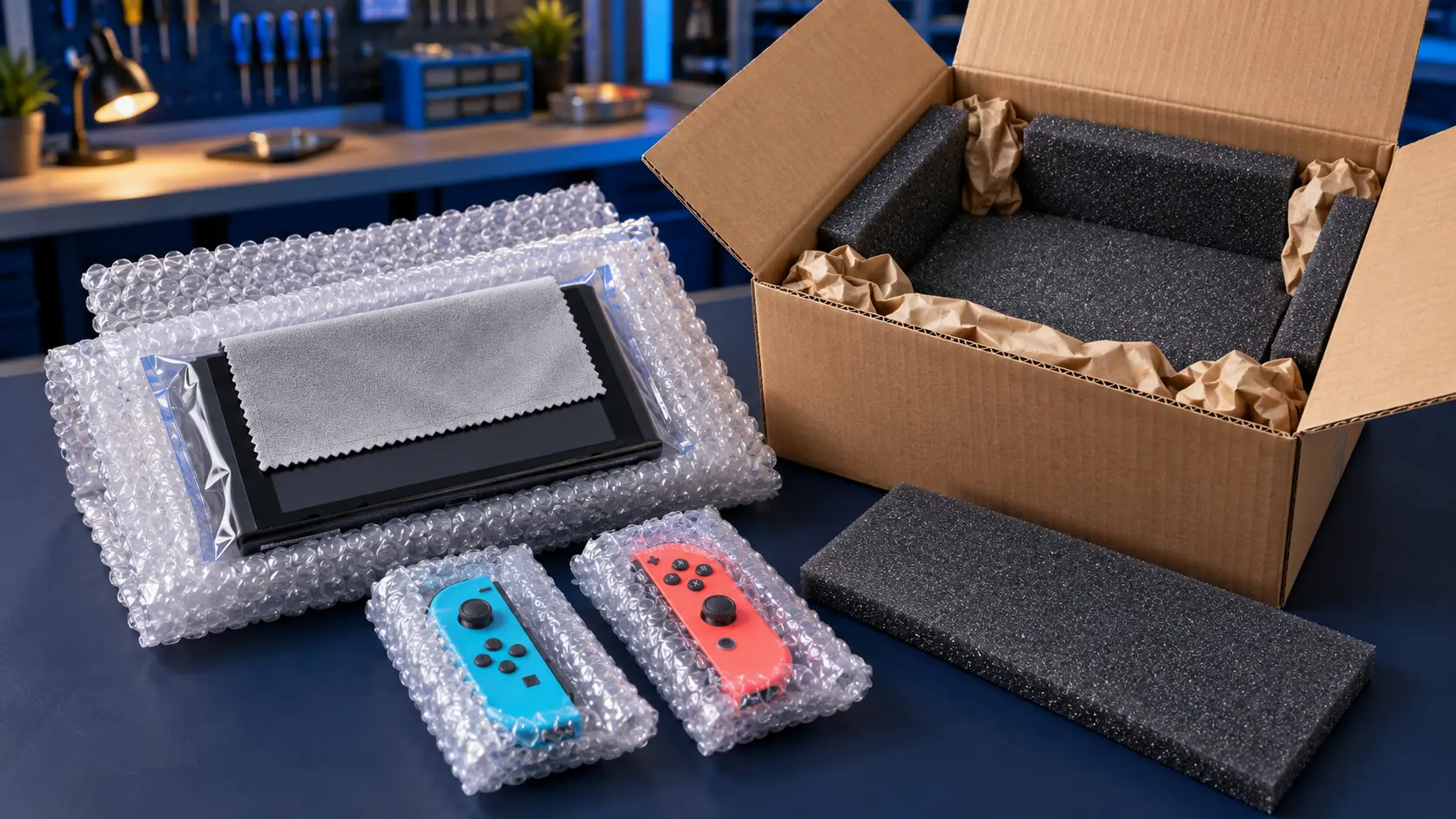
- Remove the game card and microSD card.
- If the console still boots at all, back up your saves. My guide to backing up Switch save data explains how.
- Don't send the dock or Joy-Con unless I ask for them.
You pay to post it to me, and the insured, tracked return is included. Board repairs come with a 12-month warranty, and it's no fix, no fee on the repair itself. You can see everything else I do on the Nintendo Switch repairs page.
Frequently asked questions
How do I hard reset a Switch that won't respond?
Hold the POWER button for about 12 seconds, let go, then press it once more. Do it with the official charger connected in case the battery is very low.
Will I lose my games and saves if the board is repaired?
A board repair works on the existing console, so your data stays where it is in most cases. Back up anything you can beforehand, just to be safe.
Is the assessment fee refunded if I don't go ahead?
No. The assessment fee comes off the repair price if you go ahead, but it isn't refunded if you decline the quote or the console can't be repaired.