A Switch that shows a solid orange or solid blue screen when it starts up, and goes no further, usually has a hardware fault on the main board rather than a software problem. It's still worth trying a hard reset and Maintenance Mode first, because a one-off crash can look similar. If the coloured screen comes back every time, the next step is a board assessment.
What the orange and blue screens look like
In both cases the screen fills with a single flat colour, either a bright orange or a solid blue, usually at start-up or just after the Nintendo logo. There's no error code and no menu. The console may sit on that colour until the battery runs down, or it may freeze there and need forcing off.
This is different from a screen with coloured lines, patches or flicker, which usually points at the display or its cable. It's also different from a black screen with no picture at all, which I cover in my guide to a Switch that won't turn on.
Why it's usually hardware
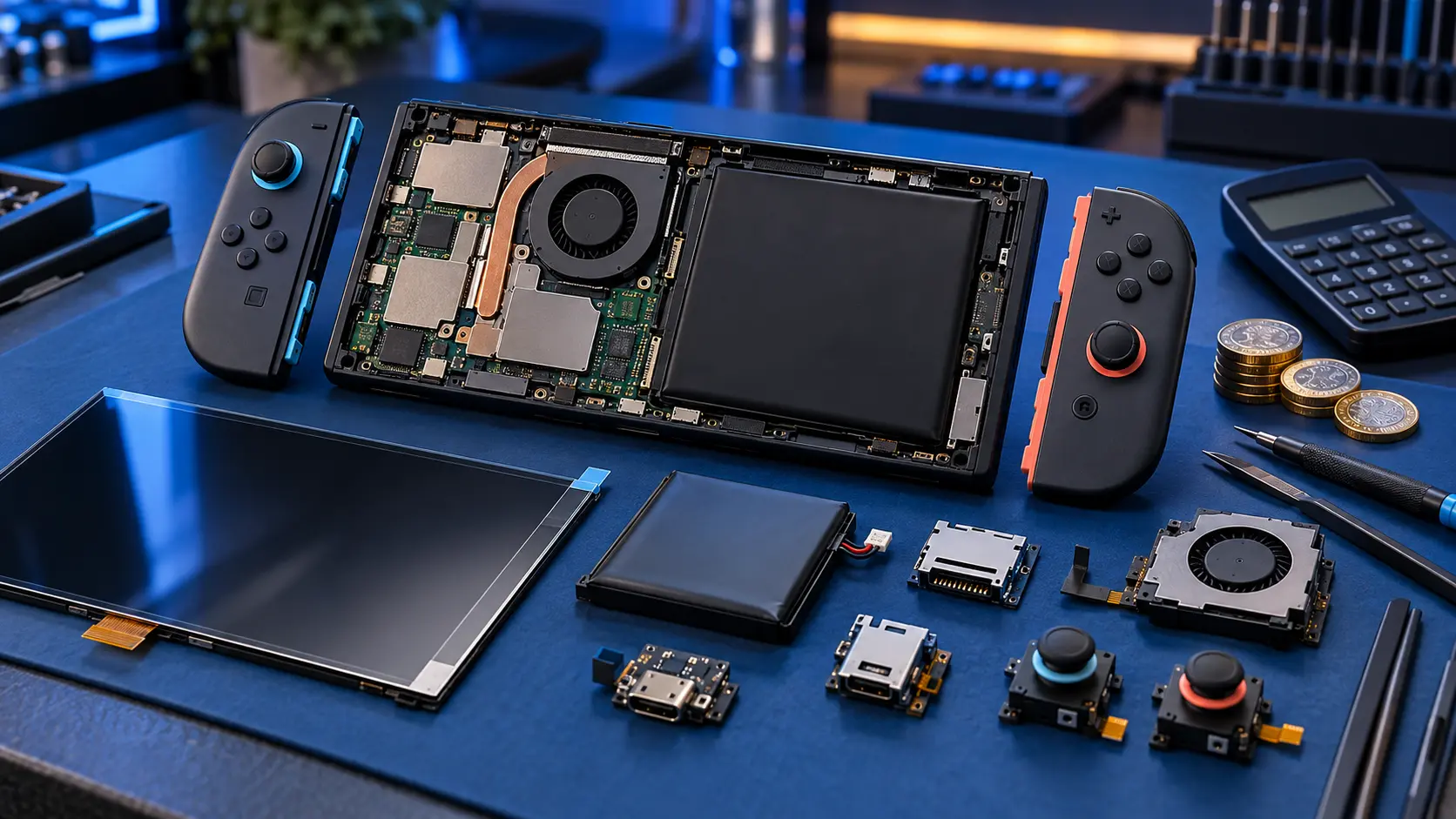
Repair guides that deal with these faults at board level broadly agree that a solid orange or blue screen at start-up is caused by the console being unable to communicate properly with one of the chips on the main board. The usual background is a drop, a knock or pressure that has flexed the board. The Switch's main board is thin, and the tiny solder connections under some chips can crack when it bends.
Board-level repair guides commonly link the two colours to different areas:
- Orange screen: commonly linked to the wireless chip, which handles Wi-Fi and Bluetooth.
- Blue screen: commonly linked to the connections under the main processor or the memory.
That's a useful starting point, but I won't know which it is until I've tested the board. Other faults can produce a similar picture, so I treat each console individually.
Some general guides also suggest a full storage or corrupted system software can cause a crash with a coloured screen. That's why the software checks below are worth a go first. If they don't help, and the colour appears every time you start the console, hardware is the more likely answer.
What to try first
1. Hard reset
Connect the official charger. Hold POWER for about 12 seconds, let go, then press POWER again. If it boots normally and stays that way, it may have been a one-off crash.
2. Unplug everything
Remove the game card and microSD card, take it out of the dock, and detach the Joy-Con. Then hard reset again. That rules out an accessory or a faulty card causing the crash.
3. Maintenance Mode
With the console off, hold both volume buttons and press POWER. If Maintenance Mode appears, try the system update option from there. Be careful with the other options, as some of them erase data.
If you can't reach Maintenance Mode, or the orange or blue screen appears before you get there, that points firmly towards the board.
4. Check for damage
Look at the back of the console. If it's bulging, or the screen is lifting from the frame, the battery has swollen. Stop using it, and get in touch before posting anything, as a swollen battery can't be sent with Royal Mail.
What the repair involves
A console stuck on an orange or blue screen goes through my Switch board fault assessment. It costs £4.99, and repairs start from £89.
- You book the assessment and post the console to me.
- I test the board on my bench to find where the fault is.
- I send you a quote and explain what I've found.
- You approve the quote before I do any work.
The repair is usually hot-air rework on the affected chip, which needs care because the chips involved are small and surrounded by other components. Some of these faults are more involved than others, and I'll be honest in the quote about what's realistic. The £4.99 comes off the repair if you go ahead. It isn't refunded if you decline or if it can't be repaired.
I've been repairing electronics for over 25 years, and board faults like these need proper diagnosis before anything is changed.
Your save data
If the console won't get past the coloured screen, you can't back up from it now. If it boots some of the time, take the chance to back up while you can. My guide to backing up Switch save data before a repair explains the options, including Save Data Cloud.
Sending it in
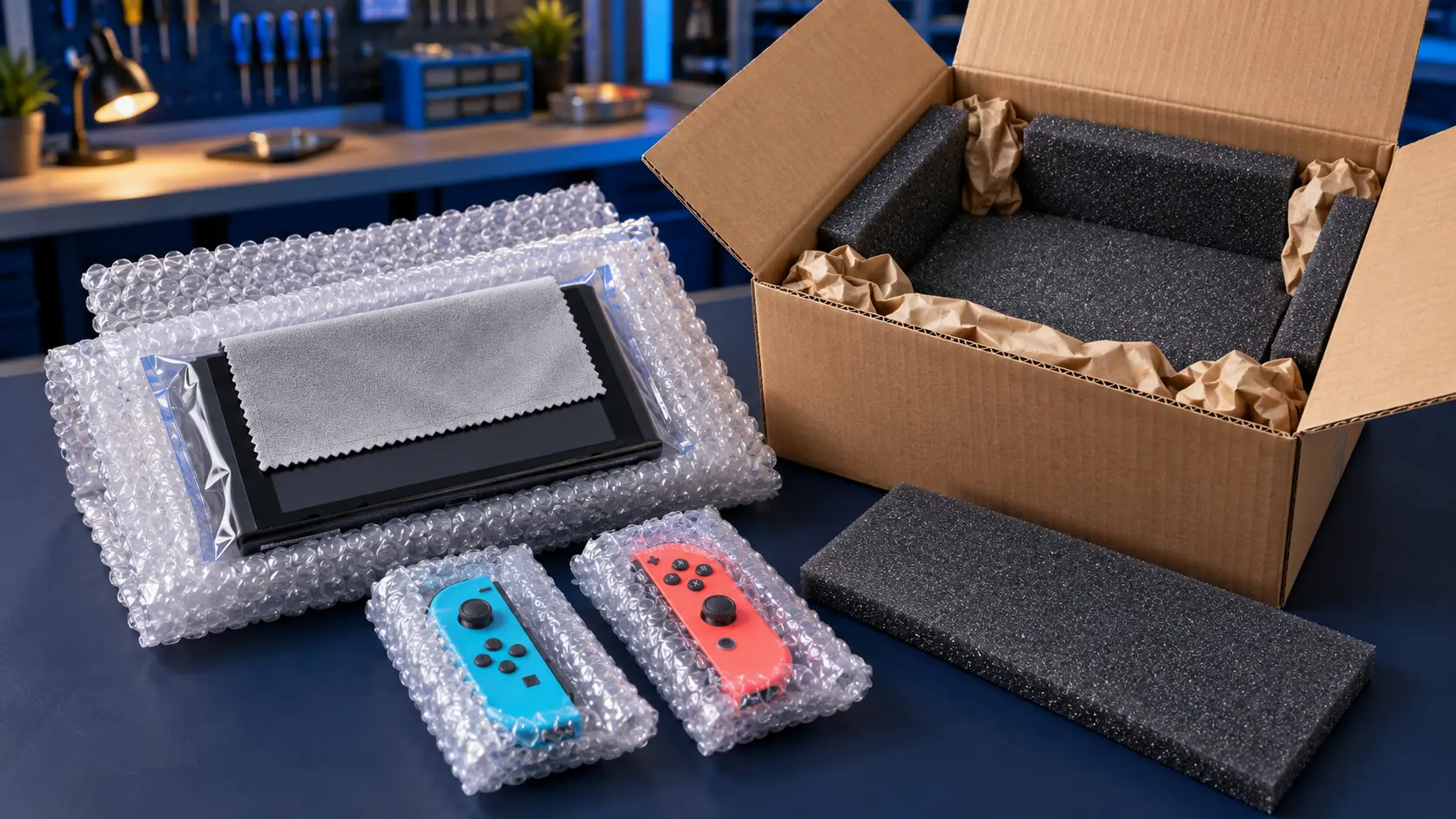
Remove the game card and microSD card. Don't send the dock or Joy-Con. You pay to post it to me, and the insured, tracked return is included. Repairs come with a 12-month warranty, and it's no fix, no fee on the repair itself.
If you're not sure whether your fault is the screen, the board or something else, the Nintendo Switch repairs page lists everything I do. If it won't charge at all, start with my Switch not charging checks.
Frequently asked questions
Can a software update fix the Switch orange screen?
If it was a one-off crash, a hard reset or a system update from Maintenance Mode may help. If the orange screen appears every time you start the console, it's much more likely to be a hardware fault on the board.
Is the Switch blue screen caused by dropping it?
It's commonly linked to physical stress, such as a drop or pressure that flexes the board. That can crack the tiny solder connections under the chips, even if the outside of the console looks fine.
Does an orange or blue screen mean my Switch is beyond repair?
Not necessarily. These are board faults that can often be repaired, but it depends on what's found during the assessment. I send a quote first so you can decide.