If your Switch isn't charging, start with the simple things: a different cable and charger, a look inside the port for lint, and a proper 30-minute charge on the official charger. If none of that works, the fault is usually either the USB-C port itself or one of the chips behind it, and those two problems are fixed in very different ways.
Below is the order I'd work through it at home, before you spend anything.
1. Rule out the cable and charger
USB-C cables fail more often than people expect, especially ones that get wound tight or yanked out at an angle. Try a different cable and a different wall plug before anything else.
The best test is the official Nintendo AC adapter. The Switch is fussier about power than a phone is, and some cheap chargers simply don't negotiate the right power with it. If you've been using a no-name charger, borrow an official one and try that before drawing any conclusions.
2. Check the port for lint
Pocket fluff, dust and crumbs get packed into the bottom of a USB-C port over time, especially on a Switch Lite that lives in a bag. The plug then can't seat fully, so it charges intermittently or not at all.
- Switch the console off completely.
- Shine a torch into the port and look for a grey or dark layer at the back.
- If there's debris, ease it out gently with a wooden toothpick or a plastic tool. Don't use anything metal, and don't lever against the centre tongue.
3. Does it only charge at an angle?
If it charges when you hold the plug up, down or to one side, but stops when you let go, that's a strong sign of a worn or damaged port. The contacts inside or the solder joints holding the port to the board have loosened. Cleaning won't fix that, and it tends to get worse, so it's worth sorting before it stops charging completely.
4. Dock versus direct
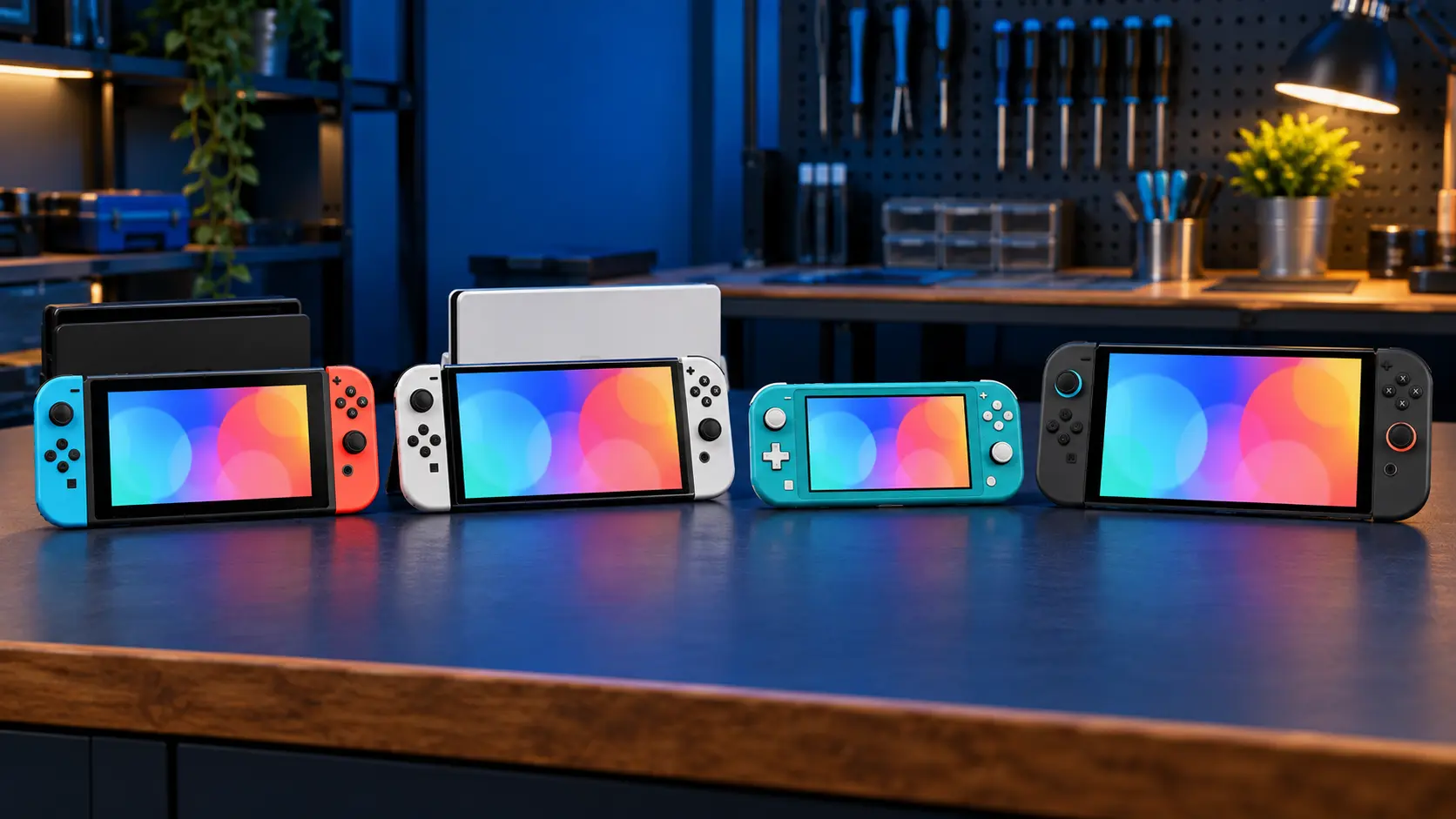
On the original Switch and the OLED, try charging two ways: in the dock, and with the charger plugged straight into the console. If it charges directly but not in the dock, the dock, its power supply or its connector is the more likely culprit. If it won't charge either way, the problem is on the console side.
The Switch Lite has no dock output, so on a Lite just test it direct.
5. A battery that has drained flat
A Switch that's been left in a drawer for months can drain so far that it looks dead. When you plug it in, nothing seems to happen for a while. Leave it on the official charger for at least 30 minutes without touching it, then try the power button. If it then shows a battery icon or boots up, you're fine.
If it still does nothing, try a hard reset: hold the POWER button for about 12 seconds, let go, then press it once more. My guide to a Switch that won't turn on goes through that in more detail.
6. If a battery has swollen, stop
If the back of the console is bulging, or the screen is lifting away from the frame, stop charging it and stop using it. A swollen lithium battery can't be posted with Royal Mail, so get in touch before sending anything.
The port or the chips?
Once the checks above are done, a Switch that still won't charge usually comes down to one of two things.
The USB-C port
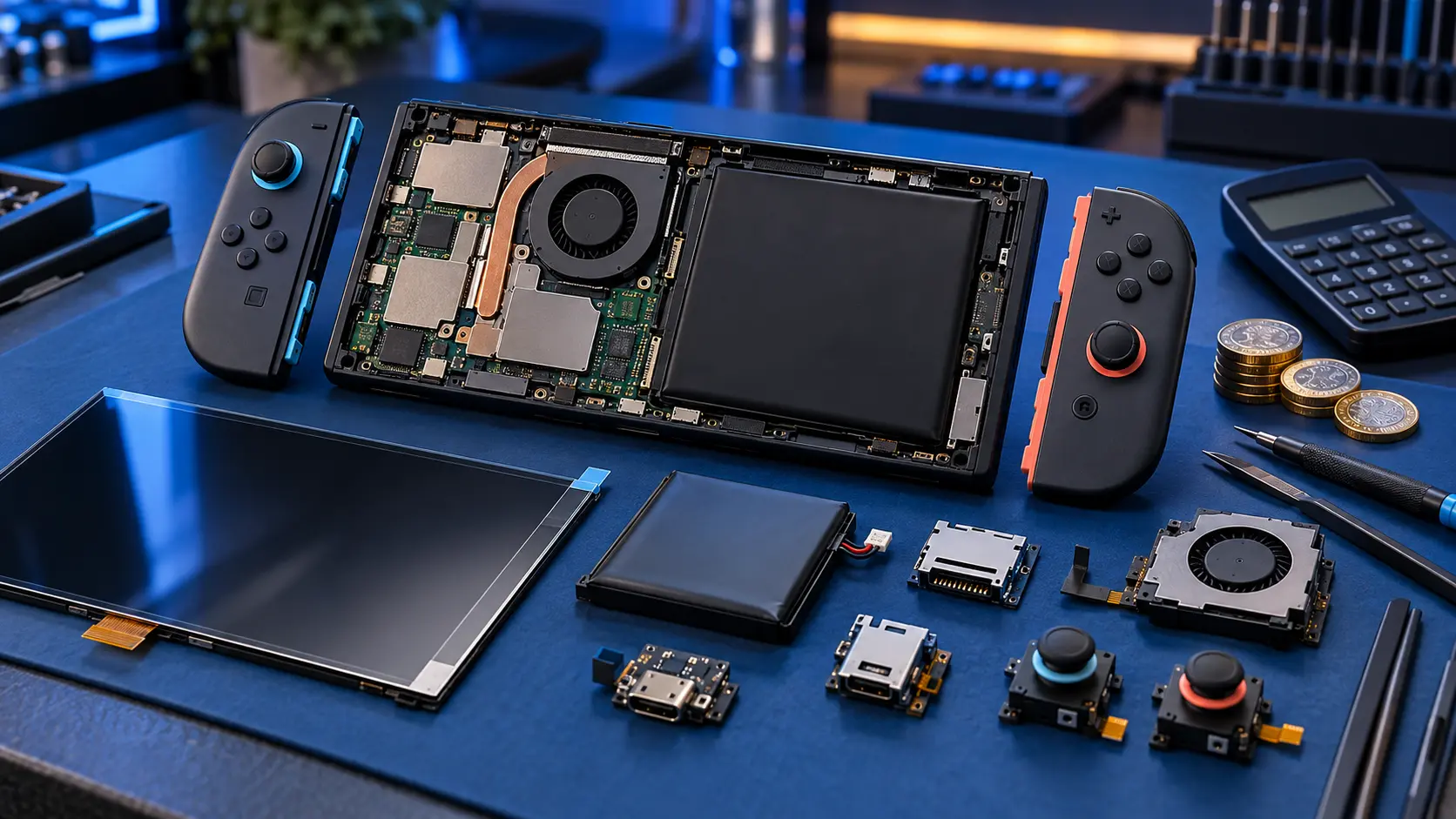
The port is soldered to the main board on every Switch model, so replacing it is hot-air rework, not a plug-in part. Signs that point at the port include charging only at an angle, a loose plug, visible damage or bent pins, or a port that has been forced. My Switch charging port repair is £65 on the original Switch, OLED and Lite.
The chips behind it
Sometimes the port is perfectly fine and the fault is further in. Three chips handle power and video around the port:
- M92T36, which handles USB-C power delivery;
- BQ24193, which handles battery charging;
- PI3USB, which routes video out to the dock.
The M92T36 is a well-known casualty of third-party docks and cheap chargers. If your Switch stopped charging right after using a new dock or charger, that's worth mentioning when you book. I've written more about that in third-party dock problems.
Chip faults go through my no power and board fault assessment: £4.99 for the assessment, and repairs from £89. I test the board, find the fault and send you a quote. You approve it before I do any work, and the £4.99 comes off the repair if you go ahead. It isn't refunded if you decline or it can't be repaired.
Which one should you book?
If the symptoms clearly point at the port (angle-sensitive, loose, damaged), book the port repair. If it's completely dead, or it died straight after a new dock or charger, the assessment is the better starting point. If you're not sure, get in touch and describe what it does, and I'll point you the right way.
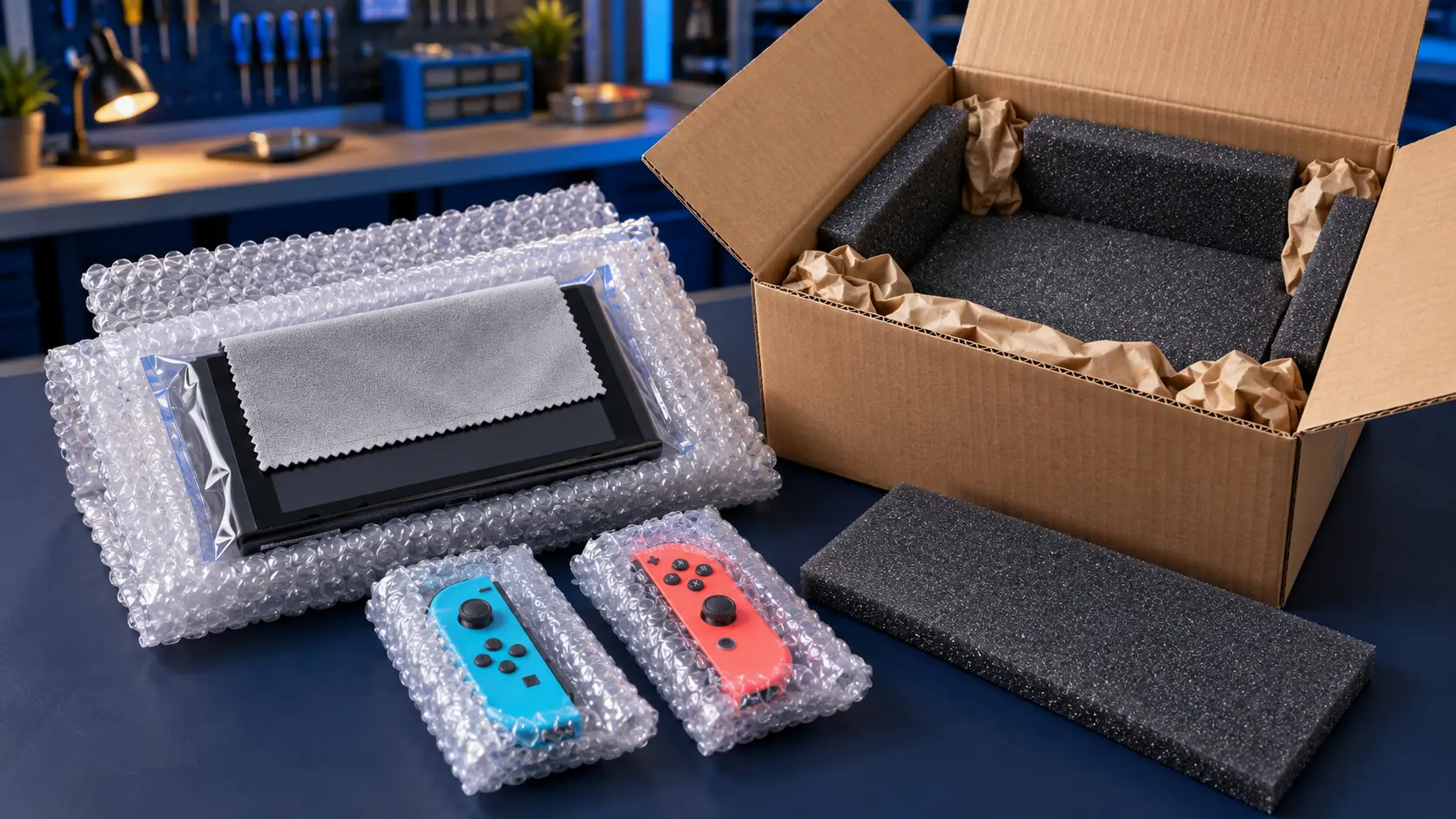
Before posting, remove the game card and microSD card, and back up your saves where you can. My guide to backing up Switch save data before a repair covers how. For a price breakdown, see what a Switch charging port repair costs, or browse all Nintendo Switch repairs.
Every repair carries a 12-month warranty, and it's no fix, no fee. The insured, tracked return is included; you just pay to post it to me.
Frequently asked questions
Why does my Switch only charge when the cable is held at an angle?
That usually means the charging port is worn or its solder joints have loosened. Cleaning won't fix it, and it tends to get worse, so it's best to have the port replaced before it stops charging altogether.
How long should I charge a flat Switch before giving up?
Leave it on the official Nintendo charger for at least 30 minutes without touching it, then try the power button. If there's still no sign of life, try a hard reset by holding POWER for about 12 seconds.
Can a cheap charger damage a Switch?
It can. Some unofficial chargers and docks have been linked to failures of the power delivery chip behind the USB-C port. The official Nintendo adapter is the safest choice.