If your Switch stopped charging or won't turn on after using a third-party dock or charger, the most likely cause is damage to the M92T36, the chip that handles USB-C power delivery. It isn't true of every third-party accessory, but it's a well-known failure. It's a board-level repair, and it starts with an assessment rather than a fixed price.
What happened back in 2018
In 2018, after a Switch system update, owners began reporting that their consoles had stopped working after being used with some third-party docks. The reports were widely covered at the time. The underlying issue wasn't really the update itself. Some docks didn't handle USB-C power in the way the Switch expects, and the update changed how the console handled power.
Since then, third-party docks and cheap chargers have stayed a known risk. Many work without problems. Some don't, and from the outside you can't easily tell which is which.
What the M92T36 does
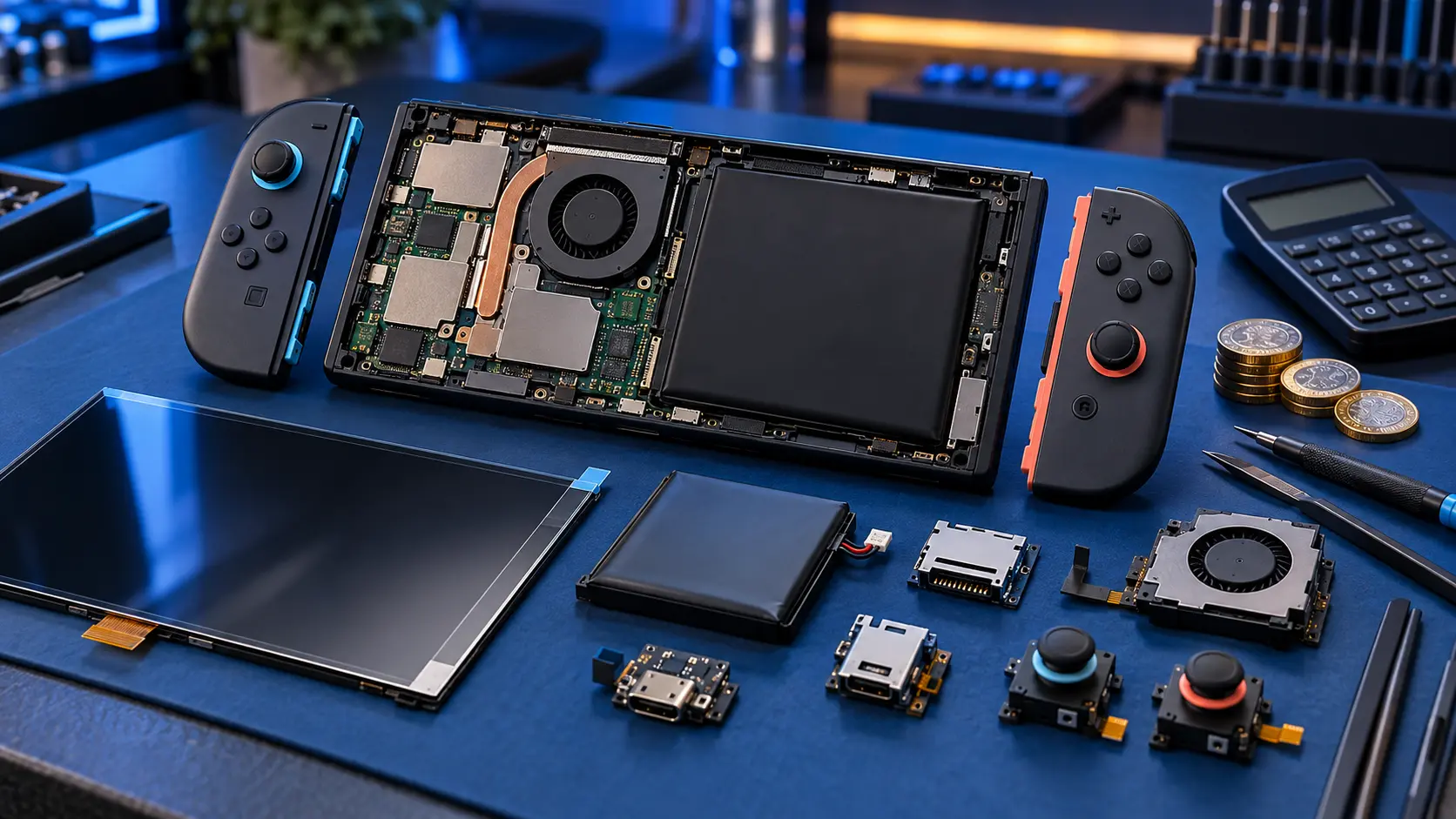
When you plug in a USB-C charger or dock, the console and the charger agree how much voltage and current to use. That conversation is called USB-C power delivery, and on the Switch it's handled by a small chip on the main board called the M92T36.
If a dock or charger supplies the wrong voltage, switches voltage badly, or doesn't follow the standard properly, the M92T36 can be damaged. When that happens, the console may:
- stop charging entirely, in handheld and in the dock;
- not turn on once the battery runs down;
- charge in one direction or position but not reliably;
- charge but stop working in the dock.
Two other chips sit nearby: the BQ24193, which manages battery charging, and the PI3USB, which routes video to the dock. Depending on what went wrong, one of those can be involved too.
What to do now
Stop using that dock or charger
Put the dock or charger to one side. Even if it wasn't the cause, you want to rule it out, and you don't want to plug a repaired console back into the thing that may have damaged it.
Try the official charger
Plug the official Nintendo AC adapter straight into the console (not through a dock) and leave it for at least 30 minutes. Then try a hard reset: hold POWER for about 12 seconds, let go, then press it again.
Check the port
Shine a torch into the USB-C port. Look for lint, bent pins or scorch marks. Some third-party docks grip the console more tightly than the official one, which can also stress the port.
Check for swelling
If the back of the console is bulging or the screen is lifting, stop using it. A swollen battery can't be posted with Royal Mail, so get in touch first.
If none of this brings it back, the full list of checks is in my guides to a Switch that won't turn on and a Switch that isn't charging.
What the repair involves
A suspected M92T36 fault goes through my Switch no power repair. Here's how it works:
- You book the £4.99 assessment and post the console to me.
- I test the board on my bench and find the fault. Sometimes it's the M92T36, sometimes another chip, sometimes the port, and sometimes more than one.
- I send you a quote. Board repairs start from £89.
- You approve it before I do any work.
- I repair it, test it on the official charger and dock, and send it back insured and tracked.
The £4.99 comes off the repair if you go ahead. It isn't refunded if you decline or if it can't be repaired. Replacing the M92T36 is hot-air rework on a small chip, alongside checks for damage it may have caused elsewhere on the board.
If it turns out to be just the port, that's my fixed-price Switch charging port repair instead.
I've been repairing electronics for over 25 years, and power faults like this need proper diagnosis before any parts are changed.
Before you post it
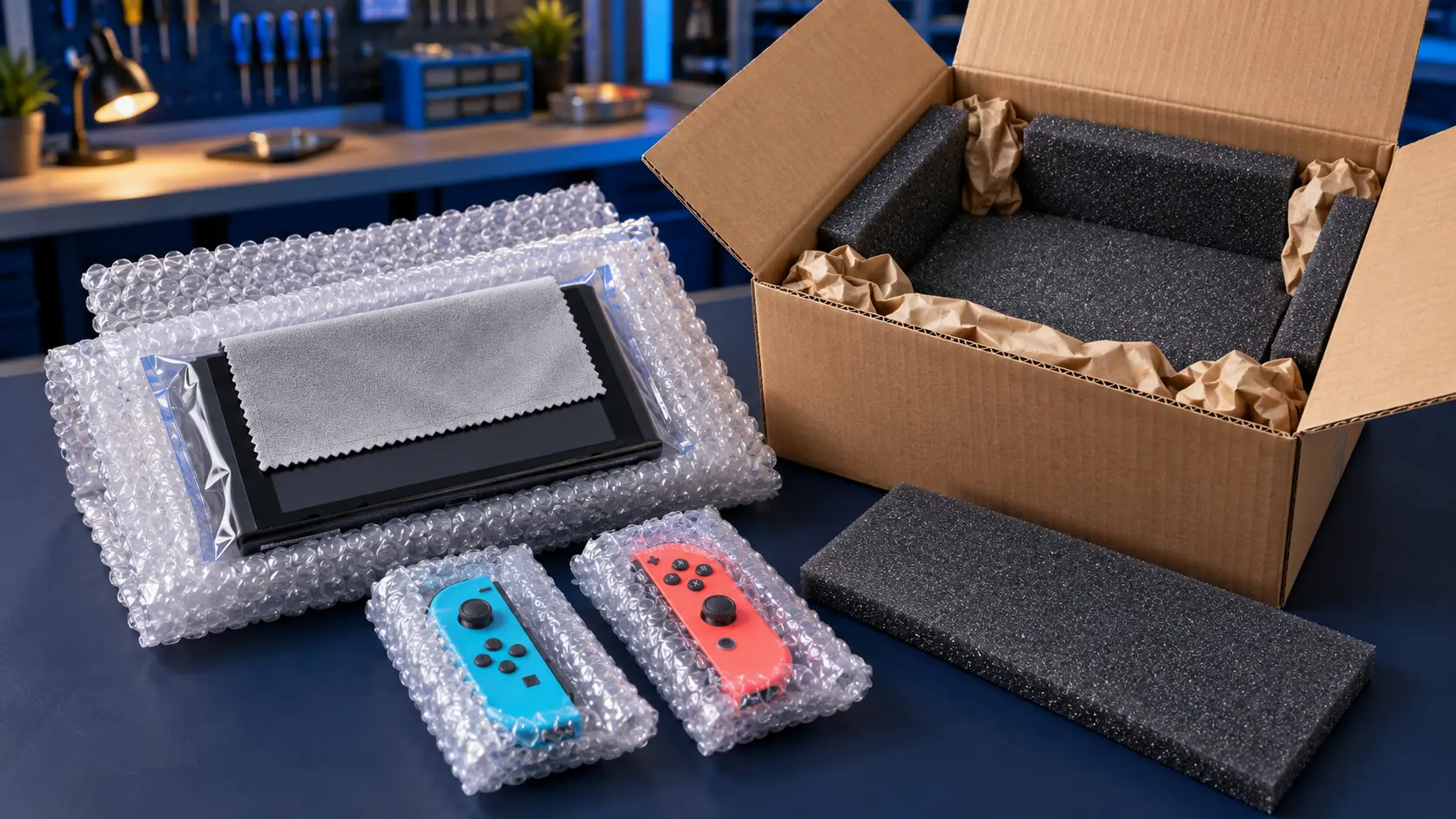
- Don't send the dock. Just the console.
- Remove the game card and microSD card.
- If it still boots at all, back up your save data first.
Repairs come with a 12-month warranty, and it's no fix, no fee on the repair itself. You pay to post it to me, and the insured, tracked return is included. You can see all my other repairs on the Nintendo Switch repairs page.
After the repair
Use the official Nintendo dock and charger from then on, or accessories you're confident follow the USB-C power delivery standard properly. A repaired console is just as vulnerable to the same problem as it was the first time.
Frequently asked questions
Are all third-party Switch docks dangerous?
No. Many work without trouble. The problem is that some don't handle USB-C power properly, and it's hard to tell which from the outside. The official dock is the safest choice.
Can a system update fix a Switch damaged by a dock?
No. If the power delivery chip has been damaged, it's a hardware fault on the board. A software update can't repair a failed chip.
Will Nintendo repair a Switch damaged by a third-party dock?
That's Nintendo's decision. It may treat damage from unofficial accessories differently from a normal warranty fault, so it's worth asking Nintendo directly if the console is still under warranty.