To post a Switch safely, remove the game card and microSD card, back up your saves, wrap the console in bubble wrap, and put it in a sturdy box with the gaps filled so nothing moves. Only send the dock or Joy-Cons if the repair needs them, and use a tracked service with enough cover for the console's value. If the battery looks swollen, don't post it at all. Get in touch first.
Before you pack
1. Check the battery
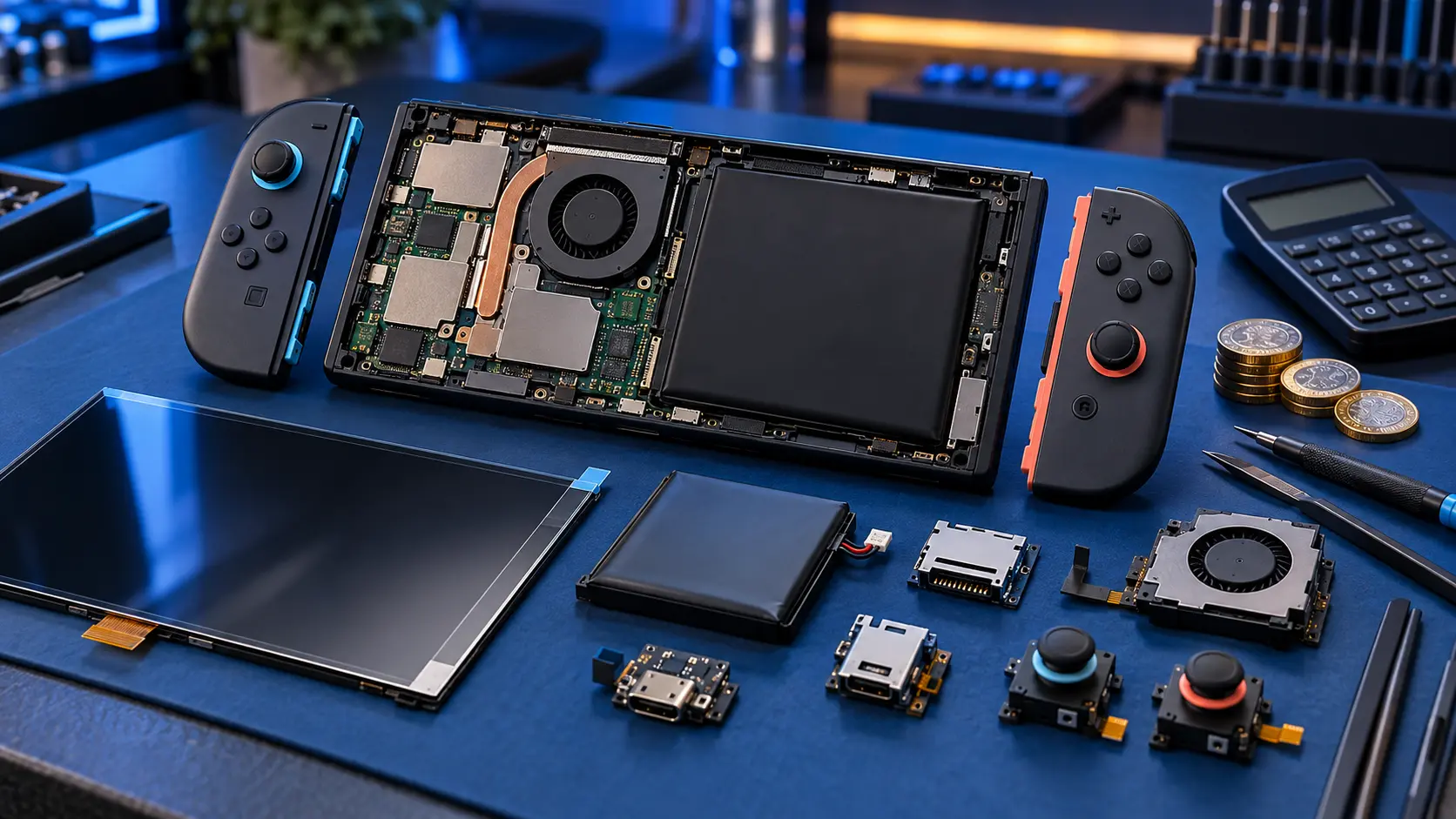
This comes first for a reason. Royal Mail won't carry a swollen or damaged lithium battery. If the back of the console is bulging, the screen is lifting, or the console doesn't sit flat on a table, stop using it and get in touch before posting anything. Don't try to press it back into shape.
2. Back up your saves
Save data lives on the console's internal storage. Most component repairs don't touch it, but it's worth backing up anyway, especially for a screen, battery or board job. Here's how to back up your Switch save data.
3. Remove the cards
- Take out the game card.
- Take out the microSD card. On the original Switch and OLED it's under the kickstand. Keep it safe at home.
4. Decide what to send
Only send what the repair needs. Extra items are one more thing to wrap and one more thing to go missing.
- Joy-Con drift repair: send only the Joy-Con, not the console.
- Switch Lite stick drift: the sticks are built in, so send the whole console.
- Screen, battery, fan, port, card reader or board repair: send the console. Leave the Joy-Cons attached only if it helps protect the console, or slide them off and keep them at home.
- Dock: don't send it unless I've asked for it, for example to check a TV output fault.
- Charger and cables: not needed.
5. Power it off
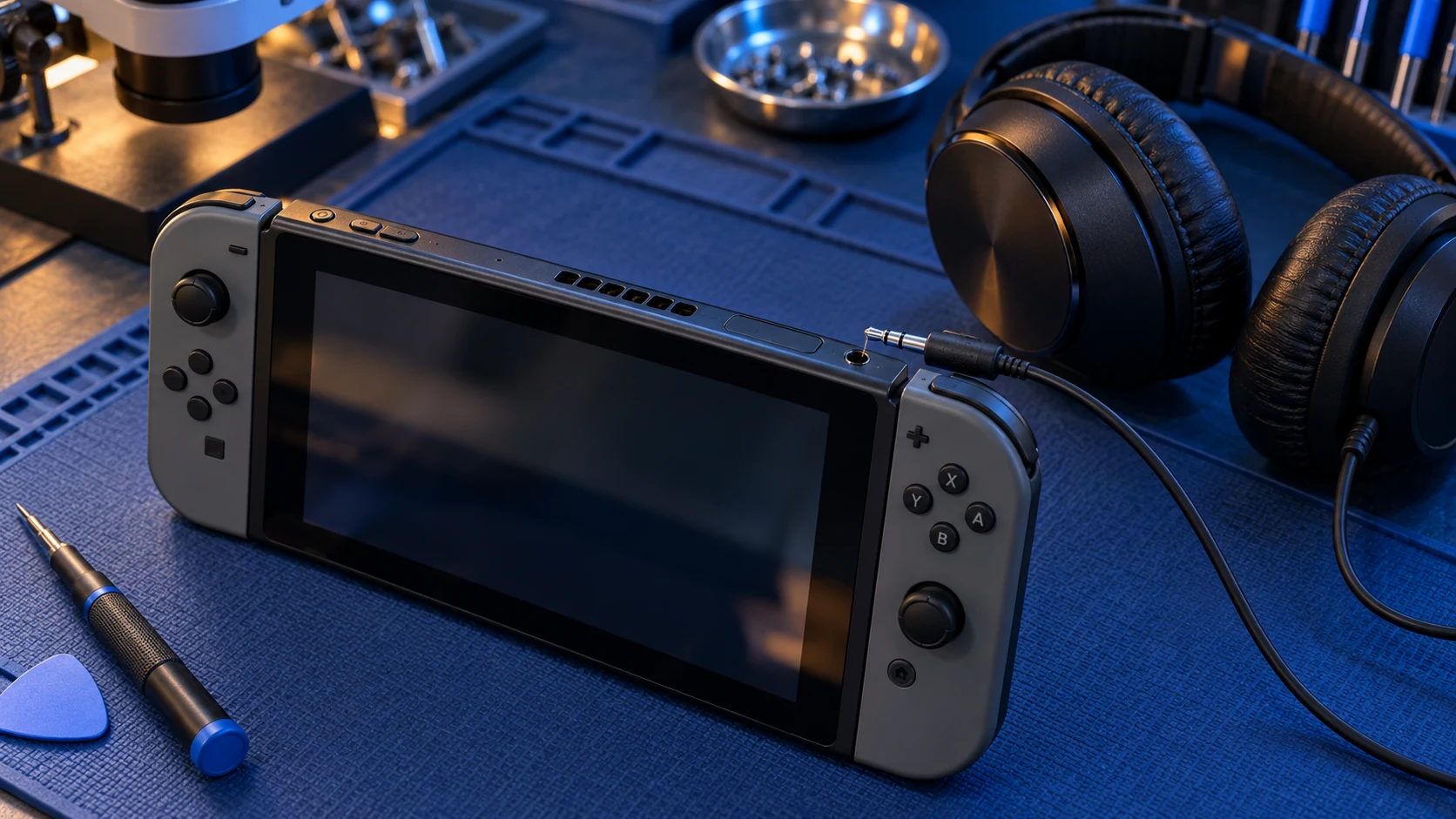
Turn the console fully off rather than leaving it in sleep mode. Hold the POWER button, choose Power Options, then Turn Off.
Packing it
Wrap the console
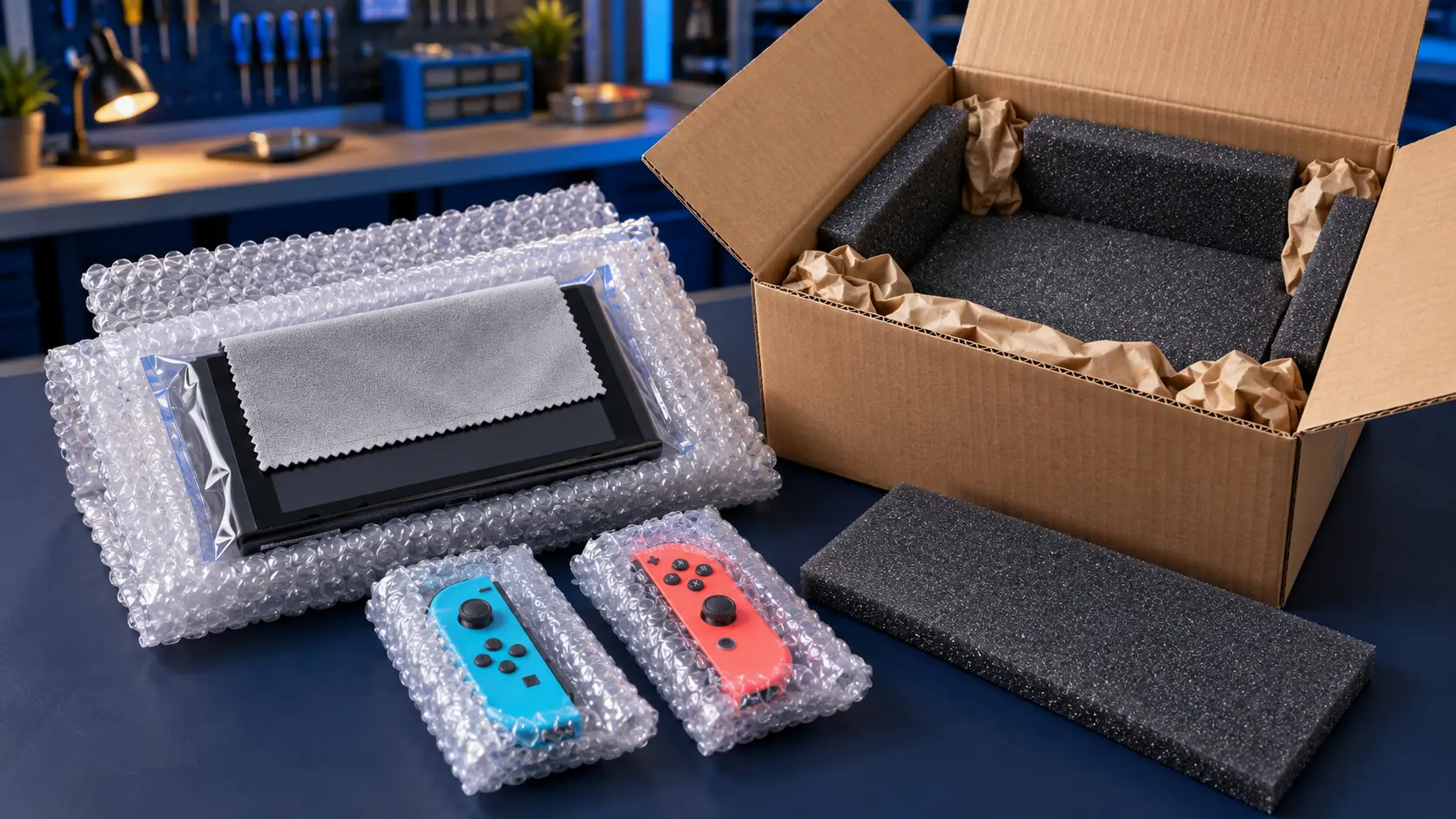
Put the screen in a soft layer first, such as a cloth or a sheet of paper, so the bubble wrap doesn't scuff it. Then wrap the console in at least two layers of bubble wrap and tape it closed. Give the corners and the screen extra attention. Those are the parts that take the knocks. If you're sending Joy-Cons separately, wrap each one on its own.
Use a sturdy box
A cardboard box with a few centimetres of space all round the wrapped console is ideal. The original Switch box works if you still have it, but put it inside a larger outer box rather than posting it as it is. Avoid padded envelopes. They don't stop the console being bent or crushed.
Fill the gaps
Fill every gap with more bubble wrap, packing paper or scrunched newspaper, so the console can't move. Close the box and give it a gentle shake. If you can feel anything shifting, add more filling.
Seal and label
Tape all the seams, including the bottom. Put a note inside with your name, order number and a short description of the fault. The address to post it to is in your booking confirmation email.
Postage
- You pay the inbound postage to me.
- Use a tracked service, and keep your proof of postage.
- Choose enough cover for what the console is worth to you. Standard compensation on basic services is often lower than the value of a Switch, so check the level before you pay.
- I send it back insured and tracked, and that return is included in the price.
What happens next
Once it arrives, I repair it, test it on my bench and send it back. For board faults, I assess it first and send you a quote. You approve before I do any work. Every repair is no fix, no fee: if I can't fix it, I refund what you paid, less return postage. Completed repairs have a 12-month warranty.
You'll find every service on the Nintendo Switch repairs page and the Switch 2 repairs page. If you're not sure which model you've got, see which Nintendo Switch do I have.
Frequently asked questions
Do I need to send the dock with my Switch?
No, not unless I've asked for it. The dock isn't needed for most repairs, so keep it at home along with the charger and cables.
Can I post a Switch with a swollen battery?
No. Royal Mail won't carry a swollen or damaged lithium battery. Stop using the console and get in touch before posting anything so we can work out the next step.
Who pays for postage?
You pay to post the console to me, and the insured, tracked return is included in the repair price.