Replacing the screen on an original Nintendo Switch (V1 or V2) costs £85 with me, sent by post. Nintendo's out-of-warranty price for a Switch is capped at £120, and a broken screen is treated as accidental damage, so it's out of warranty whatever the console's age. If you have a Switch OLED, that model has its own page, because the panel is different and costs more.
Which Switch have you got?
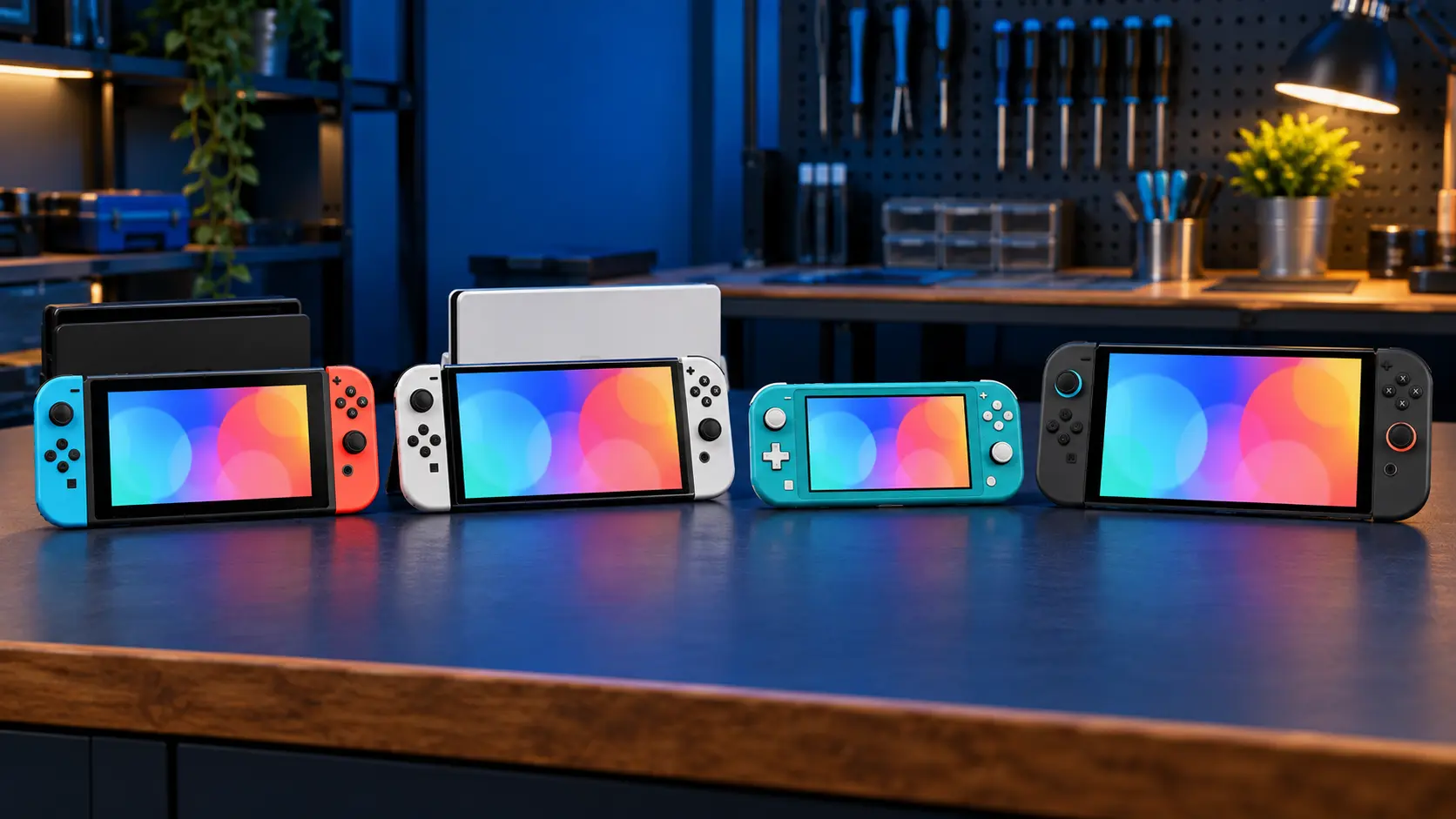
This price is for the original Switch with detachable Joy-Con, in either version:
- V1: model HAC-001, serial number starting XA.
- V2: the 2019 revised model with better battery life, HAC-001(-01), serial starting XK.
The model number is on the back of the console. If it says HEG-001 (serial starting XT), you've got an OLED, and the OLED screen replacement cost guide is the one to read. HDH-001 is a Switch Lite, covered in the Switch Lite screen guide. If you're not sure, here's how to tell which Switch you have.
What the £85 covers
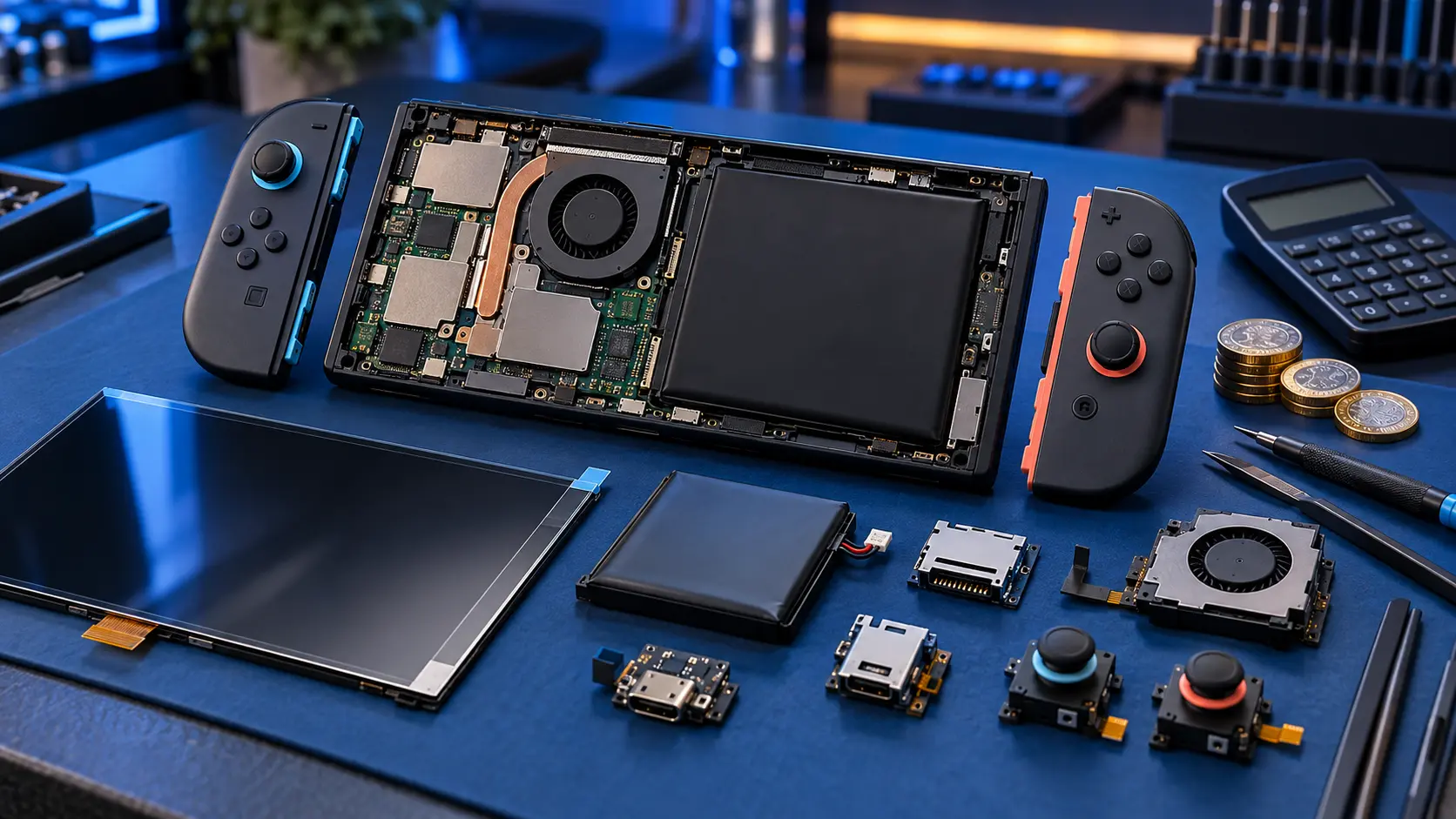
The Switch screen replacement means opening the console, taking out the damaged screen, and fitting a quality replacement panel. Once it's back together, I test it on my bench:
- the display for dead pixels, lines, patches and even backlighting;
- touch response across the whole screen;
- Joy-Con rails, buttons, sound, charging, docking and game card reading, to be sure nothing else was disturbed.
The insured, tracked return is included. You pay the postage to send it in.
Cracked glass or a damaged display?
Cracked glass only
If the picture looks normal and touch works, it's the top layer that has cracked. The console will usually carry on working, but cracks spread and loose glass can cut. Clear tape over the crack is a sensible stopgap.
Display damage
Lines across the picture, black patches, ink-like bleeding or a backlight with no image all mean the LCD underneath is damaged. These faults tend to get worse.
A useful workaround on the original Switch
Unlike the Lite, the original Switch can go in its dock and play on the TV. If the screen is broken but the console still works, docking it lets you keep playing, and it makes backing up your saves much easier while you wait to send it in. If it won't show a picture on the TV either, that points to a different fault, and my guide on a Switch that won't connect to the TV may help.
Nintendo or an independent repair?
Nintendo's repair service caps the price for a Switch at £120. Its price list says that maximum applies when the item is swapped with a replacement or re-manufactured product, so you may not get your own console back. Saves live on the console's internal storage, so a swapped console comes back without them unless they were backed up. Nintendo also says a repair might take up to 10 working days.
With me, it's £85 and you get your own console back, with your saves and settings as they were.
Before you post it
- Back up your saves where you can. My guide to backing up Switch save data before a repair explains the options, including docking it to see the menus if the screen is unreadable.
- Take out the game card and the microSD card.
- Don't send the dock or the Joy-Con. The screen repair doesn't need them.
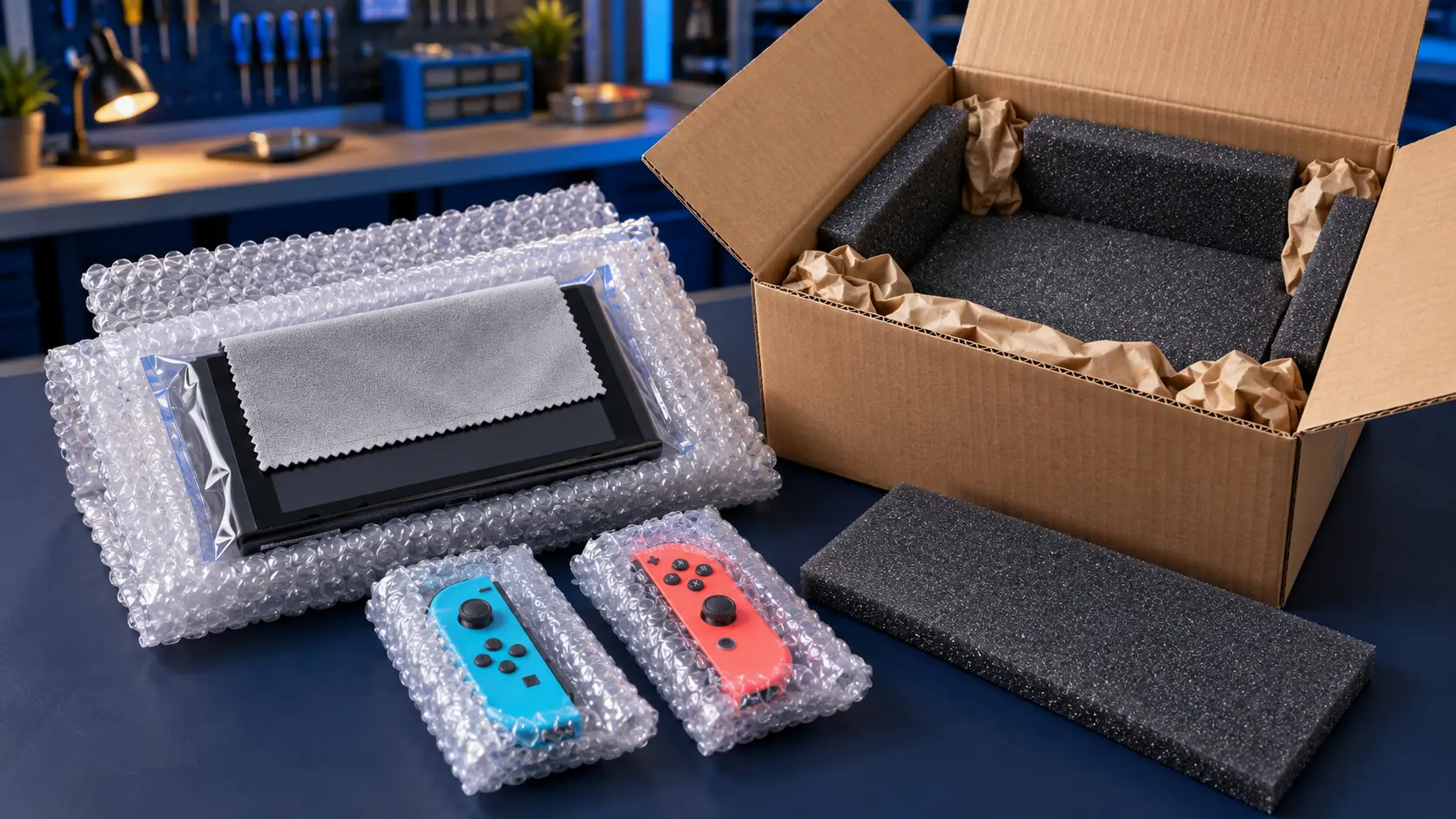
- Pack it well in a sturdy box. Your booking confirmation email gives the address and packing guidance.
Once it arrives, I replace the screen, test it, and send it back insured and tracked. Every repair has a 12-month warranty, and it's no fix, no fee: if I can't repair it, I refund what you paid, less return postage.
For other faults on the same console, the Nintendo Switch repairs page lists everything I do.
Frequently asked questions
Is the V1 and V2 screen repair the same price?
Yes. The original Switch and the 2019 revised model take the same kind of screen, and the repair is £85 for either. The OLED model is different and priced separately.
Can I still use my Switch with a broken screen?
If the console still works, you can put it in the dock and play on the TV. In handheld mode, a cracked screen can shed small glass fragments, so cover the crack with clear tape and don't press on it.
Do I need to send the Joy-Con and dock?
No. Just send the console itself, with the game card and microSD card removed. I test the Joy-Con rails and docking with my own equipment.