A Switch OLED screen replacement costs £129 with me, sent by post. Nintendo's out-of-warranty price for the Switch OLED is capped at £190.50, and a broken screen is treated as accidental damage, so it's out of warranty whatever its age. It costs more than the original Switch or the Lite because the OLED panel itself is a dearer part.
Why an OLED screen costs more
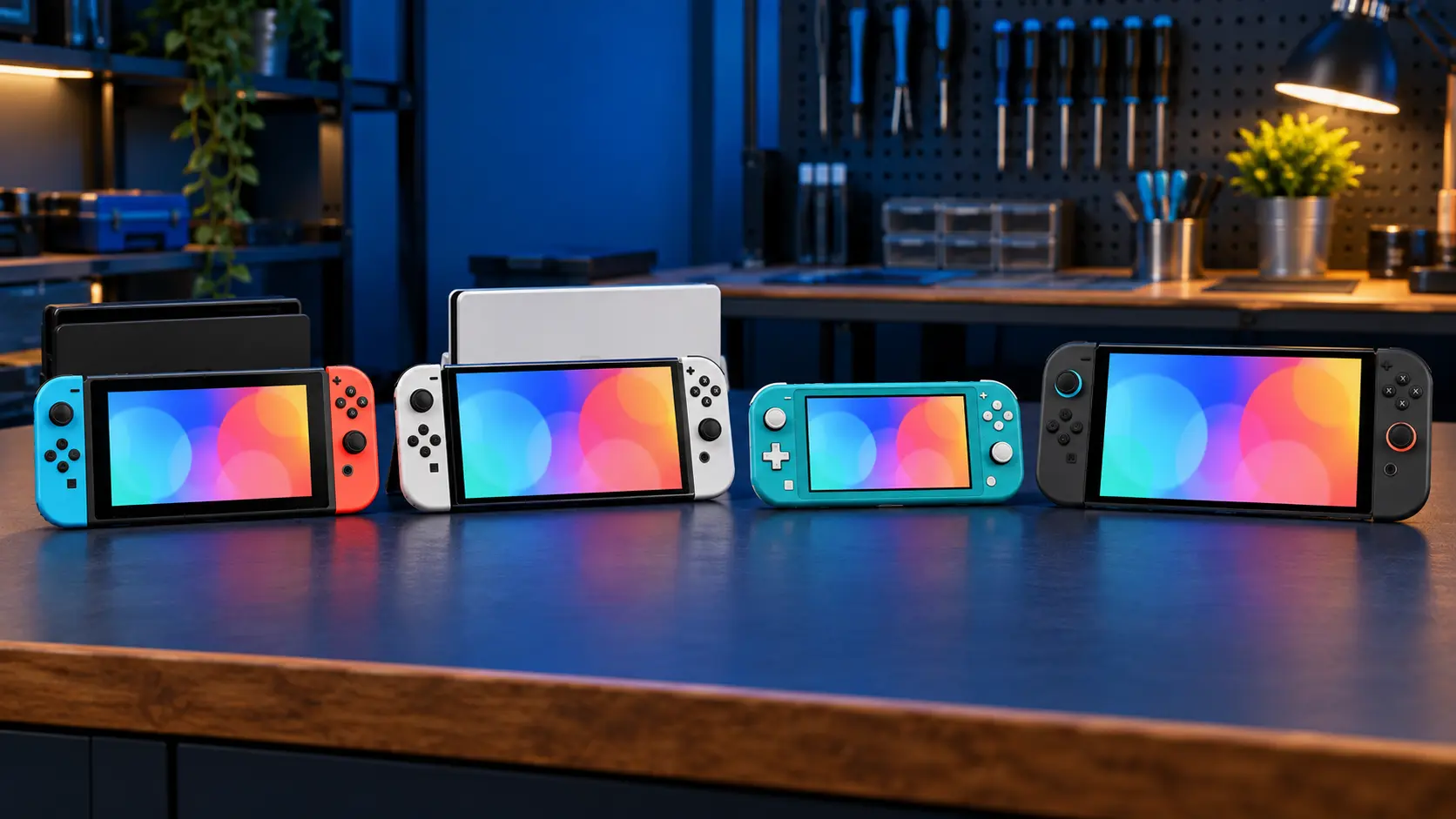
The original Switch and the Switch Lite use LCD screens: a panel lit from behind by a backlight. The Switch OLED (model HEG-001, serial starting XT) uses an OLED panel, where each pixel makes its own light. That's what gives it the deeper blacks and stronger colour, but OLED panels cost more to buy than the LCDs in the other models.
So most of the difference in price is the part, not the labour. For comparison:
- Switch Lite screen: £75 (Switch Lite screen cost guide)
- Original Switch V1 and V2 screen: £85 (Switch screen repair cost guide)
- Switch OLED screen: £129
What the £129 covers
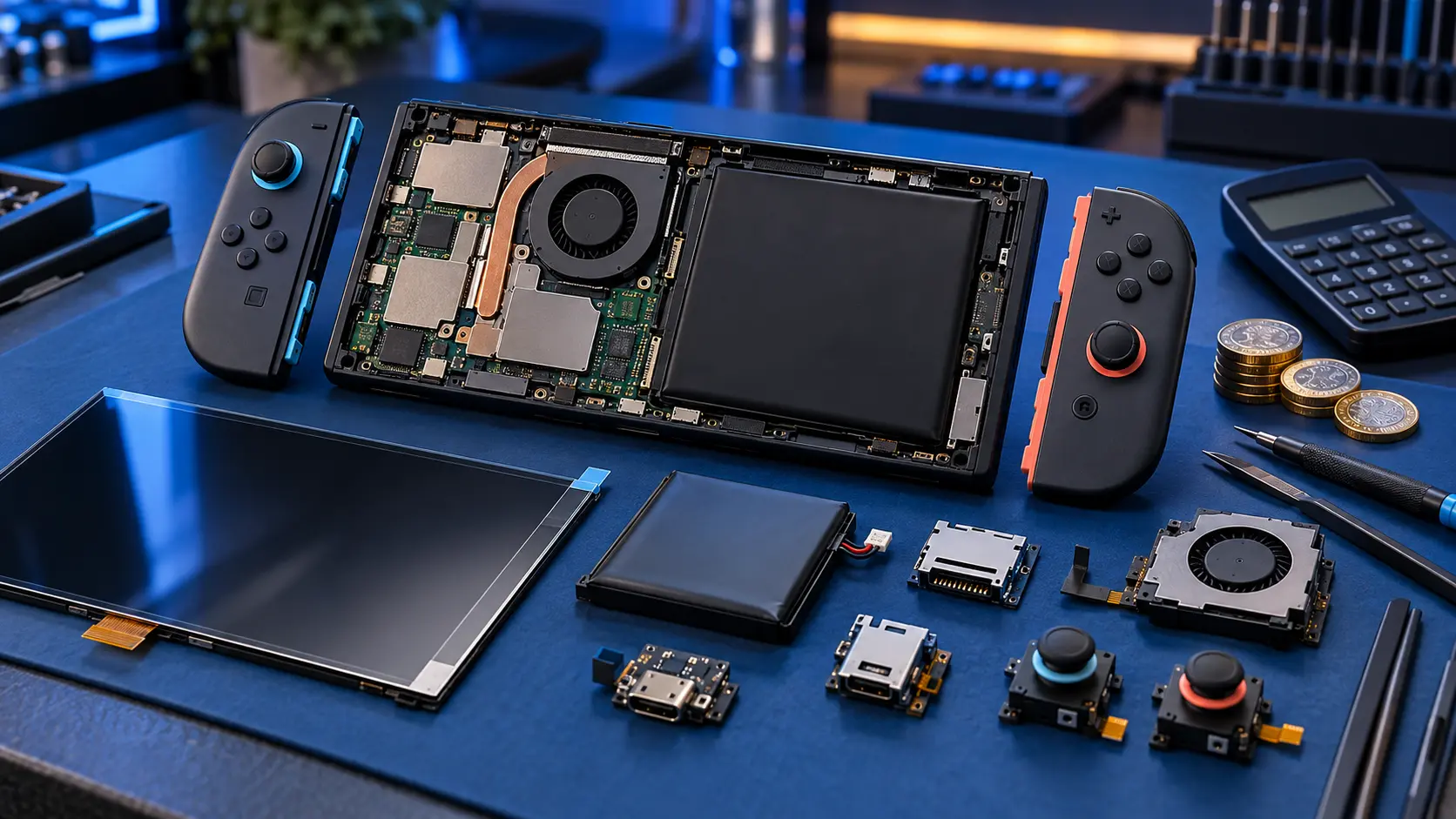
The Switch OLED screen replacement includes opening the console, removing the damaged screen, fitting a quality replacement panel and reassembling it. Then I test it:
- the display for dead pixels, lines, patches and uneven colour;
- touch across the whole screen;
- Joy-Con rails, buttons, sound, charging, docking and game card reading.
The insured, tracked return is included. You pay the postage to send it to me.
Signs your OLED screen needs replacing
Cracked glass
If the picture is fine and touch still works, the damage may be limited to the top layer. It'll usually keep working for now, but cracks spread and small pieces of glass can lift. Clear tape over the crack helps in the meantime.
Panel damage
OLED panels fail a little differently from LCDs. Look out for:
- black areas that spread outwards from a knock or a crack;
- green, pink or white lines;
- flickering, or a picture that only appears in part of the screen;
- no picture at all while the console still makes sounds and works on the TV.
Once an OLED panel is physically damaged, the dead area tends to grow, so it's best not to leave it too long.
Use the dock in the meantime
If the console still works, docking it lets you keep playing on the TV. It also gives you a working screen to back up your saves before sending it in.
Nintendo or an independent repair?
At £190.50, Nintendo's cap for the OLED is £61.50 more than my price. Nintendo's price list also says the maximum applies when the item is swapped with a replacement or re-manufactured product. Save data is on the console's internal storage, so a swapped console comes back without your saves unless you backed them up. Nintendo says a repair might take up to 10 working days.
With me you get your own console back, with your saves, settings and user accounts as they were.
Before you send it
- Back up your saves where you can. Save Data Cloud needs a Nintendo Switch Online membership, and not every game supports it. See my guide to backing up Switch save data before a repair.
- Take out the game card and the microSD card.
- Leave the dock and Joy-Con at home.
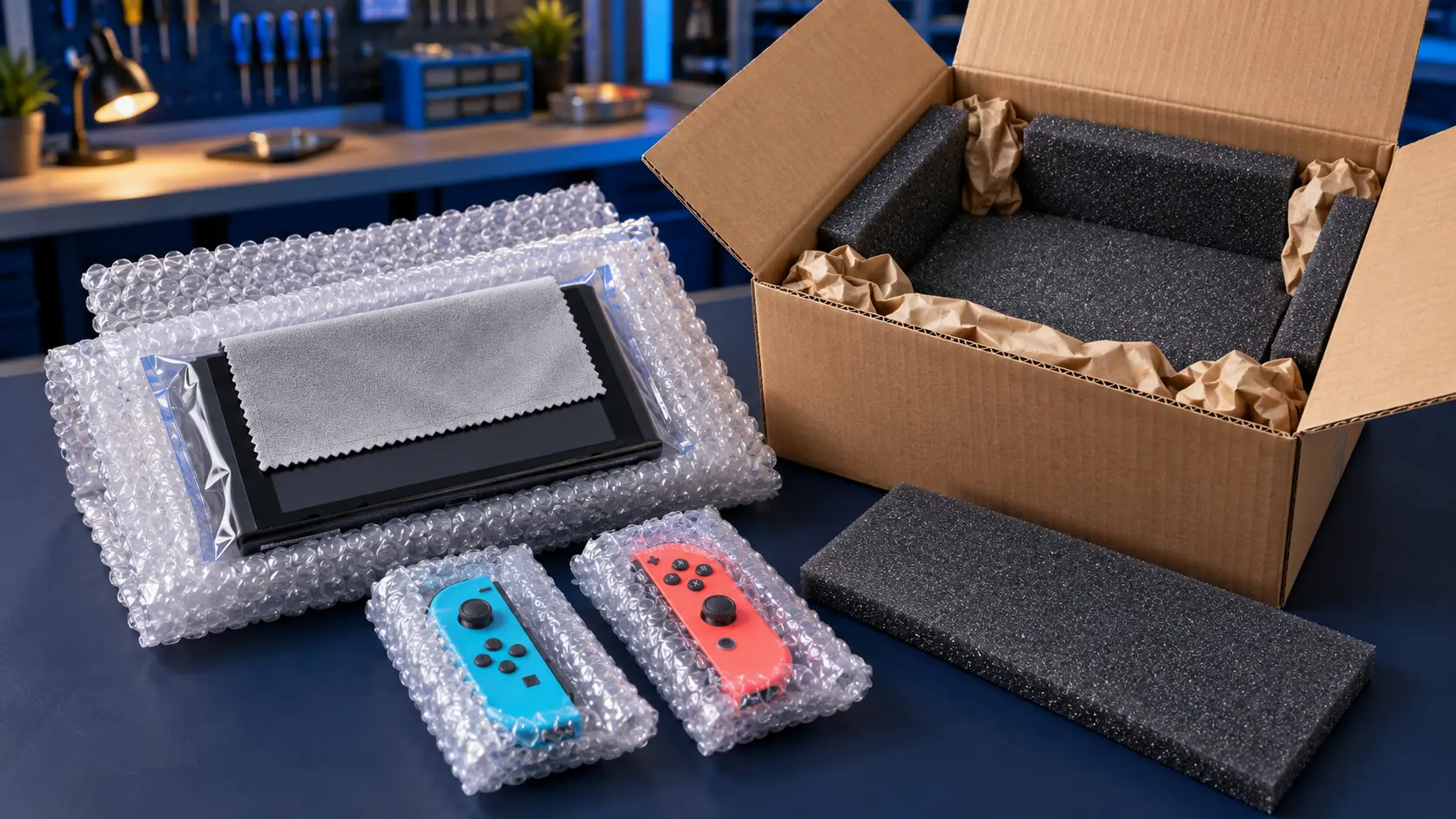
- Pack it well in a sturdy box, using the guidance in your booking confirmation email.
I replace the screen, test it, and post it back insured and tracked. Every repair has a 12-month warranty, and it's no fix, no fee: if I can't repair it, I refund what you paid, less return postage.
For other faults on the same console, see the Nintendo Switch repairs page.
Frequently asked questions
Is it worth repairing a Switch OLED screen?
For most people it is. The repair costs a fair bit less than a replacement console, and you keep your own console with its saves and settings. If there are other faults as well, get in touch first and I'll tell you honestly whether it makes sense.
Will the replacement look the same as the original screen?
I fit a quality replacement panel and check it for dead pixels, lines, patches and uneven colour before it goes back. If anything about it isn't right, it's covered by the 12-month warranty.
My OLED screen is black but I can hear sound. Is it the screen?
It often is, especially after a drop or knock. Try it in the dock first. If it shows a picture on the TV, the console is working and the screen is the likely problem. If there's nothing on the TV either, the fault could be elsewhere.