If your Switch 2 won't charge, try both of its USB-C ports, a different cable and the official charger, and give it at least 30 minutes if the battery might be flat. If it's still under Nintendo's warranty and hasn't been damaged, Nintendo is the right place to go first. Otherwise, a single port replacement or a board assessment are the next steps.
The Switch 2 has two charging ports
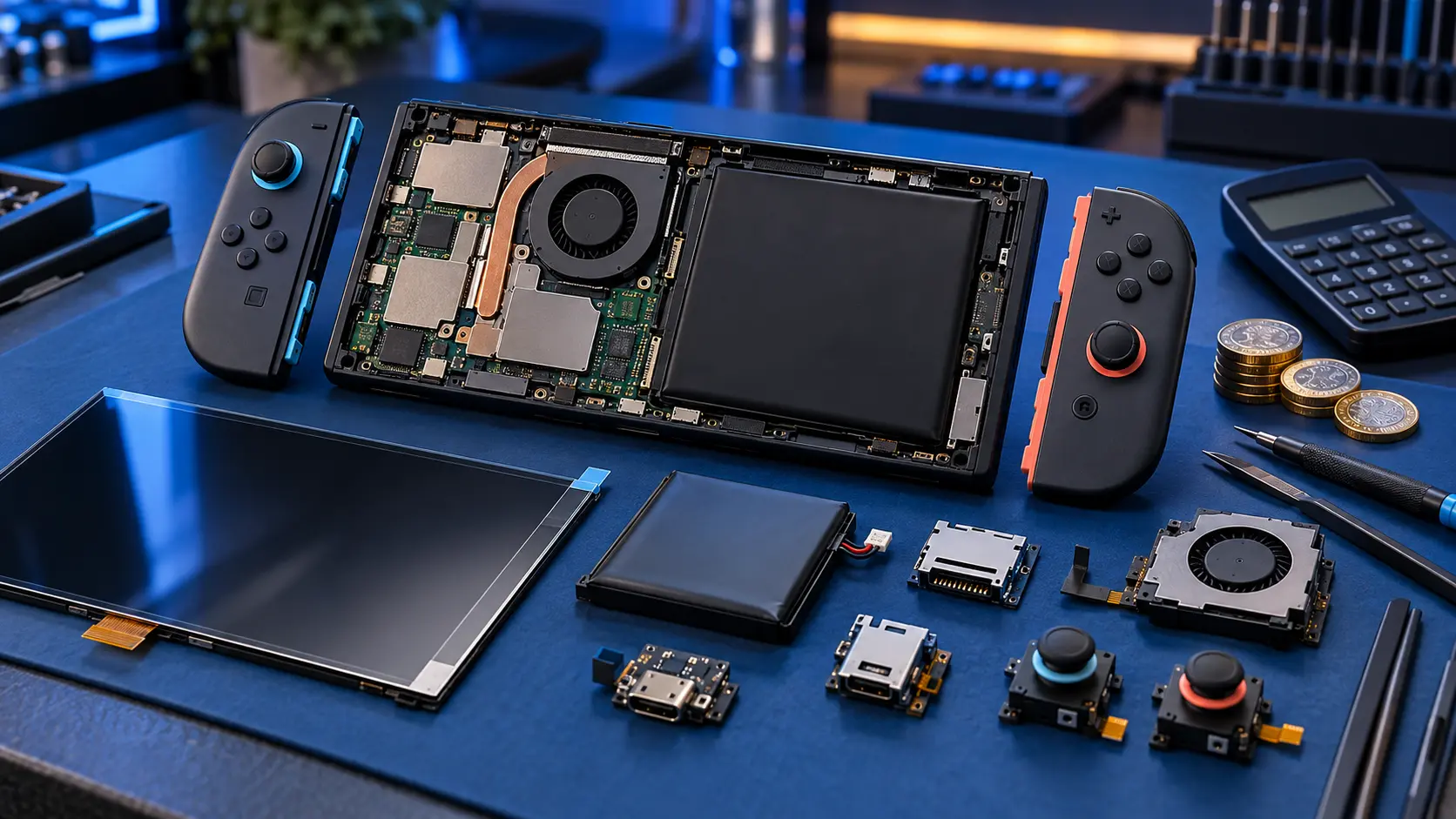
Unlike the original Switch, the Switch 2 has two USB-C ports: one on the bottom edge, which connects to the dock, and one on the top edge. Both are soldered to the main board. That's useful when you're diagnosing a charging fault, because you can test one against the other.
- If it charges through the top port but not the bottom, the bottom port (or something on its side of the board) is the likely problem, and vice versa.
- If neither port charges, the fault is more likely deeper in the power circuitry, or the battery is completely flat.
Checks to do first
1. Cable and charger
Try a different USB-C cable and a different plug. Then try the official Nintendo charger if you have it. Consoles like this are more particular about power than a phone is, and some cheap chargers won't negotiate properly with them.
2. Lint in the ports
Switch the console off and shine a torch into both ports. Pocket fluff and dust pack into the back and stop the plug seating fully. Ease out any debris gently with a wooden toothpick. Don't use anything metal.
3. Does it charge only at an angle?
If it charges only when the plug is held a certain way, the port is likely worn or its solder joints have loosened. Cleaning won't fix that.
4. A flat battery
If it's been left unused for a while, the battery may be too flat to show any sign of life straight away. Leave it on the official charger for at least 30 minutes without touching it, then try POWER.
5. Dock versus direct
Try charging with the charger plugged straight into the console, then in the dock. If it charges directly but not in the dock, check the dock and its power supply before assuming the console is at fault.
6. Swelling
If the back is bulging or the screen is lifting, stop using it. A swollen battery can't be posted with Royal Mail. Get in touch first.
Still under warranty? Go to Nintendo first
If your Switch 2 is still under Nintendo's warranty and the fault isn't accidental damage (no drops, no spills, no forced plug), Nintendo first is the honest advice. It has its own repair route for the Switch 2, and a warranty repair should cost you nothing. Nintendo says a repair "might take up to 10 working days".
Once the console has been opened by someone else, Nintendo may decline a warranty repair, so it's worth trying Nintendo before an independent repairer, including me. My guide to Nintendo repair vs an independent repairer explains the trade-offs.
Out of warranty, or damaged
A clear port fault
If one port is loose, damaged or only charges at an angle, my Switch 2 charging port repair is £75 for either port. Because both are soldered to the board, it's hot-air rework: the old port comes off, the pads are cleaned, and the new port is fitted and soldered.
Completely dead, or neither port works
If it won't charge through either port and won't turn on, it's more likely a board fault. That goes through my Switch 2 no power repair: a £4.99 assessment, with repairs from £99.
- You book the assessment and post the console.
- I test it on my bench and find the fault.
- I send you a quote, and nothing is done until you approve it.
The £4.99 comes off the repair if you go ahead. It isn't refunded if you decline or it can't be repaired. If you're unsure which to book, get in touch and describe the symptoms.
If you'd like to compare prices for other faults, see my Switch 2 repair cost guide. For the original Switch, the equivalent guide is Switch not charging: what to check.
Before you post it
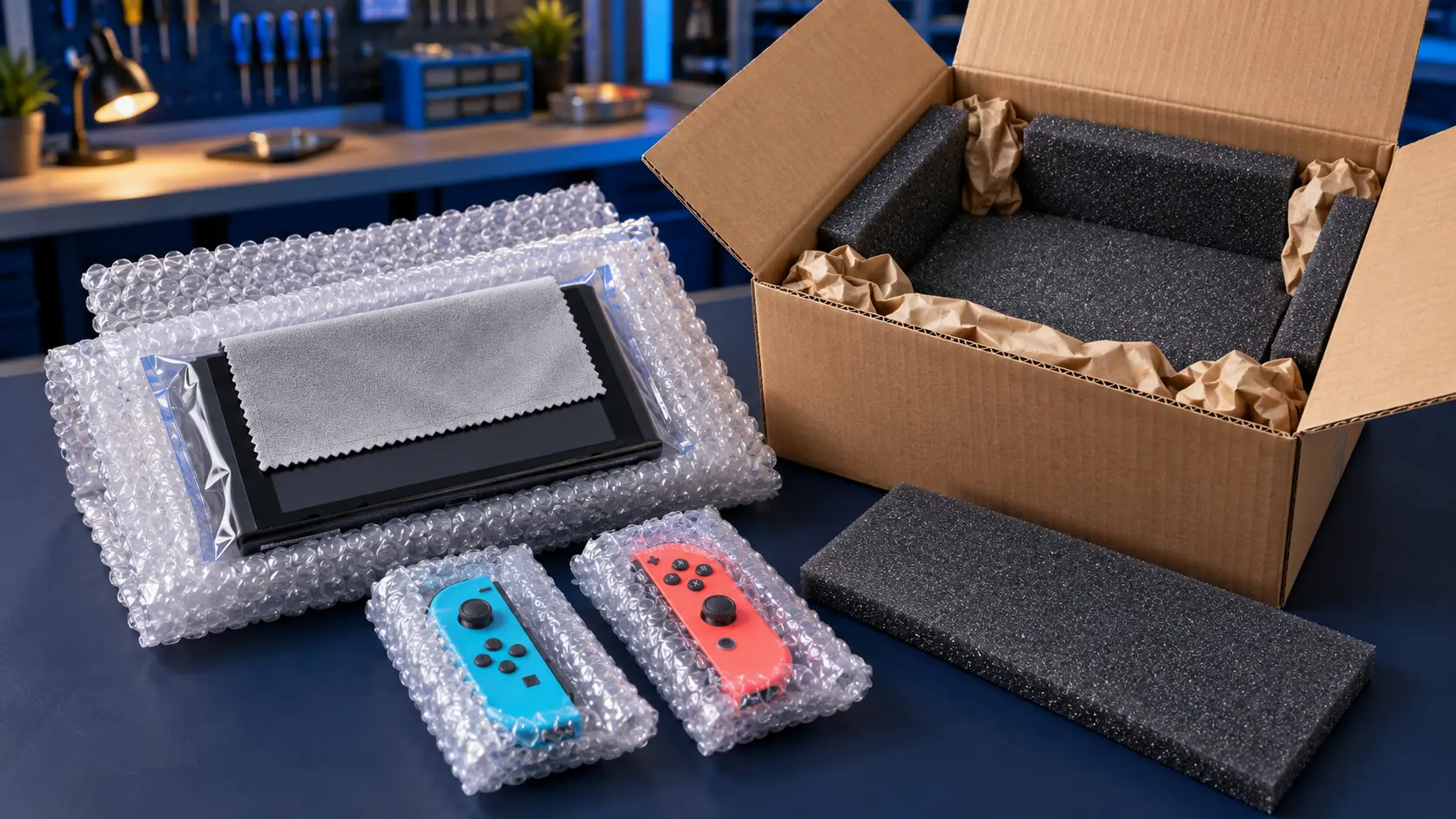
- Remove the game card and microSD Express card.
- Don't send the dock or Joy-Con 2 unless I ask for them.
- Back up your saves where you can. My guide to backing up save data before a repair covers the options.
You pay to post it to me, and the insured, tracked return is included. Every repair has a 12-month warranty, and it's no fix, no fee. You can see everything else I do for this console on the Nintendo Switch 2 repairs page.
Frequently asked questions
Can I charge a Switch 2 through the top USB-C port?
Yes, both ports can be used for charging. Testing each one is a quick way to tell whether a single port has failed or the fault is deeper in the console.
Should I use Nintendo or an independent repairer for a Switch 2 charging fault?
If it's under warranty and hasn't been damaged, go to Nintendo first. If it's out of warranty or has accidental damage, an independent repair is worth comparing.
Is the price the same for the top and bottom ports?
Yes. Replacing either USB-C port on the Switch 2 is the same fixed price, as both are soldered to the board and involve the same kind of work.