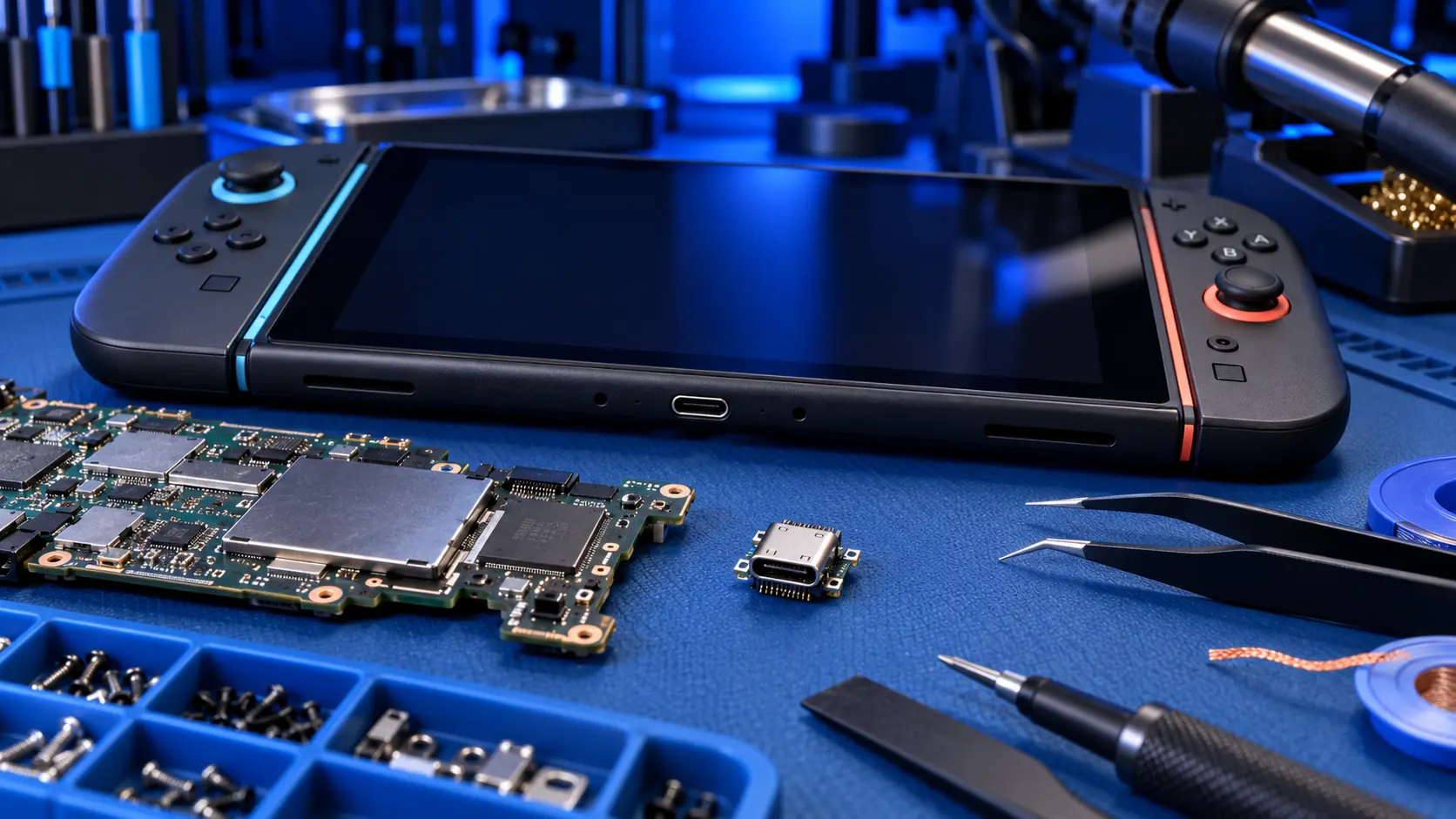
Nintendo Switch 2 Charging Port Repair
No fix, no fee · 12-month warranty · Insured, tracked returns
Signs you need this repair
- Won't charge, or only charges with the cable held at an angle
- The cable feels loose or falls out of the port
- No picture on the TV when it's in the dock
- The charging icon flickers on and off
- The port is bent, cracked or damaged after a knock
- An accessory in the top port isn't recognised
A charging port fails for a few reasons: a knock while the cable is plugged in, lint packed into the port, or wear from years of plugging in. On the Switch 2 there are two USB-C ports, and both are soldered to the main board. Replacing one means hot-air rework on the board rather than unplugging a part.
Check a few things first. Look in the port with a torch for lint or debris. Try the official charger for 30 minutes, then another cable and charger. Try a hard reset by holding POWER for about 12 seconds, then pressing it again. My guide to Switch 2 not charging goes through these in order.
Warranty first where it fits. If the port has simply stopped working and your Switch 2 is still under Nintendo's warranty, go to Nintendo first. A port broken by a knock or a cable yanked sideways is accidental damage, and that's where I can help, along with consoles that are out of warranty.
What I do. I test the console to confirm the port is the fault, remove the damaged port with hot air, clean the pads, and solder in a replacement. Then I test charging, docking and data through the port before it goes back. A charging fault isn't always the port: the power-delivery and charging chips behind it can fail too. If I find the fault is on the board rather than the port, I'll tell you before doing anything else, and the no-power repair covers that kind of work.
The storage is soldered to the same board, and I don't wipe it, but back up with Save Data Cloud first where the game supports it. It's a sensible step before any work on the board.