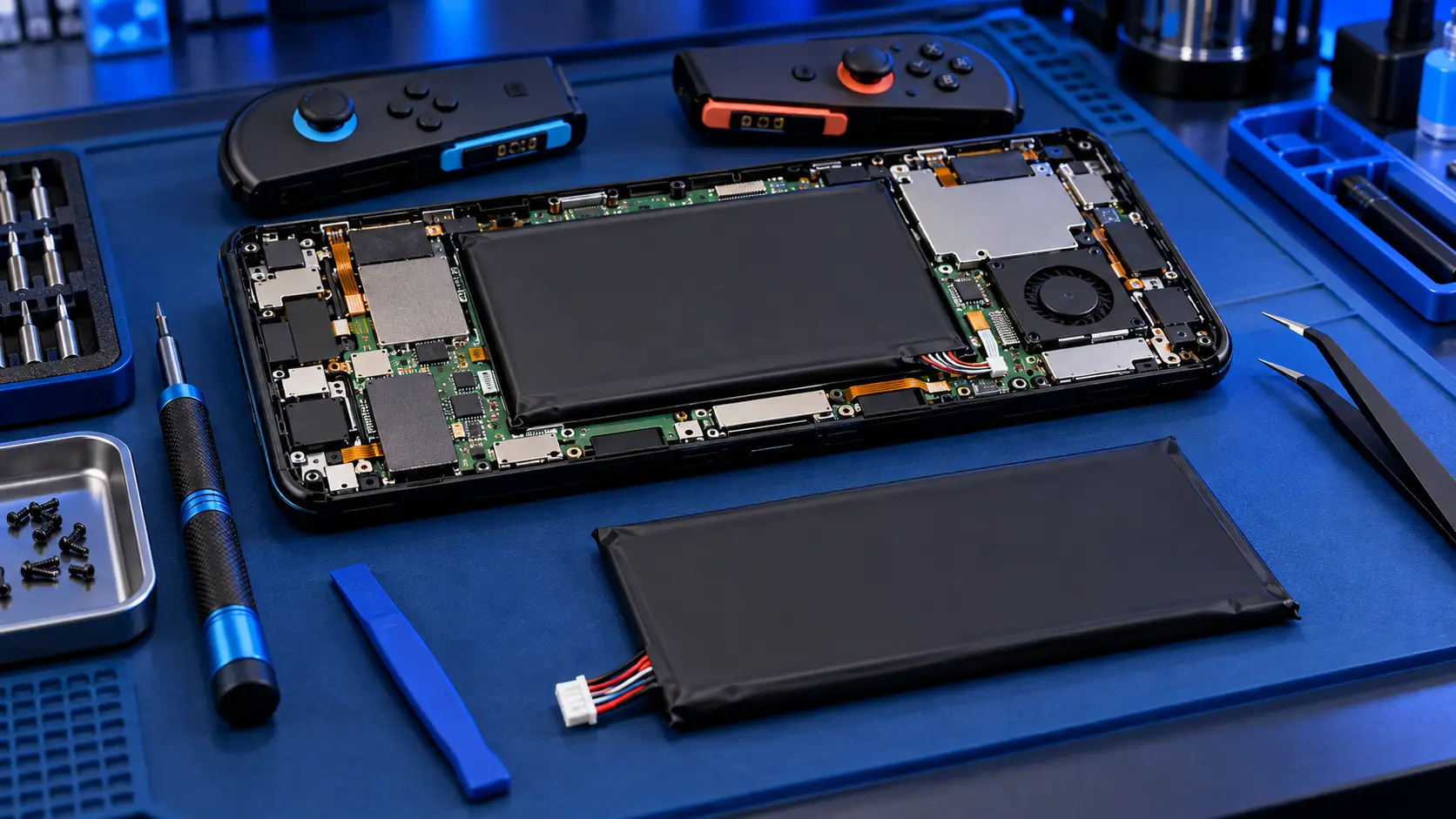
Nintendo Switch 2 Battery Replacement
No fix, no fee · 12-month warranty · Insured, tracked returns
Signs you need this repair
- The battery drains much faster than it used to
- It switches off with charge still showing
- It only runs while plugged in
- The percentage jumps up or down suddenly
- It won't charge past a certain level
- The back is bulging or the screen is lifting (stop using it and get in touch first)
Lithium batteries wear with use. Each charge cycle takes a little capacity away, and heat speeds that up. Eventually the battery can't hold enough charge for a decent session, or it can't deliver power steadily and the console shuts off early.
Swollen battery? Don't post it yet. A swollen or damaged lithium battery can't be sent through Royal Mail. If the back of your Switch 2 is bulging or the screen is lifting, stop using it, don't charge it, and get in touch before posting anything.
Warranty first. The Switch 2 is still a young console. If yours is under Nintendo's warranty and the battery is failing without any damage, go to Nintendo first. This service is for consoles out of warranty, or where you'd rather keep your own console than have it swapped.
What I do. The battery in the Switch 2 is glued in, so I open the console, release the adhesive carefully without bending or puncturing the old cell, and fit a replacement battery. Then I charge it, check it reports correctly, and run the console on battery before it goes back. If drain is the problem rather than a dead battery, it's worth checking your settings first, and if it won't charge at all, the charging port repair may be what you need.
Back up first. Your saves live on the console's soldered storage. A battery swap doesn't touch it, but back up with Save Data Cloud first where the game supports it. My save data guide shows how.