There are four main ways to connect a retro console to a modern TV: composite (the yellow plug), RGB through a SCART cable, a SCART-to-HDMI converter or upscaler, or an HDMI mod fitted inside the console. Composite is the easiest and looks the softest. An HDMI mod is the cleanest and costs the most. Which one suits you depends on the console.
The options, from simplest to most involved
Composite: the yellow plug
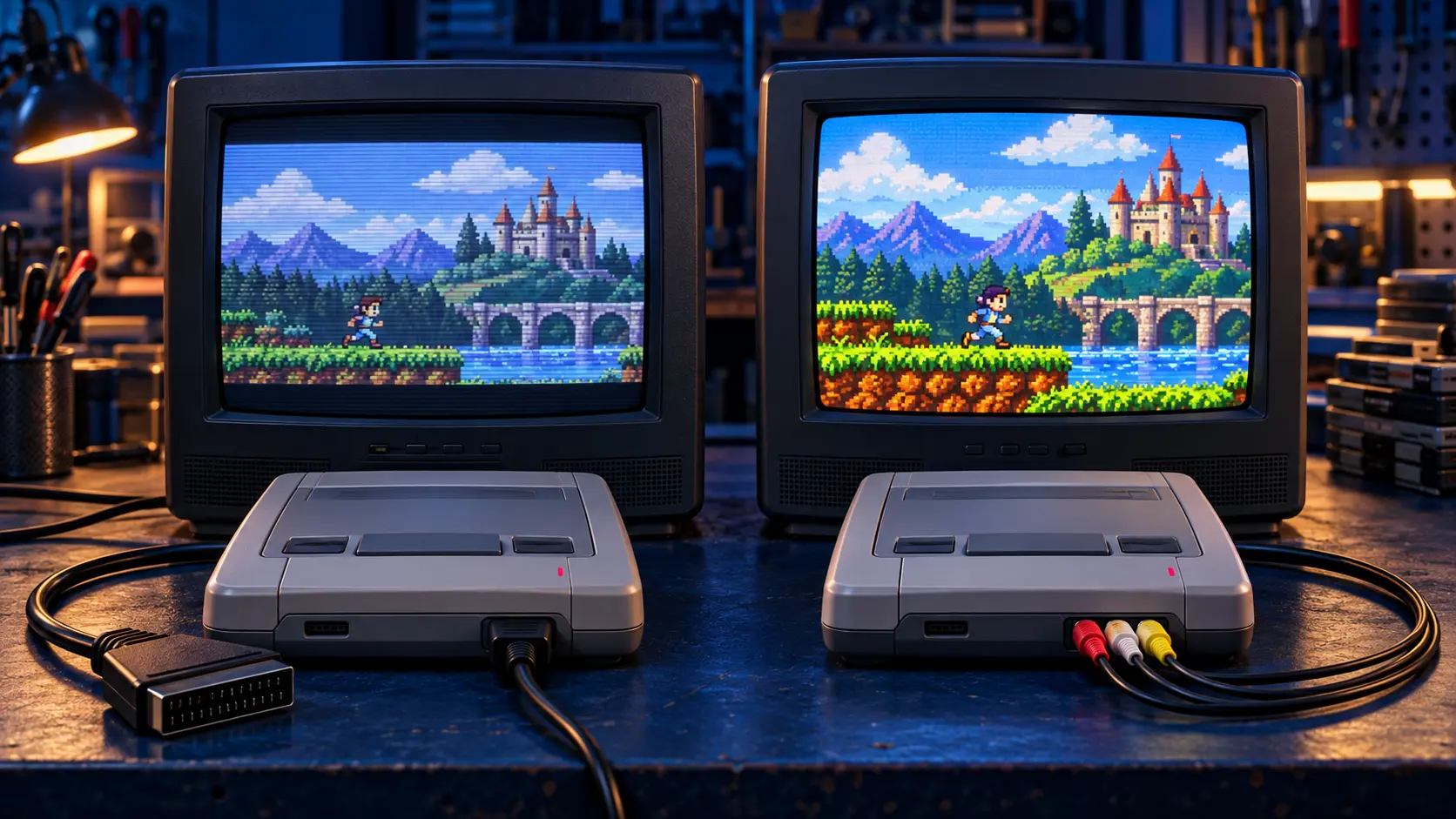
Composite video squeezes all the picture information into one signal on a single yellow plug. Most retro consoles support it and many TVs still have a composite input, so it's the quickest way to get a picture. The downside is a soft, sometimes smeary image, with colours bleeding into each other. On a big modern screen, that softness is very noticeable.
RGB through SCART
RGB carries the red, green and blue colour signals separately, so the picture is much sharper. In the UK, RGB has traditionally gone through a SCART socket, the wide 21-pin connector on older TVs.
The catch is that many new TVs no longer have a SCART socket. If yours still does, an RGB SCART cable is often the best-value upgrade you can make.
SCART-to-HDMI converters and upscalers
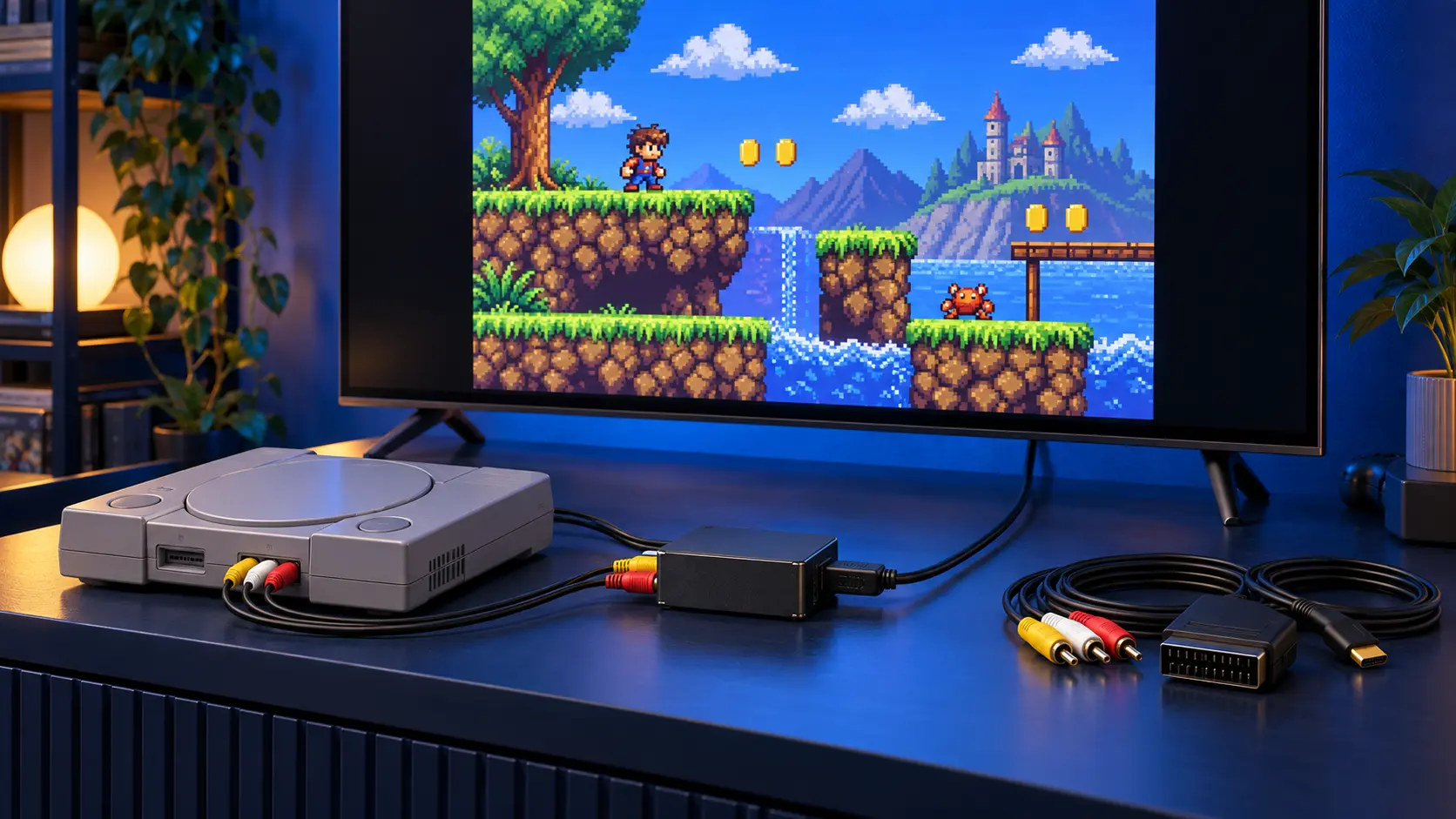
If your TV has no SCART, you can put a box in between. It takes the RGB signal from a SCART cable and outputs HDMI.
- Basic converters are cheap. Quality varies, and some handle old consoles' low-resolution signals poorly, which can mean a soft picture or noticeable lag.
- Dedicated upscalers built for retro consoles cost more. In most cases they give a much sharper, more responsive picture than a basic converter.
Either way, the console stays unmodified, which matters if it's a boxed or rare one.
Internal HDMI mods
An HDMI mod fits a board inside the console that outputs digital video straight to HDMI. There's no analogue conversion in between, so the picture is about as clean as that console can manage, and you use one ordinary HDMI lead.
The board I fit is the Retro GEM, an internal HDMI board by PixelFX. It supports the N64, PS1, PS2 (fat and slim), GameCube, Wii and Dreamcast, has scaling and filter options, and gets firmware updates over Wi-Fi.
Which suits which console
Super Nintendo (SNES)
Many SNES consoles give a good RGB picture with just the right RGB SCART cable, so check that first. Later SNES boards, known as 1CHIP, can give a soft or noisy RGB picture, and a filter mod cleans that up. That's the SNES RGB picture fix. If your TV has no SCART, pair the RGB cable with a converter or upscaler. There's more in my guide to a blurry SNES picture.
Sega Mega Drive
The Mega Drive can output RGB through SCART, but it's known for "jailbars", faint vertical lines across the picture. The Mega Drive RGB mod fits a Triple Bypass board that replaces the video amplifier section, for a cleaner RGB picture with reduced jailbars. From there, RGB SCART into your TV or an upscaler works well.
Nintendo 64
The PAL N64 doesn't output RGB without a mod, so a SCART cable alone won't get you there. For a modern TV, HDMI is the practical upgrade. The N64 HDMI mod fits a Retro GEM board.
PlayStation 1 and PlayStation 2
Both can use an RGB SCART cable, which is the cheaper route if your TV has SCART or you already own an upscaler. For a single HDMI lead and a clean picture on a big screen, the Retro GEM HDMI mod for PS1 and PS2 is the tidier option. GameCube and Dreamcast HDMI mods are possible too; get in touch about those.
A quick way to decide
- If your TV has SCART and your console outputs RGB, start with a good RGB SCART cable.
- If your TV has no SCART, add a converter or, for a better result, a dedicated upscaler.
- If you want the cleanest picture with the least fuss, and the console isn't a rare or boxed collector's piece, consider an HDMI mod.
- If it's a PAL N64, go straight to HDMI.
I weigh up the two main routes in more detail in RGB SCART vs an HDMI mod.
Booking a mod
All the picture upgrades are on the retro console repairs page. I fit the board, test the console on my bench, and send it back insured and tracked. Every job has a 12-month warranty. If something stops the mod going ahead, it's no fix, no fee.
Frequently asked questions
Can I plug a retro console straight into HDMI?
Not without help. Retro consoles output analogue video, so you need either a converter or upscaler between the console and the TV, or an HDMI board fitted inside the console.
Why does my retro console look worse on a new TV than on an old one?
Old consoles were designed for low-resolution tube TVs. A modern TV has to stretch that small image across a big screen, which shows up every bit of softness, especially over composite.
Will a SCART-to-HDMI converter improve a composite picture?
Only if the console is sending RGB into it. A converter can't add detail that isn't in the signal, so a composite source will still look soft.