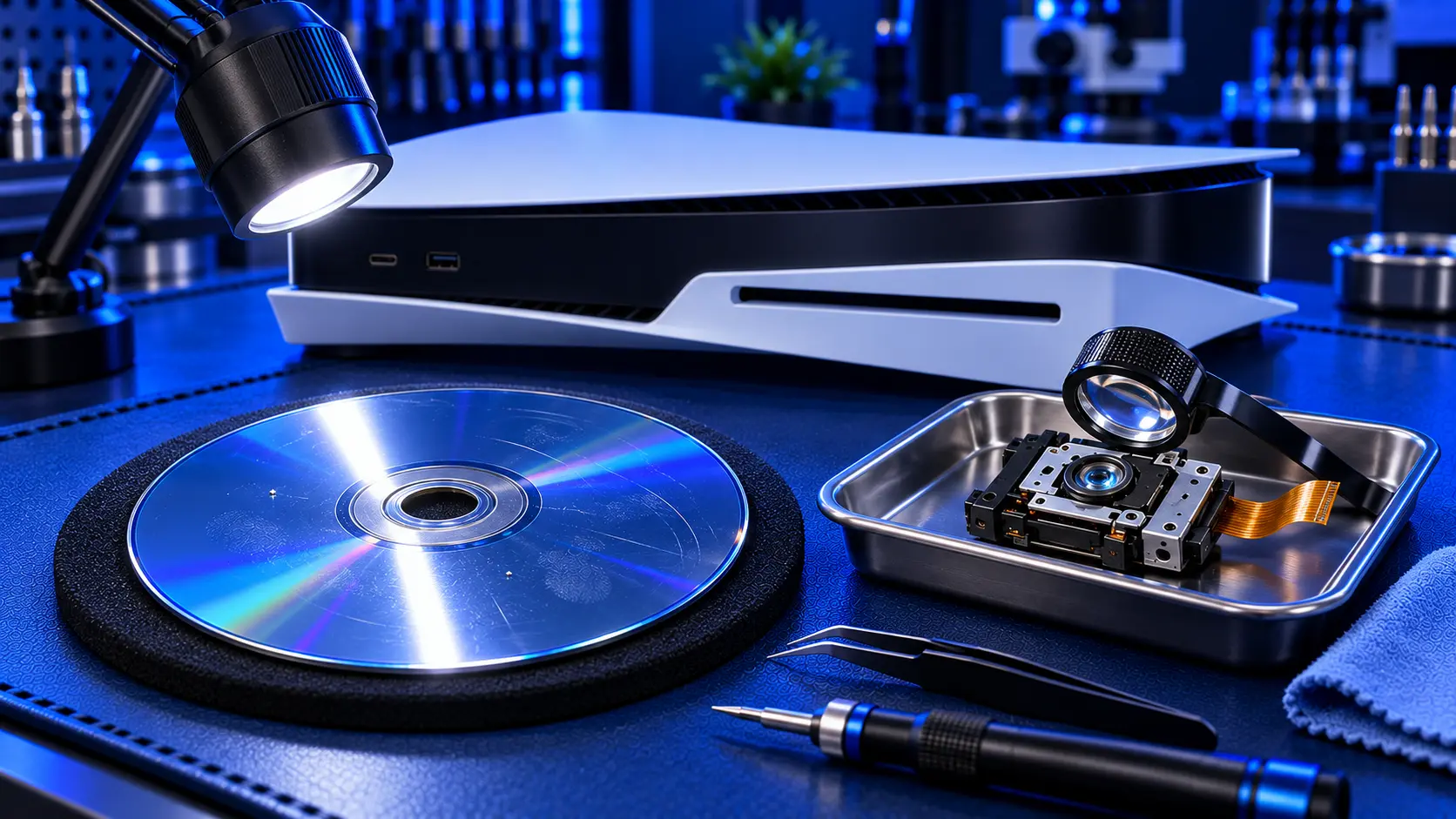
"Unable to read disc" is one of the most frustrating messages a PS5 can give you. The game you want to play is in the drive, the drive is spinning, and nothing happens. Sometimes it's a dirty disc or a software hiccup that costs nothing to fix. Sometimes it's the laser inside the drive wearing out, which needs a repair. The trick is telling the two apart before you spend any money.
Here's the order I'd work through it, cheapest first.
1. Try a different disc
Start with the simplest test. Put in a different game, ideally one that has worked recently. If the other disc loads fine, the drive is probably healthy and the problem is the first disc.
Then try a Blu-ray film or a DVD if you have one. This test tells you a lot, and I come back to it below.
2. Clean the disc properly
Fingerprints, smudges and fine scratches can stop a disc reading, especially the dense PS5 discs. Hold the disc by its edges and wipe it with a soft, clean microfibre cloth, working in straight lines from the centre out to the edge, not in circles. A little water on the cloth is fine for stubborn marks. Let it dry completely before you put it back in.
Look at the disc under a light while you're at it. A deep scratch or a crack, particularly near the centre, can make a disc unreadable in any console.
3. Install any system update
Some disc problems are software, not hardware. Go to Settings, then System, then System Software, and install any update that's waiting. Occasionally a new game needs a newer system version than your console has, and it won't read until you update.
4. Restart properly, then try Safe Mode
Turn the console fully off rather than putting it into rest mode, unplug it from the wall for a couple of minutes, then try again.
If that doesn't help, Safe Mode has an option to clear the cache and rebuild the database. It tidies up the console's index of games and data, and it can clear some disc-reading problems. To get there, turn the PS5 fully off, then hold the power button until you hear a second beep. Connect your controller with a USB cable and press the PS button. Rebuilding the database doesn't delete your games or saves, but it can take a while.
Signs it's the laser
If you've worked through the checks above and discs still won't read, the drive itself is the likely fault. These signs point to the laser:
Several clean discs fail, not just one
DVDs play but Blu-rays and PS5 games don't. The laser reads DVDs and Blu-rays differently, and the Blu-ray side usually weakens first.
It's got worse over time. Discs took longer to load, then some failed, and now most do.
The disc spins up and down repeatedly while the console tries and fails to read it
The laser is a small precision part, and like any laser it wears with use. A console that has read a lot of discs over several years is a likely candidate.
Signs it's something else
A few symptoms point away from the laser:
Grinding, clicking or scraping usually means a mechanical fault in the drive rather than a worn laser. See PS5 disc drive grinding or clicking.
A disc that won't go in or come out is a loading mechanism problem. See PS5 disc stuck or won't eject.
A single game that fails while everything else reads is usually the disc.
If you have a PS5 Slim or Pro
The PS5 Slim and PS5 Pro use a detachable disc drive, and the approach is quite different. Sony sells a replacement drive for less than a laser repair would cost. I've covered this in PS5 Slim disc drive not working.
What the repair involves
On the original PS5, a PS5 disc drive repair with me is £94 all-in, including parts and tracked return postage. I open your drive, replace the laser and deck assembly, and keep the drive's own control board, which is paired to your console. That pairing is why you can't simply swap in a drive from another PS5, which I explain in can you replace a PS5 disc drive? Then I test it with games, Blu-ray and DVD before posting it back.
If the paired control board itself has failed, it can't be replaced, so it's no fix, no fee: I refund what you paid, less return postage. Every repair is covered by a 12-month warranty. For a wider look at pricing, see PS5 disc drive repair cost in the UK.
My recommendation
Try another disc, clean the one that fails, update the system, and rebuild the database in Safe Mode. Between them, those checks solve a fair share of "unable to read disc" problems for free. If several clean discs still fail, and especially if DVDs work but Blu-rays and games don't, the laser has worn out. On an original PS5, replacing it is a straightforward bench repair and far cheaper than replacing your console. When you're ready, how to pack a PS5 for posting will help it arrive safely.
The Repair Works is an independent UK repair service, run by me, Paul — 25 years of hands-on repair experience, working by post for customers across the whole country. Not affiliated with or endorsed by Sony.


