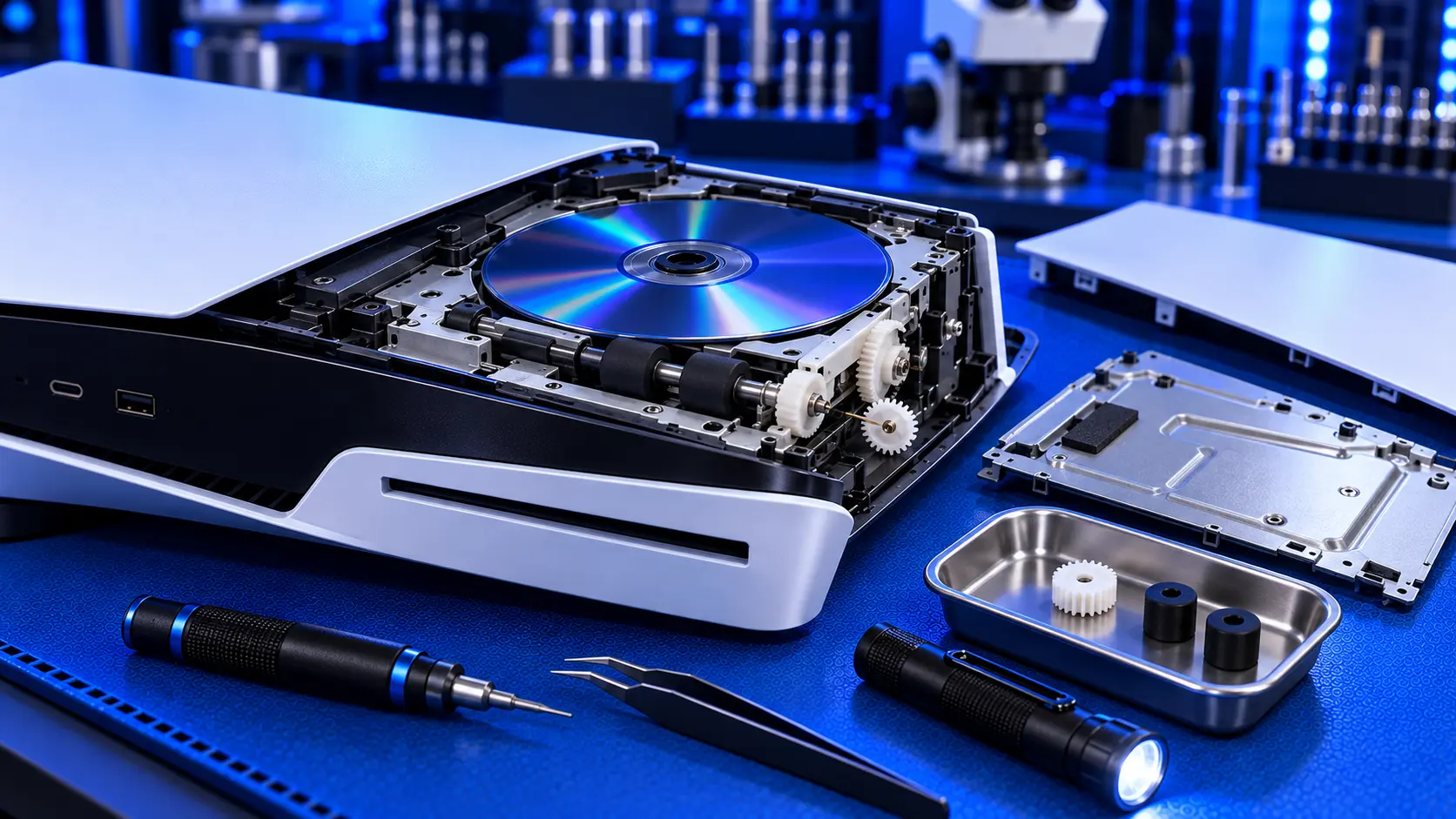
The PS5 disc drive isn't silent, and it was never meant to be. It spins discs very fast, it checks itself when the console starts, and it makes a range of whirs and clunks that are normal. So when you hear a noise, the first question is whether it's the drive doing its job or the drive telling you something's wrong.
Here's how to tell the difference.
Noises that are usually normal
A brief whir or clunk at start-up. Many PS5s make a short noise from the drive when they power on, even with no disc inside. It's the drive checking itself.
Spinning up when a disc goes in. A PS5 disc spins fast, especially while a game installs or a film starts. A steady whooshing or humming that rises and settles is normal.
Occasional spinning during a game. Most PS5 games install to the console's storage and read the disc less, but the drive can still spin up from time to time, for example to check the disc.
A louder noise with some discs. A slightly warped or unbalanced disc can make more noise as it spins. If one disc is noisy and others aren't, it's the disc.
Noises that point to a fault
Grinding or scraping. A harsh grinding or scraping sound, especially one that doesn't settle, usually means something in the drive is rubbing. It might be a disc that isn't seated properly, a damaged loading mechanism, or debris inside the drive.
Repeated clicking with no disc loading. A clicking or ticking that repeats while the console fails to read the disc often means the laser is moving back and forth, trying and failing to find the data. That usually points to a worn laser.
Clicking or clunking with no disc inside. Repeated noises from an empty drive, beyond the brief start-up check, suggest a fault in the loading mechanism.
A disc that spins up and down over and over. The drive is struggling to read the disc. If several clean discs do it, the laser is the likely cause.
Noises together with other symptoms. Grinding plus a disc that won't eject, or clicking plus "unable to read disc", both point to a real fault in the drive.
What to check first
Try a different disc. If only one disc is noisy, it's probably warped or damaged.
Check the console's position. Make sure it's on a flat, stable surface, using its stand. A console at an odd angle can make a disc run unevenly.
Listen with no disc inside. If the grinding happens with the drive empty, it's mechanical, not the disc.
Stop if it's scraping. A drive that's scraping a disc can scratch it badly. Don't keep trying the same disc if you can hear it being damaged.
If discs also won't read, the free checks in PS5 unable to read disc are worth working through as well.
What causes each fault
Grinding and scraping usually come from the loading mechanism: the parts that pull the disc in, clamp it and push it out. Wear, damage and debris all cause it.
Repeated clicking while failing to read usually comes from the laser, as it keeps searching for data it can't read.
A drive that grinds and won't take or eject discs is covered in more detail in PS5 disc stuck or won't eject.
What the repair involves
On the original PS5, a PS5 disc drive repair with me covers both kinds of fault for £94 all-in, including parts and tracked return postage. I open the drive, find what's grinding or clicking, and replace the laser and deck or repair the mechanism. I keep the drive's own control board, which is paired to your console. Then I test it with games, Blu-ray and DVD before posting it back.
If the paired control board has failed, it can't be replaced, so it's no fix, no fee: I refund what you paid, less return postage. Every repair is covered by a 12-month warranty.
If you have a PS5 Slim or Pro, the drive is a separate unit, and a new Sony drive is usually the better option. I explain why in PS5 Slim disc drive not working.
My recommendation
Don't worry about a brief whir at start-up or a steady hum while a disc spins. That's the drive working. Do take notice of grinding, scraping, repeated clicking, or a disc that spins up and down without loading, especially if discs are also failing to read. Stop using a disc you can hear being scraped, and have the drive looked at. Most drive noises are either the laser or the loading mechanism, and on an original PS5 both are covered by the same repair.
The Repair Works is an independent UK repair service, run by me, Paul — 25 years of hands-on repair experience, working by post for customers across the whole country. Not affiliated with or endorsed by Sony.


